
Fragrantica Designers Scraper
Pricing
from $2.80 / 1,000 results
Fragrantica Designers Scraper
[💰$4 / 1K] ⚡ Fast Fragrantica designers scraper that works on Cloudflare-protected pages. No login, no API key. One row per perfume brand: country, parent company, website, description, perfume counts, launch years, perfumers and collections. By brand name, country, owner or industry URL.
Pricing
from $2.80 / 1,000 results
Rating
0.0
(0)
Developer

Aboo Script
Maintained by CommunityActor stats
0
Bookmarked
1
Total users
1
Monthly active users
11 days ago
Last modified
Categories
Security
Limited permissionsShare
Fragrantica Designers Scraper extracts perfume brands (designers) from Fragrantica into clean, structured data you can download as JSON, CSV, Excel, or HTML. Paste a brand page, the designer index, or a country, parent company, or industry page, or just type a brand name, and get one row per brand with its country, parent company, website, description, perfume counts, launch years, perfumers, and collections. No account or login required.
Introduction
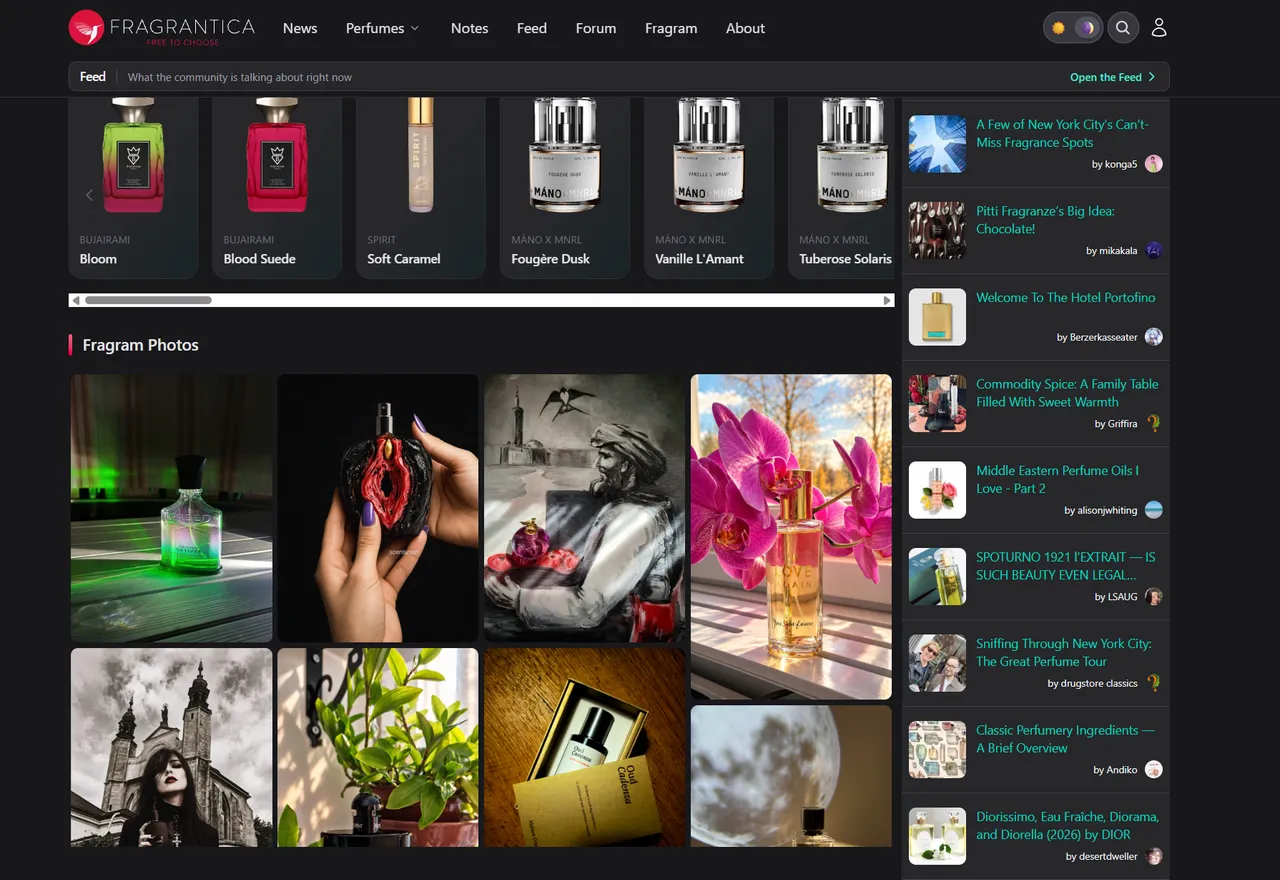
Fragrantica is the largest online perfume encyclopedia, with more than 140,000 perfumes from over 8,000 brands, from luxury fashion houses to small niche and indie perfumers. Each brand page shows where the brand comes from, who owns it, its official website, and its full fragrance catalog.
This actor turns those brand pages into a ready-to-use dataset, one brand per row, so you can map the perfume market, build lead lists of fragrance brands, or follow how brand catalogs grow. You can run it once, schedule it to run regularly, or connect it to your own tools.
What data can you extract from Fragrantica?
- 🏷️ Brand name, Fragrantica ID, logo, and a direct link to the brand page
- 🌍 Country of origin and main activity (Fragrances, Fashion, Cosmetics, Celebrity, Niche perfumes, and more), with links to their Fragrantica pages
- 🏢 Parent company (for example LVMH, Coty, or Puig) and its Fragrantica page
- 🔗 Official brand website
- ✨ Niche designer, celebrity brand, and natural perfumery flags
- 📝 Brand description and history as plain text
- 🔢 Total number of perfumes, current and discontinued perfumes, and perfumes for women, men, and unisex
- 📅 Year of the first and the latest perfume
- 👃 Perfumers the brand has worked with
- 🗂️ Collections with their link and number of perfumes
- 🧴 Optional full perfume list: name, link, ID, year, gender, image, number of reviews, collection, and whether it is discontinued
Use Cases
- 📈 Market research: see which brands come from which countries, who owns them, and how big their catalogs are.
- 🕵️ Competitor monitoring: follow the brands of a parent company or an industry and see how many new perfumes they launch.
- 🤝 Lead generation: build a list of fragrance brands with their official websites, for example every niche brand from France.
- 🗂️ Database building: create your own brand directory linked to Fragrantica perfume and brand pages.
- 🤖 AI and automation: feed clean, structured data into spreadsheets, dashboards, or AI workflows.
How to scrape Fragrantica designers step by step
- Paste one or more Fragrantica URLs into Start URLs, or type brand names into Search brands.
- Set Maximum number of designers to how many brands you want per URL or per search.
- Turn on Include the full perfume list if you also want every perfume of each brand.
- Click Start and wait for the run to finish.
- Download your data in JSON, CSV, Excel, or HTML from the Output tab.
Input
- Start URLs: Fragrantica pages to scrape. Supported pages:
- A brand page, for example
https://www.fragrantica.com/designers/Dior.html - The designer index:
https://www.fragrantica.com/designers/(most popular brands) or the alphabetical pageshttps://www.fragrantica.com/designers-1/tohttps://www.fragrantica.com/designers-11/ - A country page, for example
https://www.fragrantica.com/country/France.html - A parent company page, for example
https://www.fragrantica.com/parent-company/LVMH.html - An industry page, for example
https://www.fragrantica.com/industry/Niche+perfumes.html - The overview pages
https://www.fragrantica.com/country/,https://www.fragrantica.com/parent-company/, andhttps://www.fragrantica.com/industry/, which go through every country, parent company, or industry in the order Fragrantica shows them
- A brand page, for example
- Search brands: brand names to search on Fragrantica, one per line. Each search is scraped separately, best matches first.
- Maximum number of designers: how many brands to collect for each start URL or search. Set
0to get every brand. - Include the full perfume list: adds every perfume of the brand to each row. Off by default, because large brands have more than a thousand perfumes. Counts and collections are always included.
- Proxy configuration: Apify Proxy is on by default and works well. Fragrantica blocks many IP addresses, so keep a proxy enabled.
You can use start URLs, brand searches, or both in the same run.
Input Examples
Scrape the brands of a parent company:
Search brands by name:
Output
Each brand is saved as one item in the dataset. Here is an example of a single item with Include the full perfume list turned on (lists shortened):
You can download the dataset in JSON, CSV, Excel, XML, or HTML, or access it through the Apify API.
Notes
- Only Fragrantica.com (English) pages listed under Input are supported. Perfume pages, news, and other URLs are skipped with a warning.
- A brand page lists every perfume of the brand, so no perfumes are cut off, even for brands with more than a thousand perfumes.
- A brand search returns at most 1,000 brands. To get every brand, use the alphabetical index pages
/designers-1/to/designers-11/(about 8,400 brands in total). - If a brand page no longer exists, Fragrantica sends you to its homepage; such URLs are skipped with a warning.
- Perfumers are listed by name, exactly as Fragrantica writes them, and can include fragrance companies.
- Some brands have no description, no website, no parent company, or no known launch years; those fields are
null. A perfume without a known year hasyear: null. - Fragrantica does not show an average rating per brand, so the dataset does not include one.
- Works on Cloudflare-protected pages. Keep Apify Proxy enabled for stable runs.
Why use the Fragrantica Designers Scraper?
- 🏢 One row per brand: brand data, not perfume rows, ready for market maps and lead lists.
- 🌍 Many ways to start: a single brand, the full index, a country, a parent company, an industry, or a brand name.
- 🧹 Clean data: numbers are real numbers, flags are true/false, links are full URLs, and text is free of HTML.
- 💸 Pay for what you need: set a limit per URL or search, and add the full perfume list only when you need it.
- 🔄 Ready for automation: schedule runs, export to Google Sheets, or connect to Make, Zapier, and n8n.
FAQ
How many brands can I scrape?
Set any number in Maximum number of designers, or 0 for no limit. The alphabetical index pages together cover every brand on Fragrantica.
Do I need a Fragrantica account?
No. The actor only collects publicly available data. You do not need to log in or provide any account details.
Can I scrape data on a schedule?
Yes. Use Apify Schedules to run the actor every day, week, or month, and track new brands and new perfume launches.
Can I request a new feature or filter?
Yes. Right now the actor supports start URLs and brand searches. If you need other inputs, such as filtering brands by country or niche status in a search, get in touch and they can be added.
Can I get a custom or private version?
Yes. The actor can be customized for your workflow, delivered as a private version, or a new scraper can be built for a different website. If you need the whole Fragrantica brand database in one go, a private or custom actor can deliver it. Use the contact details below.
Need to scrape other perfume data?
- Fragrantica Scraper: perfume details from Fragrantica, including the notes pyramid, accords, perfumers, ratings, and community votes.
- Fragrantica Reviews Scraper: perfume reviews from Fragrantica, one row per review with the reviewer's rating, longevity, sillage, and season votes.
Need help or want a custom solution?
- 📧 Email: aboo.script@gmail.com
- 🧩 More scrapers: Apify profile
Image Credit
Image credit: Fragrantica


