
Gucci Scraper
Pricing
from $2.80 / 1,000 results
Gucci Scraper
Gucci scraper that gets through anti-bot blocking. Works on Akamai-protected pages. No login, no API key. Scrape bags, shoes, clothing and accessories from 40+ country stores by keyword, category, search or product URL. Get price, currency, colors, variants, sizes with stock, materials and images.
Pricing
from $2.80 / 1,000 results
Rating
0.0
(0)
Developer

Aboo Script
Maintained by CommunityActor stats
0
Bookmarked
2
Total users
1
Monthly active users
2 days ago
Last modified
Categories
Features
Share
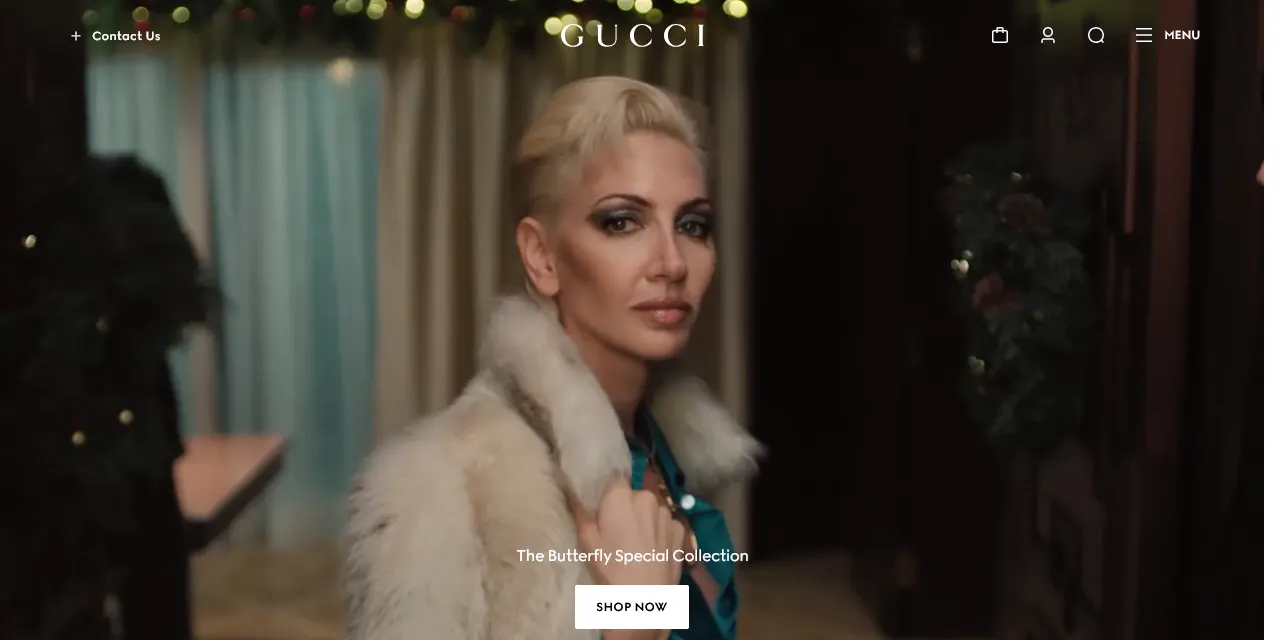
Gucci Scraper extracts official product data from Gucci into clean, structured data you can download as JSON, CSV, Excel, or HTML. Paste a Gucci category, search, or product URL, or type a few keywords, and get the style code, price and currency, color, variants, sizes with stock, materials, description, and images for every product. No account or login required.
Introduction
Gucci is one of the world's best-known luxury fashion houses, selling handbags, shoes, ready-to-wear, accessories, jewelry, and beauty through its official online store in more than 40 countries.
This actor collects the same public product information you see in your browser, for the country store you choose, and turns it into a ready-to-use dataset. You can run it once, schedule it to run daily, or connect it to your own tools. It works on Akamai-protected Gucci pages.
What data can you extract from Gucci?
- 🏷️ Product name, style code, and description
- 💲 Price as shown on the site, numeric price, and currency
- 🎨 Color and all color variants with their style codes, links, and images
- 📏 Sizes with online and in-store availability per size
- 📦 Overall availability, online stock, and in-store stock
- 🧵 Product details (materials, hardware, dimensions, made in) and care instructions
- 🗂️ Category path and breadcrumb categories
- 🖼️ Main image and full image gallery in high resolution
- 🌍 Country and language of the store
- 🔗 Direct URL to each product page
Use Cases
- 📈 Market research: track Gucci prices, new arrivals, and assortment across categories and countries.
- 🕵️ Competitor monitoring: compare luxury pricing and product ranges between Gucci markets and other brands.
- 💱 Price comparison by country: scrape the same category in several country stores to compare local prices and currencies.
- 🗂️ Database building: build your own catalog of Gucci style codes, materials, and images.
- 🤖 AI and automation: feed clean, structured data into spreadsheets, dashboards, or AI workflows.
How to scrape Gucci step by step
- Paste one or more Gucci URLs into Start URLs, or type keywords into Search queries.
- If you use search queries, pick the country store in Market for search queries.
- Set Maximum number of results to how many products you want per URL or per query.
- Click Start and wait for the run to finish.
- Download your data in JSON, CSV, Excel, or HTML from the Output tab.
Input
- Start URLs: Gucci URLs to scrape. Supported pages: category pages (for example
https://www.gucci.com/us/en/ca/women/handbags-c-women-handbags), search pages (for examplehttps://www.gucci.com/us/en/?s-term=loafers), and single product pages. Filters and sorting you apply on the website (such as color, material, line, size, or price sorting) are kept in the results. The country, currency, and language follow the URL, for example/us/en/,/uk/en_gb/,/it/it/, or/jp/ja/. - Search queries: keywords or style codes to search on Gucci, one per line, for example
horsebit loaferorA00CI1FAHDM9676. Each query is scraped separately. - Maximum number of results: how many products to collect for each start URL or search query. Set 0 for no limit.
- Market for search queries: the country store used for search queries (prices, currency, and language). Start URLs always use the country in their own URL.
- Proxy configuration: optional. Runs work without a proxy by default. For very large runs, add a proxy if many product pages fail.
You can use start URLs, search queries, or both in the same run.
Input Examples
Scrape a Gucci category page:
Search by keywords in the US store:
Output
Each product is saved as one item in the dataset. Here is an example of a single item (long lists shortened):
You can download the dataset in JSON, CSV, Excel, XML, or HTML, or access it through the Apify API.
Notes
- No proxy is needed for typical runs. Very large runs may see some product pages refused; adding a proxy can help then.
- Gucci pages are well protected, so the scraper is slower than a typical store scraper: expect roughly 10 to 30 products per minute.
- Category and search pages only list products that can be bought online. Sold-out sizes are still shown in
sizeswith their stock status. - Only category, search, and product pages are supported. Other pages (stories, collections editorials, store locator) are skipped.
- Names, descriptions, colors, and details are in the language of the store in the URL (for example Japanese for
/jp/ja/). sizesis empty for one-size products such as most bags, andvariantsis empty when a product comes in only one color.- If the same product appears in several of your inputs, it is saved once.
Why use the Gucci Scraper?
- ✅ No login needed: works with public data only, so there is no account to manage.
- 🎯 Keeps your filters: paste any category or search URL from your browser and get exactly what you see there.
- 🌍 Every country store: scrape local prices and currencies from more than 40 Gucci markets.
- 🧹 Clean data: prices are real numbers, availability is easy to read, and text is free of HTML.
- 💸 Pay for what you need: set a result limit per URL or query and keep every run small.
- 🔄 Ready for automation: schedule runs, export to Google Sheets, or connect to Make, Zapier, and n8n.
FAQ
How many results can I scrape?
You can set any number in Maximum number of results, or 0 for no limit. The actor keeps going until it reaches your limit or runs out of products in the category or search.
Do I need a Gucci account?
No. The actor only collects publicly available data. You do not need to log in or provide any account details.
Can I scrape prices from different countries?
Yes. Use start URLs from different country stores (for example /us/en/, /uk/en_gb/, /fr/fr/), or pick a market for your search queries. Each item includes the country, language, and currency.
Can I scrape data on a schedule?
Yes. Use Apify Schedules to run the actor every hour, day, or week, and get fresh prices and stock automatically.
Can I request a new feature or filter?
Yes. Right now the actor supports start URLs, search queries, and a market for searches. If you need other inputs, such as a list of style codes or a price change tracker, get in touch and they can be added.
Can I get a custom or private version?
Yes. The actor can be customized for your workflow, delivered as a private version, or a new scraper can be built for a different website. Use the contact details below.
Need to scrape other luxury fashion platforms?
- Versace Scraper: Versace clothing, bags, shoes, and accessories from 80+ country stores.
- Givenchy Scraper: Givenchy bags, shoes, and ready-to-wear from the official store.
Need help or want a custom solution?
- 📧 Email: aboo.script@gmail.com
- 🧩 More scrapers: Apify profile
Image Credit
Image credit: Gucci


