

Indeed Reviews Scraper
Pricing
from $1.75 / 1,000 results
Indeed Reviews Scraper
[💰$2.5 / 1K] Indeed reviews scraper that works on Cloudflare-protected pages. No login, no API key. Scrape company reviews from any Indeed country site by URL or company name, with sort, topic, country and date filters. Get ratings, 5 category ratings, pros, cons, job title, location and date.
Pricing
from $1.75 / 1,000 results
Rating
0.0
(0)
Developer

Aboo Script
Maintained by CommunityActor stats
0
Bookmarked
2
Total users
1
Monthly active users
4 days ago
Last modified
Categories
Security
Limited permissionsShare
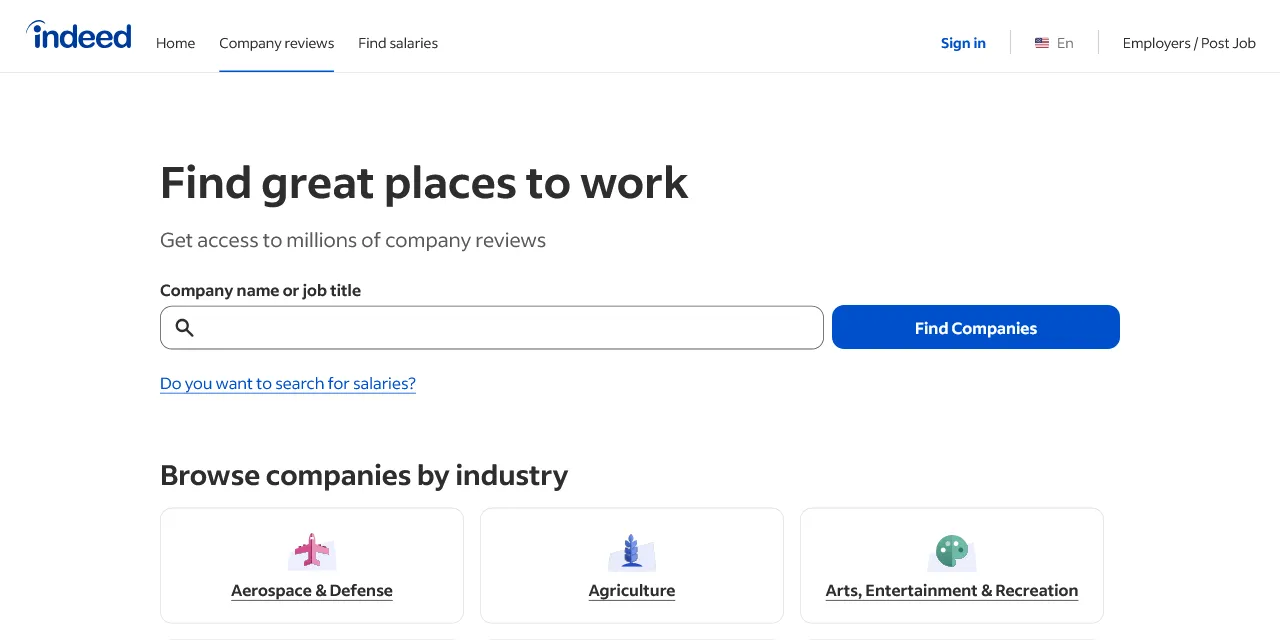
Indeed Reviews Scraper extracts employee reviews of companies from Indeed into clean, structured data you can download as JSON, CSV, Excel, or HTML. Paste an Indeed company page or type a company name, and get the review title, text, pros, cons, overall and category ratings, job title, location, employee status, and date for every review. No account or login required.
Introduction
Indeed is one of the largest job sites in the world, with millions of company reviews written by current and former employees in many countries. Each review rates the company on work-life balance, pay and benefits, job security and advancement, management, and culture, which makes Indeed data a rich source for employer branding and workplace research.
This actor collects the same public reviews you see in your browser and turns them into a ready-to-use dataset. It works on every Indeed country site and on Cloudflare-protected pages. You can run it once, schedule it to run daily, or connect it to your own tools.
What data can you extract from Indeed?
- 📝 Review title, full review text, pros, and cons
- ⭐ Overall rating and the five category ratings: work-life balance, pay and benefits, job security and advancement, management, and culture
- 👤 Reviewer job title, location, country, and whether they are a current or former employee
- 📅 Review date in one standard format
- 👍 Helpful and unhelpful votes
- 🏢 Company name, company page URL, company rating, and total number of company reviews
- 🔗 Direct URL and ID of each review
Use Cases
- 📈 Employer research: compare how employees rate pay, management, and culture across companies or locations.
- 🕵️ Competitor monitoring: follow what employees say about competing employers and spot trends over time.
- 🧑💼 Employer branding and HR: track your own company reviews, find recurring complaints, and measure the effect of changes.
- 💼 Recruiting and job seekers: check what people in a specific job title or city say before hiring or applying.
- 🤖 AI and automation: feed review text, pros, and cons into sentiment analysis, dashboards, or AI workflows.
How to scrape Indeed reviews step by step
- Paste one or more Indeed company pages into Start URLs, or type company names into Company names.
- Set Maximum number of reviews to how many reviews you want per URL or per company name.
- Optionally pick Sort by, Topic, Country, or Reviews from date.
- Click Start and wait for the run to finish.
- Download your data in JSON, CSV, Excel, or HTML from the Output tab.
Input
- Start URLs: Indeed company pages to scrape reviews from, such as
https://www.indeed.com/cmp/Amazon.com/reviewsorhttps://uk.indeed.com/cmp/Tesco. Both the company page (such as/cmp/Starbucks) and its reviews page (such as/cmp/Starbucks/reviews) are supported, on any Indeed country site (www, uk, de, fr, ca, jp, and more). Any filters you set on the website (sort order, topic, job title, location, country) are kept in the results. - Company names: company names to search on Indeed, one per line, for example Google or Starbucks. The reviews of the best matching company are scraped, separately for each name.
- Maximum number of reviews: how many reviews to collect for each start URL or company name. Set 0 for no limit.
- Sort by: order of the reviews for company names: Most helpful, Newest, Highest rated, or Lowest rated.
- Topic: only reviews about one topic for company names: work-life balance, pay and benefits, job security and advancement, management, or culture. Leave empty for all reviews.
- Country: only reviews from employees in one country for company names, as a two-letter code (US, GB, CA, IN, ...), or ALL for every country. Leave empty for the default of indeed.com (United States).
- Reviews from date: only reviews published on or after this date. Works for start URLs and company names. With the Newest sort order, the run stops as soon as older reviews are reached.
- Proxy configuration: residential proxies are required, because Indeed blocks most datacenter IPs. They are selected by default.
You can use start URLs, company names, or both in the same run.
Input Examples
Scrape reviews from an Indeed company page:
Search by company name:
Output
Each review is saved as one item in the dataset. Here is an example of a single item:
You can download the dataset in JSON, CSV, Excel, XML, or HTML, or access it through the Apify API.
Notes
- Only Indeed company pages and company review pages are supported. Single review pages (a link to one review, ending in
?id=...) and other URLs are skipped. - Residential proxies are required. Indeed blocks most datacenter IPs, so keep the default proxy setting.
- Sort by, Topic, and Country apply to company names. Start URLs keep the filters already set in the URL.
- A company name always takes the best matching company on Indeed. If the match is wrong, paste the company page as a start URL instead.
- Reviewers can skip pros, cons, job title, location, and category ratings. Skipped values are returned as
null. - Review text stays in the language it was written in. Review dates use the same standard format on every Indeed country site.
- Without the Newest sort order, Reviews from date still filters the results, but the run has to read further to find matching reviews.
- If a company does not exist or a company name has no match, it is skipped and the run continues with the other inputs.
Why use the Indeed Reviews Scraper?
- ✅ No login needed: works with public reviews only, so there is no account to manage.
- 🛡️ Works on Cloudflare-protected pages: gets reviews from Indeed even where simple tools are blocked.
- 🌍 Every Indeed country site: scrape reviews from the US, UK, Germany, France, Canada, Japan, and more.
- 🎯 Keeps your filters: paste a company reviews URL with a sort, topic, job title, location, or country filter and get exactly what you see there.
- 🧹 Clean data: ratings are real numbers, dates use one standard format, and every review carries the company rating and review count.
- 💸 Pay for what you need: set a review limit per URL or company name and keep every run small.
FAQ
How many reviews can I scrape?
You can set any number in Maximum number of reviews, or 0 for no limit. The actor keeps going until it reaches your limit or runs out of reviews for that company.
Do I need an Indeed account?
No. The actor only collects publicly available reviews. You do not need to log in or provide any account details.
Can I get only recent reviews?
Yes. Set Reviews from date, and choose Newest in Sort by (or use a start URL sorted by date) so the run stops as soon as it reaches older reviews.
Can I scrape data on a schedule?
Yes. Use Apify Schedules to run the actor every day or week, and get fresh reviews automatically.
Can I request a new feature or filter?
Yes. Right now the actor supports start URLs, company names, sort order, topic, country, and a start date. If you need other filters or data, such as interviews or salaries, get in touch and they can be added.
Can I get a custom or private version?
Yes. The actor can be customized for your workflow, delivered as a private version, or a new scraper can be built for a different website. Use the contact details below.
Need to scrape other job platforms?
- LVMH Jobs Scraper: job offers from all LVMH maisons with location, contract, salary, and full description.
- Tapestry Jobs Scraper: Coach and Kate Spade job offers with department, location, pay range, and apply link.
Need help or want a custom solution?
- 📧 Email: aboo.script@gmail.com
- 🧩 More scrapers: Apify profile
Image Credit
Image credit: Indeed


