
Montblanc Scraper - Luxury Products
Pricing
from $2.10 / 1,000 results
Montblanc Scraper - Luxury Products
⚡ Fast Montblanc scraper for montblanc.com. No login, no API key. Scrape official pens, leather goods, watches and accessories by keyword, category, search or product URL in 70 country stores with prices, Ident No., colors, nib sizes, full specifications and images.
Pricing
from $2.10 / 1,000 results
Rating
0.0
(0)
Developer

Aboo Script
Maintained by CommunityActor stats
0
Bookmarked
2
Total users
1
Monthly active users
6 days ago
Last modified
Categories
Features
Share
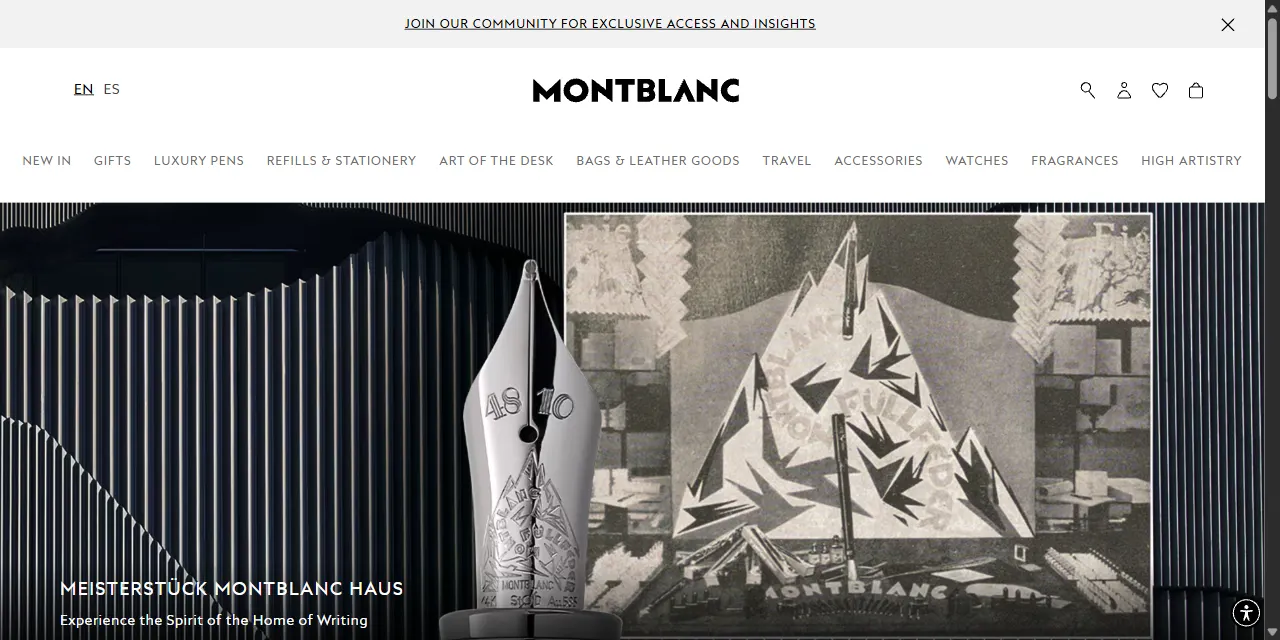
Montblanc Scraper extracts official Montblanc products from montblanc.com into clean, structured data you can download as JSON, CSV, Excel, or HTML. Paste a category, search, or product URL, or type a few keywords, and get the product name, Ident No. reference, price and currency, colors, nib or belt sizes, full specifications, description, and images for every product. Works for 70 country stores of the website, with no account or login required.
Introduction
Montblanc is the official online store of the German luxury maison famous for its Meisterstück fountain pens, writing instruments, leather goods, bags, watches, accessories, and fragrances. The website runs a separate store for each country, with its own prices, currency, language, and product range.
This actor collects the same public information you see in your browser and turns it into a ready-to-use dataset. You can run it once, schedule it to run daily to follow prices and new arrivals, or connect it to your own tools.
What data can you extract from Montblanc?
- 🏷️ Product name, product ID, and Ident No. reference
- 🗂️ Category, category path, collection, and sub-collection (for example Meisterstück, Writers Edition)
- 💲 Price as a number, formatted price, and currency of the selected country
- 📦 Availability (in stock, out of stock, pre-order)
- 🎨 Product color and all other colors with their own link, price, and availability
- ✒️ Size options such as nib sizes (F, M, B) or belt widths
- 📐 Full specifications grouped as on the website: material, lining, closing system, dimensions, weight, nib, writing mode, and more
- 📝 Full product description and badges such as "New Arrivals" or "Limited Edition"
- 🖼️ Main image and all product images
- 🌍 Country store (market) and direct product URL
Use Cases
- 📈 Market research: compare Montblanc prices across countries and currencies, and follow new arrivals and limited editions.
- 🕵️ Competitor monitoring: track the range, prices, and availability of pens, leather goods, and watches.
- 🛍️ Resale and personal shopping: know when a limited edition is listed or back in stock in a given country.
- 🗂️ Database building: create your own catalog of Montblanc products with references, specifications, and images.
- 🤖 AI and automation: feed clean, structured data into spreadsheets, dashboards, or AI workflows.
How to scrape Montblanc step by step
- Paste one or more montblanc.com URLs into Start URLs, or type keywords into Search queries.
- For search queries, choose the Market (country store) and, if you like, the sort order and price range.
- Set Maximum number of results to how many products you want per URL or per query.
- Click Start and wait for the run to finish.
- Download your data in JSON, CSV, Excel, or HTML from the Output tab.
Input
- Start URLs: montblanc.com URLs to scrape. Supported pages: category pages (such as
https://www.montblanc.com/en-us/leather-goods), search pages (such ashttps://www.montblanc.com/en-us/search?q=wallet), and single product pages. The country, language, and currency follow the URL, and any filters you apply on the website (product type, price range, sort order) are kept in the results. - Search queries: keywords to search on montblanc.com, one per line. Each query is scraped separately.
- Maximum number of results: how many products to collect for each start URL or search query. Use 0 for no limit.
- Market: the country store used for search queries. It sets the currency and the language of product texts.
- Sort by: order of the search results (recommended, new in, price low to high, price high to low). Applies to search queries only.
- Minimum price and Maximum price: price range in the currency of the selected market. Apply to search queries only.
You can use start URLs, search queries, or both in the same run.
Input Examples
Scrape a category page:
Search by keywords in the United States store:
Output
Each product color is saved as one item in the dataset. Here is an example of a single item:
For products sold in several colors (bags, wallets, belts), colors lists every color like this:
You can download the dataset in JSON, CSV, Excel, XML, or HTML, or access it through the Apify API.
Notes
- Each color of a product has its own page on the website, so each color is a separate item. Other colors are listed in
colorswith their links. - Product names, descriptions, specifications, and the category path use the language of the country store.
- Prices and availability differ by country. Use a URL of the country you need, or pick the Market for search queries.
- Some keywords open a category page on the website in some countries (for example "meisterstuck" in France). The actor then returns the products of that page in the website's own order.
- Size options are listed as shown on the product page; the website does not show stock for each size.
- Only montblanc.com category, search, and product pages are supported. The China, Brazil, and Mexico stores use other websites and are not supported. Other URLs are skipped, and products that are no longer online are skipped with a warning.
collection,subCollection,size, andbadgesare empty for products where the website does not show them.
Why use the Montblanc Scraper?
- ✅ No login needed: works with public data only, so there is no account to manage.
- 🌍 70 country stores: prices and availability in each country's own currency and language.
- 🎯 Keeps your filters: paste any category or search URL from your browser and get exactly what you see there.
- 📐 Full specifications: materials, dimensions, weight, nib, and writing mode as structured name and value pairs.
- 🧹 Clean data: prices are real numbers, and descriptions are plain text.
- 💸 Pay for what you need: set a result limit per URL or query and keep every run small and cheap.
FAQ
How many results can I scrape?
You can set any number in Maximum number of results, or 0 for no limit. The actor keeps going until it reaches your limit or the last product of the page.
Do I need a Montblanc account?
No. The actor only collects publicly available data. You do not need to log in or provide any account details.
Can I scrape data on a schedule?
Yes. Use Apify Schedules to run the actor every hour, day, or week, and follow prices and new products automatically.
Why are some fields empty?
Some products simply do not show every piece of information. When a field is not available on the website, it is returned as null or an empty list.
Can I request a new feature or filter?
Yes. Right now the actor supports start URLs, search queries, market, sort order, and price range. If you need other filters or inputs, get in touch and they can be added.
Can I get a custom or private version?
Yes. The actor can be customized for your workflow, delivered as a private version, or a new scraper can be built for a different website. Use the contact details below.
Need help or want a custom solution?
- 📧 Email: aboo.script@gmail.com
- 🧩 More scrapers: Apify profile
Image Credit
Image credit: Montblanc


