

Webook Scraper - Events & Experiences
Pricing
from $2.80 / 1,000 results
Webook Scraper - Events & Experiences
⚡ Fast Webook scraper. No login, no API key. Get events, concerts, matches, experiences and restaurants in Saudi Arabia, UAE and 8 more countries by keyword or URL: dates, venue, GPS, starting price and every ticket type with VAT, stock and sale status. Ideal for price tracking.
Pricing
from $2.80 / 1,000 results
Rating
0.0
(0)
Developer

Aboo Script
Maintained by CommunityActor stats
0
Bookmarked
3
Total users
2
Monthly active users
2 days ago
Last modified
Categories
Share
Webook Scraper
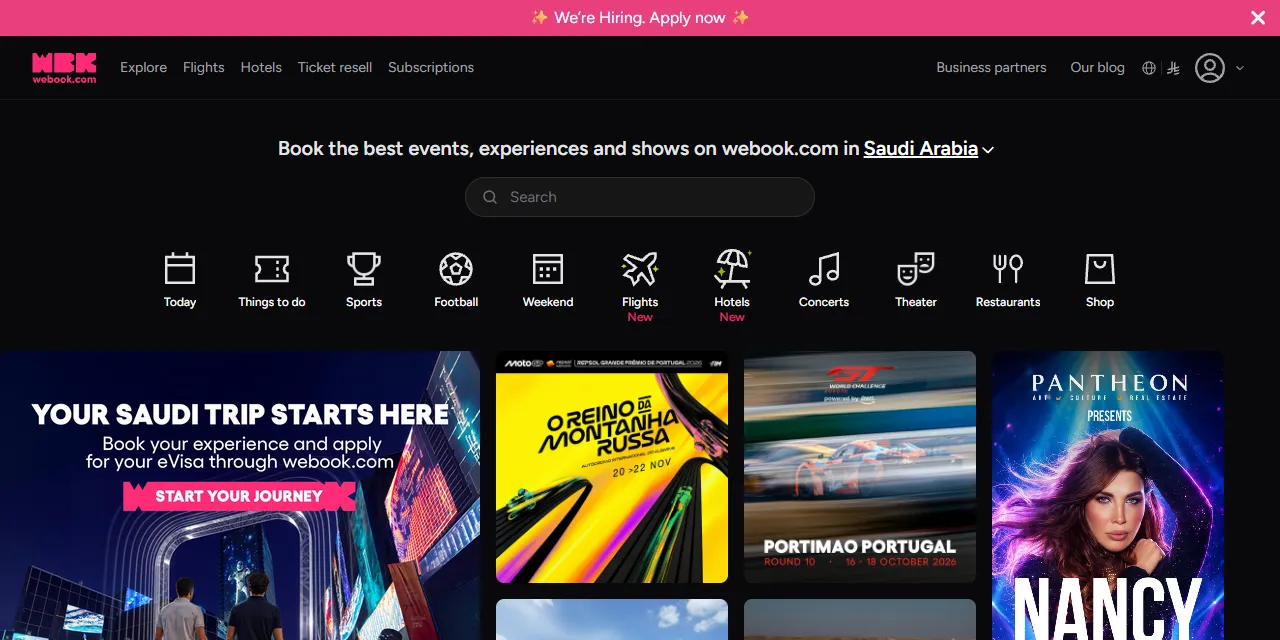
Webook Scraper extracts events, experiences, restaurants and season tickets from webook.com into clean, structured data you can download as JSON, CSV, Excel, or HTML. Paste a Webook explore or event URL, or type a few keywords, and get the title, date, venue, city, starting price and every ticket type with its price and availability for each result. No account or login required.
Introduction
Webook is the leading ticketing platform in Saudi Arabia and the wider region. It sells tickets for concerts, football matches, Riyadh Season and Jeddah Season events, theater, experiences, restaurants and season passes in Saudi Arabia, the UAE, Bahrain, Kuwait, Morocco, Turkey and parts of Europe.
This actor collects the same public information you see in your browser and turns it into a ready-to-use dataset. You can run it once, schedule it to run daily to follow prices and availability, or connect it to your own tools.
What data can you extract from Webook?
- 🎫 Title, type (event, experience, restaurant, season), category, tags and status
- 📅 Start and end date, schedule text, sold-out flag
- 📍 Country, city, venue, address, latitude and longitude, zone and season
- 💲 Starting price, discounted price, deal price and currency
- 🎟️ Every ticket type: price with and without VAT, VAT, remaining stock, order limits, sale period, sale status, seated or not
- 🔄 Optional prices converted to a display currency of your choice
- ⚽ Organizer, home and away team, match round, events included in a season ticket
- 🧭 Experience details: duration, age range, what is included, what to bring, refund policy
- 📝 Description in plain text
- 🖼️ Main image and gallery
- 🔗 Direct URL to each listing
Use Cases
- 📈 Market research: see which concerts, matches and experiences are on sale across Saudi cities and how they are priced.
- 🕵️ Price and availability monitoring: track ticket prices, sold-out ticket types and remaining stock over time.
- 🤝 Lead generation: build a list of organizers, venues and restaurants active on Webook.
- 🗂️ Event database building: create your own calendar of upcoming events in Riyadh, Jeddah, AlUla, Dubai and more.
- 🤖 AI and automation: feed clean, structured event data into spreadsheets, dashboards, travel apps, or AI workflows.
How to scrape Webook step by step
- Paste one or more Webook URLs into Start URLs, or type keywords into Search queries.
- Optionally pick a Country, City, Type, Category, dates, price range or Sort by for your search queries.
- Set Maximum number of results to how many listings you want per URL or per query.
- Click Start and wait for the run to finish.
- Download your data in JSON, CSV, Excel, or HTML from the Output tab.
Input
- Start URLs: Webook URLs to scrape. Supported pages: the explore page (with or without a country or city, for example
https://webook.com/en/explore/SA/RUH), search pages, zone pages, season pages, and single event, experience, restaurant or season ticket pages. Any filters you apply on the website (tab, category, date, price, sort order, search text) are kept in the results. - Search queries: keywords to search on Webook, such as an artist, team or venue, one per line. Each query is scraped separately.
- Maximum number of results: how many listings to collect for each start URL or search query. Use 0 for no limit.
- Country: country to search in, or all countries. Default is Saudi Arabia, like on the website.
- City: a city name or Webook city code within the selected country, for example Riyadh, Jeddah, AlUla, Dubai or Casablanca.
- Type: only events, only experiences, or only dining.
- Category: only one category, such as Music Events, Sports, Theater or Restaurants.
- Date: today, tomorrow, this week or this weekend.
- From date and To date: a custom date range. When set, it replaces Date.
- Minimum price and Maximum price: starting price range, in each listing's own currency.
- Sort by: most popular, latest, oldest, or price.
- Display currency: adds prices converted to this currency with Webook's own exchange rates. Original prices stay in the data.
Country, city, type, category, dates, prices and sort apply to search queries only; start URLs keep their own filters. Display currency applies to everything. You can use start URLs, search queries, or both in the same run.
Input Examples
Scrape upcoming events from the explore page:
Search by keyword in Saudi Arabia:
Output
Each listing is saved as one item in the dataset. Here is an example of a single item (ticket list shortened):
When Display currency is set, each item also has convertedCurrency and convertedStartingPrice, and each ticket has convertedPrice.
You can download the dataset in JSON, CSV, Excel, XML, or HTML, or access it through the Apify API.
Notes
- Ticket prices include VAT in
price;priceExclVatandvatshow the split, just like the checkout page. - Experiences are booked by time slot on Webook, so they have no ticket list. Their starting price, duration, age range and what is included are returned instead.
- Listings whose sales have closed are not shown on Webook and are not returned.
- Explore and search URLs without a country show results for Saudi Arabia, like the website. Use
https://webook.com/en/explore/anywhereor set Country to All countries for every country. - Custom collection pages (
/en/page/...), flights and hotels are not supported and are skipped. remainingis the number of tickets Webook lets you pick for that ticket type, not the venue's full stock.- Some text, such as addresses of experiences, is shown in Arabic on Webook and is returned as it is.
Why use the Webook Scraper?
- ✅ No login needed: works with public data only, so there is no account to manage.
- 🎟️ All ticket types: get every ticket category with prices, VAT and availability, not only the cheapest price.
- 🎯 Keeps your filters: paste any explore URL from your browser and get exactly what you see there.
- 🧹 Clean data: numbers are real numbers, dates use one standard format, and descriptions are free of HTML.
- 💸 Pay for what you need: set a result limit per URL or query and keep every run small and cheap.
- 🔄 Ready for automation: schedule runs, export to Google Sheets, or connect to Make, Zapier, and n8n.
FAQ
How many results can I scrape?
You can set any number in Maximum number of results, or 0 for no limit. The actor keeps going until it reaches your limit or runs out of listings.
Do I need a Webook account?
No. The actor only collects publicly available data. You do not need to log in or provide any account details.
Can I scrape data on a schedule?
Yes. Use Apify Schedules to run the actor every hour, day, or week, and follow ticket prices and availability automatically.
Why are some fields empty?
Not every listing shows every piece of information. For example, team names only exist for matches and duration only for experiences. When a field is not available, it is returned as null or an empty list.
Can I request a new feature or filter?
Yes. Right now the actor supports start URLs, search queries and the filters above. If you need other inputs or data, get in touch and they can be added.
Can I get a custom or private version?
Yes. The actor can be customized for your workflow, delivered as a private version, or a new scraper can be built for a different website. Use the contact details below.
Need to scrape other event platforms?
- Ticketmaster Scraper: concerts, sports and theater events from Ticketmaster with prices and venues.
Need help or want a custom solution?
- 📧 Email: aboo.script@gmail.com
- 🧩 More scrapers: Apify profile
Image Credit
Image credit: Webook


