
Zalando Ads Scraper
Pricing
from $1.40 / 1,000 results
Zalando Ads Scraper
[💰$2 / 1K] ⚡ Fast Zalando Ads Repository scraper. No login, no API key. Search EU sponsored product ads by brand, advertiser, keyword or ad ID, or paste repository URLs, filter by 26 markets and month. Get advertiser, title and text in 23 languages, run dates, reach, markets, targeting and image.
Pricing
from $1.40 / 1,000 results
Rating
0.0
(0)
Developer

Aboo Script
Maintained by CommunityActor stats
0
Bookmarked
2
Total users
1
Monthly active users
4 days ago
Last modified
Categories
Security
Limited permissionsShare
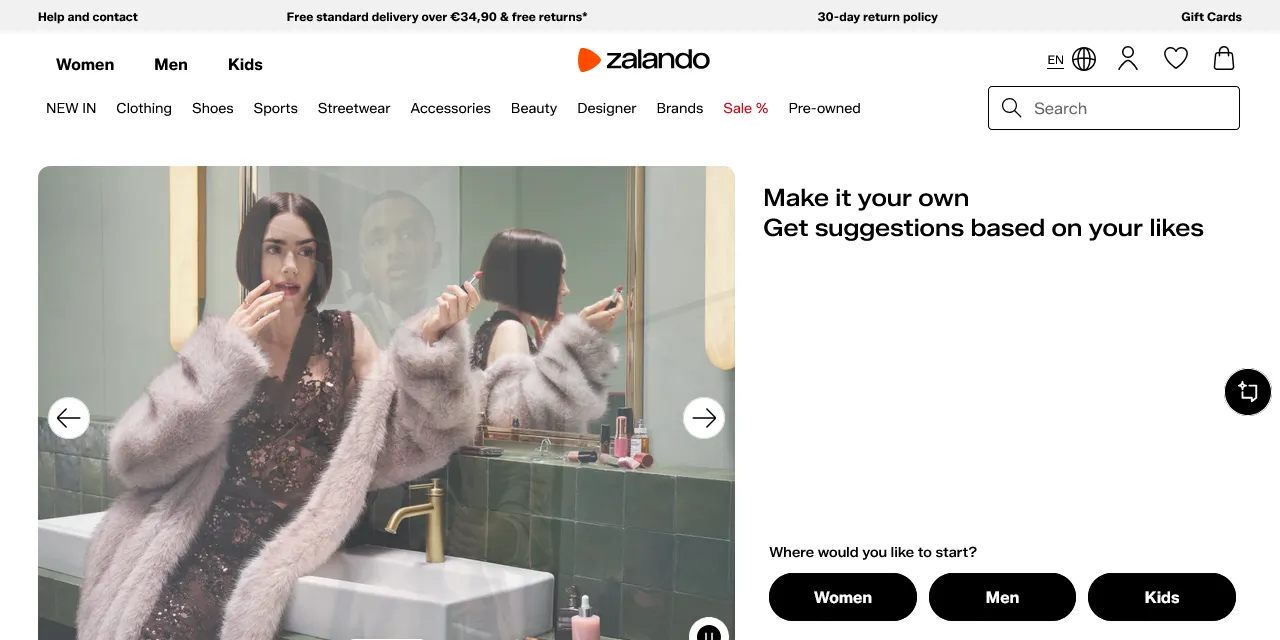
Zalando Ads Scraper extracts sponsored product ads from the Zalando Ads Repository into clean, structured data you can download as JSON, CSV, Excel, or HTML. Type a brand, advertiser, product name or ad ID, or paste a repository URL, and get the advertiser, ad title and text, run dates, reach, markets, targeting parameters and image for every ad. No account or login required.
Introduction
Zalando is Europe's largest online fashion platform, active in more than 20 countries. Under the EU Digital Services Act, Zalando publishes an Ads Repository with every sponsored product ad shown on its stores: who paid for it, when it ran, in which markets, how many people it reached and which targeting parameters were used. The repository holds millions of ads from brands such as Nike, adidas, Birkenstock and thousands of smaller sellers.
This actor collects the same public information you see in the repository and turns it into a ready-to-use dataset. You can run it once, schedule it to run daily, or connect it to your own tools.
What data can you extract from the Zalando Ads Repository?
- 🏢 Advertiser (the company that paid for the ad)
- 🏷️ Ad title and text, in the language you choose or in all available languages
- 📅 Start date, end date, and whether the ad is still running
- 👥 Reach (number of recipients)
- 🌍 Markets where the ad was shown, as country codes and names
- 🎯 Targeting parameters (personalized, contextual)
- 🖼️ Ad image
- 🔗 Direct URL and ID of each ad
Use Cases
- 📈 Market research: see which brands and product categories are pushed with sponsored ads on Zalando, and in which countries.
- 🕵️ Competitor monitoring: follow which products a competitor advertises, for how long, and how many people the ads reach.
- 🤝 Lead generation: build a list of brands and sellers that actively advertise on Zalando.
- 🗂️ Database building: create your own searchable archive of Zalando ads by brand, market and month.
- 🤖 AI and automation: feed clean, structured data into spreadsheets, dashboards, or AI workflows.
How to scrape Zalando ads step by step
- Type brands, advertisers, product names or ad IDs into Search queries, or paste Zalando Ads Repository URLs into Start URLs.
- Optionally pick Markets, an Active in month value and a Language.
- Set Maximum number of results to how many ads you want per URL or per query.
- Click Start and wait for the run to finish.
- Download your data in JSON, CSV, Excel, or HTML from the Output tab.
Input
- Start URLs: Zalando Ads Repository URLs. Supported pages: the Ads Repository page of any Zalando store (for example
https://www.zalando.de/ads-repository/, which returns all ads) and search URLs from the repository itself (https://sponsored-content-archive.zalando.com/?fullText=...). The search text, markets, month and ad ID in the URL are kept in the results. - Search queries: search terms, one per line, for example a brand, advertiser, product name or a 32-character ad ID. Each query is scraped separately.
- Markets: only ads shown in at least one of the selected countries. Leave empty for all markets. Applies to search queries.
- Active in month: only ads that ran during this month, in the format YYYY-MM (for example 2026-09). Applies to search queries.
- Language: language of the ad title and text. English is used when an ad has no text in the selected language.
- Include all translations: add the ad title and text in every available language (about 23) to each result.
- Maximum number of results: how many ads to collect for each start URL or search query. Set 0 for no limit.
- Proxy configuration: the Ads Repository only answers visitors from Europe, so a residential proxy in a European country is required. The default (residential, Germany) works out of the box.
You can use start URLs, search queries, or both in the same run.
Input Examples
Scrape a search URL from the Zalando Ads Repository:
Search by keywords:
Output
Each ad is saved as one item in the dataset. Here is an example of a single item:
With Include all translations turned on, translations lists the title and text in every language, for example { "language": "da-DK", "title": "Birkenstock MADRID EVA REGULAR Sandaler black", "text": "Birkenstock MADRID EVA REGULAR Sandaler black" }.
You can download the dataset in JSON, CSV, Excel, XML, or HTML, or access it through the Apify API.
Notes
- The Zalando Ads Repository can only be opened from Europe. Keep the default residential proxy (Germany) or pick another European country; other proxies or no proxy make the run fail.
- Only Zalando Ads Repository URLs are supported. Other Zalando pages (categories, products) are skipped with a warning.
- The repository lists ads in its own order; there is no sorting by date or reach.
- Searches look in the advertiser name, ad title and ad text. A search that matches nothing can take up to two minutes before it ends with no results.
- The repository shows sponsored product ads only: product title, text and image. Prices, ad spend and the exact placement on the store are not published.
- Some ads have no separate text; in that case
textisnull.
Why use the Zalando Ads Scraper?
- ✅ No login needed: works with public data only, so there is no account to manage.
- 🎯 Keeps your filters: paste any repository search URL and get exactly what you see there, including markets and month.
- 🧹 Clean data: one row per ad, reach as a number, dates in one standard format, markets with readable country names.
- 🌍 Any language: pick the language of titles and texts, or get all translations at once.
- 💸 Pay for what you need: set a result limit per URL or query and keep every run small and cheap.
- 🔄 Ready for automation: schedule runs, export to Google Sheets, or connect to Make, Zapier, and n8n.
FAQ
How many results can I scrape?
You can set any number in Maximum number of results, or 0 for no limit. The actor keeps going until it reaches your limit or runs out of ads. The full repository holds millions of ads, so use search queries, markets or a month to narrow it down.
Do I need a Zalando account?
No. The actor only collects publicly available data. You do not need to log in or provide any account details.
Can I find a single ad by its ID?
Yes. Type the 32-character ad ID into Search queries, or paste a repository URL that contains it, and the actor returns that ad.
Can I scrape data on a schedule?
Yes. Use Apify Schedules to run the actor every hour, day, or week, and get fresh data automatically.
Can I request a new feature or filter?
Yes. Right now the actor supports start URLs, search queries, markets, month and language. If you need other filters or inputs, get in touch and they can be added.
Can I get a custom or private version?
Yes. The actor can be customized for your workflow, delivered as a private version, or a new scraper can be built for a different website. Use the contact details below.
Need to scrape other ad libraries?
- Facebook Ads Library Scraper: ads from the Meta Ad Library with advertiser, creatives and run dates.
- Google Ads Transparency Scraper: ads from the Google Ads Transparency Center by advertiser or domain.
- X Ads Repository Scraper: ads from the X (Twitter) Ads Repository in the EU.
- Snapchat Ads Gallery Scraper: ads from the Snapchat Ads Gallery with advertiser and reach.
Need help or want a custom solution?
- 📧 Email: aboo.script@gmail.com
- 🧩 More scrapers: Apify profile
Image Credit
Image credit: Zalando


