

Fuel Prices AU Scraper
Pricing
from $3.00 / 1,000 results
Fuel Prices AU Scraper
Scrapes petrol and fuel prices data across Australia and New Zealand. Search by address or coordinates to find nearby stations with current fuel prices.
Pricing
from $3.00 / 1,000 results
Rating
0.0
(0)
Developer

Abot API
Maintained by CommunityActor stats
0
Bookmarked
12
Total users
1
Monthly active users
2 months ago
Last modified
Categories
Share
Fuel Prices ANZ Scraper
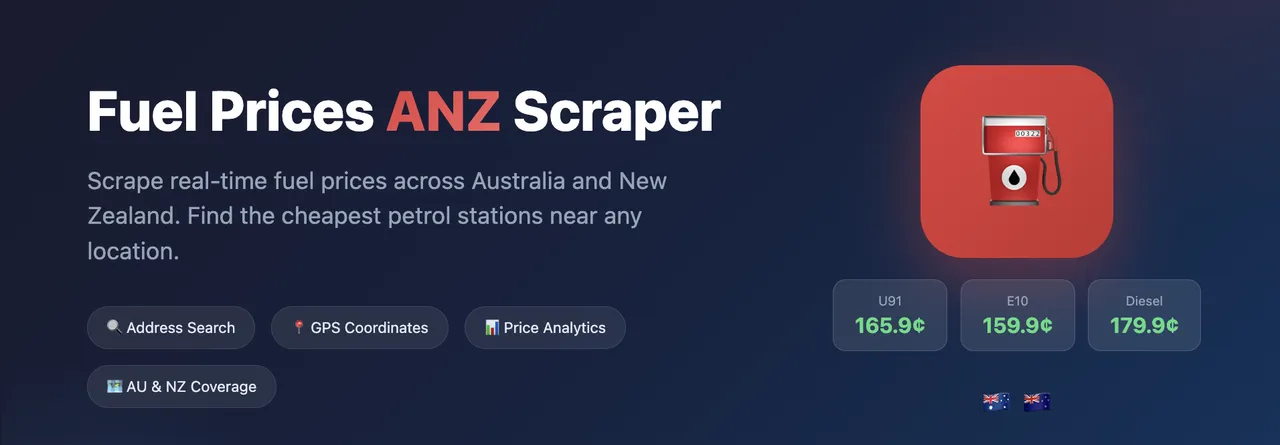
Scrapes petrol and fuel prices data across Australia and New Zealand. Search by address or coordinates to find nearby stations with current fuel prices.
Features
- Address-Based Search: Search by suburb, postcode, or full address (e.g., "Sydney CBD", "3168", "Clayton VIC")
- Coordinate Search: Search by latitude/longitude for precise location targeting
- Offline Geocoding: Uses local AU/NZ postcode datasets - no external API dependencies
- Price Analytics: Automatic price summaries with min/max/avg per fuel type
- Cheapest Fuel Finder: Highlight the cheapest station for a specific fuel type
- Proxy Support: Built-in Apify proxy configuration for reliable scraping
Use Cases
- Fuel Price Monitoring: Track fuel prices across suburbs and regions
- Cost Optimization: Find the cheapest fuel stations in your area
- Market Analysis: Analyze fuel price trends and variations
- Fleet Management: Monitor fuel costs for business vehicle operations
- AI/ML Training Data: Build datasets for price prediction models
Input Parameters
| Parameter | Type | Default | Description |
|---|---|---|---|
address | string | - | Search address (e.g., "Sydney CBD", "Clayton VIC", "2000") |
lat | number | - | Latitude coordinate (use with lng if no address) |
lng | number | - | Longitude coordinate (use with lat if no address) |
radiusKm | number | 5 | Search radius in kilometers (1-50) |
fuelType | string | - | Optional fuel type filter (U91, E10, Diesel, U95, U98, LPG) |
proxy | object | - | Optional proxy configuration |
resumeFromRunId | string | - | Previous run/dataset ID to seed Incremental mode's baseline from |
incrementalMode | boolean | false | Return only NEW/UPDATED/REAPPEARED stations vs. the last run of this same search |
stateKey | string | - | Name a monitoring campaign, or share state across differently-configured runs |
emitUnchanged | boolean | false | Also return (and bill) stations unchanged since the last run |
emitExpired | boolean | false | Also return (and bill) stations no longer found this run |
Note: Either address OR both lat and lng must be provided.
Resume & recurring updates (incremental mode)
Turn on incrementalMode to schedule this actor daily/weekly against the same search and get back only what changed, instead of the full station list every time:
- The first run for a given search returns every station as
changeType: "NEW". - Later runs return only
NEW,UPDATED, andREAPPEAREDstations by default. A station whose data is identical to the last run is not returned and not billed — turn onemitUnchangedto get it back anyway, markedUNCHANGED. - A station present in a previous run but no longer found in this run's search area can be returned as a tombstone row marked
EXPIRED— turn onemitExpiredto get these (also billed). - State is tracked per
suburb/lat+lng,radiusKm, andfuelType— different search setups never share a baseline. SetstateKeyto name a campaign explicitly, or to deliberately share state across differently-configured runs. - Stations are matched between runs by
stationId(falls back to abrand+addresscomposite for the rare record missing one). prices.<fuelType>.updatedAtis tracked as real data, not scrape noise — it is PetrolSpy's own "price last changed" timestamp (confirmed by measurement: it did not move across two of this actor's own fetches 75s apart, while it does vary per price/station). Excluding it would makeUPDATEDunreachable for a pure price change, defeating the point of this actor.- The diff is null-tolerant: a field flipping between a real value and missing/
nullnever counts as a change on its own; a real change elsewhere in the same station is still caught. resumeFromRunId(paste a previous run ID or dataset ID) has no pagination to resume on this actor — its only effect is to seed Incremental mode's very first baseline from that prior run's dataset, so those stations don't lookNEWagain on day one of monitoring. It only applies when the state key has no saved baseline yet.
New dataset fields, present only in incremental-mode runs: changeType (NEW/UPDATED/REAPPEARED/EXPIRED/UNCHANGED), changedFields (array of top-level field names that changed), firstSeenAt, lastSeenAt.
Usage Examples
Search by Suburb
Search by Postcode
Search by Coordinates
With Proxy Configuration
Send results into your apps (MCP connectors)
Optionally pipe the scraped results into the apps you already use, via Model Context Protocol (MCP) connectors. This is an extra delivery step after the scrape — the Apify dataset is never changed.
What gets written to the connector: a condensed, human-readable summary of each record — not the full JSON. Each item becomes one entry with a title and its key fields flattened to plain text. The complete record always stays in the Apify dataset.
- Authorize a connector once under Apify → Settings → Integrations (Notion, Linear, Airtable, or Apify).
- Select it in the "Pipe results into your apps" input field. (If the picker is empty, you haven't authorized a connector yet.)
- For Notion, also set
notionParentPageUrlto the page where items should be created.
The connection is mediated by Apify's MCP proxy, so this actor never sees your third-party credentials. Leave the field empty to skip.
Output Format
Station Data (Dataset)
Each station is stored as a separate record:
Summary Output (Key-Value Store)
The OUTPUT key contains aggregated results:
Supported Fuel Types
| Code | Description |
|---|---|
| U91 | Unleaded 91 |
| E10 | Ethanol 10 |
| U95 | Unleaded 95 |
| U98 | Unleaded 98 |
| Diesel | Diesel |
| LPG | Liquefied Petroleum Gas |
| PremDSL | Premium Diesel |
| TruckDSL | Truck Diesel |
| AdBlue | AdBlue |
| E85 | Ethanol 85 |
Supported Regions
Australia
All states and territories: NSW, VIC, QLD, SA, WA, TAS, NT, ACT
New Zealand
All regions including Auckland, Wellington, Canterbury, Otago, and more
Output Storage
Dataset
- Each station is stored as a separate record
- Exportable to JSON, CSV, Excel, XML
Key-Value Store
OUTPUT: Complete results with price summary and all stations
Standby Mode (HTTP API)
This Actor supports Standby mode for real-time HTTP API access with low latency. When enabled, the Actor runs as a persistent HTTP server.
Base URL
Endpoints
| Endpoint | Method | Description |
|---|---|---|
/ | GET | API information and available endpoints |
/health | GET | Health check endpoint |
/search | GET/POST | Search for fuel stations |
Search Parameters
| Parameter | Type | Description |
|---|---|---|
suburb | string | Suburb or city name (e.g., "Sydney", "Melbourne", "Auckland") |
lat | number | Latitude (use with lng) |
lng | number | Longitude (use with lat) |
radiusKm | number | Search radius in km (default: 5) |
fuelType | string | Filter by fuel type (U91, E10, U95, U98, Diesel, LPG) |
Example Requests
Search by suburb (GET):
Search by coordinates (GET):
Search with fuel type filter (POST):
Response Format
Enabling Standby Mode
- Go to the Actor's Settings in Apify Console
- Navigate to the Standby tab
- Enable Standby mode and configure memory/timeout settings
- Save changes - the Actor will start as an HTTP server


