
ONE Line Port Schedules & Cut-offs Scraper
Pricing
from $1.80 / 1,000 port call scrapeds
ONE Line Port Schedules & Cut-offs Scraper
Scrape ONE (Ocean Network Express) berth schedules per port: arrival/berthing/departure times, cargo/document/VGM cut-offs and coded delay reasons. Optional vessel particulars (GT/NT, IMO, class).
Pricing
from $1.80 / 1,000 port call scrapeds
Rating
0.0
(0)
Developer

Arman Hossain
Maintained by CommunityActor stats
0
Bookmarked
2
Total users
1
Monthly active users
2 months ago
Last modified
Categories
Share
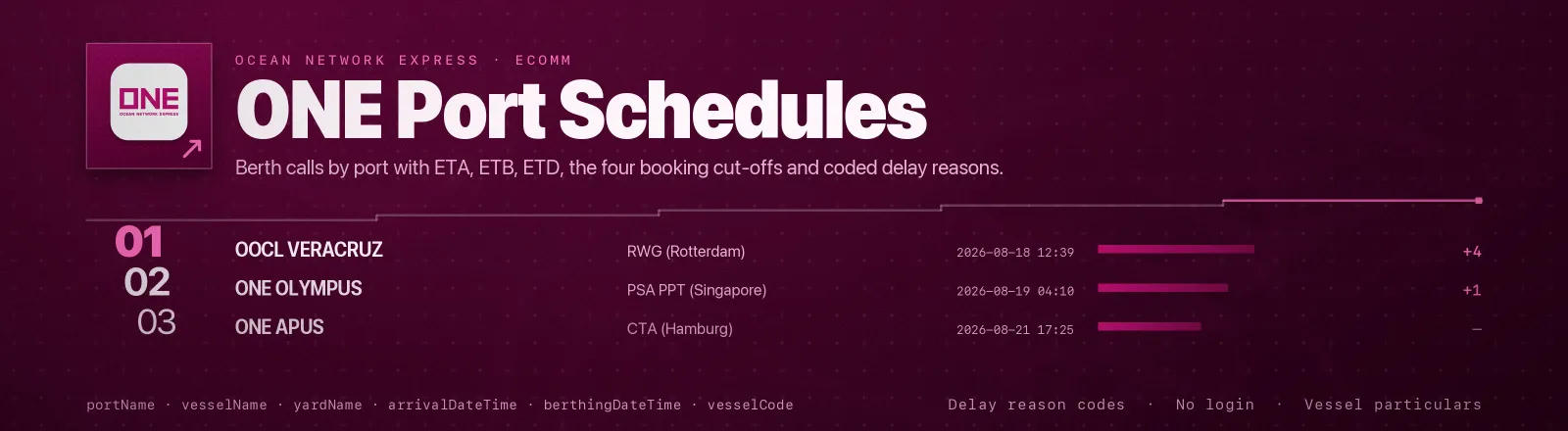
Pulls Ocean Network Express (ONE) berth schedules directly from the same public schedule service ONE's own website uses. For any port you name, you get every vessel call in your date window: arrival, berthing and departure with their status codes, four separate cut-off timestamps (cargo, document, VGM, inland), the vessel's voyage identifiers, and a coded reason whenever ONE has flagged the call as delayed.
No browser, no proxy, no login required to use this Actor. Point it at a UN/LOCODE or a port name and it does the rest, including resolving names to codes and, optionally, enriching each call with the vessel's own particulars (tonnage, IMO number, flag, class, build date).
Agent skill: SKILL.md
What you get
| Field | What it holds |
|---|---|
portCode, portName | The UN/LOCODE you asked for, and the port name ONE resolved it to |
vvdName, vesselName, vesselCode | Voyage identifier (vessel + voyage + direction), vessel name, ONE's internal vessel code |
scheduleVoyageNumber, scheduleDirectionCode | Voyage number and direction (E/W/N/S-style trade lane code) |
yardName, yardCode, terminalNameMaskFlag | Terminal the call is berthing at, plus ONE's own flag for whether the terminal name is masked at source |
vesselServiceLaneCode, vesselServiceTypeCode | ONE's own service/trade-lane codes |
arrivalDateTime, arrivalStatus | ETA/ATA and whether it is estimated or actual |
berthingDateTime, berthingStatus | ETB/ATB and its status |
departureDateTime, departureStatus | ETD/ATD and its status |
cargoCutOffDateTime, documentCutOffDateTime, vgmCutOffDateTime, inlandCutOffDateTime | The four booking cut-offs, each null when the source has none set |
vesselDelayReasonCode, vesselDelayReason | ONE's coded delay reason and its plain-text explanation, when the call is delayed |
netTonnage, grossTonnage, portRegistry, ownerName, callSign, carrier, builtOn, lloydsNo, registryCode, classNo, age | Vessel particulars, only when includeVesselDetails is on; otherwise null |
vesselDetailsFetched, vesselDetailDisplay | true when the particulars above were actually fetched for this row; vesselDetailDisplay is ONE's own Y/N flag for whether it publishes vessel details for this call |
fromDate, toDate, vesselType, cargoNature | The window and filters the run used |
scrapedAt | Run timestamp |
RUN_SUMMARY in the key-value store holds per-port counts, any port or port-name lookup that failed, and the vessel-lookup tally.
Use cases
- Schedule slippage tracking.
vesselDelayReasonCodeis a coded field most schedule sources don't expose at all, pull it across a trade lane over time and you have a real delay attribution dataset, not just a slipping ETA. - Booking cut-off alerts. Watch
cargoCutOffDateTime/documentCutOffDateTime/vgmCutOffDateTimefor the vessels you have cargo on and alert before a cut-off passes. - Berth utilisation.
yardCodeplusberthingDateTime/departureDateTimegives terminal-level occupancy for a port. - Vessel due diligence.
includeVesselDetailsadds GT/NT, IMO number, flag and class for every vessel calling a port, without a separate vessel-particulars source.
Quick start
Rotterdam's next two weeks, the default:
Two named ports, capped:
Resolve a port by name instead of knowing its code, with vessel particulars merged in:
Input
| Field | Type | Default | Notes |
|---|---|---|---|
portCodes | array | ["NLRTM"] | UN/LOCODEs to read, e.g. NLRTM, DEHAM. Case-insensitive, deduplicated, merged with anything portNames resolves. |
portNames | array | [] | Port names or partial names (3+ letters) to resolve to UN/LOCODEs before scraping. A name matching several ports resolves to all of them. A name matching nothing is recorded in RUN_SUMMARY.nameResolutionFailures and does not stop the run. |
fromDate | string | today | Window start, YYYY-MM-DD. |
toDate | string | fromDate + 14 days | Window end, YYYY-MM-DD. Must not be before fromDate. |
vesselType | string | I | Direction filter passed through as-is. I (inbound) is the only confirmed value. |
cargoNature | string | GENERAL_PURPOSE | Cargo-nature filter passed through as-is. GENERAL_PURPOSE is the only confirmed value. |
maxRecords | integer | 200 | Stop once this many berth calls have been saved across all ports. 0 means no limit. |
includeVesselDetails | boolean | false | Merge tonnage/IMO/flag/class/build-date into every row for each distinct vessel found. Adds one extra request per distinct vessel, capped at 40 per run. |
Nothing is required. Running with no input returns Rotterdam's next two weeks.
Output example
A berth call with vessel particulars off (the default):
With includeVesselDetails: true, the same row also carries the vessel's own particulars:
Naming a port
You write in portCodes | Actor reads |
|---|---|
NLRTM | Rotterdam, exactly as given (uppercased) |
nlrtm, NLRTM | Same, case-folded and trimmed |
You write in portNames | Actor resolves to |
|---|---|
rotterdam | NLRTM (one match) |
ham | Every port whose name contains "ham", Hamburg, Hamina, Immingham, and more. Use portCodes once you know the exact one. |
portCodes and portNames are additive: name every port you know the code for in portCodes, and use portNames only for discovery.
API example
JavaScript example
Notes
- There is no pagination on the source: one request per port returns every call in the window at once, so
maxRecordsis the only depth control and it bounds the whole run, not each port. - An unrecognised port code is a legitimate empty result (zero rows, no failure recorded), the same way it behaves on ONE's own schedule page, it is not distinguishable from "this port has no calls in this window."
- An unresolvable
portNamesentry is recorded inRUN_SUMMARY.nameResolutionFailuresand does not stop the run as long as another port produced results. - Requests to different ports run one at a time rather than in parallel, so a run over several ports takes roughly as long as the sum of its parts.
vesselDelayReasonCode/vesselDelayReason, the four cut-off fields, andarrivalStatus/berthingStatus/departureStatuschange as a call approaches and completes. Treat every run as a snapshot atscrapedAt, not a final record.- Retries (3 attempts, linear backoff) cover transient failures. A malformed date, or an input with nothing usable to look up, ends the run immediately with the reason recorded in
RUN_SUMMARY.configError.
FAQ
Do I need a ONE account or API key? No. The service this Actor reads is the same unauthenticated one ONE's own public schedule page calls.
Which ports are covered? Any port ONE calls at, globally. Try portNames first if you are unsure of the UN/LOCODE.
How far ahead can I query? As far as ONE's own schedule page shows, schedules are typically published a few weeks out, and how far back or forward a given port has data varies port to port.
Why is a cut-off field null? ONE simply has none set for that call. inlandCutOffDateTime in particular is empty on most calls.
What does vesselDelayReasonCode mean? It is ONE's own operational delay code (for example OPP for a delay carried over from the previous port/voyage). vesselDelayReason is the paired plain-text explanation; use the code for grouping and the text for display.
Can I get a vessel's IMO number without pulling a whole port's schedule? Not from this Actor directly, vessel particulars are looked up per vessel found while scraping a port's schedule (includeVesselDetails: true), not standalone.
Can I plug it into something else? Yes. Apify API, the client libraries, webhooks, scheduled runs, dataset exports to JSON, CSV or Excel, or MCP. The output is structured JSON.


