

Podcast Scraper: Shows, Episodes & RSS Feeds
Pricing
from $0.56 / 1,000 record scrapeds
Podcast Scraper: Shows, Episodes & RSS Feeds
Search Apple's podcast directory, then parse each show's RSS feed for full episode lists: titles, show notes, durations, audio URLs, season and episode numbers, and publish dates.
Pricing
from $0.56 / 1,000 record scrapeds
Rating
0.0
(0)
Developer

Arman Hossain
Maintained by CommunityActor stats
0
Bookmarked
2
Total users
1
Monthly active users
2 months ago
Last modified
Categories
Share
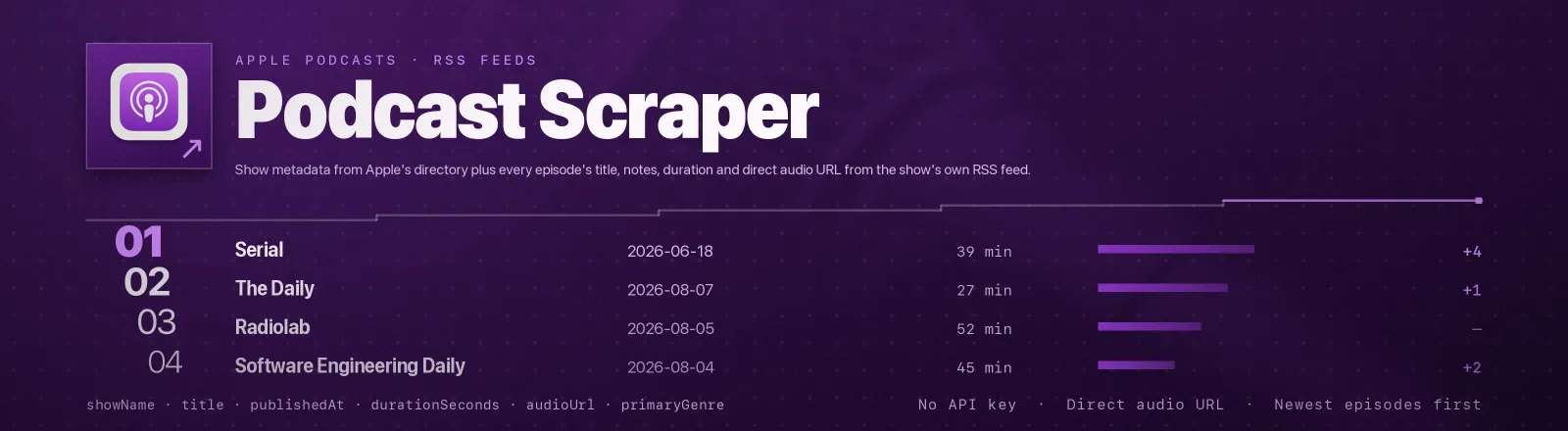
Podcast Scraper finds shows in Apple's public podcast directory and then reads their RSS feeds directly, show metadata, artwork and genres, plus every episode's title, show notes, duration, season and episode numbers and the direct audio URL.
Two public sources, chained: Apple's directory for discovery, and the publisher's own RSS feed for the episode list. A discovery-only sweep is a handful of requests; turning episodes on adds one request per show.
Every cap is a run total. maxShows bounds the shows the whole run delivers across every term, ID and feed URL combined, and maxRecords bounds the rows — shows and episodes together — so a run cannot cost more than the number you set.
Agent skill: SKILL.md
What you get
Records come in two shapes, told apart by recordType. Every record carries the show fields; episode records add the episode fields on top.
| Output field | Meaning |
|---|---|
recordType | show or episode |
source | What produced the record, search:<term>, id:<collectionId> or feed:<url> |
collectionId, appleUrl | Apple's ID for the show and its Apple Podcasts page (null for direct feeds) |
showName, artistName | Show title and publisher |
feedUrl, feedTitle | RSS feed Apple points at, and the title inside that feed |
genres, primaryGenre | Apple's genre list and the primary one |
episodeCount | Apple's episode count for the show |
artworkUrl, country, contentAdvisoryRating | 600 px artwork, storefront and explicit rating |
title, link, author, publishedAt | Episode title / show name, canonical link, byline, ISO-8601 publish time |
contentText | Show notes (episodes) or the channel description (shows) as clean plain text |
episodeGuid | The feed's own identity for the episode |
duration, durationSeconds | itunes:duration verbatim, and parsed to seconds from HH:MM:SS, MM:SS or a bare count |
audioUrl, audioLengthBytes, audioType | The enclosure, direct MP3 URL, byte size and MIME type |
episodeNumber, seasonNumber, episodeType | itunes:episode, itunes:season, and full / trailer / bonus |
explicit, imageUrl | Per-episode explicit flag (true / false / null) and episode artwork, falling back to show artwork |
scrapedAt | Run timestamp |
A RUN_SUMMARY record in the key-value store holds per-run counts, the filters used, and any search, lookup or feed that failed.
Common use cases
- Build a podcast search engine. Index shows by genre and episodes by title and show notes.
- PR and guest sourcing. Find every show in a niche, with the publisher name and a contact trail.
- Transcription pipelines.
audioUrlis a direct MP3 link, ready to hand to a speech-to-text step. - Media monitoring. Watch a set of shows and pick up new episodes on a schedule.
- Market research. Episode cadence, duration trends and genre mix across a category.
Quick start
Discovery only, fast and cheap, one record per show:
Specific shows with their recent episodes:
A feed you already know, skipping Apple entirely:
Input
| Field | Type | Default | Notes |
|---|---|---|---|
searchTerms | array | [] | Keywords for Apple's directory. The show cap is shared out evenly between the terms. |
podcastIds | array | [] | Apple collection IDs or Apple Podcasts show URLs. Looked up 50 per request. |
feedUrls | array | [] | Podcast RSS URLs read directly, with no Apple lookup. |
country | string | US | Two-letter storefront code. Results and ranking differ by market. |
maxShows | integer | 20 | Show records for the whole run, 1 to 500, across every term, ID and feed URL. |
maxRecords | integer | 1000 | Total rows for the whole run, shows and episodes together, 1 to 100000. |
includeEpisodes | boolean | false | Fetch each show's feed and emit one record per episode. |
maxEpisodesPerShow | integer | 10 | Episodes per show, newest first. 0 = the whole feed, still bounded by maxRecords. |
All three discovery inputs combine. IDs and feed URLs are read first and search terms share whatever is left of maxShows. With none of them set the Actor searches for technology, so an empty input still returns something useful — but an input whose every entry was unusable is refused outright rather than quietly turned into that fallback.
A value outside the stated range is an error, never a licence to fetch everything: maxShows: -5 fails the run before a single row is delivered. maxShowsPerTerm is the old name for maxShows and is still accepted, with the same run-total meaning.
Output example
An episode record:
Finding an Apple podcast ID
Open the show on Apple Podcasts and read the number out of the URL:
| URL you see | ID |
|---|---|
podcasts.apple.com/us/podcast/the-daily/id1200361736 | 1200361736 |
podcasts.apple.com/gb/podcast/serial/id917918570?i=1000123 | 917918570 |
Paste the whole URL if you prefer, the Actor extracts the ID itself. If you only know the show's name, put it in searchTerms instead and read the ID off the result.
API example
JavaScript example
Limits and behaviour
- A single search returns at most 100 shows and cannot be paged. Use narrower terms, or supply IDs and feed URLs directly.
- Caps bind the run, not the target.
maxShowsis shared across every search term rather than granted to each, andmaxRecordsstops the run pushing once the total is reached. Whatever was left unread is counted inRUN_SUMMARY.skipped. - Unusable input is named, never guessed at. A show name in
podcastIds, a publisher (artist) page instead of a show, or a URL with no ID in it is listed inRUN_SUMMARY.rejectedInputswith the reason. If nothing usable is left, the run fails instead of substituting something else. - An ID that matches no show is listed in
RUN_SUMMARY.idsNotFound; a term that matched nothing is listed intermsWithNoResults. - The same feed spelled several ways is one feed.
http/https,www., letter case, a trailing slash and campaign parameters all collapse, so an alias list is charged once. - Not every show has a feed. Apple occasionally omits
feedUrl. Those shows are still saved as show records; they simply cannot produce episodes. - Feeds vary wildly. Missing enclosures, absent
itunes:duration, no season numbers, RFC-822 dates with the wrong weekday, all of it is handled defensively and yieldsnullrather than a wrong value. - Episodes are newest first. That is the order feeds are published in, so
maxEpisodesPerShowgives you the most recent N. - One failure never kills the run. A failed search, a dead feed or a private feed is logged into
RUN_SUMMARY.failuresand the run continues. The Actor only errors out when nothing at all was saved. - Public data only. No authentication, no personal data, no paywall circumvention. Audio URLs are the ones publishers put in their public feeds.
FAQ
Do I need an Apple developer account? No.
Can I get more than 100 shows for one topic? Not from one search. Split the topic into several narrower terms, or supply IDs and feed URLs directly.
Does it download the audio? No. It gives you audioUrl, audioLengthBytes and audioType so you can fetch or stream the file yourself.
Are transcripts included? Only if the publisher puts them in the show notes, which most do not. There is no structured transcript field in podcast RSS.
Why is contentText null on a show record? The channel description comes from the feed, and the feed is only fetched when includeEpisodes is on or when you passed the feed URL directly. Everything else on the show record comes from Apple.
Why did two inputs produce one show? Because they resolved to the same feed, or to the same Apple ID. Deduplication uses both, and ignores the cosmetic differences between feed URLs, so you are never charged twice for the same catalogue.
I asked for 20 shows across 4 terms and got 20, not 80. That is the contract: maxShows is what the run delivers in total, shared evenly between the terms. Raise it if you want more.
Can I integrate it with something else? Yes, Apify API, client libraries, webhooks, scheduled runs, dataset exports (JSON/CSV/Excel) or MCP. Output is structured JSON.


