

Wikipedia Pageviews Scraper: Traffic & Trend Analysis
Pricing
from $0.37 / 1,000 pageview scrapeds
Wikipedia Pageviews Scraper: Traffic & Trend Analysis
Scrape Wikimedia pageview analytics: daily or monthly views for any article, by access method and agent type. A genuinely free proxy for public interest.
Pricing
from $0.37 / 1,000 pageview scrapeds
Rating
0.0
(0)
Developer

Arman Hossain
Maintained by CommunityActor stats
0
Bookmarked
1
Total users
0
Monthly active users
18 days ago
Last modified
Categories
Share
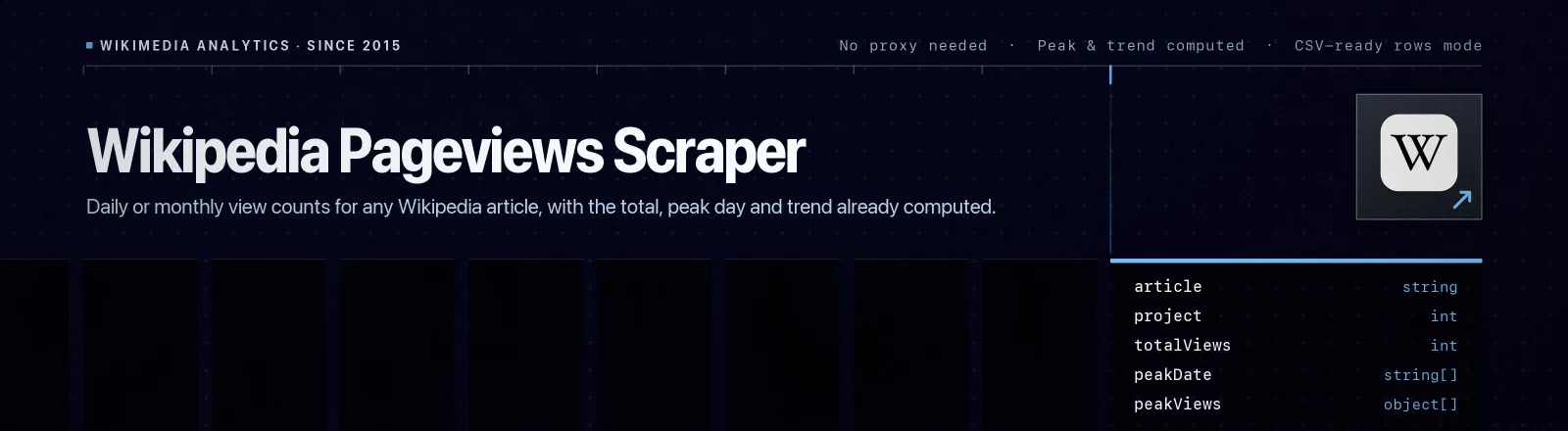
Wikipedia Pageviews Scraper pulls daily or monthly view counts for any Wikipedia article from the Wikimedia Analytics API, and returns each series with its total, its peak day and a trend figure already computed.
Pageviews are the closest thing to a free, public, unlogged search-volume signal: real attention, per topic, per day, back to 2015, in every language edition. This Actor reads the official analytics endpoint directly: no proxy setup, no browser, no credentials to manage.
Agent skill: SKILL.md
What you get
Series mode (default), one record per article:
| Output field | Meaning |
|---|---|
article, project | Underscore-encoded title and the Wikimedia project it came from |
granularity, accessMethod, agent | The query that produced this series |
fromDate, toDate, dataPoints | Window requested and how many points came back |
totalViews, averageViews | Sum and mean across the window |
peakDate, peakViews | Busiest day (or month) and its count |
trendPercent | Second half of the window vs the first half, in per cent |
series | The points themselves: { timestamp, date, views } |
scrapedAt | Run timestamp |
Rows mode, one record per data point, carrying its series' aggregates on every row: article, project, granularity, timestamp, views, accessMethod, agent, totalViews, peakDate, peakViews, trendPercent, scrapedAt. This is the shape that exports straight to CSV and drops into a chart.
A RUN_SUMMARY record in the key-value store holds per-run counts, the filters used, and any article that failed.
Common use cases
- Brand and topic monitoring. Track public interest in a company, product or person over time.
- News correlation. Line up attention spikes with events and press coverage.
- Free search-volume proxy. A directional substitute for keyword tools, with no seat licence.
- Content prioritisation. Find which topics in your space people actually look up.
- Seasonality analysis. Pull
monthlygranularity over several years in one run.
Quick start
Last month for two topics:
Five years of monthly seasonality, CSV-ready:
Mobile-only traffic on the German Wikipedia:
Input
| Field | Type | Default | Notes |
|---|---|---|---|
articles | array | - | Required. Titles or full Wikipedia URLs. A URL also sets that article's project. |
project | string | en.wikipedia | Project for plain titles, de.wikipedia, en.wikinews, … |
fromDate | string | 31 days ago | Required. YYYYMMDD or YYYY-MM-DD. |
toDate | string | yesterday | Required. YYYYMMDD or YYYY-MM-DD. Data lags roughly a day. |
granularity | string | daily | daily or monthly. |
accessMethod | string | all-access | all-access, desktop, mobile-web, mobile-app. |
agent | string | user | user excludes known bots, the honest interest signal. Also all-agents, spider, automated. |
outputMode | string | series | series = one record per article; rows = one record per data point. |
Output example
Series mode:
Rows mode:
API example
JavaScript example
Limits and behaviour
- Titles must match the URL form exactly. A mismatched title returns 404 with no explanation, the API cannot tell "no such article" from "no data". The Actor normalises spaces to underscores and capitalises the first letter for you, but everything after that is case-sensitive:
Python (programming language), notpython (Programming Language). Pasting the article URL is the safest input. trendPercentis second half vs first half of the window you asked for, rounded to one decimal. It isnullfor series shorter than four points, or when the first half had zero views.- Data lags about a day, so
toDatedefaults to yesterday rather than today. - Missing articles don't kill the run. A 404 is recorded in
RUN_SUMMARY.failuresand the run continues; the Actor only errors out if every article fails. - Transient errors are retried. 429 and 5xx get four attempts with exponential backoff and jitter.
- Descriptive user agent. Wikimedia throttles generic clients within a handful of requests; every request identifies this Actor.
- Public, aggregate data only. Pageview counts are anonymised aggregates, no user-level data exists in this API.
FAQ
Do I need a proxy? No. Proxy configuration is not required to run this Actor.
Do I need an account? No. You supply no credentials.
Is weekly granularity supported? No, the per-article endpoint offers daily and monthly only. Aggregate daily points yourself if you need weeks.
How far back does data go? July 2015 for the pageviews API. Earlier traffic exists only in the legacy, differently-shaped pagecounts datasets.
Why did an article return nothing? Almost always the title. Check it against the URL on Wikipedia, or paste the full URL and let the Actor parse it.
What happens if a source is unavailable? It is reported in RUN_SUMMARY.failures and the run continues.
Can I schedule it? Yes, it is designed for scheduled runs. A daily run with a rolling 30-day window keeps a live trend table warm.
Can I integrate it with something else? Yes, Apify API, client libraries, webhooks, scheduled runs, dataset exports (JSON/CSV/Excel) or MCP. Output is structured JSON.


