

Google News Scraper — Full Article Text & Sentiment
Pricing
from $30.00 / 1,000 results
Google News Scraper — Full Article Text & Sentiment
Scrapes Google News RSS feeds for search queries and topic categories. Returns articles with decoded URLs, sentiment analysis, reading time, full-text extraction, and deduplication across queries.
Pricing
from $30.00 / 1,000 results
Rating
0.0
(0)
Developer

Yuliia Kulakova
Maintained by CommunityActor stats
0
Bookmarked
12
Total users
1
Monthly active users
2 months ago
Last modified
Categories
Share
Google News Scraper — Search, Topics & Full Articles
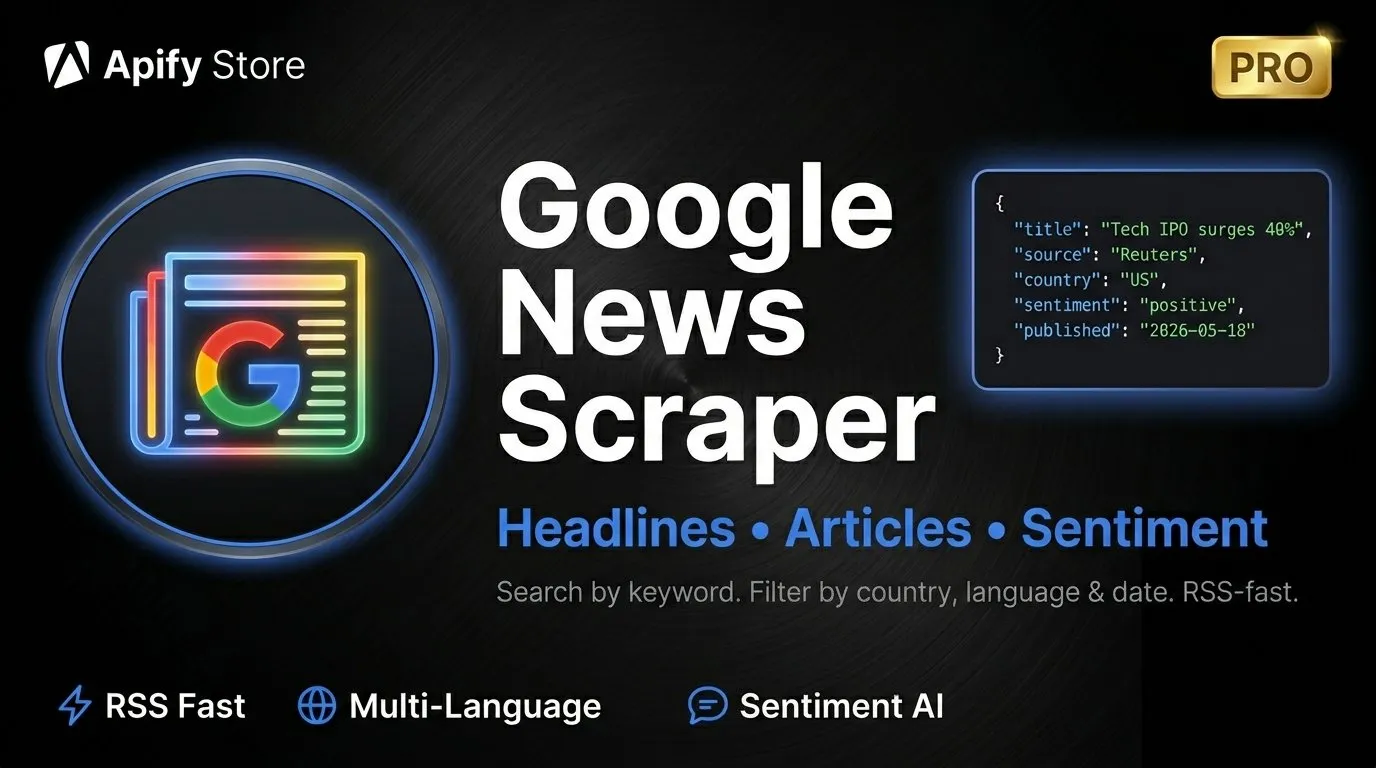
Scrape Google News at scale. Search by keywords, browse topic categories, filter by country, language, and date range. Extract full article text, sentiment analysis, and structured data — all at lightning speed.
What can this scraper do?
- Search news by keywords — find articles on any topic with title, source, date, and direct links
- Browse topic categories — scrape curated feeds: World, Business, Technology, Sports, Science, Health, Entertainment
- Full article extraction — fetch complete article text with word count, reading time, and author info
- Sentiment analysis — automatic positive/negative/neutral classification for every article
- Multi-language & multi-country — 25 languages and 35 countries supported out of the box
- Flexible date filters — last hour, 24h, 7 days, 30 days, or custom date range
Why use Google News Scraper?
| Use case | How it helps |
|---|---|
| Media monitoring | Track brand mentions and industry news in real time |
| Competitive intelligence | Monitor competitors' press coverage across countries |
| Market research | Analyze news trends and sentiment for any market or region |
| Academic research | Collect large news datasets with full text for analysis |
| Content curation | Build automated news feeds for newsletters or dashboards |
| PR & communications | Measure press coverage and media sentiment |
| Financial analysis | Monitor news sentiment for stocks, crypto, or sectors |
Output data
Article data
Each article includes all available metadata:
| Field | Description |
|---|---|
| Title | Article headline |
| Source | Publisher name |
| Published date | ISO 8601 timestamp |
| Link | Article link, plus the original Google News link |
| Image URL | Thumbnail image from the article |
| Sentiment | Positive, Negative, or Neutral with confidence score |
| Sentiment score | Numerical score from -1.0 to +1.0 |
| Query / Topic | Which search query or topic category produced this result |
| Full text | Complete article body (when enabled) |
| Word count | Article length in words (with full text) |
| Reading time | Estimated reading time in minutes (with full text) |
| Author | Article author when available (with full text) |
Topic summary
When scraping topic categories, get an overview of each topic:
| Field | Description |
|---|---|
| Topic name | Category (Business, Technology, etc.) |
| Article count | Number of articles found |
| Top sources | Most frequent publishers |
| Avg sentiment | Average sentiment across the topic |
| Date range | Earliest to latest article |
Run statistics
Every run includes a summary with total articles, processing speed, top sources, average sentiment, and error count.
Supported countries & languages
| Region | Countries |
|---|---|
| Americas | US, Canada, Mexico, Argentina, Brazil |
| Europe | UK, Germany, France, Spain, Italy, Netherlands, Poland, Sweden, Norway, Denmark, Finland, Czech Republic, Romania, Hungary, Turkey, Ukraine |
| Middle East | Israel, Saudi Arabia, UAE, Egypt |
| Asia Pacific | Japan, China, South Korea, India, Indonesia, Vietnam, Australia |
| Africa | South Africa, Nigeria |
25 languages supported including English, Spanish, French, German, Russian, Chinese, Japanese, Arabic, and more.
Filters & sorting
| Filter | Options |
|---|---|
| Date range | Last 1 hour, 24 hours, 7 days, 30 days, or custom range |
| Country | 35 country editions |
| Language | 25 languages |
| Sort by | Publication date (newest first) or relevance |
| Deduplication | Automatic removal of duplicate articles across queries |
| Output format | Articles only, Topics summary only, or Both |
How much does it cost?
Google News Scraper uses a pay-per-result model at $0.03 per result. No monthly fees — you only pay for the data you collect.
| Results | Cost |
|---|---|
| 100 articles | $3.00 |
| 500 articles | $15.00 |
| 1,000 articles | $30.00 |
| 10,000 articles | $300.00 |
Apify platform usage (compute time and proxy traffic) is billed by the platform separately, on top of the per-result price. It typically adds a few cents per run.
Input examples
Search news by keyword
Browse multiple topic categories
Full article extraction with date filter
Multi-keyword research with custom date range
Media monitoring in a specific country
Tips for best results
- Start small — test with 10-20 articles to verify your filters before scaling up
- Use specific queries — "electric vehicle sales Europe 2026" yields better results than just "cars"
- Combine queries + topics — use
outputFormat: "both"to get articles plus topic-level analytics - Full text wisely — enable
includeFullTextonly when you need article bodies; it's slower but gives you word count, reading time, and author data - Country + language — match these for best results (e.g., country: "DE" with language: "de")
- Custom date range — perfect for researching a specific event or time period
Limitations
- Only publicly available articles from Google News are accessible
- Some publishers behind paywalls may return incomplete full text
- Google News RSS feeds return up to 100 articles per query
- Sentiment analysis uses keyword-based classification (not AI/ML models)
- Run statistics are included as the last record in the dataset (field
type: "stats")


