

LinkedIn Company Post Scraper
Pricing
from $25.00 / 1,000 results
LinkedIn Company Post Scraper
Scrape LinkedIn company posts — text, likes, comments, all 6 reaction types, images & videos. Up to 500 posts per run. Sort by recent or top. No browser needed.
Pricing
from $25.00 / 1,000 results
Rating
0.0
(0)
Developer

Yuliia Kulakova
Maintained by CommunityActor stats
0
Bookmarked
18
Total users
1
Monthly active users
a month ago
Last modified
Categories
Share
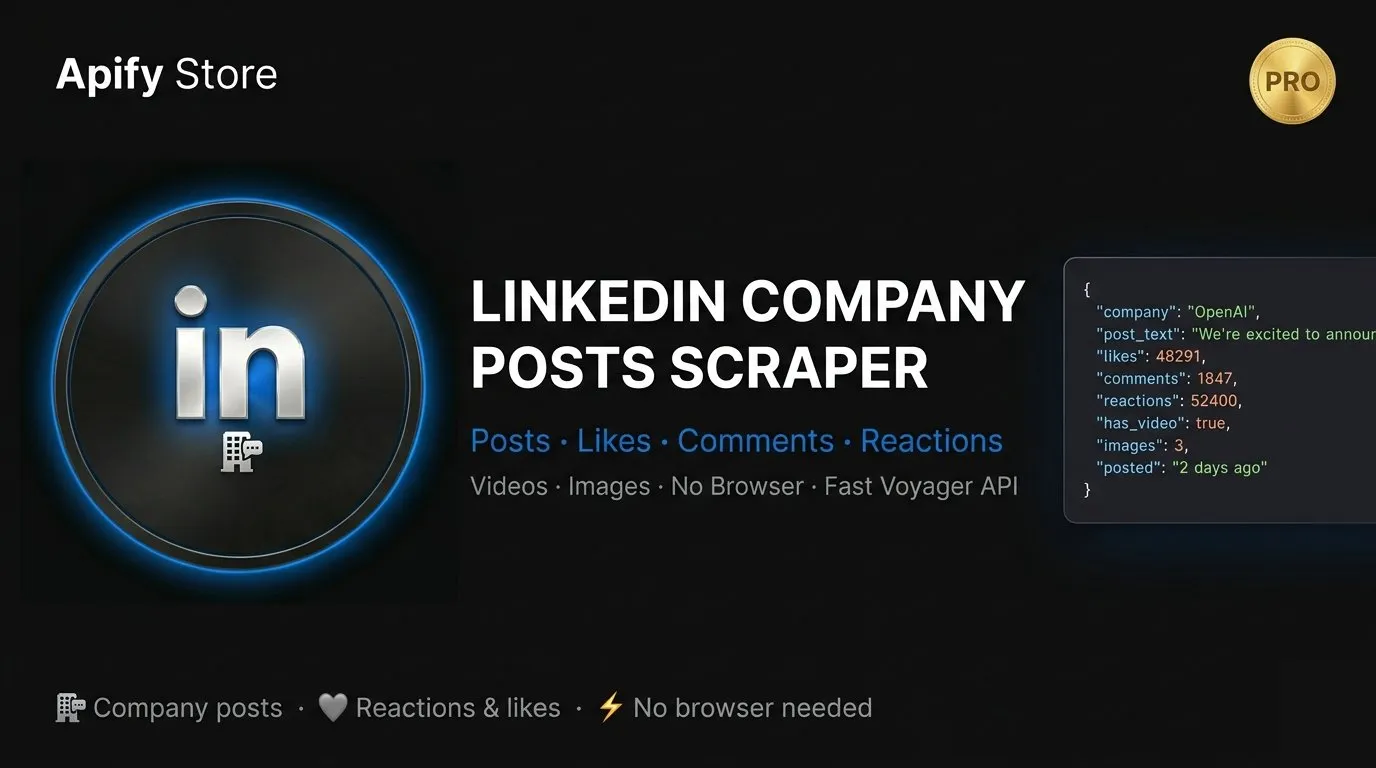
Extract posts from any LinkedIn company page — with full engagement data, media links, reaction breakdowns, and poster details. No browser. No manual work. Just clean, structured data.
What it does
Point it at any LinkedIn company URL and get back every post they've published — complete with likes, comments, reposts, all six reaction types, images, videos, and more. Works for Fortune 500s, startups, and everything in between.
Perfect for:
- Competitive intelligence — track what competitors are posting and how audiences respond
- Content strategy — see which post formats and topics drive the most engagement
- Social listening — monitor brand presence and audience sentiment
- Lead generation — identify active companies and their key voices
- Market research — analyze industry trends through company announcements
Output fields
Each post returns a clean JSON object with:
| Field | Description |
|---|---|
text | Full post text |
posted | Publication date & time (UTC) |
time | Relative time (e.g. "2 days ago") |
url | Direct link to the post |
urn | LinkedIn post identifier |
poster.name | Name of the author (company or person) |
poster.linkedin_url | Author's LinkedIn profile or page URL |
num_likes | Like count |
num_comments | Comment count |
num_reposts | Repost count |
num_empathy | Love reactions |
num_interests | Insightful reactions |
num_appreciations | Support reactions |
num_praises | Celebrate reactions |
num_entertainment | Funny reactions |
total_reactions | Total reaction count |
reaction_types | Full breakdown by reaction type |
images | Array of image URLs |
video | Video stream URL, duration, and thumbnail |
reshared | Whether the post is a reshare |
reshared_from | Original post info (if reshared) |
Input options
| Field | Description | Default |
|---|---|---|
linkedinUrl | LinkedIn company page URL | (required) |
maxPosts | Maximum number of posts to scrape (up to 500) | 500 |
sortBy | recent (newest first) or top (most relevant) | recent |
count | Posts per API request (max 100) | 50 |
startPage | Pagination offset (0 = start from beginning) | 0 |
Example input
Example output
Pricing
$0.025 per result — that's $25 per 1,000 posts scraped.
A typical run scraping 500 posts from one company costs ~$0.50 + a small Actor start fee. Pay only for what you get.
Integrations
Export results as JSON, CSV, or Excel directly from the Apify dataset. Plug into your workflow via:
- Apify API
- Webhooks
- Make (Integromat), n8n, Zapier
FAQ
Which companies can I scrape?
Any public LinkedIn company page. Just paste the URL in the linkedinUrl field.
Does it capture posts from related showcases and employees? Yes. LinkedIn often surfaces posts from a company's showcase pages and key employees — the scraper captures all of them as they appear on the company feed.
Can I scrape more than 500 posts?
500 is the current maximum per run. For deeper history, use startPage to offset and run in batches.
What's the difference between recent and top?
recent returns posts in chronological order (newest first). top returns the most relevant and engaging posts as ranked by LinkedIn.
Does it capture video content? Yes — for video posts you get the stream URL, video duration in milliseconds, and a thumbnail image URL.
How fresh is the data? Data is fetched live on every run — always up to date.


![LinkedIn Company Posts Scraper - Bulk Export [NO LOGIN] ✅ avatar](https://images.apifyusercontent.com/SSzP5Ji3xrwlQ6Ax8KFs7dJJuEKYu6i7sw7vn0YJ-Bs/rs:fill:76:76/cb:1/aHR0cHM6Ly9hcGlmeS1pbWFnZS11cGxvYWRzLXByb2QuczMudXMtZWFzdC0xLmFtYXpvbmF3cy5jb20vc0NDU2R3bm1LTUoxUTJzVG4tYWN0b3ItdVI0QmpoODNqcFNjZTRKNWQtMW9wMU1ucmI2TS1TcGFyc2VfaW5zdHJ1bWVudGF0aW9uX19kaXJlY3RfbHlyaWNzX191cmJhbl9yZWFsaXNtX195b3V0aGZ1bF9y.webp)


