

WhatsApp OSINT Phone Lookup
DeprecatedPricing
Pay per usage
WhatsApp OSINT Phone Lookup
DeprecatedVerify any phone number on WhatsApp instantly. Get profile picture, display name, carrier info, breach data checks, AI face analysis, and a composite risk score — all in one API call. No API keys needed. Supports up to 100,000 numbers per run.
Pricing
Pay per usage
Rating
1.7
(2)
Developer

Yuliia Kulakova
Maintained by CommunityActor stats
1
Bookmarked
525
Total users
52
Monthly active users
15 days ago
Last modified
Categories
Share
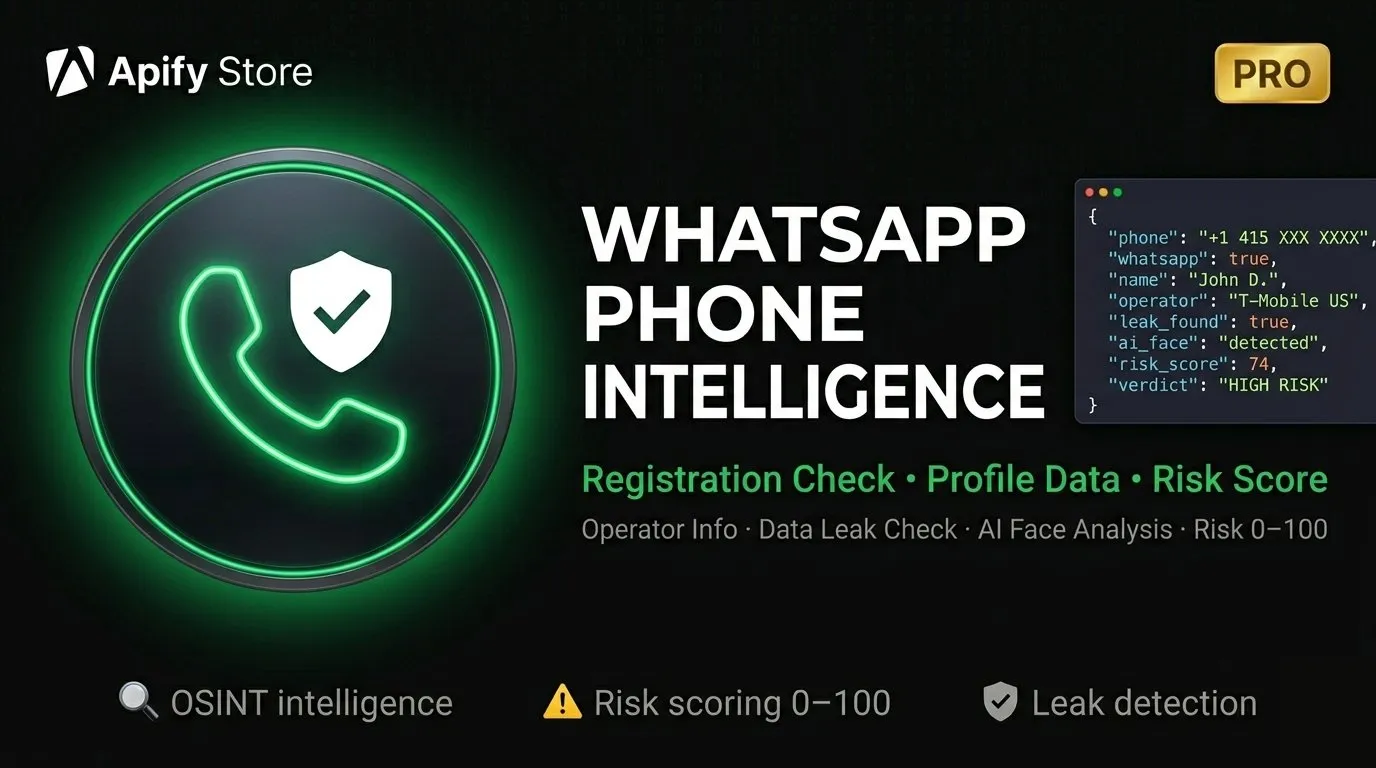
Turn any phone number into a full intelligence profile — in seconds. Verify WhatsApp presence, pull profile data, run AI face analysis, check data breaches, and get a composite risk score. All in one clean API call.
What You Get
Give us a list of phone numbers. We check each one against WhatsApp and return everything publicly available — profile picture, display name, status text, carrier info, breach database hits, AI face detection, and an automated risk score.
No manual work. No third-party API keys required for core features. Just clean JSON output.
Features
✅ WhatsApp Verification
Instantly confirms whether a number is registered on WhatsApp and whether it's a personal or business account. Works on any country, any number format.
🖼️ Profile Picture URL
Retrieves the direct WhatsApp CDN link to the profile picture — ready for download, storage, or further analysis.
👤 Display Name & Status
Fetches the WhatsApp push name and about/status text when the account has them set.
📡 Carrier & Line Type Detection
Identifies country, line type (Mobile, Fixed, VoIP) and mobile network code. Powered by Google's libphonenumber — no extra API key required.
🔐 Data Breach Check
Scans known breach databases to see if the phone number has appeared in any data leaks. Returns breach source names, dates, and total hit count.
🤖 AI Face Analysis
Downloads the profile picture and runs local AI detection to determine if a real face is present — plus estimated age range, gender, and dominant emotion. Runs entirely on-device, no external AI API needed.
🔁 Profile Picture Change Tracking
Computes a perceptual hash (pHash) of the profile picture on every run. Automatically detects if the image has changed since your last lookup — perfect for monitoring over time.
🎯 Composite Risk Score
Aggregates all available signals into a single score from 0 to 100:
| Score | Category | What It Means |
|---|---|---|
| 70–100 | LOW_RISK | Looks like a real, active person |
| 40–69 | MEDIUM_RISK | Some signals missing or mixed |
| 0–39 | HIGH_RISK | Likely fake, VoIP, or suspicious account |
Factors include: WhatsApp registration, profile picture presence, display name, about text, account type, breach exposure, carrier type, and face detection result.
Pricing
Pay-per-event — you only pay for what you actually use.
| Event | Price | When Charged |
|---|---|---|
| WhatsApp lookup (fresh) | $0.30 | Every number checked live |
| WhatsApp lookup (cached) | $0.05 | When result comes from cache |
| Breach data hit | $0.40 | Only when a breach is actually found |
| Carrier lookup | $0.10 | When includeCarrier: true |
| Face analysis | $0.20 | When includeFaceAnalysis: true |
| Risk score | $0.05 | When includeRiskScore: true |
💡 Example: 1,000 numbers with carrier + risk score = ~$450 total
Set a budget cap in Apify — the actor stops gracefully when the limit is hit.
Input
All Input Options
| Field | Type | Default | Description |
|---|---|---|---|
numbers | array | required | Phone numbers in E.164 format (e.g. +14155552671). Max 100,000 per run. |
includeProfilePic | boolean | true | Fetch profile picture URL |
includeAbout | boolean | true | Fetch about/status text |
includeCarrier | boolean | false | Get carrier and line type info |
includeLeaks | boolean | false | Check breach databases |
includeFaceAnalysis | boolean | false | AI face detection on profile picture |
includeRiskScore | boolean | false | Compute composite risk score (0–100) |
preferCache | boolean | true | Use cached results when available (faster & cheaper) |
onlyCache | boolean | false | Return only cached results, skip fresh lookups |
concurrency | integer | 5 | Parallel lookups (1–50) |
timeoutMs | integer | 30000 | Timeout per number in milliseconds |
Output
Each number produces one JSON record:
Output Fields Reference
| Field | Description |
|---|---|
number | E.164 formatted phone number |
phoneInfo | Country, type, all formatted variants |
exists | true if registered on WhatsApp |
isBusiness | true if it's a WhatsApp Business account |
pushName | Display name (if visible) |
urlImage | Profile picture URL (WhatsApp CDN) |
about | About/status text (if set) |
carrier | Country, region, line type, mobile flag |
leakedData | Breach results: found, sources, count, entries |
faceAnalysis | AI results: hasFace, age, gender, emotion |
profilePicHash | pHash + changed flag for tracking |
riskScore | Score 0–100, category, contributing factors |
source | fresh, cache, not-found, or error |
fetchedAt | ISO 8601 timestamp |
Use Cases
🔍 Fraud Prevention — Flag VoIP numbers, breach-linked identities, and accounts with suspicious signals before they become a problem.
📋 Lead Verification — Confirm that numbers from your lead lists are real, active WhatsApp accounts before spending on outreach.
🛡️ Security Research — Monitor a set of numbers over time — detect when profile pictures change, new breach data appears, or accounts go dark.
📊 CRM Enrichment — Enrich your contact database with WhatsApp status, carrier type, profile pictures, and risk scores automatically.
🔎 OSINT Investigations — Build a quick intelligence profile on any phone number from a single API call.
First-Time Setup
- Set
WA_PHONE_NUMBERin environment variables (your number without+, e.g.14155552671) - Run the actor — it saves a QR code to the Key-Value Store
- Scan the QR in WhatsApp: Settings → Linked Devices → Link a Device
- Done — the session is saved automatically and reused on every future run
The actor connects as a standard linked device, just like WhatsApp Web. Your phone and existing sessions are not affected.
FAQ
Do I need any API keys? No. Core features — WhatsApp verification, profile picture, display name, about text, carrier info, face analysis, pHash tracking, and risk score — all work with zero API keys.
What if a number isn't on WhatsApp?
It returns exists: false with source: not-found. Enrichment fields are skipped and not charged.
How accurate is the face analysis?
The model runs locally on the profile picture. If the photo is a logo, cartoon, or distant shot, it will return hasFace: false — this is expected and correct.
Can I process large lists?
Yes — up to 100,000 numbers per run. Tune concurrency (up to 50) to balance speed and resources.
Is data cached between runs?
Yes. Set preferCache: true (default) to reuse recent results and reduce cost. Use onlyCache: true to only return cached data without any fresh lookups.
How fast is it? A single lookup takes 1–3 seconds. At concurrency 10, expect ~300–500 numbers per minute.


![Douyin [Just 💰$0.5] — Hot Search, Trending & Viral avatar](https://images.apifyusercontent.com/CPn6jz6ikVLnedbMTXoxZTPy17NNI8sXhXY7jKgOho8/rs:fill:76:76/cb:1/aHR0cHM6Ly9hcGlmeS1pbWFnZS11cGxvYWRzLXByb2QuczMudXMtZWFzdC0xLmFtYXpvbmF3cy5jb20vclB1SjNjc1NCUjVsaTVmd1QtYWN0b3ItQmdDU3hsbUdtRW9kMXBJZEEtSkJpU29MMGREOC1kb3V5aW5fbG9nby5wbmc.webp)


![Zhihu [Just 💰$3] — Hot List, Q&A & Author Profiles avatar](https://images.apifyusercontent.com/b9q9R1fJ2wjYGhTmgDXBh9b-sUM43Y0_ASLbRw_kuhI/rs:fill:76:76/cb:1/aHR0cHM6Ly9hcGlmeS1pbWFnZS11cGxvYWRzLXByb2QuczMudXMtZWFzdC0xLmFtYXpvbmF3cy5jb20vclB1SjNjc1NCUjVsaTVmd1QtYWN0b3ItY1I2Z01oRHhEVG11QjJiOHIteDVPdlJhTHJBbS16aGlodS1sb2dvLnBuZw.webp)
