

WhatsApp Number Validator - Bulk Check 10K per Run
Pricing
from $1.00 / 1,000 number validateds
WhatsApp Number Validator - Bulk Check 10K per Run
Check if phone numbers have WhatsApp. Validate up to 10,000 numbers per run from CSV, Excel, or direct input. Yes/no result per number. Clean contact lists before WhatsApp campaigns.
Pricing
from $1.00 / 1,000 number validateds
Rating
3.5
(2)
Developer

ClearPath
Maintained by CommunityActor stats
6
Bookmarked
1.1K
Total users
55
Monthly active users
0.48 hours
Issues response
18 days ago
Last modified
Categories
Share
WhatsApp Phone Number Validator | Bulk Verification API (2026)
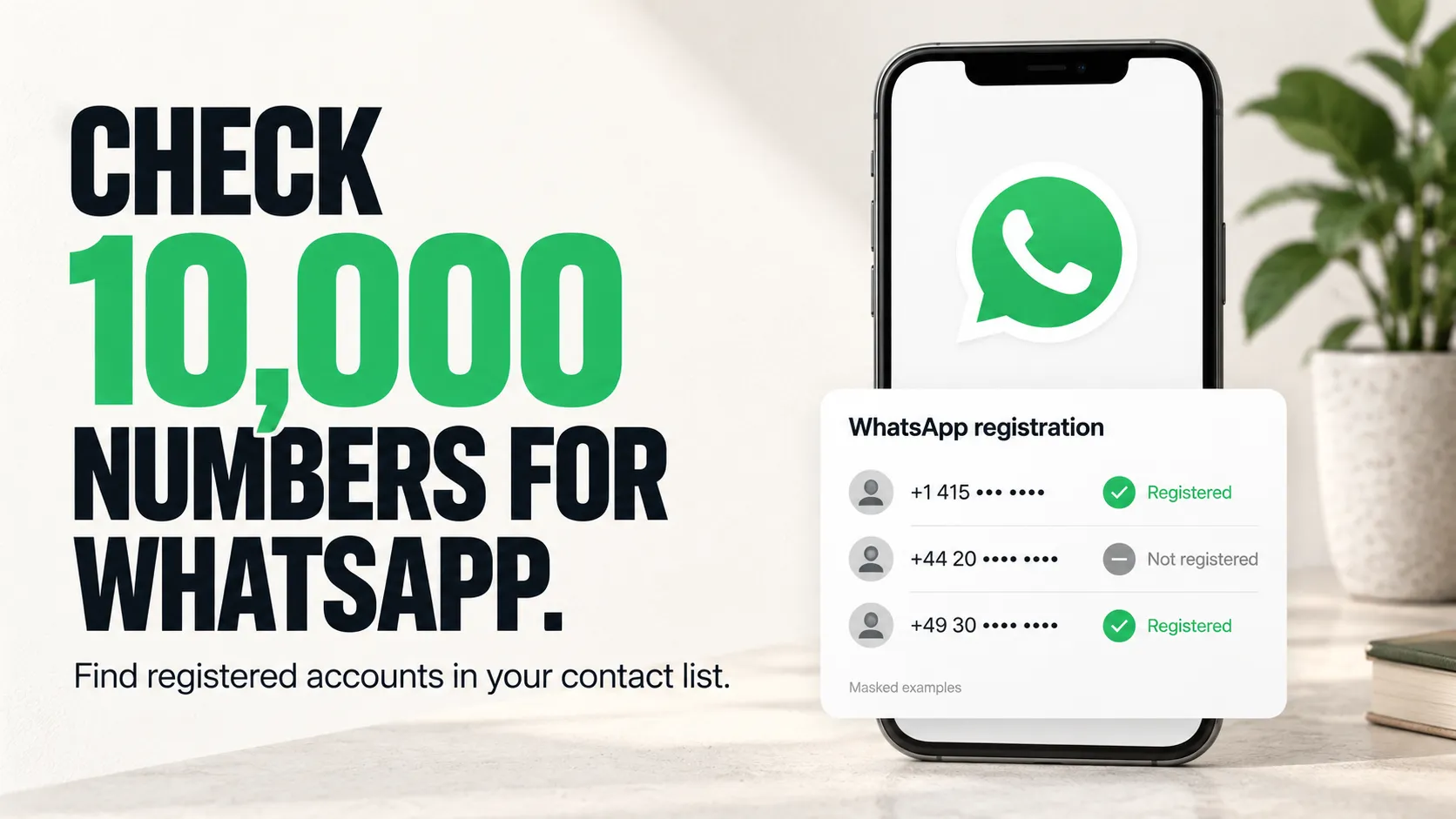
Built by Clearpath, the team behind Telegram Number Validator and Email Account Checker. This WhatsApp validator has been used in 8,000+ lifetime runs.
Why choose this actor?
- Check up to 10,000 numbers together. Find which numbers are registered on WhatsApp and export the result with each normalized number, country code and check time. No WhatsApp login is needed.
- Turn your spreadsheet into a checked contact list. Upload CSV/XLSX or paste your numbers. Phone-column detection, country-code handling and duplicate removal prepare the list automatically, including common CRM exports.
- Keep only WhatsApp contacts. Enable
onlyWhatsappUsersto export registered numbers, or retain both yes/no results for review. Download JSON, CSV or Excel to update your contact list.

Preview the output first
Open actor input with Test Mode enabled to see three fixed sample records. No real numbers are checked or billed as validations. For real checks, disable Test Mode and use a paying Apify account. A minimum batch applies, last documented as 500 unique valid numbers; if it changes, the run tells you the number required.
Mainland China (+86) numbers are skipped. An empty hasWhatsapp means a number was not checked. Registration does not establish recent account activity. WhatsApp-only filtering still bills all numbers checked. See pricing for current charges.
| Clearpath · Phone & Account Intelligence | |||
 WhatsApp WhatsAppYou are here |  Telegram TelegramAccount checks |  Phone Status Phone StatusActive-number checks |  Email Accounts Email AccountsRegistration checks |
Copy to your AI assistant
Use Cases
Marketing Teams
Clean lists before WhatsApp campaigns. Stop paying for messages to invalid numbers.
Sales Teams
Prioritize leads registered on WhatsApp. Add WhatsApp status to CRM records.
Lead Gen Agencies
Validate purchased or scraped lists before selling. Include WhatsApp registration status.
E-commerce
Identify customer numbers registered on WhatsApp for your support workflows.
Developers
Bulk enrichment via API. Connect with Zapier, Make, n8n for automation.
Pricing
| Apify Plan | Per Number | Per 1,000 |
|---|---|---|
| Free | Sample output only; real checks require a paying Apify account | - |
| No subscription | $0.003 | $3.00 |
| Bronze | $0.0025 | $2.50 |
| Silver | $0.002 | $2.00 |
| Gold | $0.001 | $1.00 |
Examples
| Numbers | No subscription | Bronze | Silver | Gold |
|---|---|---|---|---|
| 500 | $1.50 | $1.25 | $1.00 | $0.50 |
| 1,000 | $3.00 | $2.50 | $2.00 | $1.00 |
| 10,000 | $30.00 | $25.00 | $20.00 | $10.00 |
Duplicates are auto-removed — you only pay for unique numbers.
Quick Start
Minimum batch size is currently 500 numbers per run and can change. Examples below show 3 phones for brevity, pad with the rest of your list.
Basic - Direct Input
From CSV File
From Excel File
Combined Input
Input Parameters
| Parameter | Type | Required | Description |
|---|---|---|---|
phoneNumbers | array | No* | List of phone numbers with country code (e.g., +1234567890). Maximum 10,000 numbers per run (combined with csvFile). A minimum batch size also applies, currently 500, and it can change (see Minimum batch size). |
csvFile | string | No* | URL or Apify Key-Value store key to CSV or Excel (.xlsx) file with phone numbers |
defaultCountryCode | string | No | Country code to prepend to numbers without a + prefix (e.g., 91 for India, 1 for US) |
onlyWhatsappUsers | boolean | No | Only output numbers that have WhatsApp (default: false) |
*At least one of phoneNumbers or csvFile is required.
Phone Number Formats
The actor accepts phone numbers in various formats and normalizes them automatically:
Numbers Without Country Code
If your CSV contains local numbers without country code prefix (e.g., 9876543210 instead of +919876543210), use the defaultCountryCode field:
| Your CSV | Default Country Code | Result |
|---|---|---|
9876543210 | 91 | +919876543210 (India) ✅ |
5551234567 | 1 | +15551234567 (US) ✅ |
+447911123456 | 91 | +447911123456 (unchanged) ✅ |
Numbers that already have a + prefix are not modified.
CSV/Excel File Requirements
- Supported formats:
.csv,.xlsx - Delimiters: Comma, semicolon, tab, pipe (auto-detected)
- Column detection: Automatically finds phone columns including:
- Standard:
phone,mobile,cell,tel,telephone,whatsapp - Variations:
phone number,mobile number,cell phone,contact number - CRM exports:
mobile phone,direct phone,work phone,personal phone,primary phone - International:
telefon,telefono,téléphone,celular,handy
- Standard:
- No headers? Scans content to find phone-like columns automatically
- International headers: Non-English phone columns are detected automatically when possible
Output
Each validated number returns:
| Field | Type | Description |
|---|---|---|
phoneNumber | string|null | Phone number in E.164 format (null when the input could not be read as a valid number) |
originalInput | string | Original input as provided |
countryCode | string|null | Detected country code (e.g., US, DE, GB); null for unreadable numbers |
isValidFormat | boolean | Whether the input was recognized as a valid phone number |
hasWhatsapp | boolean|null | true if number has WhatsApp, false if not, null if the number was not checked |
checkedAt | string | ISO 8601 timestamp of validation |
Numbers that cannot be read as valid phone numbers are still included in the output with isValidFormat: false and hasWhatsapp: null. They are not submitted for checking and incur no validation charge, so nothing in your input silently disappears.
China mainland (+86) numbers cannot be checked. You can leave them in your list: they are skipped automatically, returned with hasWhatsapp: null, and incur no validation charge, while the rest of your numbers are checked as normal. A run made up entirely of +86 numbers stops immediately and tells you so.
Output Example
API Integration
Python
JavaScript
cURL
Advanced Usage
Validate from Google Sheets
Export your Google Sheet as CSV and use the public URL:
Large Batch Processing
For lists over 10,000 numbers, split into multiple runs:
Filter WhatsApp Users Only
Use the onlyWhatsappUsers option to only output numbers with WhatsApp:
Or filter programmatically:
FAQ
Q: How accurate is the validation? A: Returns WhatsApp registration status at the time of the check.
Q: What countries are supported? A: Mainland China (+86) is excluded. Numbers must include a country code or use defaultCountryCode.
Q: Do I need a WhatsApp account? A: No. Fully automated, no WhatsApp credentials required.
Q: How fast is it? A: ~1-2 minutes per 1,000 numbers.
Q: What about duplicates? A: Auto-removed after normalization. You're only charged for unique numbers.
Q: How many numbers do I need per run, and why did the minimum change? A: The minimum batch size is currently 500 numbers per run. It is not fixed: it has ranged between 300 and 500, and it can change on any given day. You never have to guess it. If your list is below the minimum in force at that moment, the run stops right away, no validation is charged, and the status message states the exact number required, for example "At least 500 valid phone numbers are required per run. You provided 320." Add numbers to reach that figure and run again. Duplicates and unreadable entries do not count toward it, only unique valid numbers do.
Q: Some of my numbers came back with an empty result. What does that mean?
A: A number with an empty hasWhatsapp was not checked, which is different from being checked and found to have no WhatsApp account. It incurs no validation charge. Very large batches occasionally cannot be completed in one go; when that happens the run automatically continues in smaller batches, and only numbers that no batch could complete are returned this way. Nothing is wrong with those numbers. Submitting them again in a smaller run normally gets them checked.
Q: My run failed and said none of my numbers were checked. What should I do? A: Nothing is wrong with your numbers, and no validation was charged, because none of them were checked. The run already retried your list in smaller batches automatically, so re-running it unchanged is unlikely to help. This is a problem on our side. Please contact support if it keeps happening.
Related Actors
More from Clearpath (Email tools):
- Email Account Checker - Check emails for real account registration on Gmail, Outlook, Yahoo, iCloud, Mail.ru.
- Email Address Validator - Bulk email deliverability validation (syntax, MX, SMTP, catch-all, disposable).
- Email Finder & Verifier - Find and verify B2B email addresses by name and domain.
📧 Support
- Email: max@mapa.slmail.me
- Feature Requests: Email or submit via issues
- Response Time: Typically within 24 hours
Legal
This actor validates publicly available WhatsApp registration status. Users are responsible for complying with WhatsApp's Terms of Service and applicable data protection regulations (GDPR, CCPA).


