

Google Flights Scraper - Every Flight, Fares & History
Pricing
from $3.99 / 1,000 flight searches
Google Flights Scraper - Every Flight, Fares & History
Scrape Google Flights for every flight on a route and date, one row each: fare, airline, stops, layovers, aircraft, baggage and emissions. One-way, round-trip and multi-city, with recent fare history and the typical price band included. One price per search, no per-result charge.
Pricing
from $3.99 / 1,000 flight searches
Rating
0.0
(0)
Developer

ClearPath
Maintained by CommunityActor stats
0
Bookmarked
5
Total users
2
Monthly active users
15 days ago
Last modified
Categories
Security
Limited permissionsShare
From Clearpath, creators of Expedia Hotels, Booking.com Reviews and Tripadvisor Reviews. Flight prices, hotel rates and traveller feedback from the same team.
Why choose this actor?
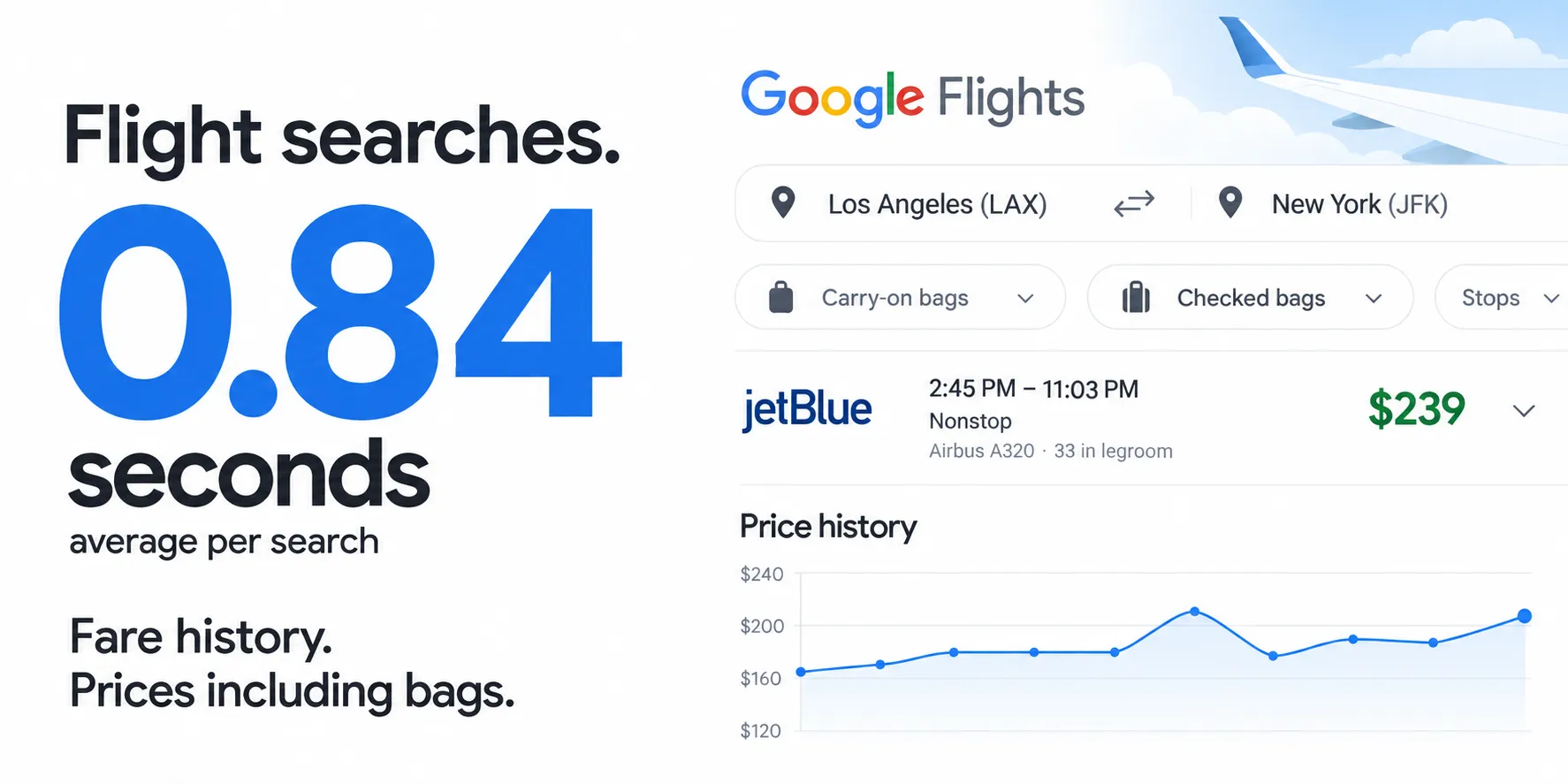
0.84 seconds per search on average. A local search benchmark completed 50 searches in 42 seconds across six routes and three dates. Collect fares in bulk, with one exportable row per itinerary. Leave maxResults at 0 to keep all available results.
Fare history from the first search. Get recent route prices and Google's typical price range alongside the flights, when available. See how the current fare compares without waiting weeks to build your own history.
Compare prices with your bags included. Set carryOnBags and checkedBags to price fares with the baggage you need. Get aircraft, legroom, cabin class and carbon emissions where available, plus flight legs, layovers and local times.

Quick input
Start with one route and a future departure date. This example keeps all available flights:
Open the actor to choose your airports and date. Export JSON, CSV or Excel; JSON preserves the flight legs and fare history. The output contains a search summary plus one row per itinerary. Fare history and baggage details depend on what Google returns for that search.
For a round trip, add returnDate. Enable includeReturnFlights only when you also need the matching return options; each outbound expanded incurs an additional charge.
| Clearpath · Travel Data | |||
 Google Flights Google FlightsYou are here |  Expedia ExpediaHotel rates & reviews |  Booking.com Booking.comGuest reviews |  Tripadvisor TripadvisorTraveller reviews |
Copy to your AI assistant
How to scrape Google Flights
Give the actor a route and a date. Everything else has a sensible default.
Search several airports at once by listing them, and Google searches all of them. Each result names the airport it actually uses.
A round trip adds a return date. By default you get outbound options priced at
the round-trip total, which is how Google itself presents them. Switch on
includeReturnFlights to also collect the return flights that pair with each
outbound.
Multi-city takes the first leg in the usual fields and the rest as
FROM,TO,YYYY-MM-DD:
Already have the search open in your browser? Paste the address and the route, dates, cabin, travellers and airline filters come with it:
To cover many routes in one run, put them in searches. Each entry inherits
anything you set above it and can override it:
Filters
| Parameter | Type | Default | Meaning |
|---|---|---|---|
maxStops | select | any | nonstop, one_stop, two_stops or any. Routes with no direct service return nothing under nonstop. |
airlines | list | all | Keep only these airlines, by two-letter code, or a whole alliance: ONEWORLD, SKYTEAM, STAR_ALLIANCE. |
excludeAirlines | list | none | Drop these airlines. Combines with airlines. |
connectingAirports | list | any | Only flights connecting through these airports. |
maxPrice | number | none | Hide fares above this, in your chosen currency. |
maxDurationMinutes | number | none | Hide trips longer than this. 600 is ten hours. |
departureTimeFrom, departureTimeTo | number | 0, 23 | Whole hours, local time at the departure airport. |
arrivalTimeFrom, arrivalTimeTo | number | 0, 23 | Whole hours, local time at the arrival airport. |
lessEmissions | boolean | off | Only flights Google marks as lower-emission for the route. |
carryOnBags, checkedBags | number | 0 | Re-prices every fare to include the bags. This changes the prices shown; it does not remove flights. |
sortBy | select | top | price, duration, departure_time, arrival_time or emissions. |
cabinClass | select | economy | premium_economy, business and first return fewer flights, because not every route sells them. |
currency, market, language | text | USD, us, en | market is the country you are searching from. Fares and availability genuinely differ by country. |
maxResults | number | 0 | Flights per search. 0 keeps every one. |
The actor refuses a cabin, connection limit or currency it does not recognise instead of running the search, because those would otherwise come back quietly priced or filtered as something else.
What data can you extract from Google Flights?
Each search writes one search record, then one flight record per itinerary.
The search record carries the context that applies to the whole search: the price floor and ceiling, the typical price band, recent fare history, the airlines, alliances and connection airports available on the route, and each airline's baggage and accessibility policy pages.
priceHistory holds 62 dated points, airlines
14 entries, connectionAirports
27 and the two policy lists
5 each. They are shortened above; runs return
them in full.
Each flight record is one itinerary, with every leg broken out:
A connecting itinerary fills layovers and carries one entry in legs per
flight:
Notes on reading the output:
departureTimeandarrivalTimecarry the local UTC offset, so an overnight arrival is unambiguous without looking up the airport's timezone.pricecovers the whole party;pricePerPassengerdivides it.checkedBagsIncludedandcarryOnBagsIncludeddescribe the fare. They are empty when Google does not state them, which happens on searches for more than one traveller. Empty means unknown, not zero.amenityCodesandseatTypeIdare Google's own unlabelled codes. They are stable, so they are published as codes rather than under invented names.flightsAvailableis what the search found;flightsDeliveredis what this run wrote after yourmaxResults.- Nested
legs,layoversandreturnFlightssurvive JSON export. CSV flattens them, so use JSON when you need the per-leg detail.
Pricing
| Event | When charged | Price |
|---|---|---|
| Actor start | Once per run | $0.00099 |
| Flight search | Once per search that returns flights, however many come back | $0.00499 |
| Return flights | Once per outbound expanded, only with includeReturnFlights | $0.00399 |
There is no per-result charge. A search returning 300 flights costs the same as one returning 8, so a typical one-route run is well under a cent. Watching ten routes once a day is roughly $1.80 a month.
Flight search is discounted on paid Apify plans: $0.00429 on Scale and $0.00399 on Business and above. The Pricing tab shows the rate for your own plan.
A run that is refused for an invalid input charges nothing at all, because the input is checked before any search starts.
includeReturnFlights is the one option that multiplies cost: it makes one
extra request per outbound option. Pair it with maxResults to bound it.
Frequently asked questions
Does Google Flights have a public API? No. This actor collects the data for you and returns it as structured records.
How many flights come back per search? As many as the search has. Typical
city pairs return roughly 100 to 300; flightsAvailable on the search record
always tells you the true number.
Can I use it for one-way, round-trip and multi-city? Yes, all three, plus several airports per field.
Can I watch a fare over time? Yes. Schedule the actor and compare runs; the search record also carries Google's own recent fare history and typical price band, so the first run already tells you whether today's price is unusual.
Which airport codes work? Three-letter IATA codes, such as LAX or LHR.
Why did a search return nothing? Usually a filter no route satisfies, most
often nonstop on a route with no direct service. Loosen it and try again.
Do prices differ by country? Yes, genuinely. market sets the country the
search is made from, and both fares and availability follow it.
Is there a free tier? Free-plan usage is not limited at the moment.
Support
Found a problem or need a field that is missing? Open an issue on the Issues
tab, or write to max@mapa.slmail.me. Include the run ID and your input.


