

WhatsApp Message Export - Backup Chats & Media
Pricing
from $0.10 / 1,000 message exporteds
WhatsApp Message Export - Backup Chats & Media
WhatsApp backup API: Export all messages and media to JSON. Download images, videos, documents from chats and groups. Easy QR code authentication. Filter by date range or chat type. Full metadata preserved even when media expires.
Pricing
from $0.10 / 1,000 message exporteds
Rating
5.0
(1)
Developer

ClearPath
Maintained by CommunityActor stats
2
Bookmarked
136
Total users
3
Monthly active users
1.5 hours
Issues response
16 days ago
Last modified
Categories
Share
From Clearpath, creators of WhatsApp Live Messages, WhatsApp Status Export and the WhatsApp Number Validator.
Why choose this actor?
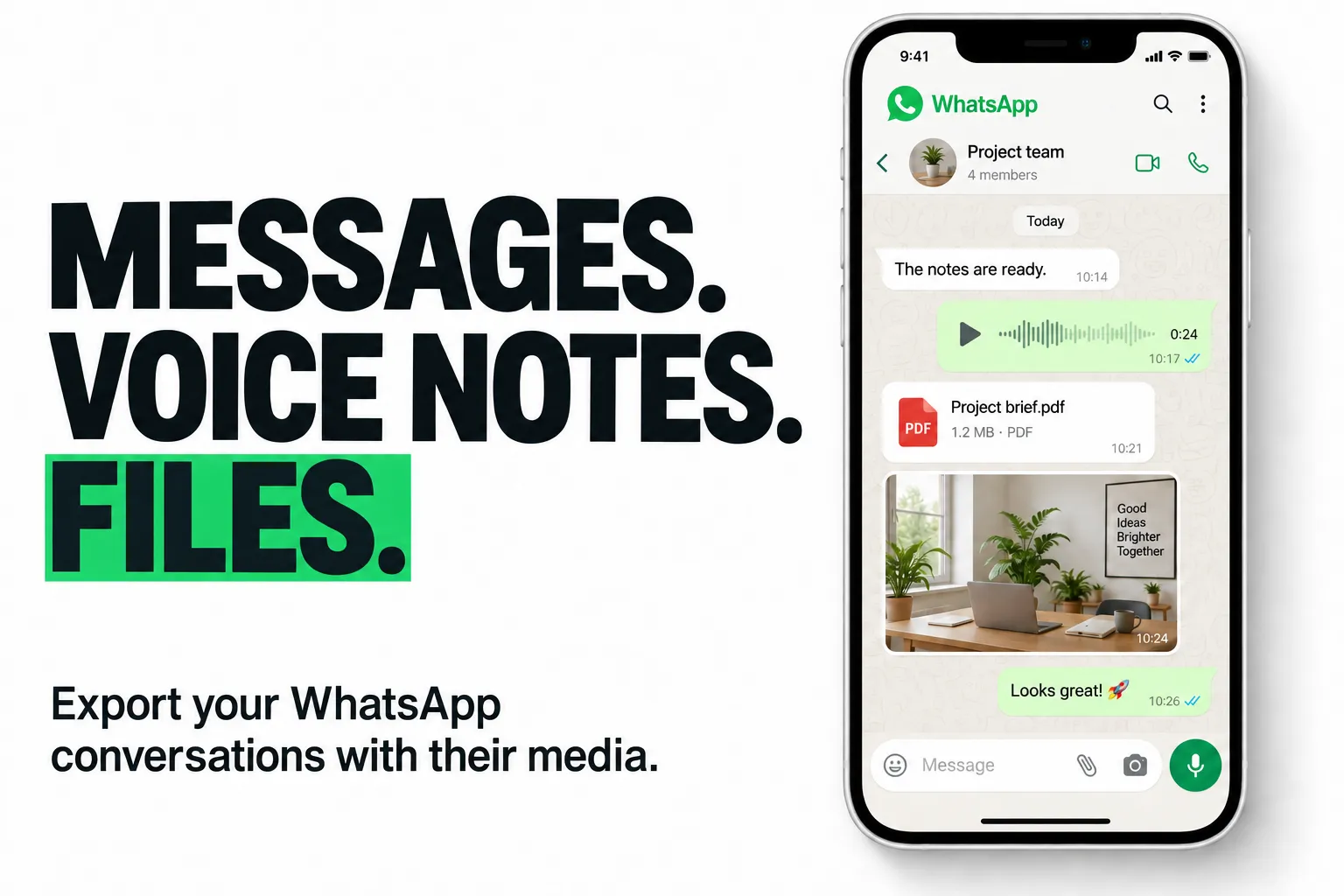
Keep the conversation and its media together. Export message text with timestamps, sender details and message types. Download images, voice notes, videos, documents and stickers, with file references attached to the exported messages.
Preserve the context. Get conversations grouped by chat, including group names and participants. Captions and quoted-message references stay with supported messages, so your archive contains more than isolated lines of text.
Choose what goes into your export. Select private chats, groups or both. Filter by date, set a total or per-chat message limit, and choose which media types to download. JSON keeps each chat and its nested messages together for your own tools.

Try 100 recent messages with media
Open actor input and start a run. On first use, scan the QR code in the logs through WhatsApp Settings → Linked Devices → Link a Device. This example exports up to 100 messages from the last seven days and enables image, audio and document downloads.
Available history depends on WhatsApp's sync. Older media may have expired; file-age and size settings also apply. Media downloads are billed separately from messages. See current pricing.
| Clearpath · WhatsApp Suite | |||
 Chat Export Chat ExportYou are here |  Live Messages Live MessagesWebhook delivery |  Status Export Status ExportStatus media |  Number Validator Number ValidatorBulk checks |
Copy to your AI assistant
Copy this block into ChatGPT, Claude, Cursor, or any LLM to start using this actor.
Quick Start - QR Code Authentication
On first run, you need to link your WhatsApp account:
- Start the Actor and watch the logs
- A QR code will appear in the terminal
- Open WhatsApp on your phone > Settings > Linked Devices > Link a Device
- Scan the QR code
- Wait for history sync to complete
Pricing
This Actor uses Pay-Per-Event pricing. You only pay for what you export.
Pricing Tiers
| Item | Price | Example |
|---|---|---|
| Messages | $0.10 per 1,000 | 10,000 messages = $1.00 |
| Standard media | $0.003 each | 100 images = $0.30 |
| Video media | $0.03 each | 10 videos = $0.30 |
Standard media: images, audio, documents, stickers Video media: all video formats (10x cost due to bandwidth/storage)
Cost Examples
| Export Type | Messages | Media | Est. Cost |
|---|---|---|---|
| Text only | 5,000 | 0 | $0.50 |
| Full backup (small) | 10,000 | 200 images, 5 videos | $1.75 |
| Full backup (large) | 50,000 | 1,000 mixed, 50 videos | $9.50 |
Budget Control
Set a spending limit in your run configuration to prevent unexpected charges. The Actor will:
- Export all messages first (highest value)
- Download media until budget is reached
- Stop gracefully and report what was exported
You are only charged for media that was successfully downloaded. Failed or expired media downloads incur no charge.
Billing Notes
- Estimated cost shown in export summary is approximate
- See your Apify invoice for actual charges
- Each run is billed separately (no cross-run deduplication)
- Prices subject to change; Apify Console configuration is authoritative
Input Options
| Field | Type | Default | Description |
|---|---|---|---|
messageLimit | integer | unlimited | Maximum total messages to export (most recent N across all chats) |
messagesPerChat | integer | unlimited | Maximum messages per chat (most recent N per chat) |
chatFilter | string | all | Include only these types: all, groups, or private |
dateRange | string | all | Time period to include (e.g. last 30 days only): all, 7d, 30d, 3m, 6m, 12m |
includeStatus | boolean | true | Include viewed WhatsApp Status updates (stories) |
downloadMedia | array | [] | Media types to download: images, videos, documents, audio, stickers |
maxMediaAgeDays | integer | 30 | Only download media from messages newer than X days (older media usually fails anyway) |
maxFileSizeMB | integer | 100 | Skip files larger than X MB to prevent memory issues |
downloadConcurrency | integer | 5 | Parallel media downloads (1-10) |
Input Examples
Full backup with all media
Export everything including all media types. Ideal for complete WhatsApp archive.
Quick text-only export
Fast export without media downloads. Perfect for searching messages or text analysis.
Group chats archive
Export only group conversations from the last month with images and documents.
Output Format
Each dataset item represents one chat.
Group chat example
Private chat example
Message types: conversation (plain text), extendedText (links or quoted replies), image, video, audio, document, sticker
Media download status: downloaded (success with URL), expired (CDN removed it), skipped_by_age, skipped_too_large, skipped_budget (budget limit reached)
Export Summary
The final dataset item is an export summary with billing information:
Media Download Limitations
WhatsApp does not permanently store media on their servers:
- Recent messages (< 2 weeks): ~95-100% download success
- Older messages (2-4 weeks): ~50-80% success
- Old messages (> 4 weeks): Low success rate
This is expected WhatsApp platform behavior, not a bug. Even when media can't be downloaded, you still get all metadata (filename, size, type). Use dateRange filter if you're primarily interested in media.
Data Privacy
All exported data (messages and media) is stored exclusively in the private Key-Value Store of your Actor run. This means:
- Only you have access to your exported data
- The Actor developer has no access to your private runs
- Data is automatically deleted according to your Apify plan's retention policy
- Media files are accessible only via authenticated URLs from your run
Your WhatsApp session credentials are also stored in a separate private Key-Value Store (whatsapp-auth), which persists across runs for convenience but remains private to your account.
Troubleshooting
"Not enough time remaining for sync" Increase the Actor timeout in run configuration. The Actor needs at least 2 minutes.
Media downloads failing Expected for messages older than ~30 days. The message metadata is still exported.
"Max reconnection attempts exceeded" WhatsApp servers are overloaded. Wait a few minutes and try again.
📧 Support
Questions or issues? Contact: max@mapa.slmail.me


