

WhatsApp Real-Time Message API - Webhook & Telegram
Pricing
from $3.99 / 1,000 captured messages
WhatsApp Real-Time Message API - Webhook & Telegram
Real-time WhatsApp message receiver with instant webhook and Telegram forwarding. One-time QR authentication with persistent sessions. Download media (images, audio notes, videos, docs). Filter messages by chat type. Built-in REST API for monitoring and message retrieval.
Pricing
from $3.99 / 1,000 captured messages
Rating
0.0
(0)
Developer

ClearPath
Maintained by CommunityActor stats
0
Bookmarked
23
Total users
1
Monthly active users
9 days ago
Last modified
Categories
Share
From Clearpath, creators of WhatsApp Chat Export, WhatsApp Status Export and the WhatsApp Number Validator.
Why choose this actor?
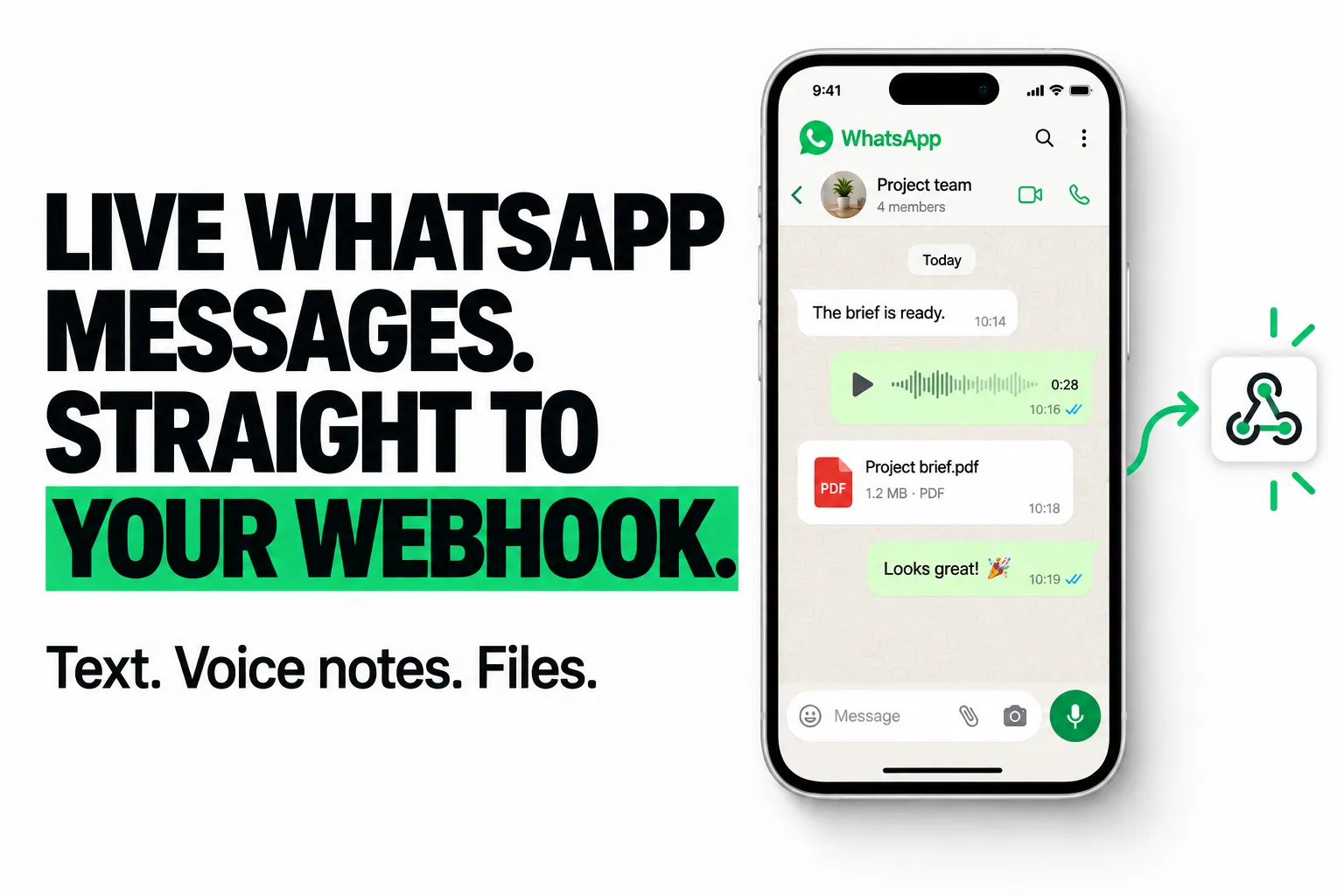
Put new messages straight into your workflow. Receive live WhatsApp messages at your webhook as structured JSON. Connect your own automation, CRM or notification system, with optional signed deliveries. Captured messages are also saved in an Apify dataset for later access.
Keep voice notes, files and chat context. Include message text, sender names, timestamps and chat details. Enable media downloads for images, audio, videos, documents and stickers; available files are stored with references in the message record.
Choose which conversations reach your tools. Capture private chats, groups or both. Include or exclude your own sent messages, optionally collect status updates, and forward messages to Telegram as another delivery channel.

Start with private messages and media
Open actor input and replace webhookUrl with your own reachable endpoint. Save the configuration as a Task and start capture from its Endpoints Standby URL. Link your WhatsApp account by scanning the QR code through Settings → Linked Devices → Link a Device. This example forwards incoming private messages and enables image, audio and document downloads. Your endpoint receives a connection test during setup.
Live capture requires an active WhatsApp connection and a running actor. Keep the actor awake by calling its /health endpoint every four minutes; messages arriving while it is paused are not captured live. See setup instructions and current pricing.
| Clearpath · WhatsApp Suite | |||
 Live Messages Live MessagesYou are here |  Chat Export Chat ExportHistory & media |  Status Export Status ExportStatus media |  Number Validator Number ValidatorBulk checks |
Copy to your AI assistant
Copy this block into ChatGPT, Claude, Cursor, or any LLM to start using this actor.
Quick Start - QR Code Authentication
First time only - your session is saved automatically for future runs.
- Create a Task, configure your message filters and forwarding settings, and save it.
- Open the Task's Endpoints tab and copy its Standby URL. Calling that URL starts capture; the normal Start button does not.
- Call
/qrwith your Apify token in theAuthorization: Bearer TOKENheader. Scan the returned QR code, or the QR displayed in the run log. - In WhatsApp, open Settings → Linked Devices → Link a Device and scan the QR code.
- Check
/health:whatsapp.connectedmust betrue. Send a test message and confirm it appears at/messagesand your enabled destination. - Keep calling
/healthevery 4 minutes while you want capture to remain active.
Your session persists in a Key-Value Store. Future runs reconnect automatically without QR scanning.
Pricing
$4.99 per 1,000 unique messages captured, on every Apify plan. Apify platform usage is charged separately for Standby runs, including time spent waiting for messages.
One captured message means one message that passes your filters and is successfully saved. Selected sent messages and status updates count too. Forwarding to both webhook and Telegram, retries, duplicate deliveries, and reading saved messages do not add message charges. Filtered messages and failed saves have no message charge. A failed forwarding attempt does not undo a successful saved-message charge.
| Captured messages | Message charges |
|---|---|
| 1,000 | $4.99 |
| 3,000 | $14.97 |
| 6,000 | $29.94 |
Set the maximum run charge to control spending. Capture stops when the remaining budget cannot cover another message. There is no additional Actor login or hourly fee. The tables above show message charges only.
Attachments up to 20 MB each can be downloaded. Larger or unavailable attachments are skipped; the message itself is still saved and counts as a capture. Keep enabled media types limited to what you need.
How It Works
The Actor captures selected WhatsApp messages while its Standby connection is active.
All messages are automatically:
- Stored in Apify Dataset (access anytime via
/messagesendpoint) - Pushed to your webhook and/or Telegram (if configured)
Keep It Running (Important!)
The default Standby idle timeout is 10 minutes without an HTTP request; saved Tasks may override it. WhatsApp activity alone does not keep the Actor awake. Messages arriving while capture is stopped may be missed.
To capture messages 24/7, ping /health every 4 minutes:
- Use UptimeRobot (free), cron job, or any monitoring tool
- Your WhatsApp session is saved - no QR rescan needed after restart
- Calling an endpoint starts a new run if needed; reconnection takes time.
- If WhatsApp remains disconnected for five minutes, capture stops. Open
/qragain to relink. - Duplicate protection persists across reconnects for the same auth store. Use one Task per WhatsApp account. If a previous capture cannot be confirmed, the run stops for review rather than risking a second charge.
Session Persistence
Your WhatsApp session is automatically saved to a Key-Value Store, so you only need to scan the QR code once.
How it works:
- On first run, scan the QR code to link your WhatsApp
- Session credentials are stored in a named KV store (
whatsapp-auth-realtimeby default) - Subsequent runs automatically reconnect using the saved session
- No QR code needed unless the session becomes invalid
When you need to re-scan:
- You manually unlink the device from WhatsApp settings
- The session expires (rare, typically months of inactivity)
- You delete the auth KV store
- You change the
authStoreNameinput to a different value
Multiple WhatsApp accounts:
Use different authStoreName values to maintain separate sessions:
Input Options
Notification Settings
| Field | Type | Default | Description |
|---|---|---|---|
enableWebhook | boolean | false | Forward incoming messages to a webhook URL |
webhookUrl | string | - | Your webhook endpoint (required if webhook enabled) |
webhookSecret | string | - | Secret for HMAC-SHA256 signature verification |
enableTelegram | boolean | false | Forward messages to Telegram |
telegramChatId | string | - | Your Telegram chat/user ID (required if Telegram enabled) |
Validation: On startup, the Actor verifies webhook connectivity (POST test) and Telegram access (bot token + chat reachability). Invalid or unreachable channels are disabled with a warning—the Actor continues running.
Message Filtering
| Field | Type | Default | Description |
|---|---|---|---|
chatFilter | string | all | Filter by chat type: all, groups, or private |
includeStatuses | boolean | false | Include WhatsApp Status (story) updates |
includeFromMe | boolean | true | Include messages you send from the linked device |
downloadMedia | array | all types | Media types to download: images, videos, documents, audio, stickers |
Storage Settings
| Field | Type | Default | Description |
|---|---|---|---|
messageDatasetName | string | default | Dataset name for storing messages |
authStoreName | string | whatsapp-auth-realtime | KV store name for session persistence |
Input Examples
Webhook Integration
Forward all messages to your server with signature verification:
Telegram Notifications
Get messages delivered to your Telegram (requires TELEGRAM_BOT_TOKEN environment variable):
Groups Only, Text Only
Monitor group chats without downloading media:
Full Setup with Both Channels
HTTP API Endpoints
Base URL: https://clearpath--whatsapp-real-time-message-api.apify.actor
Authentication: Pass your Apify API token as a query parameter: ?token=YOUR_API_TOKEN
The Actor exposes these endpoints while running in Standby mode:
GET /health
Returns connection status and metrics.
GET /qr
Get the QR code for WhatsApp linking (if not yet connected).
If already connected:
GET /messages
Fetch stored messages with pagination.
Query parameters:
limit(default: 100) - Number of messages to returnoffset(default: 0) - Starting positiondesc(default: false) - Set totruefor newest messages first
GET /status
Simple connection check.
Webhook Payload Format
Each message is POSTed to your webhook with this structure:
Text Message
Image Message
Group Message
Location Message
Reaction
Webhook HMAC Verification
If you configure webhookSecret, each request includes an X-Signature header with an HMAC-SHA256 signature of the request body.
Node.js verification example:
Telegram Integration
To receive messages on Telegram:
- Get your chat ID (message @userinfobot)
- Set
enableTelegram: trueandtelegramChatIdin your input
Important: Bot Permission Setup
Before notifications will work, you must message the bot first:
- Find the bot - Search for
@whatsapp_realtime_api_boton Telegram - Send any message - Type
/startor any text to initiate contact - Done! - The bot can now send you notifications
Message format in Telegram:
For media messages, the Telegram bot sends the file directly with a caption containing the message details.
Message Output Format
Messages stored in the Dataset have this structure:
Message Types
| Type | Description |
|---|---|
conversation | Plain text message |
extendedText | Text with link preview or quoted reply |
image | Image message |
video | Video message |
audio | Audio/voice message |
document | File attachment |
sticker | Sticker |
location | Static location |
liveLocation | Live location sharing |
contact | Shared contact |
contacts | Multiple shared contacts |
reaction | Emoji reaction |
poll | Poll |
pollUpdate | Poll vote |
Media Object
When media is downloaded, the media field contains:
Download status values:
downloaded- Successfully downloaded and storedfailed- Download failed after retriesexpired- Media no longer available on WhatsApp servers (common for older messages)
Chat ID Formats
- Private chats:
{phone}@s.whatsapp.net(e.g.,14155551234@s.whatsapp.net) - Group chats:
{id}@g.us(e.g.,120363000000000001@g.us) - Status updates:
status@broadcast
Data Privacy
All data is stored exclusively in your private Apify storage:
- Messages: Stored in your private Dataset
- Media: Stored in your private Key-Value Store
- Session: Stored in a named KV store (
whatsapp-auth-realtime)
The Actor developer has no access to your data. All storage is private to your Apify account.
Troubleshooting
QR code not appearing
- Wait for the Actor to fully start (check
/healthendpoint) - Try the
/qrendpoint directly to get the QR code data - Ensure no other device is already linked with the same session
Webhook not receiving messages
- Verify your webhook URL is publicly accessible
- Check the Actor logs for webhook errors
- Confirm the webhook returns HTTP 200 within 10 seconds
- Review
/healthmetrics forwebhookFailedcount
"Already connected" but not receiving messages
- The WhatsApp session may be stale. Delete the auth store and re-link
- Check if messages are filtered by your
chatFiltersettings - Verify
includeFromMesetting if testing with your own messages
Actor keeps stopping
- Normal idle timeout behavior - see Keep It Running section
- Set up UptimeRobot or cron to ping
/healthevery 4 minutes
Media download failing
- Media on WhatsApp servers expires after ~30 days
- Large files may timeout - check
downloadMediasettings - Verify you're downloading the correct media types
Session not reconnecting (unexpected QR code)
- Check if the auth KV store exists (
whatsapp-auth-realtime) - Verify you're using the same
authStoreNameas previous runs - The device may have been unlinked from WhatsApp settings on your phone
Support
Questions or issues? Contact: max@mapa.slmail.me


