Zillow Contact API - Send Rental & Sale Inquiries
Pricing
from $199.00 / 1,000 message sents
Zillow Contact API - Send Rental & Sale Inquiries
Send one inquiry about an active Zillow rental or for-sale listing per run. Receive acceptance status, property details and available owner or agent information. Pay per message accepted by Zillow. Acceptance does not guarantee a reply.
Pricing
from $199.00 / 1,000 message sents
Rating
0.0
(0)
Developer

ClearPath
Maintained by CommunityActor stats
3
Bookmarked
13
Total users
0
Monthly active users
13 days ago
Last modified
Categories
Share
🎯 Zillow Contact API - Contact Owners & Agents
From Clearpath, creators of Zillow Bulk Search and Zillow ZIP Code Search. Find properties, shortlist listings and follow up through the same Zillow suite.
Why choose this actor?
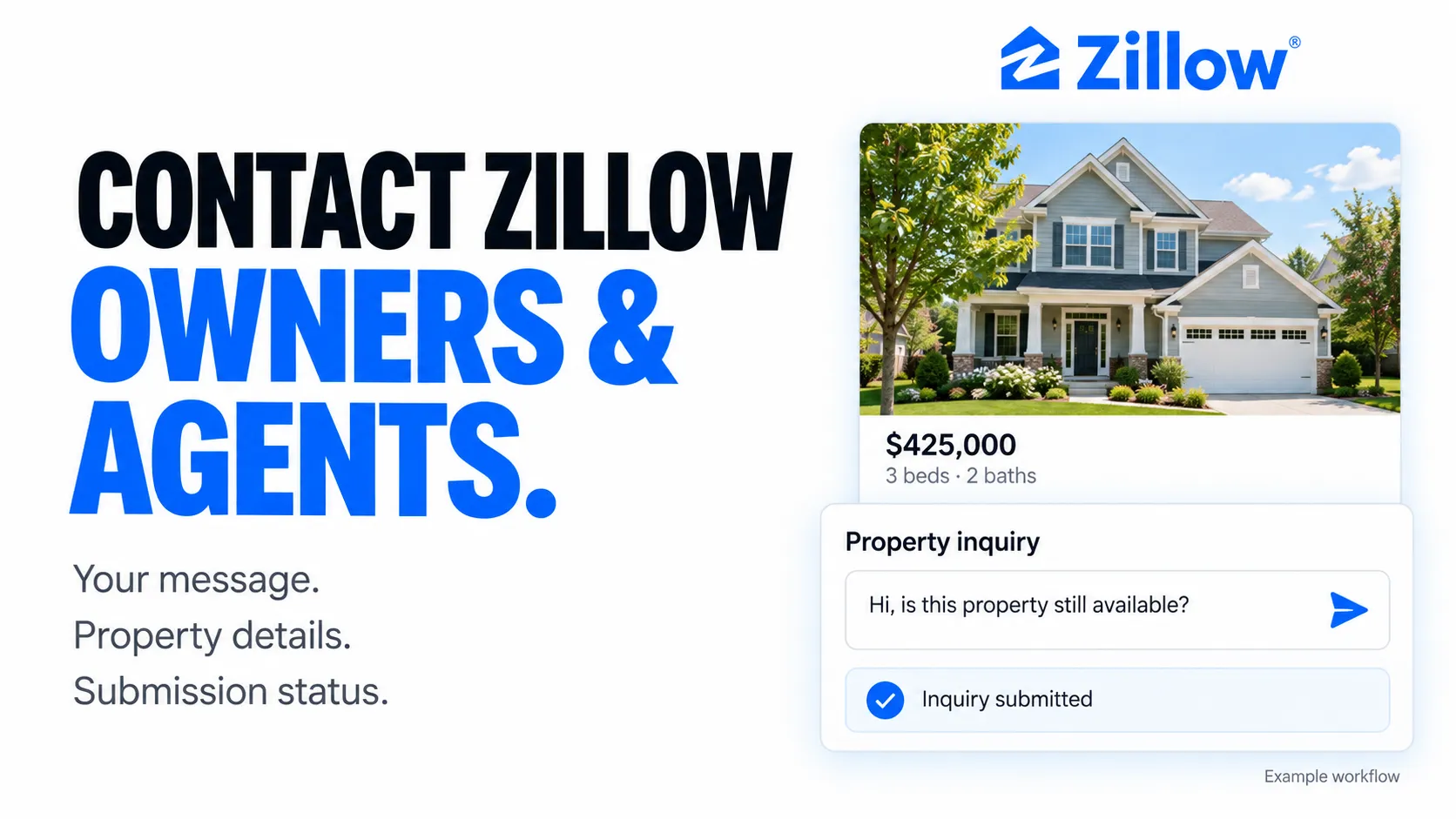
- Send your own property inquiry. Provide a Zillow listing URL or property ID, your contact details and your message. Contact the owner or agent through the listing’s available inquiry form, for sale or rental listings.
- Keep the property context. Get submission status alongside the address, asking price, beds, baths, floor area and Zestimate where available. Each output record keeps your inquiry and its property details together.
- Capture available recipient details. When Zillow supplies them, the result includes the owner or agent’s name, phone number, brokerage or profile. Use Zillow Message Inbox to export subsequent conversations.

Prepare your first inquiry
Use one listing per run. Replace the example property URL and sender details with your own, then review your message before starting.
Open actor input to add your Zillow login or session cookies, which are recommended for successful submissions. Starting the actor sends a real inquiry. A successful submission means Zillow accepted it; it does not guarantee a reply. Recipient details depend on what the listing provides.
| Clearpath · Zillow Suite | ||||
 Bulk Search Bulk SearchLarger searches |  ZIP Search ZIP SearchLocal listings |  Contact ContactYou are here |  Auto Apply Auto ApplyRental requests |  Inbox InboxExport messages |
Pricing
$0.25 per message accepted by Zillow, on every Apify plan. Platform usage is included. Failed, duplicate, and simulated submissions do not incur a message charge.
| Accepted messages | Message charges |
|---|---|
| 10 | $2.50 |
| 100 | $25.00 |
| 1,000 | $250.00 |
Acceptance confirms that Zillow accepted the inquiry. It does not guarantee delivery to a particular person, a reply, or a completed rental application. A new run that sends a new accepted message is charged again.
Input
Provide zpid or propertyUrl, plus your name, contactEmail, and phoneNumber. The phone number must use US/Canada format: +1 followed by ten digits. If both property identifiers are supplied, zpid takes priority.
Replace all example values with your own details and the property you want to contact. Each real run can send a message. A default inquiry is used when message is omitted; {name} is replaced with your name.
Authentication is optional. Supply Zillow account email and password, or current cookies, when needed. Account email is separate from contactEmail, which is where the recipient can reply. Invalid supplied authentication stops the run. Saved sessions are separated by customer and Zillow account and refreshed after 24 hours.
Output
One record contains zpid, propertyUrl, propertyType, name, email, phone, message, success, propertyDetails, owner, and scrapedAt. Contact information and property details depend on availability.
Failed submissions also include a safe error message and uncertain. Duplicate inquiries include errorCode: "DUPLICATE_SUBMISSION" and are not charged as messages.
If the outcome is uncertain, check Zillow before starting another run. The Actor stops instead of automatically resending. If the message was accepted but saving the dataset failed, its message charge still applies; contact support before resubmitting. A resumed run does not intentionally send the message again.
The run charge limit must cover a message before submission can begin. Only active rental and for-sale listings are supported. This Actor sends inquiries; it does not submit a completed rental application.
Use from Python
Support
For an uncertain submission or billing issue, contact max@mapa.slmail.me with your run ID. Do not include passwords or cookies.
Copy to your AI assistant