

RSS & Atom Feed Reader: New & Updated Items Monitor
Pricing
from $0.75 / 1,000 saved feed items
RSS & Atom Feed Reader: New & Updated Items Monitor
Read public RSS, Atom and RDF feeds into JSON rows. Monitor new and updated feed items.
Pricing
from $0.75 / 1,000 saved feed items
Rating
0.0
(0)
Developer

Cliqto Media
Maintained by CommunityActor stats
0
Bookmarked
2
Total users
1
Monthly active users
11 days ago
Last modified
Categories
Security
Limited permissionsShare
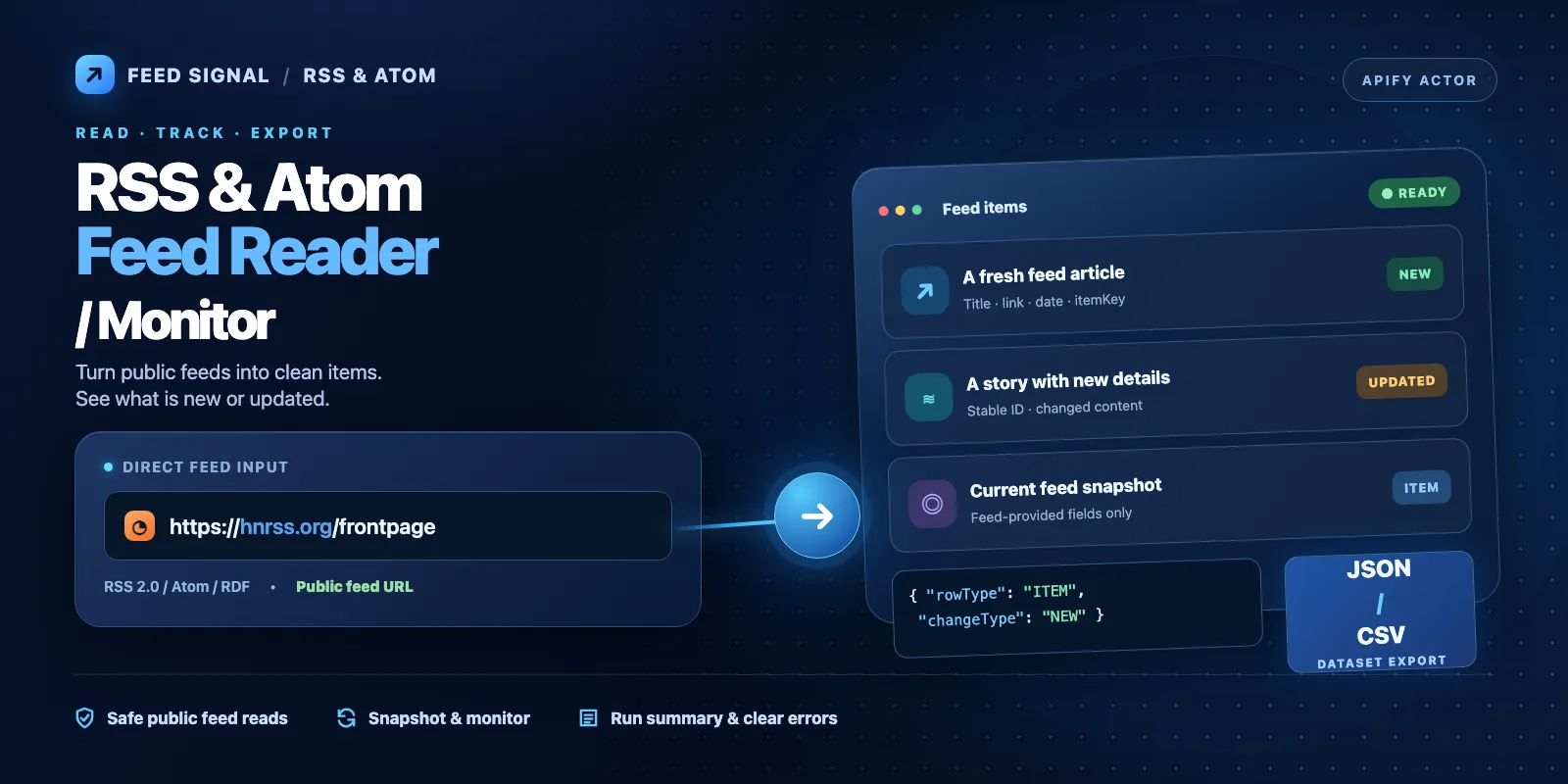
Read public RSS and Atom feeds into one Apify Dataset. Save article titles, links, dates, summaries, and feed metadata as JSON or CSV. Choose monitor mode to see which feed items are new or updated since the last saved baseline.
Start with the filled-in example in the Input tab. A small snapshot usually returns up to 10 item rows and one run summary. The applied price is $0.0056 at start for up to 1 GB, plus $0.00075 per saved item row; see Pricing for empty runs and limits.
Contents
- What it does
- Quick start
- Use cases
- Input fields
- Snapshot and monitor
- Input examples
- Output fields
- Output locations and special results
- Pricing and cost examples
- Limits and safe access
- Troubleshooting and FAQ
- Support
What it does
Use this Actor when you have one or more direct public RSS 2.0, RSS 1.0/RDF, or Atom 1.0 feed URLs. It reads each feed document, parses entries, and saves one ITEM row per selected item. The last row is a RUN_SUMMARY with the outcome of every feed, item counts, errors, and charge status.
It is useful for an RSS-to-JSON export, a list of recent blog posts, an Atom feed export, or a feed change monitor. Dates may be null when a feed does not supply a usable date. A feed can show only its most recent items; the Actor cannot recover older entries that the publisher removed from its feed window.
This Actor does not find a feed from a website homepage, read full linked articles, download podcast or image files, parse JSON Feed, sign in, or send alerts. It does not create a schedule or webhook. You can arrange repeat runs with Apify schedules yourself.
Quick start
- Open the Actor's Input tab and choose a new input. The form already contains
feedUrls: ["https://hnrss.org/frontpage"],maxItemsPerFeed: 10, andmaxItemsTotal: 10. - Leave
modeassnapshot, or keep the form's other default settings. Do not replace the feed with a website homepage. - Click Start. Open the Dataset tab after the run ends.
- Check that the first
ITEMhastitle,link,feedType, anditemKey. The last row isRUN_SUMMARY; checkfeedResultsandstatusthere. - Export the Dataset as JSON or CSV, or read it through the Apify API.
The form prefill is a small demo (10/10). The runtime defaults when those limits are omitted from an API request are 50 per feed and 1000 total. The feedUrls field is required; passing {} directly to the API is invalid and does not create a demo run.
Use cases
| Need | Key input | Result |
|---|---|---|
| Save the latest posts from a public blog | mode: "snapshot", feedUrls | ITEM rows with title, link, and optional dates |
| Read several RSS and Atom feeds | Several feedUrls, maxItemsTotal | Rows tagged with feedIndex, feedType, feedUrl |
| Find feed changes across runs | mode: "monitor", same stateKey and storage | NEW, UPDATED, and optional UNCHANGED / NO_LONGER_IN_CURRENT_FEED |
| Limit a topic list | includeKeywords, excludeKeywords | Filtered item rows and filteredCount in summary |
| Inspect a feed that gave no rows | Read final RUN_SUMMARY | Per-feed outcome, httpStatus, and errorCode |
Input fields
All fields live at the top level of one JSON object. Only feedUrls is required. null means no date bound or no named state key where allowed. The UI prefill is different from the runtime default. The list below covers all 21 fields.
| Field | Type; runtime default | UI prefill | Allowed values and effect |
|---|---|---|---|
feedUrls required | string array; no runtime default (schema suggests HN RSS) | https://hnrss.org/frontpage | 1–100 distinct direct public HTTP(S) feed URLs, max 2,048 characters each; no credentials or private targets |
mode | "snapshot" | none | snapshot or monitor; monitor compares a named stored baseline |
maxItemsPerFeed | integer 50 | 10 | 0–1,000 selected items per feed |
maxItemsTotal | integer 1000 | 10 | 0–5,000 saved item rows per run |
sort | "source" | none | source (feed order) or publishedDesc (newest valid dates first) |
publishedAfter | string or null; null | none | ISO-compatible date; keep items at or after this instant |
publishedBefore | string or null; null | none | ISO-compatible date; keep items before this instant |
includeKeywords | string array; [] | none | Up to 20 terms, each 1–200 characters; match title, summary, or feed content, case-insensitive |
excludeKeywords | string array; [] | none | Up to 20 terms, each 1–200 characters; exclude matching items |
dedupeAcrossFeeds | boolean false | none | Remove repeated articles from several feeds; keeps first copy |
includeContent | boolean false | none | Save optional content present inside the feed; never fetch article pages |
maxSummaryChars | integer 4000 | none | 100–10,000 characters per summary |
maxContentChars | integer 20000 | none | 1,000–100,000 characters per feed-provided content field |
requestTimeoutMs | integer 15000 | none | 3,000–60,000 milliseconds per feed request |
maxRetries | integer 2 | none | 0–3 retries for temporary request failures |
maxConcurrency | integer 5 | none | 1–10 feeds fetched at once |
stateKey | string or null; null | none | Optional monitor name, 1–63 characters: letters, digits, ., _, :, - |
resetState | boolean false | none | In monitor mode, start a fresh baseline for this scope |
emitBaselineItems | boolean false | none | Include baseline items as NEW rows on first monitor run |
emitUnchanged | boolean false | none | Save unchanged monitor rows; these are item-chargeable |
emitNoLongerCurrent | boolean false | none | Save items absent from the next complete feed window; not a deletion claim |
Interactions. Both date bounds must form a valid increasing time range. An item with no valid publication date may not pass a date filter. Keyword include and exclude rules are applied to feed fields, and multiple entries or filters can reduce output. maxItemsTotal limits emitted rows after filtering and optional dedupe; it does not expand what a feed publisher supplies. Monitor-only fields (stateKey, resetState, and the three emit* switches) require mode: "monitor". Use a stable stateKey for a recurring monitor. Monitor baselines also depend on the same Actor storage and input scope. A changed feed list or significant filter settings can create a different comparison scope.
maxItemsPerFeed: 0 or maxItemsTotal: 0 can lead to no item rows. An empty array for feedUrls, duplicate canonical URLs, unknown fields, invalid types, unsafe URLs, or conflicting dates generate INVALID_INPUT in the run summary. There is no automatic feed discovery or fallback URL. A valid run with no matched items still returns a summary.
Snapshot and monitor
Snapshot returns the items visible in the current feed document. Each returned row has changeType: "SNAPSHOT". You can run it again to get another snapshot without changing a monitor baseline.
Monitor compares the current feed window with saved state. The first successful observation creates a baseline. By default, baseline rows and unchanged items are not emitted, so a quiet monitor may return only the summary. With emitBaselineItems: true, the first baseline also emits NEW item rows. Later complete observations can emit NEW or UPDATED; optional emitUnchanged adds UNCHANGED. Optional emitNoLongerCurrent adds NO_LONGER_IN_CURRENT_FEED for an item missing from a complete later window. Every such row has deletionConfirmed: false because rolling feeds drop old items without deleting articles.
When a feed request fails, is partial, or returns an HTTP 304 conditional response, the Actor keeps the prior baseline where necessary. It does not call a failed/partial response a complete empty feed or invent mass deletions. State is versioned, bounded, and stored in an Actor key-value store named for this monitor. Give separate independent jobs different stateKey values and store contexts. resetState resets only the selected monitor scope. Do not use the Actor's monitoring storage for unrelated workloads.
Input examples
Read up to 10 recent items
Expected: up to 10 ITEM rows with feedType: "rss2" when the source is available, then one RUN_SUMMARY. The number and dates can change as the source feed changes. This is also the exact prefilled input except that the form obtains mode from its runtime default.
Compare later runs of one monitor
Run again with the same input and storage to find changes. First run emits up to 10 NEW baseline rows; later runs emit only new or updated items unless you enable unchanged rows. The Actor does not create the schedule.
Output fields
Dataset rows have rowType: "ITEM" or rowType: "RUN_SUMMARY". Every row includes schemaVersion (integer 1), runId (string), observedAt (UTC ISO date-time), mode (snapshot/monitor) and status (item change or run status). Run statuses are COMPLETED, PARTIAL, TECHNICAL_ERROR, or INVALID_INPUT.
ITEM fields
| Field(s) | Type | Meaning and missing values |
|---|---|---|
feedIndex, itemIndex | integer | Input feed position and source item position, starting at 0 |
feedUrl, effectiveFeedUrl | string | Validated input feed and final URL after redirects |
feedType | enum | rss2, rss1-rdf, atom |
feedTitle | string or null | Feed title supplied by the source |
itemKey | string | Versioned item identity; stable under ordinary feed reorder |
identitySource, identityQuality | enums | sourceId / canonicalLink / synthetic; quality source / link / synthetic |
guid, link, title | string or null | Source ID, normalized feed-supplied link, and title; the link is never fetched |
authors, categories | string[] | Source names and topic labels, or empty arrays |
publishedAt, updatedAt | ISO string or null | Parsed publication and update dates; null if absent/unusable |
rawDateText | string or null | Original bounded date text for diagnosis |
summary, content | string or null | Feed-provided text; content is normally null until includeContent: true |
enclosures | object[] | Only metadata: url, type, length, title (each nullable); never downloaded |
fingerprint | string | Versioned item content fingerprint used for monitor comparison |
changeType, status | enum | SNAPSHOT, NEW, UPDATED, UNCHANGED, NO_LONGER_IN_CURRENT_FEED |
presentInCurrentFeed, deletionConfirmed | boolean | Presence in current window; deletion confirmation is always false |
contentTruncated, sourceConflict | boolean | Configured content limit reached; duplicate source identity had different content |
language, rights | string or null | Optional feed-level metadata when available |
If a source item has no date or title, the field is null, not invented. Empty author/category/enclosure arrays mean none were returned. Each item is bounded; XML/numeric references decode once; CDATA stays literal. Published v1 item keys are retained even when decoded display values correct a prior encoded value. Such a correction may appear once as UPDATED. HTML text may be normalized. Treat text fields as untrusted data in downstream systems.
RUN_SUMMARY fields
| Field(s) | Type | Meaning |
|---|---|---|
startedAt, finishedAt | ISO string | Run start and finish |
inputFeedCount | integer | Number of requested feeds |
feedResults | object[] | One result per input feed, including failures |
emittedItemRows, chargeableItemRows, chargedItemRows | integer | Saved item rows, eligible item charges, and acknowledged rss-item charges |
chargeStatus | enum | NOT_APPLICABLE, COMMITTED, LIMIT_REACHED, UNCERTAIN |
countsByChangeType | object | Counts of SNAPSHOT, NEW, UPDATED, UNCHANGED, NO_LONGER_IN_CURRENT_FEED |
duplicateCount, filteredCount | integer | Removed duplicate items and filtered items |
omittedCount, suppressedUnchangedCount | integer | Current-window omissions and skipped unchanged rows |
partial | boolean | At least one feed did not complete |
state | enum | NOT_USED, BASELINE_CREATED, COMMITTED, RETAINED_AFTER_FAILURE, RESET, CONFLICT, UNCERTAIN |
stateVersion | integer or null | Version of saved monitor state, when known |
validatorHits | integer | Count of 304 validator responses |
warnings | string[] | Bounded warnings and status notes |
errorCode | string or null | Canonical run-level error, when present |
Each feedResults object includes feedUrl (string), feedIndex (integer), outcome (string), httpStatus (integer or null), itemsSeen / itemsEmitted (integers), retries / requests (integers), wireBytes / decompressedBytes (integers), truncated (boolean), retryAfterSeconds (integer or null), and errorCode (string or null). Source timeouts, broken XML, blocked redirects, or source errors appear here rather than as fake article rows.
Real sample from the public HN RSS feed on 2026-10-09 at 08:15 UTC (trimmed fields; the source changes over time):
This example was observed in a local production-container run. Its source text, title and date are not guaranteed to appear in future snapshots.
Output locations and special results
| Situation | Where to look | Meaning |
|---|---|---|
| Normal snapshot | Dataset or OUTPUT.results | ITEM rows followed by RUN_SUMMARY |
| Empty feed / no matched keywords | Final RUN_SUMMARY | emittedItemRows: 0 with per-feed outcome, filtering, and errors |
| Quiet monitor | Final RUN_SUMMARY | A valid baseline comparison can emit no ITEM rows |
| Source error / partial response | feedResults, partial, errorCode | Some items may still exist; inspect each feed before retrying |
| Invalid input | Final RUN_SUMMARY | status: "INVALID_INPUT"; correct field names and URLs |
| Changed monitor baseline | Named key-value store, RUN_SUMMARY.state | State is bounded and scoped; reuse the intended stateKey |
The default Dataset is available as rows, JSON, CSV, and other Dataset export formats. The Apify Output page exposes results, a link to the default Dataset items; it is a link, not an extra Dataset. The named key-value store holds versioned monitor state and coordination locks under RSSMON/v1/; do not edit its records manually. RUN_SUMMARY is saved even when item rows are absent. No raw feed XML, article HTML pages, images, or downloaded enclosure files are stored as output.
Pricing and cost examples
Applied public price checked 2026-10-09: PAY_PER_EVENT, $0.00075 for each saved ITEM or requested monitor status row (rss-item). The final RUN_SUMMARY is not charged as an item. The standard apify-actor-start event adds $0.0056 per allocated GB (minimum one event). Apify charges it automatically; the Actor does not charge a second start fee. Platform usage during the run is included in these event prices. Platform spending controls and available credits can change the buyer's invoice; always check the Actor's current Pricing tab before starting a paid run.
| Example (up to 1 GB) | Saved item rows | Total event charge |
|---|---|---|
| Small snapshot | 10 | $0.01310 |
| Larger snapshot | 100 | $0.08060 |
| Valid empty / fully filtered / quiet monitor | 0 | $0.00560 |
| Monitor with 3 new and 2 requested unchanged items | 5 | $0.00935 |
The last row and suppressed duplicates do not count as items. A partial run can still charge for the ITEM rows it saved. An empty/failed run still pays the standard start charge even if it has no item charge. At 2 GB it has two start events; at 4 GB it has four. The minimum allowed max-total-charge is $0.00635 (one 1-GB start plus one item). The maxItemsTotal input limits rows, not the entire possible cost of a run. Use Apify's max-total-charge setting to limit chargeable events, and check chargeStatus and charged counts in the last summary; a reached spending cap can stop item emission.
Limits and safe access
The Actor reads feed files via direct HTTP(S) calls with bounded requests, redirects, decompressed bytes, retries, item limits, and concurrency. It rejects URL credentials, private/reserved IP targets, unsupported ports, and unsafe redirects. XML DTD, external entities, and unsafe entity expansion are refused. Item links and enclosure URLs are returned as data only.
A publisher may change a feed, remove items from its rolling feed window, send invalid XML, rate-limit requests, or omit dates. This Actor cannot promise full source history, guaranteed availability, or continuous freshness. Use observedAt, feedResults, and partial to judge the result. Monitor windows are bounded and may reset or migrate when the state format changes.
Troubleshooting and FAQ
Why did I get only a summary? A feed may be empty, filters may match nothing, maxItemsTotal may be zero, or monitor mode may have no changed items. Read feedResults[*].outcome, errorCode, and countsByChangeType. Fix the input or try a public direct feed URL when a feed is blocked; an error is not proof of an empty source.
Why is the date null? The source did not provide a valid usable date for that entry. rawDateText may help. Sorting by publication date puts dated items first; a date filter may exclude undated items.
Can it scrape website pages or discover feeds? No. Supply exact public RSS/RDF/Atom URLs. includeContent includes only content delivered in the feed itself.
Is NO_LONGER_IN_CURRENT_FEED a deleted article? No. A rolling feed often stops showing older posts. The Actor always writes deletionConfirmed: false and avoids omission claims when the current source is incomplete.
How can I receive alerts or schedule the monitor? Create a separate Apify schedule or integration after you test the monitor state with your intended storage. The Actor itself sends no alerts, creates no schedules and runs no webhooks.
Why are the input form and API defaults different? The new form shows a small 10/10 demo. The API without those optional limits uses 50/1000. The required feedUrls must always be supplied to an API run.
How do I report a source failure? Keep the run ID and non-sensitive feedResults error code. Do not post API tokens, cookies, private feed addresses or personal data.
Support
Use the Issues tab on the Actor Store page for problems or questions. Include the run ID, public feed format, the mode, and the error code from RUN_SUMMARY. Redact private information. See the Input and Output tables above for the full public field reference.


