

Tennis Scraper: ATP & WTA Matches, Players & Rankings
Pricing
from $5.50 / 1,000 data rows
Tennis Scraper: ATP & WTA Matches, Players & Rankings
Get ATP and WTA tennis results, fixtures, set scores, seeds, doubles teams, player career stats and current rankings from public ESPN JSON. No login or API key. Clean rows for matches, players and rankings, with a free run summary.
Pricing
from $5.50 / 1,000 data rows
Rating
0.0
(0)
Developer

Cliqto Media
Maintained by CommunityActor stats
1
Bookmarked
2
Total users
1
Monthly active users
2 days ago
Last modified
Categories
Share
Get ATP and WTA tennis matches, set scores, seeds, player career stats, and rankings from public ESPN JSON data. Choose one of five modes in one Actor, singles and doubles. No login or API key is needed.
Use this Actor to make match tables, update sports reports, or follow player ranks. A typical run of 20 ranking rows takes a few seconds and costs about $0.14 on the Apify Free plan.
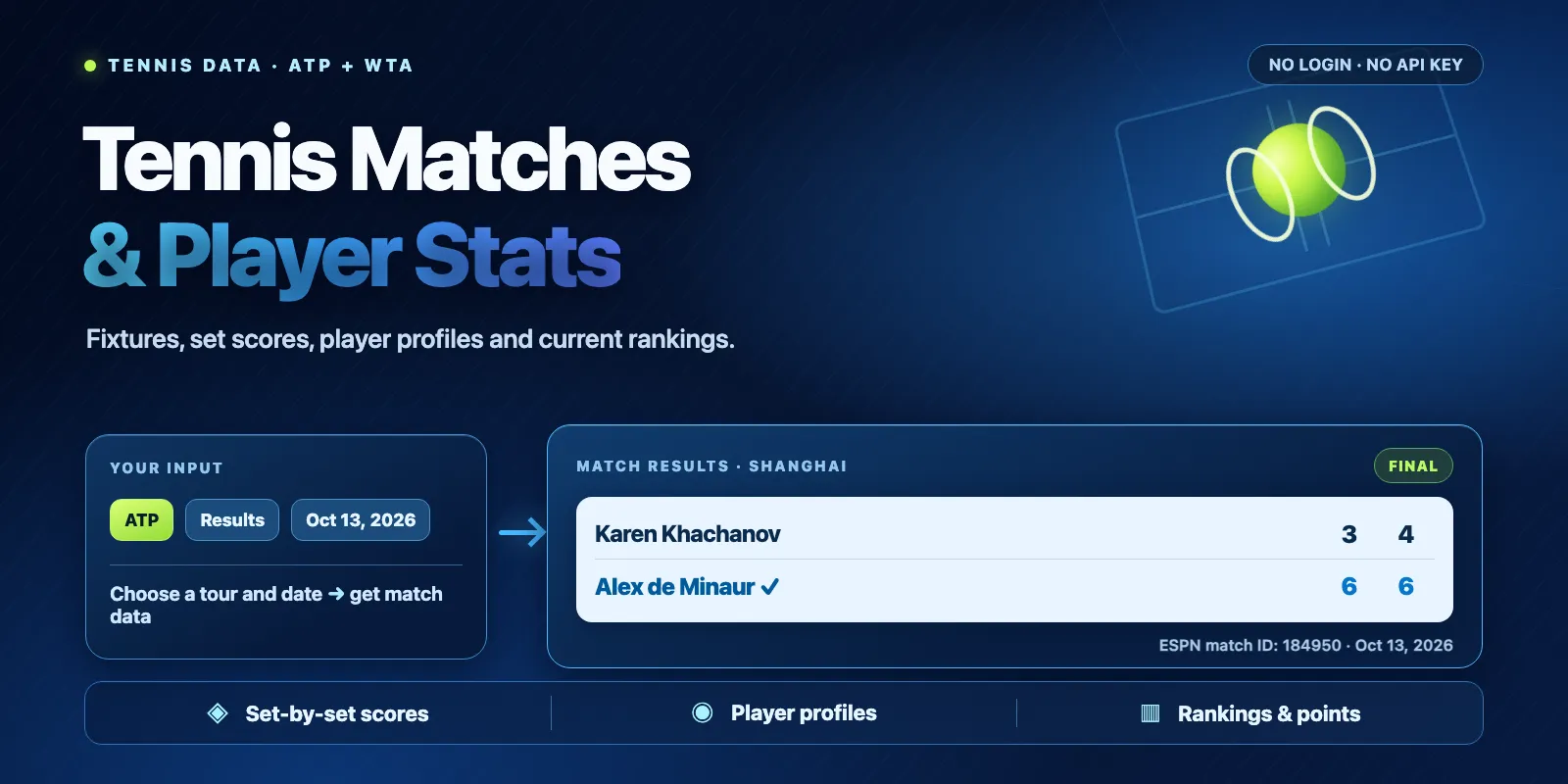
Table of contents
- What it does
- Data you get
- Quick start
- Input fields
- Input examples
- Output example
- Output fields
- Pricing and limits
- Use cases
- Scheduled runs and updates
- API and AI agents
- Limits and partial results
- Troubleshooting
- FAQ
- Support
What it does
This Actor reads public data served by ESPN for ATP (men's) and WTA (women's) tennis. Select one mode:
| Mode | What you get | Main inputs |
|---|---|---|
results | Completed matches and set scores on selected UTC dates | dateFrom, dateTo |
fixtures | Matches that are scheduled or in progress | dateFrom, dateTo |
match | A single ESPN competition, found inside the chosen date window | matchId, dateFrom |
player | Public player profiles for ESPN player IDs | players |
rankings | Current standings, points, and player IDs | maxItems |
Results may include data from several tournaments on one day. Dates use UTC, and ESPN IDs differ from IDs on other sports sites.
Data you get
Each match has an ID, tournament, draw type (singles or doubles), round, start time, match status, player names and IDs, set scores with tiebreaks, and source link. Finished matches also carry tournament seeds and ESPN's result line. Doubles rows show the team name and both partners. When the source has no value, the field is null.
Player profiles include name, ESPN ID, birthplace, birth date, age, height, weight, playing hand, year turned pro, career singles win-loss, singles and doubles titles, and career prize money when available. Rankings include current rank, previous rank, points, and an ESPN player ID.
The Actor writes results to a Dataset and a machine-readable RUN_SUMMARY to the run's default key-value store. You can export Dataset rows as JSON, CSV, or Excel.
Quick start
- Open the Input tab. The form starts with
mode=rankings,tour=ATP,maxItems=20. Click Start to get the top 20 of the current ATP ranking. - For match results, choose Finished match results. Leave both date fields empty to get yesterday's UTC date. This is also the API default when
modeis not sent. - Open the run's Dataset. Use the matches, players or rankings view for a flat table.
- For full set scores and doubles team members, export the original JSON.
To look up a match, copy its matchId from the Dataset and choose match with the matching date. To fetch a player profile, copy an ESPN playerId from a match or ranking result, set mode=player, and enter it in players.
Input fields
All fields are optional except matchId in match mode and at least one ID in players for player mode.
| Key | Type | Default | Allowed values and effect | Tip |
|---|---|---|---|---|
mode | string | results | results, fixtures, match, player, rankings | Start with results. |
tour | string | ATP | ATP or WTA; one tour per run | Run twice for both tours. |
dateFrom | string | Yesterday UTC | YYYY-MM-DD; applies to match modes only | Use an exact date for repeatable results. |
dateTo | string | Same as dateFrom | Inclusive end date; up to 7 dates in the window | Small windows use fewer source requests. |
tournaments | string[] | [] | Up to 10 tournament name fragments or exact ESPN tournament IDs | ["Shanghai"] matches names; ["315-2026"] matches an ID. |
players | string[] | [] | Up to 10 names or ESPN IDs for match filtering; numeric IDs only in player mode | ["3623"] selects the ESPN ID for Jannik Sinner. |
matchId | string | None | Required numeric ESPN competition ID in match mode | This ID comes from a match row. |
maxItems | integer | 20 | 1–100 rows | A lower limit reduces Dataset output. |
Text filters ignore letter case. Multiple entries in players or tournaments match any listed entry. If both lists are supplied, a match must satisfy both filters. Duplicate matches are removed by competition ID.
tournaments and players filter match lists; they do not change rankings or profile lookups. dateFrom and dateTo do not change current rankings or profiles. The chosen dates do not guarantee that ESPN has all historical results.
Input examples
Yesterday's ATP results (default)
WTA results for one date
ATP matches involving a named player
One match by its ESPN ID
One player profile
Current WTA rankings
Output example
This is a shortened match row normalized from ESPN data for October 13, 2026. Original rows also contain set-by-set games and per-player members:
Fields left out of this short example are still present in Dataset JSON; source values can change as ESPN updates its data.
Output fields
| Field | Type | Meaning and missing values |
|---|---|---|
type, tour | string | match, player, or ranking; ATP or WTA |
matchId, tournamentId | string or null | ESPN competition and tournament IDs (matches) |
tournament, round | string or null | Tournament and round names |
matchType | string or null | Draw, such as Men's Singles or Women's Doubles |
startTime | ISO string or null | Match start in UTC; null while ESPN has no confirmed time |
status | string or null | Source match state, such as Final |
player1Name, player2Name, winnerName | string or null | Flat name columns; doubles teams read A / B |
player1Seed, player2Seed | number or null | Tournament seed; null for unseeded players |
resultNote | string or null | ESPN result line with seeds and country codes |
scoreText | string or null | Set games in player order, e.g. 6:4 7:6 |
players[] | array (matches) | Two sides: id, name, country, seed, winner, members[] (each with ESPN id, name, country) |
score.sets[] | array (matches) | Set number and each player's games, ID and optional tiebreak |
playerId, name | string or null | ESPN player ID and display name (profiles, rankings) |
country | string or null | Country code in ranking rows |
birthPlace, plays | string or null | Birthplace and playing hand in profiles |
age, heightCm, weightKg | number or null | Profile age; height/weight converted from source units |
dateOfBirth | YYYY-MM-DD or null | Date of birth in profiles |
turnedPro | number or null | Year the player turned professional |
careerSinglesWon, careerSinglesLost | number or null | Career singles match record |
singlesTitles, doublesTitles | number or null | Career titles |
careerPrizeMoneyUsd | number or null | Career prize money in US dollars |
rank, previousRank, points | number or null | Current and prior standings and points (ranking rows) |
rankingUpdatedAt | ISO string or null | ESPN rankings update timestamp |
source, sourceUrl, fetchedAt | string | Source label, actual request URL, fetch time in UTC |
The matches, players, and rankings Dataset views show flat columns for each row kind. They are views of one Dataset, so use the matching view for your mode. Raw JSON keeps nested objects.
The run's key-value store contains RUN_SUMMARY: status, reason, mode, tour, items, chargedItems, requests, bytes, startedAt, finishedAt, source, and license. It tells you if the run was complete, had no match, or stopped early.
Pricing and limits
This Actor uses pay per event. Each saved Dataset row (a match, a player profile or a ranking row) is one result event. Each run also has one apify-actor-start event at the default 256 MB memory. RUN_SUMMARY is free.
| Event | Free plan | Bronze | Silver | Gold and higher |
|---|---|---|---|---|
apify-actor-start | $0.002 | $0.002 | $0.002 | $0.002 |
result (per row) | $0.007 | $0.0065 | $0.006 | $0.0055 |
| Example | Result events | Cost on the Free plan |
|---|---|---|
| Valid date, no matching matches | 0 | $0.002 |
| One player or one match | 1 | $0.009 |
| ATP results, 10 matches | 10 | $0.072 |
| Rankings, 100 players | 100 | $0.702 |
The Actor's pricing panel always shows the live rates. A run may stop early if its allowed charge budget is reached, and its summary will show partial / CHARGE_LIMIT. A run that fails on an ESPN error still pays the start event and any rows saved before the failure.
Each run processes one tour, at most 7 UTC dates, 100 output rows, 10 player IDs in profile mode, 24 HTTP requests, and 28 MiB of total source response data (4 MiB per response). The Actor also uses a run deadline and short request timeouts.
Use cases
| Goal | Recommended input | Main output |
|---|---|---|
| Daily ATP match roundup | results + chosen date | Tournament, players, winners, set scores |
| Upcoming WTA matches | fixtures + chosen date | Start times and source match status |
| Enrich a sports article | match + matchId | One match with sets and player IDs |
| Profile a player | player + ID in players | Bio, career win-loss, titles, prize money |
| Weekly ranking change | rankings | Current/previous rank and points |
Scheduled runs and updates
You can schedule this Actor in Apify to fetch the same mode on a regular basis. When the date inputs are blank, a later run uses the new yesterday UTC. When dates are explicit, the same window is fetched again.
Every run writes a new Dataset. This Actor does not track changed rows, keep a historical snapshot, or send alerts. Compare records by matchId or playerId in your own system.
API and AI agents
Use the Apify API to start the Actor, wait for the run, and retrieve its Dataset or RUN_SUMMARY. The Actor accepts the same JSON input via the API and the Input form.
Use with AI agents (MCP)
For AI agents, use the Apify MCP server with the Actor name cliqtomedia/tennis-stats-scraper. Provide a precise mode and small maxItems in your agent prompt, then use the Dataset rows as sourced facts. Access is controlled by your Apify credentials; an unauthenticated MCP request is not enough.
Example task for an agent: Get yesterday's ATP match results, return up to 20 records, and include ESPN source links. Match and player identifiers are ESPN IDs, so check them before joining to other datasets. Each run returns one row type: use the matches, players or rankings Dataset view that fits the chosen mode, and read RUN_SUMMARY to tell an empty result (not_found) from a failure.
Useful links: Apify API documentation, Apify Actors, and ESPN tennis.
Limits and partial results
- ESPN may have incomplete or delayed fixtures and scores. Historical coverage is not guaranteed.
- ESPN does not publish per-match serve statistics (aces, double faults) or court surface, so this Actor does not return them. Seeds come from ESPN's draw data for scheduled matches and from the result line for finished ones.
startTimeis null while ESPN has not confirmed the order of play. A not-yet-known opponent is namedTBDwith a null ID. - Scores and standings can be updated by ESPN after your run.
rankingUpdatedAtis the date ESPN last updated the ranking list (usually weekly), not the time of your run. - Ranking rows give
countryas a three-letter code (ITA). In match rows,players[].countryis the country name from ESPN's flag (Italy, sometimesUSA). - An ESPN player ID is different from a SofaScore or ATP site ID. IDs from a different source may give zero matches.
- Data is provided without a license from ESPN. ESPN/Disney terms restrict automated collection and commercial reuse. Confirm you have the right to use and distribute the data for your purpose.
- The Actor has no betting tips, odds, point-by-point live updates, or guarantee of complete coverage.
The status is complete when rows were delivered normally, including a run that stopped at maxItems (raise it to get more rows), not_found for a valid input with no matching records, and partial / CHARGE_LIMIT when a paid limit stops new rows. A source failure can also leave previously saved rows; in that case the run fails, and its RUN_SUMMARY shows partial / SOURCE_ERROR. Invalid input fails before contacting ESPN.
Troubleshooting
| Problem | What to check |
|---|---|
No records in results | Choose a date with completed matches; try removing name filters. Check RUN_SUMMARY. |
match returns zero rows | Verify the match's ESPN matchId, tour, and UTC date window. |
| Player lookup returns zero rows | Enter a numeric ESPN player ID from a ranking or match row. |
| Seeds are null | The player is unseeded. Career fields are null when ESPN has no career statistics for that player. |
| The run ends early | Check reason=CHARGE_LIMIT in RUN_SUMMARY and your run's allowed charge budget. |
| The run fails | Check run logs and RUN_SUMMARY; ESPN may have returned an error or exceeded the request limit. Retry later with a smaller date window. |
FAQ
Does this work without an ESPN account? Yes. It reads public JSON endpoints, with no account or API key in the input.
Does it cover both ATP and WTA in one run? One tour per run. Run it twice to get both.
Can I request more than 100 results? No. The current maximum is 100 rows per run. Split days or modes into separate runs.
Can I filter by a player's name? Yes, for match lists. Profile mode needs numeric ESPN IDs.
Does it include serve statistics? No. ESPN does not publish per-match aces or serve percentages. You get set scores, tiebreaks, seeds and career totals per player.
Can I resell the output? This Actor does not grant data redistribution rights. Review the ESPN/Disney terms and obtain any permissions you need.
Support
For technical problems, use the Issues tab on this Actor's Apify page. Share a small sanitized input, the run ID, and the RUN_SUMMARY reason. Do not post private tokens or personal credentials.


