

YouTube Comments Scraper
Pricing
from $0.80 / 1,000 stored comment or replies
YouTube Comments Scraper
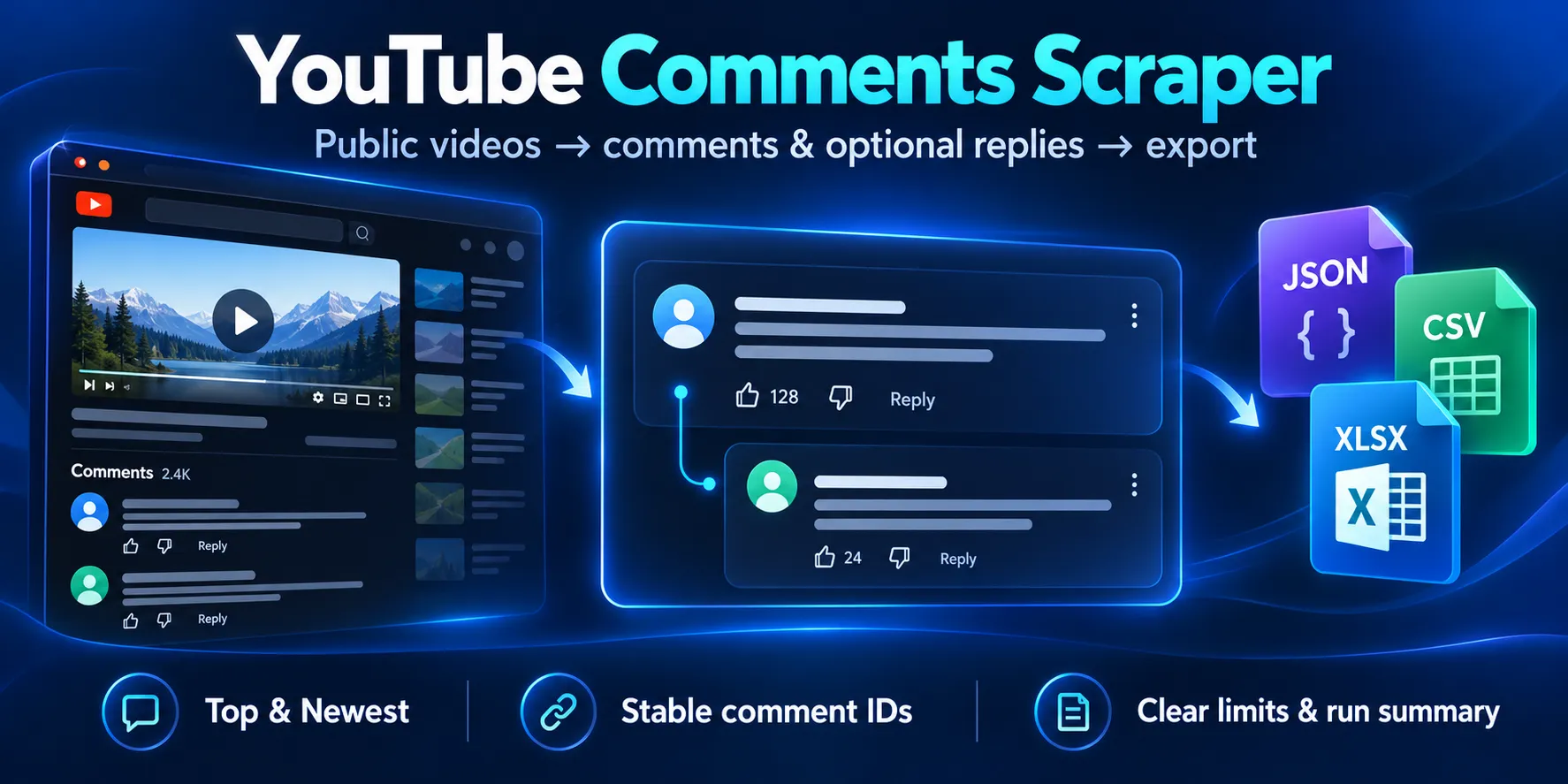
Export public YouTube comments and replies to JSON, CSV or Excel. Choose Top or Newest order and set a total row limit. Each reply keeps its parent comment ID. No YouTube login or API key needed.
Pricing
from $0.80 / 1,000 stored comment or replies
Rating
0.0
(0)
Developer

Cliqto Media
Maintained by CommunityActor stats
1
Bookmarked
2
Total users
1
Monthly active users
8 days ago
Last modified
Categories
Share
YouTube Comments Scraper gets public comments and replies from YouTube videos. Add video URLs or IDs, choose Top or Newest order, and export one row for each saved comment or reply as JSON, CSV, or Excel. No YouTube login or API key is needed.
The price is $0.05 per start + $0.80 per 1,000 saved rows. Replies count as rows too. A video with comments turned off or no visible comments can return an empty table. A limit or source failure can leave a partial result. Open Run summary to check what happened.
Independent tool: This Actor is not made, approved, or sponsored by YouTube or Google.
Table of contents
- What it does
- Quick start
- Use cases
- Input
- Output
- Pricing and limits
- API and export
- Troubleshooting
- FAQ
- Privacy and allowed use
- Related Actors
- Support
What it does
Get a current public sample of comments from up to 50 videos in one run.
Supported input forms include watch URLs, youtu.be, Shorts URLs, live video
URLs, and 11-character video IDs. Live chat is outside this product.
Top-level comments load first for each video. Optional replies load next and
keep their parent comment ID. To leave room for replies, set
maxTopLevelCommentsPerVideo below maxComments. These are limits, not promises.
Good fit
- Read feedback on a known public video or a small set of videos.
- Export comment text, likes, public author fields, and reply links.
- Match repeated exports by stable comment IDs in your own system.
Not a fit
This Actor does not find videos, download media, score sentiment, or post comments. It cannot recover deleted comments or read private, held, hidden, member-only, or login-only comments. It does not provide a fixed historical snapshot or exact posting dates.
Quick start
- Open Input. A new form suggests a public Blender video in
startUrls. - Keep that example or add your public video URL or ID.
- Keep
sort=TOP,maxComments=100, andincludeReplies=falsefor a first run. - Click Start. Set a maximum charge in Run options when needed.
- Open Comments and replies. Check
videoId,text, andisReply. - Open Run summary to check the result and stop reason for each video.
This input is the example suggested by the schema. Other omitted fields use the
runtime defaults listed below. An API request with {} is invalid; it does not
silently use the demo video.
Expected result: up to 100 top-level rows in Top order. A full 100-row result
costs $0.08 in comment events. The source can return fewer rows or fail; check
the report even when Apify shows SUCCEEDED.
Use cases
| Job | Input choice | Useful fields | Next step |
|---|---|---|---|
| Read feedback | One video, TOP, small maxComments | text, likeCount, videoId | Export a table for review |
| Read recent comments | sort=NEWEST | publishedTimeText, topLevelPosition | Check the displayed source order |
| Study a discussion | Replies on, smaller top-level cap | isReply, parentCommentId, threadId | Group rows by parent |
| Match repeat exports | Same video in later runs | id, recordKey, retrievedAt | Deduplicate in your own system |
The Actor performs a fresh collection each time. It does not keep a change history, filter unchanged rows, or run sentiment analysis.
Input
Fields and defaults
Every field except startUrls is optional. A runtime default applies when
the field is omitted. A prefill is the example in a fresh visual form.
Changing the prefill does not change the API default.
| Field | Type | Runtime default | UI prefill | Allowed values and effect |
|---|---|---|---|---|
startUrls | string array, required | None | One public Blender watch URL | 1–50 IDs or supported HTTPS URLs; each string at most 2,048 characters |
sort | string | TOP | None | TOP or NEWEST; pinned comments can lead either order |
maxComments | integer | 100 | None | 1–10,000 rows across all videos, including replies |
maxTopLevelCommentsPerVideo | integer | 10000 | None | 1–10,000 top-level rows per video; lower it to leave space for replies |
includeReplies | boolean | false | false | Load replies after admitted top-level comments |
maxRepliesPerComment | integer | 50 | None | 0–1,000 replies per saved parent; 0 disables reply work |
maxRequestsPerVideo | integer | 600 | None | 1–600 source attempts per video, including replies and retries |
maxTotalRequests | integer | 2000 | None | 1–2,000 source attempts across the run |
concurrency | integer | 1 | None | 1–4 videos at once; use 1 for predictable ordering |
maxRunSeconds | integer | 1800 | None | 30–1,800 seconds; source work stops early to save its report |
proxyConfiguration | object | Automatic, see below | None | Legacy API connection control; hidden from the form |
proxyConfiguration.useApifyProxy | boolean | Required when the object is supplied | None | false for Direct; true for the supported Apify proxy route |
proxyConfiguration.apifyProxyGroups | string array | RESIDENTIAL when enabled | None | Only RESIDENTIAL; enabled missing or empty groups use this group |
proxyConfiguration.apifyProxyCountry | string | US when enabled | None | An uppercase two-letter code; only US has historical release evidence |
The request, concurrency, time, and legacy proxy fields remain available in JSON input. The visual form shows the product limits, including the top-level cap needed for replies.
Duplicate video IDs are processed once in first-input order, including when URLs differ. Empty arrays, null inputs, unsupported URLs, bad values, unknown fields, and custom proxy URLs fail validation before a source request. Supported links use HTTPS and an exact YouTube host. Channel and playlist links are not video inputs. A Direct proxy object must not include group or country settings.
Interacting settings
| When | What happens | Recommended action |
|---|---|---|
Top-level rows reach maxComments | No room remains for replies or later videos | Lower the per-video top-level cap or raise the total within its maximum |
| Replies are on and their cap is 0 | Replies are not requested | Use a positive reply cap to request replies |
proxyConfiguration is omitted | Direct below 4,000 requested rows; Residential US from 4,000 to 10,000 | Start small; proxy access depends on the active Apify account settings |
Platform timeout is shorter than maxRunSeconds | The shorter deadline applies, with time reserved for the report | Set both to allow the work you need |
| Platform timeout is longer | The internal 1,800-second maximum still applies | A longer timeout does not remove source limits |
| A request, byte, row, or charge cap is reached | Saved rows remain; the report marks the affected scope partial | Read the stop reason before another run |
Example with replies
This requests up to three top-level rows and up to two replies for each saved parent. At most nine rows fit this scope, so the maximum comment-event charge for this single video is $0.0072. A parent may have fewer public replies. A reply is linked to its saved parent; excluded parents are outside the scope.
Output
Saved rows
The default Dataset contains one row per unique saved comment or reply.
There are no status or error rows in this table. All listed fields exist in
each saved row; optional source values are JSON null when unavailable.
| Field | Type | Meaning and empty-value rule |
|---|---|---|
itemType | string | Always comment |
id | string | Stable source comment ID; a missing ID is a source-format failure |
recordKey | string | youtube:<videoId>:<id>; deduplication key within one run |
videoId | string | The normalized video ID |
videoUrl | string | Canonical HTTPS watch URL, including for Shorts input |
threadId | string | The top-level comment ID for this discussion |
isReply | boolean | true for a reply |
parentCommentId | string or null | Exact saved parent ID for replies; null for top-level rows |
text | string | Source display text, up to 100,000 characters; plain text, not HTML |
likeCount | integer or null | Non-negative source snapshot; abbreviated labels are approximate |
author | object | Contains the three public author fields below |
author.displayName | string or null | Public display name when available |
author.channelId | string or null | Public channel ID when available |
author.channelUrl | string or null | Validated YouTube channel URL when available |
isPinned | boolean or null | Source pinned signal; null for replies |
isHearted | boolean or null | Creator-heart signal when available |
authorIsCreator | boolean or null | Source channel-owner signal when available |
isEdited | boolean or null | The source display-time edited marker when available |
publishedTimeText | string or null | Display time such as 2 hours ago; can be rounded or localized |
publishedAt | null | Always null: this source does not provide an exact posting date |
sort | string | Requested TOP or NEWEST |
topLevelPosition | integer | One-based parent position within this video's collected top-level rows |
replyPosition | integer or null | One-based position within the parent reply stream; null for top-level rows |
retrievedAt | ISO date string | Actor collection time in UTC, not the posting date |
source | string | Always youtube-innertube |
Text keeps Unicode, emoji, and line breaks exposed by the source parser. The Actor does not invent dates from relative labels or add avatars or profile enrichment. A false flag is different from an unavailable null flag.
Output example from the quick start
This is a shortened row from a real run of the quick-start input. Comment IDs, text, and author data are omitted from this public example. The full table has all fields described above.
Reports and result states
Output links open the default Dataset through comments and the key-value
store record RUN_SUMMARY through runSummary. There is no separate OUTPUT
JSON record. The report includes runOutcome, route, row counts, source
requests, decoded bytes, retries, stopReasons, per-video outcomes, and
reconciliation showing saved rows versus charged events.
| Situation | Dataset | Run summary and next action |
|---|---|---|
| Comments found | Unique comment/reply rows | Check per-video top-level and reply completeness |
ZERO_COMMENTS | Empty for that video | The source explicitly showed zero; no fabricated row |
COMMENTS_DISABLED | Empty for that video | The source explicitly says comments are off |
VIDEO_UNAVAILABLE or PRIVATE_OR_RESTRICTED | Empty for that video | Check public availability; restricted reasons are not always distinguishable |
| A limit is reached | Rows already saved remain | PARTIAL_LIMIT; check which limit stopped collection |
| A later source request fails | Rows already saved remain | The affected scope is partial; the run can fail |
| Ambiguous empty, block, or source-format failure | Can be empty or partial | AMBIGUOUS_EMPTY, REQUEST_BLOCKED, RATE_LIMITED, or source error; retry only a small scope |
| Invalid input or resources | Empty | INVALID_INPUT or INVALID_RESOURCES; check input or run options separately |
Top-level and reply completeness are separate. NOT_REQUESTED means replies
were off or their cap was zero. NOT_STARTED means that work did not start,
for example because the total row limit was already full.
COMPLETE_VISIBLE_SNAPSHOT means the visible source chain ended for that
video, sort, and scope during the run. It does not mean all historical comments
or all replies for parents excluded by your limits. Other states include
PARTIAL_LIMIT, PARTIAL_SOURCE_FAILURE, and PARTIAL_SOURCE_CHANGED.
Pricing and limits
Applied price
The applied price is $0.05 per start + $0.0008 per unique saved comment or
reply, including platform usage. Apify automatically charges the standard
apify-actor-start event; the Actor does not charge a second start event.
At the recommended 512 MB, one start is charged. Up to 1 GB this is one event;
above 1 GB, each additional GB adds another start event. There is no video event.
| Saved rows | Start + comment charges at 512 MB |
|---|---|
| 0 | $0.05 |
| 20 | $0.066 |
| 100 | $0.13 |
| 1,000 | $0.85 |
A valid empty video has no comment event, but the start charge still applies. A failed run has the start charge and charges for rows already saved, if any. Duplicates within a run and failed writes have no comment event. A later run is a new collection and can charge for the same comments again. There is no filter-only or unchanged-monitor mode.
Use maxComments and Apify's maxTotalChargeUsd to bound the total start and
comment charges. At 512 MB, allow at least $0.0508 for one row, $0.13 for 100,
or $0.20 with room to spare. A limit below the start price cannot collect rows.
The Actor checks remaining event capacity before saving another row. Account
credit rules still apply. Publisher-owned validation runs are not proof of a
separate customer's payment.
Collection limits
Hard limits are 50 videos and 10,000 saved rows per run. Work also stops at the configured request/time caps or at 256 MiB of decoded source responses. Each response is at most 5 MiB. A reply thread has a 50-attempt request ceiling. Temporary source failures have at most three retries; retries use the same request budget. Redirects and custom source destinations are rejected.
A limit is not a guarantee of that many available results. Large reply scopes need more source requests. Direct access can be blocked. Residential US was used in historical 10,000-row validation; this is not a current speed or availability promise. Regional, age, login, or moderation controls are not bypassed.
API and export
The same JSON input works through the Apify Actor runs API. Use Actor ID
MFdWh1uHMcLLKVG0g or cliqtomedia~youtube-comments-scraper. Omit the build
selector to use the public default. Set timeout=300, memory=512, and a small
maxTotalChargeUsd for the quick-start example. Read defaultDatasetId and
defaultKeyValueStoreId from the run response, then get the rows and
RUN_SUMMARY. See Apify's run and results guide.
Download the Dataset as JSON, CSV, or Excel from Apify. JSON keeps the nested
author object and nullable values. Check how your chosen table export shows
nested fields before using it in another tool.
Apify tasks and schedules can run a saved input again. Each run gets a fresh snapshot and charges saved rows again. The Actor has no built-in monitor state or custom integration setup. Existing account tasks, schedules, and integrations are managed separately.
Troubleshooting
Replies are on, but there are no reply rows
Check replyParentsEligible, repliesCompleteness, and the total stop reason.
If top-level rows reached maxComments, replies had no room. Lower
maxTopLevelCommentsPerVideo below the total and run a small sample again.
Use the reply example above. Some saved parents have no visible replies.
The run saved no rows
Read the per-video outcome in Run summary. Disabled, zero, unavailable,
restricted, and blocked results have different meanings. Confirm public video
access. AMBIGUOUS_EMPTY means the Actor could not prove why the source was
empty; it is a failure, not a zero-comment claim.
The run stopped early or timed out
Check result, request, time, byte, reply, and charge limits. A shorter Apify run timeout also shortens source work. Saved rows remain useful, but read the report before assuming that collection ended normally. Retry a smaller scope.
The source failed or changed
Do not repeat a large batch. Try one small public video. If it fails again, report the safe details listed below. Do not add cookies, private credentials, or custom proxy URLs to bypass a restriction.
FAQ
Is this an official YouTube or Google tool?
No. It is an independent Actor and is not made, approved, or sponsored by YouTube or Google.
Does it use the official YouTube Data API?
No. It reads the public website's InnerTube comments surface through YouTube.js. That interface is not a public supported API and can change.
Does this YouTube comment scraper need an API key?
No. It does not accept a Google API key, OAuth token, YouTube account, or cookies. For a separate official API client, Google documents commentThreads.list; that API is not this Actor's source.
Can I export comments from multiple videos, including Shorts?
Yes. Use up to 50 supported public video URLs or IDs. Duplicate videos are processed once. Live video URLs refer to comments, not live chat.
Can I download YouTube comments as CSV or Excel?
Yes. Open the results table and choose JSON, CSV, or Excel. Each saved comment or reply is one row. JSON preserves the complete nested shape.
Can it get every comment or recover deleted comments?
No. It gets the public comments visible during the run and inside your limits. It cannot recover deleted, hidden, held, private, or member-only comments.
Are replies included?
Only when includeReplies=true and maxRepliesPerComment>0. Leave room in
maxComments by choosing a smaller per-video top-level cap. Every saved reply
counts toward the total and price.
Why is publishedAt null?
The source gives display text such as 2 hours ago. Converting a rounded label
into an exact date would add accuracy the source did not provide. The original
label stays in publishedTimeText; publishedAt stays null.
Can I use the rows for analysis?
You can export rows for permitted research or analysis. The Actor does not score sentiment, profile people, or join data from other sources.
Privacy and allowed use
Public comment text, names, and channel details can still be personal data and user-created content. Use only data you are allowed to collect, keep it secure, and handle valid correction or deletion requests. The Actor does not give you a license to republish comments.
Do not use it for harassment, stalking, doxxing, mass profiling, sensitive-trait inference, spam, automated outreach, targeting minors, or bypassing private, member, login, location, age, or moderation controls.
Related Actors
- YouTube Transcript Scraper — get available public transcript text for the same video as a separate job.
Support
Use this Actor's Apify Issues page
for technical questions or bugs. Include the run ID, build ID, UTC start time,
selected sort and limits, reply setting, and safe result codes/counters from
RUN_SUMMARY. No response-time promise is offered.
Never post comment text, author data, private video URLs, cookies, tokens, authorization headers, raw source responses, page tokens, session data, or proxy URLs in a public Issue. Use a private publisher contact for a privacy or security report.


