

Google Maps Multi-Location Brand & Franchise Finder
Pricing
from $2.40 / 1,000 location-results
Google Maps Multi-Location Brand & Franchise Finder
Map an entire brand's footprint in minutes. This actor uses smart geographic gridding to find every location of a chain or franchise across cities and countries. Perfect for market analysis and competitor research.
Pricing
from $2.40 / 1,000 location-results
Rating
0.0
(0)
Developer

Delowar Munna
Maintained by CommunityActor stats
0
Bookmarked
2
Total users
1
Monthly active users
5 months ago
Last modified
Categories
Share
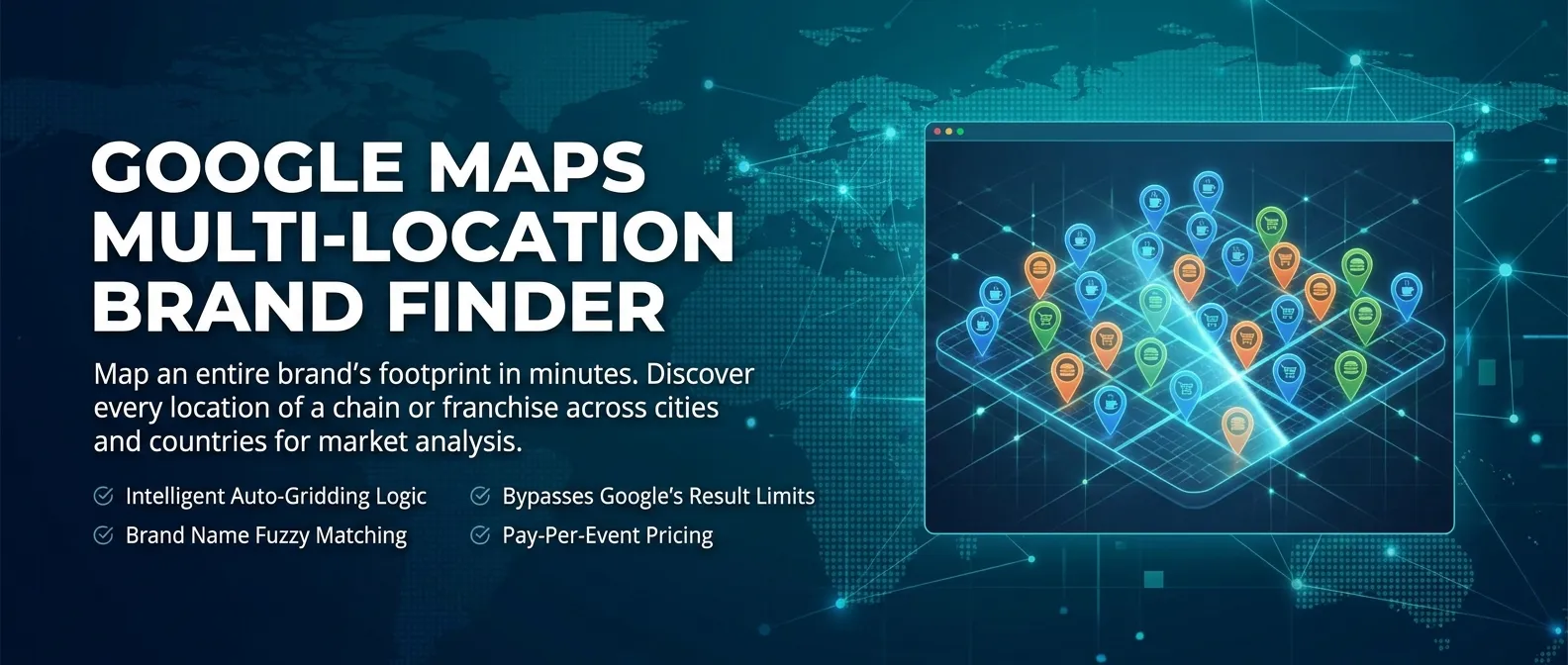
Map an entire brand's footprint in minutes. Give the actor a list of brand names and the regions you care about — it discovers every Google Maps location of those chains or franchises, fuzzy-matches the name to filter out unrelated businesses, and deduplicates by Google place_id so overlapping search areas never double up. Output is a flat 14-column row per location, ready for CSV/Excel.
Built for market researchers, real-estate analysts, site-selection teams, franchise auditors, and competitor-intelligence workflows.
What it does
For every (brand × area) combination in your input the actor:
- Opens a Google Maps text search for
"{brand} in {area}". - Scrolls the results feed to the end-marker (or until your
maxResultscap). - Extracts each location card — name, address fragment, lat/lng, phone, website, place_id, open status.
- Fuzzy-matches the brand name (default threshold 0.8):
Starbucks Reserve - Empire State Buildingkeeps;Starbucks Auto Repairdrops. - Filters out permanently closed locations (and temporarily closed too, unless you opt in).
- Deduplicates by Google
place_idacross all searches, so overlapping areas don't double-charge. - Pushes the row to the dataset and charges one
location-resultevent.
Single-phase pipeline, no website crawling — fast and predictable.
📥 Sample inputs
Single brand, multiple boroughs
Multiple competing brands across cities
International franchise sweep with strict matching off
📤 Output
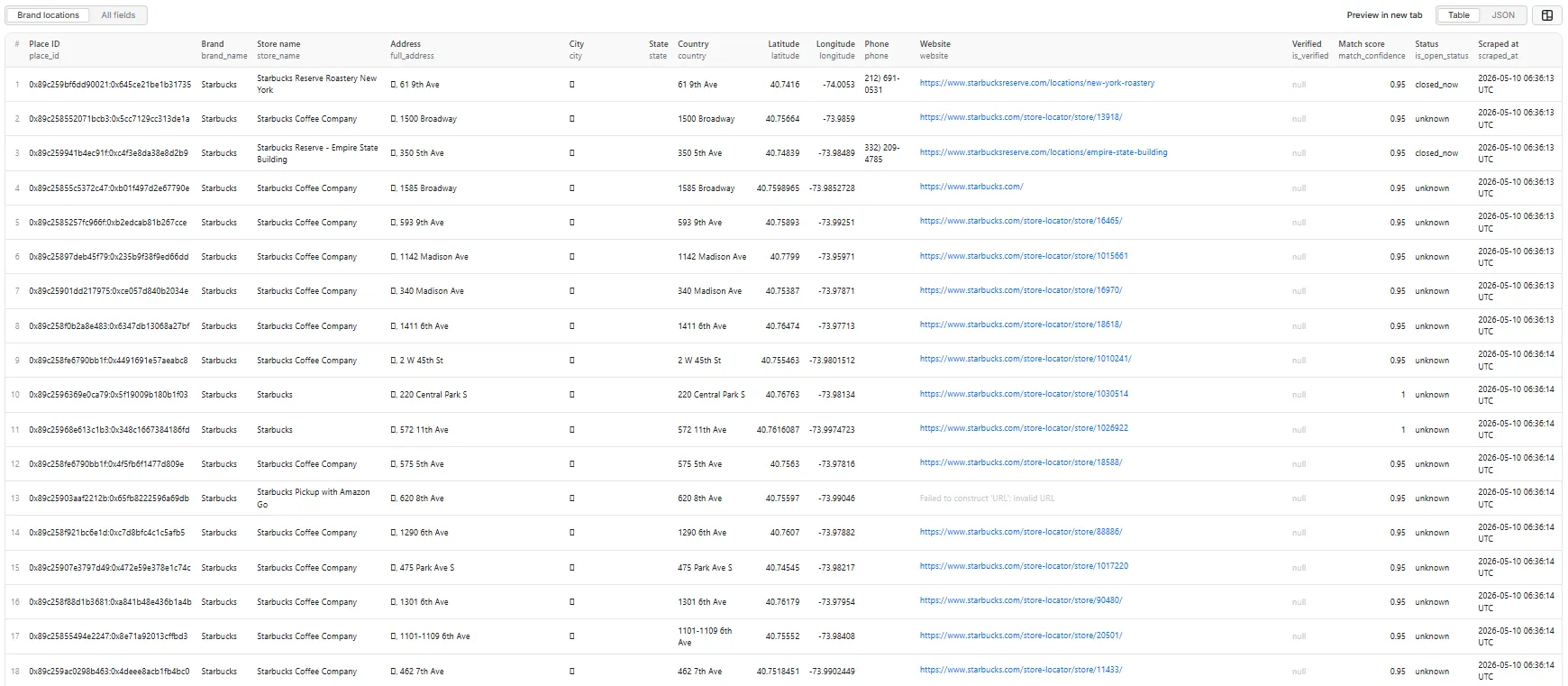
Each result is a flat 14-field row.
| Field | Type | Description |
|---|---|---|
place_id | string | Unique Google place identifier — the dedup key. |
brand_name | string | The input brand the search was run for. |
store_name | string | Official Google Maps name of the location. |
full_address | string | Address fragment as shown on the result card (typically street). |
city | string | Parsed from address when a full multi-segment address is present. |
state | string | Parsed from address when present. |
country | string | Parsed from address when present. |
latitude | number | Decimal degrees, from the listing URL. |
longitude | number | Decimal degrees, from the listing URL. |
phone | string | Phone number when shown on the card. |
website | string | Official store URL when linked from the card. |
is_verified | boolean / null | Reserved for v1.1 (Google claim/verified badge). Currently null. |
match_confidence | number | 0.0-1.0 brand-name match score (≥ 0.8 to pass strictMatching). |
is_open_status | string | open_now, closed_now, temporarily_closed, or unknown. |
scraped_at | string | ISO 8601 timestamp. |
Sample output record (Brand locations · table / JSON)
A RUN_SUMMARY record is also written to the default key-value store with counters: brands_searched, areas_covered, total_search_pairs, successful_searches, failed_searches, raw_results_found, total_locations_found, duplicates_removed, filtered_out_mismatch, filtered_out_closed, charged_events, cap_warnings, runtime_seconds, scraped_at.
A note on city / state / country
Google Maps result cards typically show only the street fragment of an address (e.g. 350 5th Ave), not the full multi-line address. The actor parses the segments it can see — when the card includes a full address with city/state/country, those fields populate; when it doesn't, they're left blank rather than being mis-filled with the street. The latitude / longitude and place_id always identify the exact location regardless.
💵 Pricing
Pay-Per-Event. One event:
location-result— charged once per unique brand location pushed to the dataset (place_id-deduplicated, brand-matched, not permanently closed).
You can set a per-run spending cap on the Apify console; the actor honours it and stops pushing as soon as the cap is reached.
🚦 Proxy policy
Use Apify Datacenter proxy or no proxy for normal runs — both work reliably for Google Maps text search at this actor's conservative concurrency.
Apify Residential proxy is not supported. The actor will fail at startup if apifyProxyGroups includes RESIDENTIAL. Reason: in pay-per-event actors, residential bandwidth (~/GB) is billed to the developer, not the run user, so a single bandwidth-heavy run could exceed the per-result event revenue.
If you genuinely need residential routing, supply your own residential provider via the proxy editor's Custom proxy URLs field — that traffic goes through your provider, not Apify, and is unaffected:
🗺️ Tips for full coverage
Google Maps caps each text search at roughly 120-200 results. To map every store of a large brand:
- Provide reasonably-sized
searchAreaentries (e.g. boroughs, cities, or districts — not whole countries). - The actor logs a
cap_warningscounter when a single search returns enough results to suggest the cap was hit; subdivide that area into smaller pieces and re-run. - Overlapping areas are safe —
place_iddeduplication prevents double-charging.
Changelog
- 1.0 — Initial release. Brand × area cross-product search, fuzzy brand-match filter (threshold 0.8), place_id-first dedup, single PPE event (
location-result), Apify residential blocked at startup with BYO custom-proxy support.


