
Apple App Store Scraper
Pricing
from $0.67 / 1,000 results
Apple App Store Scraper
Apple App Store Scraper scrapes Apple App Store apps by ID, URL, bundle ID, keyword or developer, with reviews, top charts and real star histograms for 115 countries. Export JSON, CSV or Excel, or use the API.
Pricing
from $0.67 / 1,000 results
Rating
0.0
(0)
Developer

Fast Data API
Maintained by CommunityActor stats
0
Bookmarked
2
Total users
1
Monthly active users
7 days ago
Last modified
Categories
Features
Share
Apple App Store Scraper — Apps, Reviews, Ratings and Top Charts
Apple App Store Scraper extracts Apple App Store data: app details, prices, ratings, real star histograms, screenshots, developer apps, user reviews and top charts in 115 countries. One run covers lookups by app ID, URL or bundle ID, keyword search, developer catalogs, reviews, top charts and app performance - every field you fill is collected. Every response is structured JSON — ready to pass directly to an LLM, index into a vector store, or feed an app-market research pipeline. No Apple account or cookies needed. Start with one app, then track every competitor in your category.
What data can I extract with Apple App Store Scraper?
Using this Apple App Store API, you will be able to extract the following App Store app data:
| 📱 App name and ID | 📦 Bundle ID | 🔗 App Store URL | 🏷️ Price and currency |
|---|---|---|---|
| ⭐ Average star rating | 🔢 Rating count | 📊 Star histogram (5 to 1 stars) | 🆕 Current version rating |
| 📝 Description | 🗒️ Release notes | 🔖 Version | 📅 Release and update dates |
| 🗂️ Genres and genre IDs | 🔞 Content rating and advisories | 🌐 Languages | 💾 Size in bytes |
| 📲 Required OS and supported devices | 🖼️ Icons (60, 100, 512 px) | 📸 iPhone, iPad and Apple TV screenshots | 👨💻 Developer name, ID and URL |
| 🏢 Seller and developer website | 🎮 Game Center and features | 💬 Reviews (author, title, text, stars, app version, votes, date) | 🏆 Chart rank and category |
How to use Apple App Store Scraper
App marketers, ASO teams and analysts get app details, reviews or a full top chart from one run.
Copy to your AI assistant:
Apple App Store Scraper MCP Server: use these Actors from ChatGPT, Claude or Cursor
Point your AI assistant at this actor and it can read the App Store on its own: app details, search results, developer catalogs, reviews, top charts and star histograms. No glue code, no scraping logic in your prompts.
Step by step
- Create a free Apify account.
- Open Apple App Store Scraper in the Apify Store.
- Enter App Store app IDs or URLs, bundle IDs, keywords and/or developer IDs - every filled field runs - and pick what app IDs should give (details, reviews or performance).
- Click Start (or send your API request).
- Download or stream your results in JSON, CSV or Excel.
How to scale Apple App Store Scraper to bulk
Every input field takes a list: put many app IDs, App Store URLs, bundle IDs, keywords or developer IDs in one run, one per line. Set Max rows per input to the rows you want for each entry: every keyword, developer, app and chart gets up to that many rows of its own, so 3 keywords x 50 give up to 150 rows. For daily tracking, save the input as an Apify task and schedule it, or call the API from your own scheduler.
✨ Features
Apple App Store Scraper fetches clean, structured app data from the Apple App Store ⚡. It's ideal for competitor monitoring, review analysis, chart tracking and app-market research. It extracts, per app:
- Average star rating and rating count – overall and for the current version
- Star histogram – the real number of 5, 4, 3, 2 and 1-star ratings
- Price – amount, currency and the formatted price shown in the store
- Version and release notes – what changed in the latest update, with release and update dates
- Developer – name, developer ID, developer page and website
- Screenshots and icons – iPhone, iPad and Apple TV screenshots, icons in three sizes
- Reviews – author, title, text, stars, the app version each review was written for, helpful votes and date
⚡ No Apple account, cookies or browser needed: the actor reads public store data and starts without a proxy.
Use cases 💡
- ASO specialist — compare competitors' ratings, histograms and release notes across countries.
- Product manager — pull the most critical reviews of your app after each release.
- Market analyst — track the top free, paid and grossing charts per country every day.
- Business developer — list every app a developer publishes, with prices and ratings.
- AI engineer — feed review text into a RAG pipeline to summarize user complaints.
Building an AI agent? Connect Apple App Store Scraper over MCP and let it call the actor on its own.
Why choose this actor?
- A developer's apps and their reviews in about 2 seconds. A recorded run returned 5 Apple apps with 225 recent reviews in 2.0 seconds; another returned 250 reviews of one app in 2.7 seconds.
- The full rating picture. A recorded row for Apple's Translate app came back with a 2.35 average from 10,153 ratings and the real split behind it: 2,331 five-star and 5,347 one-star ratings.
- Everything in one run. App details, keyword search, developer apps, reviews with 4 sort orders, 9 top charts and app performance, in 115 countries - fill several fields and each one is collected.
⬇️ Input
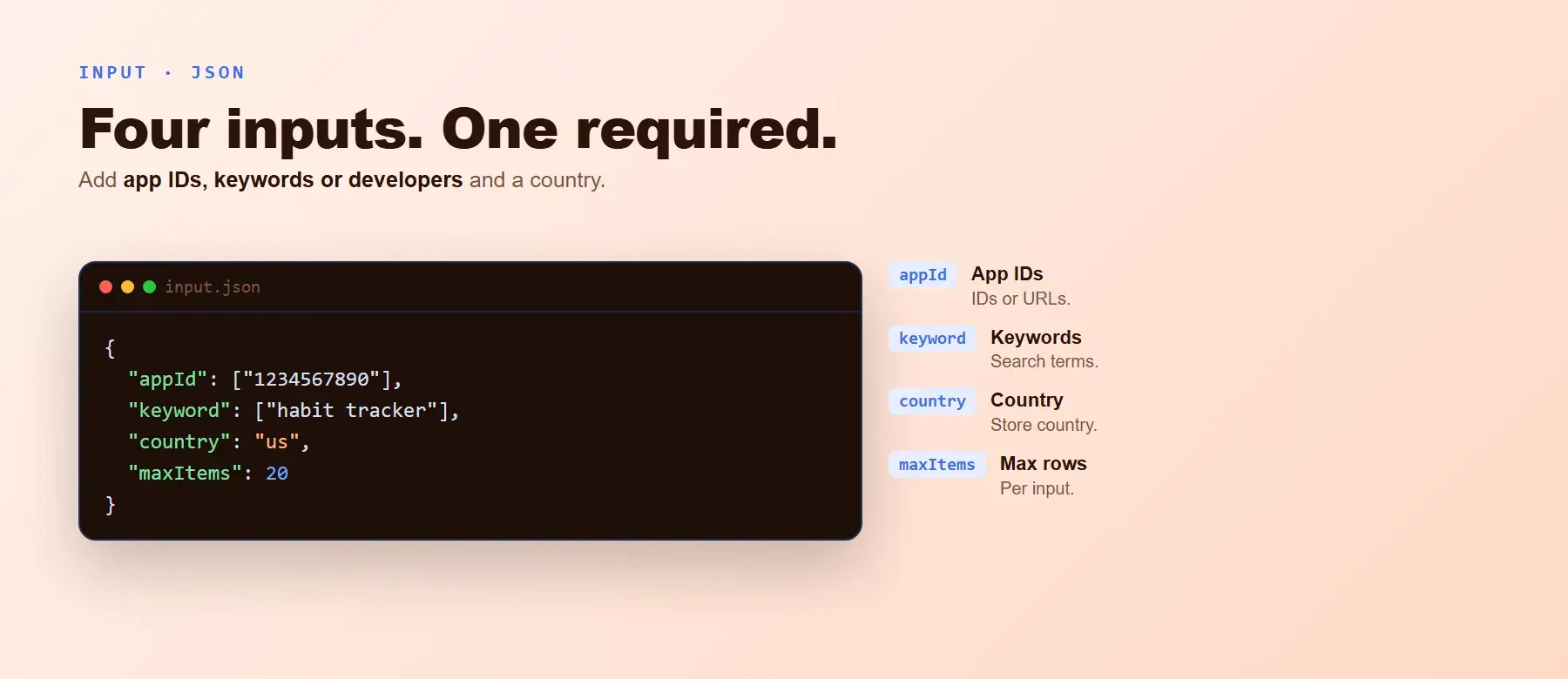
The actor takes lists of App Store app IDs or URLs, bundle IDs, keywords and developer IDs; every filled list runs. The mode (default app details) only decides what app IDs give and whether a top chart is added.
| Parameter | Required | Type | Description | Example value |
|---|---|---|---|---|
appId | No | array | App IDs or App Store app URLs; each gives its details, its reviews or its performance, by mode. | ["1514844618"] |
maxItems | No | integer | Max rows for each input entry (each app ID, bundle ID, keyword, developer ID, chart): apps per keyword/developer/chart, reviews per app in mode re; an app's review rows count toward its entry. Default 20. | 50 |
process | Yes | string | What app IDs and bundle IDs give: ap details (se and de do the same; keywords and developer IDs always run), re one row per review, pe performance; li also adds the top chart. Default ap. | "re" |
keyword | No | array | Search keywords, up to 200 apps each. | ["Translate"] |
developerId | No | array | Developer IDs or App Store developer URLs; each gives the developer's apps, up to 200. | ["284417353"] |
bundleId | No | array | Bundle IDs; they work like app IDs. | ["com.google.Translate"] |
collection | No | string | Chart added in mode li: TOP_FREE_IOS, TOP_PAID_IOS, TOP_GROSSING_IOS, TOP_FREE_IPAD, TOP_PAID_IPAD, TOP_GROSSING_IPAD, TOP_FREE_MAC, TOP_PAID_MAC, TOP_GROSSING_MAC. Default TOP_FREE_IOS. | "TOP_GROSSING_IOS" |
country | No | string | Two-letter App Store country code (115 stores). Default us. | "gb" |
lang | No | string | en = English, local = the store's own language. Default en. | "local" |
sorting | No | string | Review order: sort.RECENT, sort.HELPFUL, sort.FAVORABLE, sort.CRITICAL. Default sort.RECENT. | "sort.CRITICAL" |
includeReviews | No | boolean | Save each app's reviews as their own rows right after the app row; each review counts toward that entry's maxItems. Default false. | true |
maxReviews | No | integer | Reviews per app when includeReviews is on. Default 10. | 20 |
proxyConfiguration | No | object | Optional proxy; by default the run starts without one and switches by itself when blocked. | {"useApifyProxy": false} |
Every filled field runs: keyword gives search results, developerId the developer's apps, appId/bundleId their details (mode ap), their reviews (mode re, ordered by sorting) or their performance (mode pe); mode li adds the collection chart. App URLs look like https://apps.apple.com/us/app/translate/id1514844618, developer URLs like https://apps.apple.com/us/developer/apple/id284417353.
Free plan limits
Users on the Apify free plan can fetch up to 20 rows per run (all entries together) and 200 rows per month. When the limit is reached the run finishes successfully with a status message explaining the limit. Upgrade to any paid Apify plan to remove these limits.
Example input
Reviews of two apps, most critical first:
An app, a keyword and a developer in one run, each app with its 10 newest reviews as review rows (up to 100 rows per entry):
A developer's apps with 5 recent reviews each:
The top grossing iPhone apps in the United Kingdom:
⬆️ Output
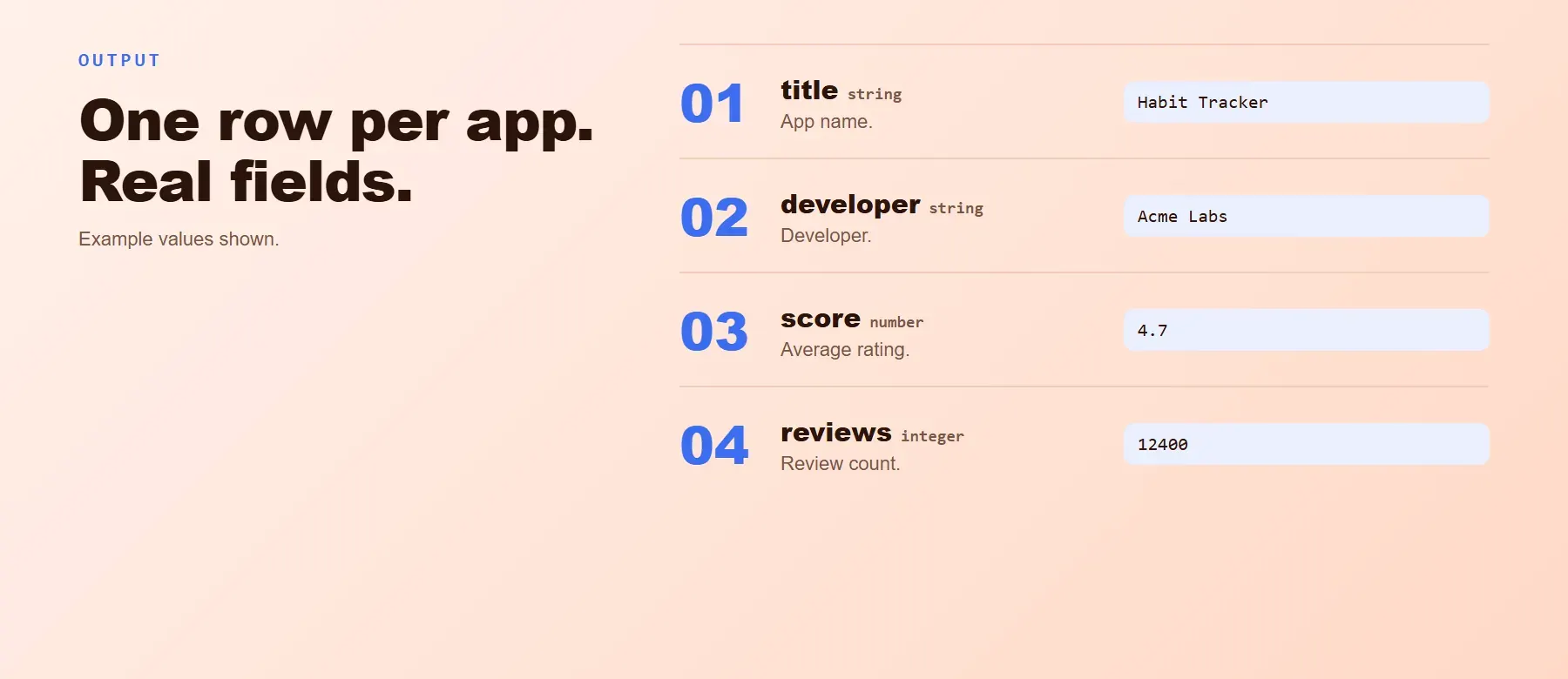
Every app, review or chart entry is one typed, normalized JSON item with the same schema on every run: one row per app, one row per review (Reviews mode or "Add reviews as rows", each review carries its app's appId) and one row per chart entry. Export as JSON (default), CSV or Excel, and use the Overview, Details, Developer, Media, Ratings, Reviews, Top charts and Performance views of the output table.
Example output
App details (ap) row, long texts and lists shortened:
Reviews (re) row:
version is the app version the review was written for. Apple gives it for the 500 newest reviews (500 most helpful with sort.HELPFUL) of each app and country; older reviews have version: null.
Top charts (li) row:
How does it work?
Apple App Store Scraper reads the same public app pages, search results, charts and reviews the App Store shows to any visitor, for the country you pick, so no Apple account, cookies or browser are needed. Every filled field runs and each entry is collected on its own, up to Max rows per input or the end of its results: app lookups are grouped, reviews are paged until your limit or the last review, and the star histogram comes from the real rating counts Apple shows, never an estimate. Rows are saved as soon as each one is ready, so the table fills while the run goes. Requests are retried when the store is busy; if the App Store blocks a request, the actor switches to a proxy by itself and carries on. It returns only publicly visible data, in a normalized schema that stays the same from run to run.
How do you integrate Apple App Store Scraper into your stack?
It works with what you already use: the REST API from any language, MCP for AI agents, and no-code tools.
Using Apple App Store Scraper with the Apify API
Works in Go, Ruby, Node.js, cURL — any language that can make an HTTP request.
MCP integration for AI agents
Register the actor with one command:
This registers Apple App Store Scraper as a tool your agent can call directly. Your agent can then look up apps, search the store, read reviews or pull a top chart when a question needs live App Store data. It works in Claude Code, Cursor and Windsurf.
No-code tools (n8n, Make, LangChain)
- n8n — use the Apify node with "Run an Actor" and the actor ID
fastdataapi/apple-app-store-scraper, or the HTTP Request node pointed at the run-sync endpoint with your token. - Make — add the Apify app's "Run an Actor" module, then "Get Dataset Items" to pass the rows on.
- LangChain — install
langchain-apifyand useApifyActorsTool("fastdataapi/apple-app-store-scraper")as an agent tool.
Is it legal to scrape App Store data?
Scraping publicly available App Store data is generally legal. Apple App Store Scraper returns only publicly available data — what any user sees in the store without logging in. Reviews carry the nickname their authors chose; under GDPR, collecting public data is generally permissible, but storing and using it must comply with local data-protection law. Consult legal counsel if your use case involves bulk storage of personal data.
Frequently asked questions
What fields does Apple App Store Scraper return?
It returns the app name, average star rating with rating count, price, the star histogram and the version with release notes, up to 45 fields per app row. See the data fields section.
Does Apple App Store Scraper require an Apple account or login?
No. Only public App Store data is extracted. No credentials needed.
How fast does Apple App Store Scraper run?
A recorded run returned 5 apps with 225 reviews in 2.0 seconds, and 98 apps of a top chart in 3.1 seconds. Data is live, not cached.
What happens if an app doesn't exist?
An app ID or bundle ID that the chosen store doesn't have returns no row; the run log lists it as "no app found in this country" and the other entries carry on. An empty chart or a keyword without results is logged the same way, and the status message counts how many entries could not be loaded.
Can I scrape multiple App Store apps at once?
Yes. Every input field takes a list, so one run can cover many apps, keywords or developers; Max rows per input sets the rows for each of them.
Does Apple App Store Scraper work with Claude, ChatGPT, and other AI agent tools?
Yes — Apple App Store Scraper is available as an MCP tool. Register it in Claude Code, Cursor or Windsurf:
Any agent that can call an HTTP endpoint can use the REST API directly.
Does Apple App Store Scraper return data in a format LLMs can use directly?
Yes. Typed, normalized JSON with consistent field names. No HTML parsing, no selectors. Pass it straight to an LLM, index it into a vector store, or feed it to an agent tool — no transformation step.
What happens when the App Store changes?
This actor is maintained and updated. When the App Store changes, the actor is updated — your calls keep returning the same JSON schema with no changes on your end.
Can I use Apple App Store Scraper without managing proxies or browser infrastructure?
Yes. The actor needs no browser, and when the App Store blocks a request it switches to a proxy on its own side. You send one request and get structured JSON back. No proxy accounts, no headless browser setup, no maintenance.
Which App Store app fields work best for AI training data and RAG indexing?
For RAG: the description, release notes and review text with review titles. For training data: the star rating, rating count, star histogram, price, size and helpful-vote counts. All fields are typed values — strings, numbers, booleans and short lists — no normalization needed.
Your feedback
Found a bug or missing a field? Let us know through the actor's Issues tab. This actor is maintained and updated, and every report is read.


