

Flipkart Email Scraper - Cheapest
Pricing
from $1.00 / 1,000 results
Flipkart Email Scraper - Cheapest
Flipkart Email Scraper finds emails shown on public Flipkart product and seller pages from your keywords: email, page link, title and the public text it appeared in. Filter by location and email domain. No Flipkart account or login. Export as JSON, CSV or Excel, or use the API.
Pricing
from $1.00 / 1,000 results
Rating
0.0
(0)
Developer

Fast Data API
Maintained by CommunityActor stats
0
Bookmarked
2
Total users
1
Monthly active users
12 hours ago
Last modified
Categories
Features
Share
Flipkart Email Scraper — Emails, Page Titles and Links
Flipkart Email Scraper is a Flipkart email finder: a keyword-based Flipkart email scraper that reads public Flipkart product and seller pages to find emails on Flipkart for you. Each match returns the email, page link, page title and the public text it appeared in, filtered by your chosen email domains. Every response is structured JSON, ready for an LLM, a vector store or a lead-generation pipeline. No Flipkart account or login needed. Start with one keyword, then scale to your full prospect list.
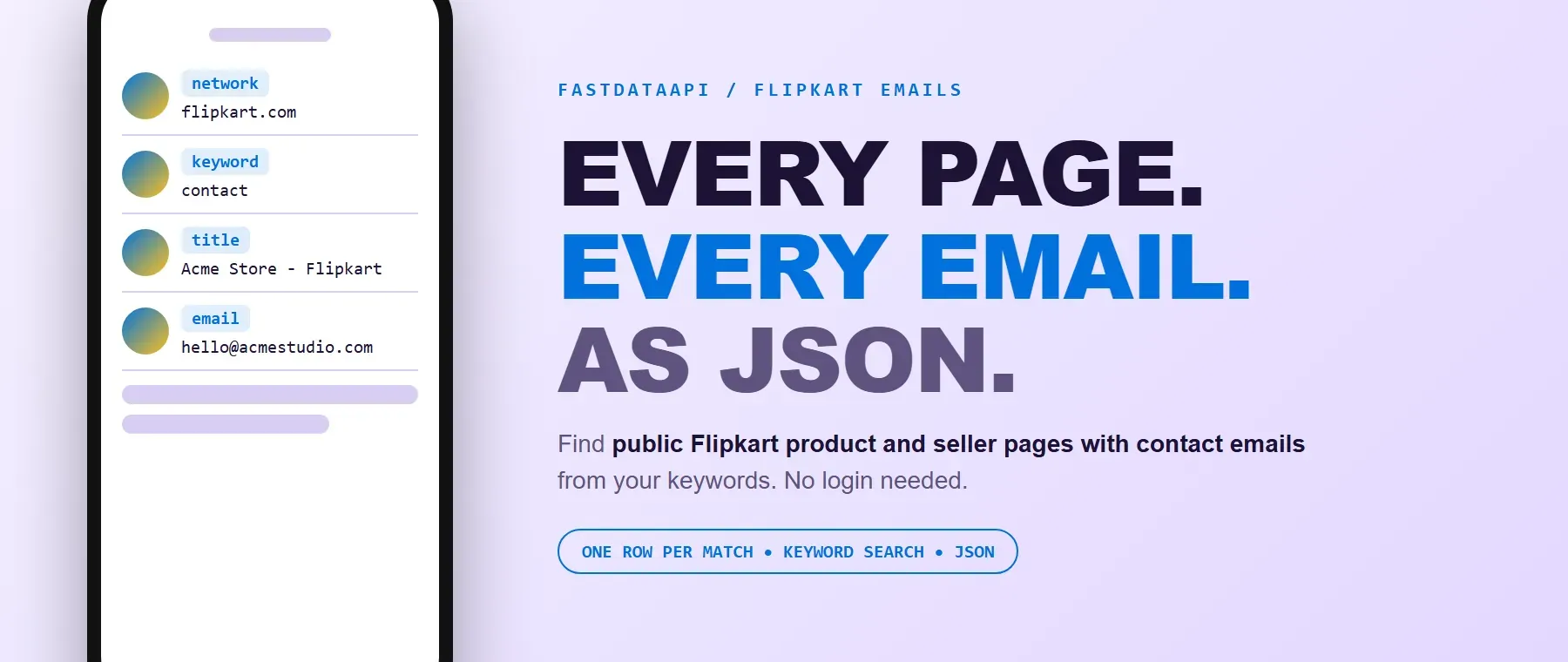
What data can I extract with Flipkart Email Scraper?
Using this Flipkart email API, you will be able to extract the following Flipkart email data:
| 🌐 Network | 🔑 Keyword searched | 📝 Page title |
|---|---|---|
| 📰 Page description | 🔗 Page URL | 📧 Email address |
How to use Flipkart Email Scraper
Marketers, recruiters and lead-generation teams use this actor to collect public Flipkart contact emails without opening every product or seller page by hand.
Copy to your AI assistant:
Flipkart Email Scraper MCP Server
Add the Apify MCP server and your AI assistant can call this Actor directly — no glue code, no scraping logic in your prompts.
Step by step
- Create a free Apify account.
- Open Flipkart Email Scraper in the Apify Store.
- Enter one or more keywords, for example
contact,sellerorelectronics. - Optionally add a location and the email domains you want (default
@gmail.com). - Click Start, then download or export your results as JSON, CSV or Excel.
How to scale Flipkart Email Scraper to bulk
keywords takes a list, so add every search term you want covered in one run — up to 3 keywords are processed at the same time, each with its own maxEmails budget. Use it as a Flipkart email list builder for an outreach campaign, or run a bulk Flipkart email search by adding your full term list and a rotating location. To cover more ground over time, schedule the Actor with a rotating keyword list, or call it from the Apify API with a different keywords / location pair per run.
✨ Features
Flipkart Email Scraper fetches clean, structured matches from public Flipkart product and seller pages. It's ideal as a Flipkart contact scraper for sales outreach, a Flipkart email extractor for market mapping, and a quick way to build a prospect list for a new niche.
It extracts, per match:
- Email – the address shown on the page, lower case, matching your email domains.
- Page URL – the public Flipkart page the email was found on.
- Page title – the result's title as shown in the search listing.
- Description – the public text the email appears in (up to 500 characters).
- Keyword / network – the keyword that found the row and the platform (
flipkart.com).
⚡ Every address is checked before it is kept: shortened or cut-off addresses, prose such as "that @gmail.com" and placeholders such as "username@gmail.com" are rejected, and the same email is returned once per keyword.
Use cases 💡
- Sales rep — build an outreach list of Flipkart seller contacts by keyword and city in one run.
- Recruiter — find contact emails behind niche product and seller pages.
- Agency — plug this Flipkart lead generation tool into a client's niche and location filter.
- Market researcher — map which product and seller pages publish a contact email for a topic.
- AI agent builder — feed matched emails straight into a CRM-enrichment or lead-scoring pipeline with no parsing step.
Building an AI agent? Connect this actor over MCP and let it call the actor on its own.
Why choose this actor?
- Built to scrape Flipkart emails, not guess them. A recorded local test run returned 10 emails for the keyword
contactin 39.5 seconds. - Six clean fields per match. Every row carries the keyword, the page title, the public text the email appeared in and the page link.
- Built-in retry. When a search attempt is blocked the actor retries it with a fresh connection and continues on a backup source, so a run still delivers results.
⬇️ Input
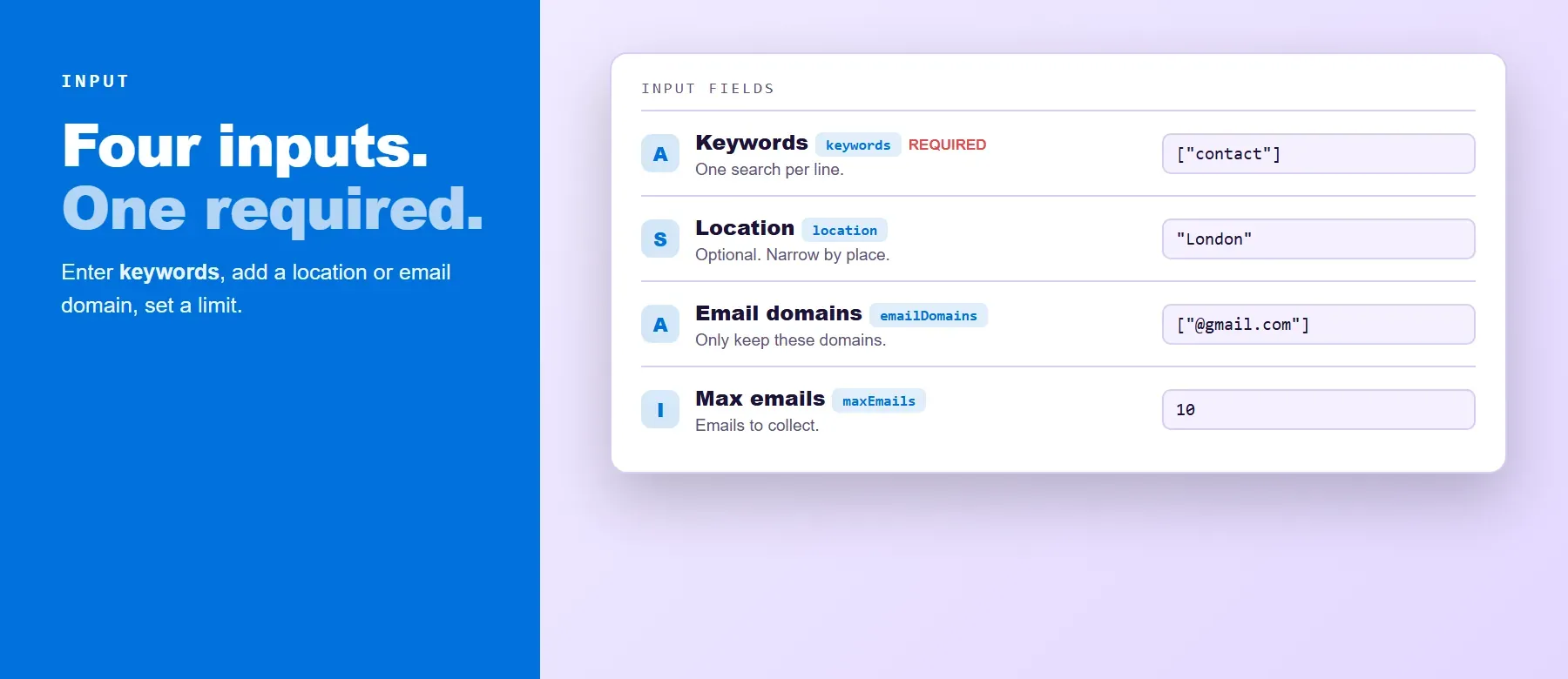
Enter one or more keywords (required); the rest is optional and has a working default.
| Parameter | Required | Type | Description | Example value |
|---|---|---|---|---|
keywords | Yes | Array of strings | Keywords to search on public Flipkart product and seller pages. Each one gets its own maxEmails budget; duplicates are removed. | ["contact", "seller"] |
location | No | String | City or region searched as an exact phrase. Empty = worldwide. | "Delhi" |
emailDomains | No | Array of strings | Keep only emails of these domains (@ optional). Default ["@gmail.com"]; [] accepts any domain. | ["@gmail.com", "@outlook.com"] |
maxEmails | No | Integer | Emails to collect per keyword (1–100,000, default 10). Free-plan runs are capped at 20 per run in total (all keywords together) and 200 per month. | 50 |
engine | No | String (select) | Processing engine; legacy is the only value. | "legacy" |
proxyConfiguration | No | Object | Connection settings. Leave as it is and a suitable Apify proxy is selected automatically. | {"useApifyProxy": false} |
Free plan limits
Users on the Apify free plan can fetch up to 20 emails per run (all keywords together) and 200 emails per month. When the limit is reached, the run finishes successfully with a status message explaining the limit. Upgrade to any paid Apify plan to remove these limits.
Example input
⬆️ Output
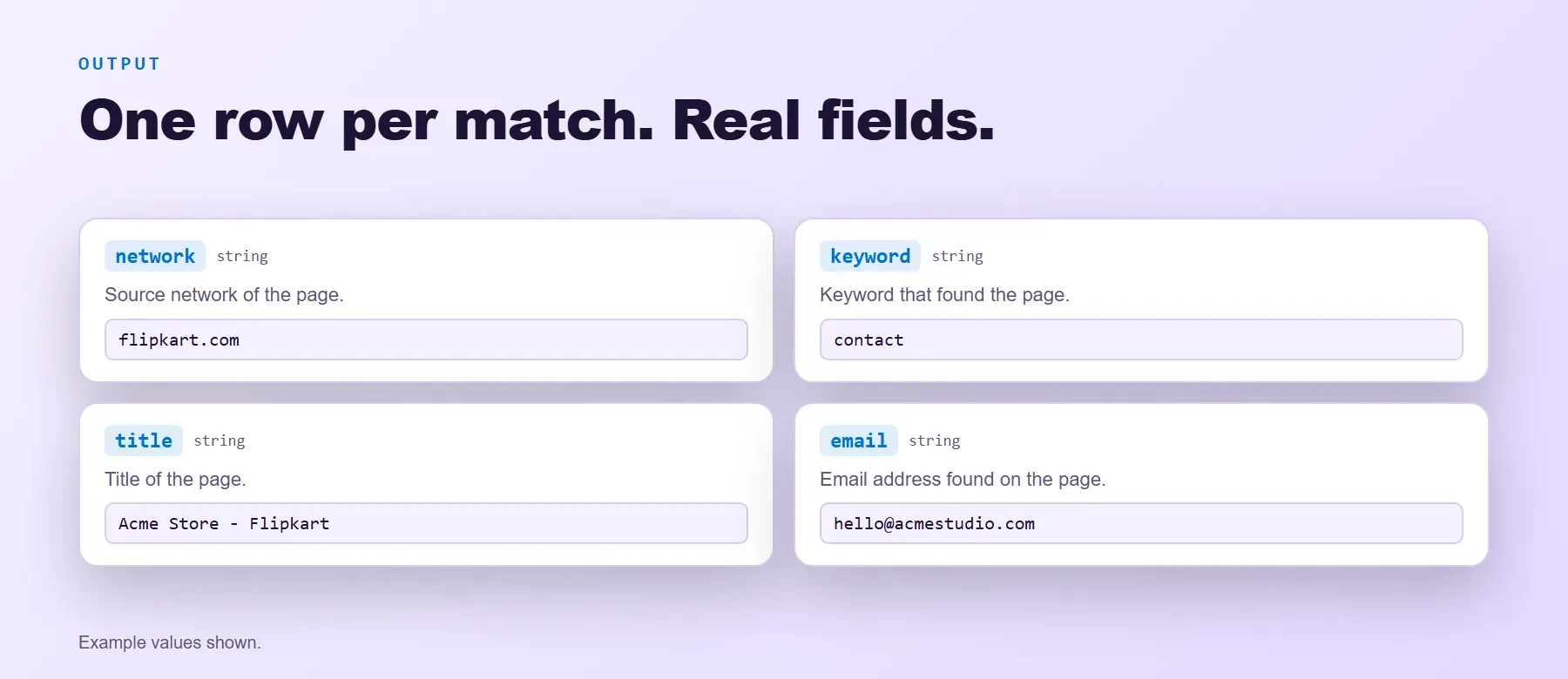
Every match is one JSON item with the same six fields on every run. Within a keyword the same email is returned once. Export Flipkart emails as JSON, CSV or Excel.
Example output
How does it work?
The actor doesn't log into Flipkart at all. For every keyword it searches public Flipkart product and seller pages that show an email address of your chosen domains (retrying with a fresh connection and continuing on a backup source when a search is blocked or runs dry). It only reads what any logged-out visitor can already see. The email is read from the page's public title and text, checked, lower-cased and returned with the page link.
How do you integrate Flipkart Email Scraper into your stack?
Call it from any language over the Apify REST API, or wire it into a no-code tool. Building an AI agent instead? See the MCP server section above.
No-code tools (n8n, Make, LangChain)
In n8n, use the Apify node's Run an Actor action. In Make, use the Apify app's Run an Actor module followed by Get Dataset Items. In LangChain, install langchain-apify and call ApifyActorsTool() to let an agent run it as a tool.
Is it legal to scrape Flipkart data?
Scraping publicly available data is generally permitted; the legal risk sits mostly in how the data is stored and used afterward. Flipkart Email Scraper returns only data that any logged-out visitor already sees. If you operate in the EU, GDPR applies to storing and using emails you collect: keep records you can justify and delete them when asked. Anti-spam rules (such as CAN-SPAM) still apply to outreach — the Actor finds public emails, it does not grant permission to contact them. Consult legal counsel if your use case involves bulk storage of personal data.
Frequently asked questions
What fields does Flipkart Email Scraper return?
The network, keyword, page title, description, page URL and email for every match. See the data fields section.
Does Flipkart Email Scraper require a Flipkart account or login?
No. Only public pages are read and no Flipkart credentials are ever requested.
Can I get emails of any domain, not only Gmail?
Yes. Set emailDomains to the domains you want (for example @outlook.com or your company domain), or to [] to accept any domain.
Can I search many keywords at once?
Yes. keywords takes a list; up to 3 keywords are processed at the same time, each with its own maxEmails budget.
Does Flipkart Email Scraper return data in a format LLMs can use directly?
Yes. Every result is typed JSON with consistent field names — pass it straight to an LLM, a vector store or an agent tool.
Can I use it with an AI agent through MCP?
Yes. Add the Apify MCP server — see the MCP server section — and your agent can call this Actor directly.
What happens when Flipkart changes its layout or anti-bot system?
The actor reads general page text rather than one fixed selector, so most layout changes don't break it. When a bigger change happens the actor is updated and your calls keep returning the same JSON schema.
Do I need to manage proxies?
No. Proxy rotation and retries run on the Actor's side — plain HTTP requests, no browser to maintain.
Related scrapers
| Scraper | What it extracts |
|---|---|
| Craigslist Email Scraper | Email addresses found on public Craigslist listings for your keywords. |
| Eventbrite Email Scraper | Email addresses found on public Eventbrite event and organizer pages for your keywords. |
| Bluesky Email Scraper | Email addresses found on public Bluesky profiles and posts for your keywords. |
Your feedback
Found a bug or missing a field? Let us know through the Issues tab on this actor's Apify Store page. Every report is reviewed and fixes ship quickly.


