

Naukri Job Scraper
Pricing
from $0.67 / 1,000 results
Naukri Job Scraper
Naukri Job Scraper scrapes Naukri.com job listings and full job details by keyword, search URL or job ID: title, company, salary, experience, locations, skills, description and company rating. Filters, date sort and pagination. Export JSON, CSV or Excel, or use the API.
Pricing
from $0.67 / 1,000 results
Rating
0.0
(0)
Developer

Fast Data API
Maintained by CommunityActor stats
0
Bookmarked
2
Total users
1
Monthly active users
10 days ago
Last modified
Categories
Features
Share
Naukri Job Scraper — Jobs, Salaries, Skills and Company Ratings
Naukri Job Scraper collects job listings from Naukri.com, India's largest job site: title, company, salary, experience, locations, skills, posting date, job link and company rating. Turn on detailed job data for the full record — description, education, role, industry, vacancies, applicant count and AmbitionBox company details. Every response is structured JSON — ready to pass directly to an LLM, index into a vector store, or feed a recruiting or salary analytics pipeline. No Naukri account or cookies needed. Start with one keyword, then filter by city, salary and industry.
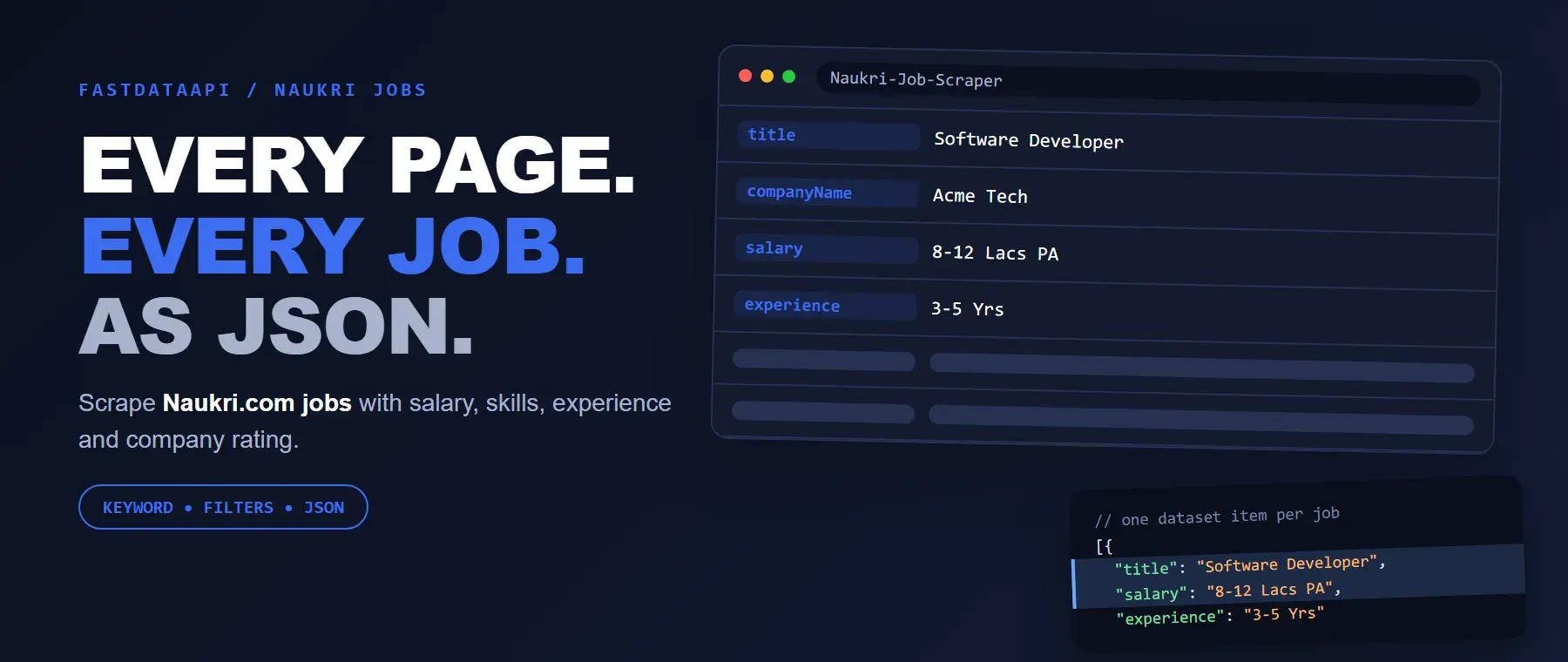
What data can I extract with Naukri Job Scraper?
Using this Naukri job scraper, you will be able to extract the following Naukri job data:
| 💼 Job title | 🏢 Company name | 💰 Salary (or "Not disclosed") | 🎯 Experience required |
|---|---|---|---|
| 📍 Locations | 🧩 Key skills | 📅 Posting date and time | 🔗 Job page link |
| ⭐ Company rating (AmbitionBox) | 🆔 12-digit job ID | 📝 Full description (detailed mode) | 🎓 Education (detailed mode) |
| 🏭 Industry and role (detailed mode) | 👥 Vacancies and applicant count (detailed mode) | 🏷️ Company branding blocks | 💬 AmbitionBox reviews data |
How to use Naukri Job Scraper
Recruiters, job boards, salary analysts and AI builders use it to turn a Naukri search into a clean list of jobs in one run.
Copy to your AI assistant:
Naukri Job Scraper MCP Server: use these Actors from ChatGPT, Claude or Cursor
Point your AI assistant at Apify and it can read Naukri on its own: jobs by keyword, search URL or job ID, with salary, skills and company ratings. No glue code, no scraping logic in your prompts.
Step by step
- Create a free Apify account.
- Open Naukri Job Scraper in the Apify Store.
- Type your keyword and pick filters, paste a Naukri search URL, or enter job IDs.
- Click Start (or send your API request).
- Download or stream your results in JSON, CSV or Excel.
How to scale Naukri Job Scraper to bulk
Raise the maximum job listings to page deeper into one search; each Naukri page holds 20 jobs and the run keeps paging until your number is reached or the results run out. To fetch known jobs, paste many 12-digit job IDs into the job IDs list. To scrape Naukri jobs for several roles or cities, start one run per search through the API, or schedule each search in Apify. Detailed mode reads every job page one by one, so it takes longer than the search-card mode.
✨ Features
Naukri Job Scraper fetches clean, structured jobs from Naukri.com. It's ideal for recruiting pipelines, salary benchmarking, hiring-trend research and India-focused job boards.
It extracts, per job:
- Job title and company – the role and the employer hiring for it
- Salary – the pay band as Naukri shows it, or "Not disclosed"
- Experience and locations – the years required and every city listed
- Key skills – the skill tags on the posting
- Posting date – when the job went live, in India time
- Company rating – the AmbitionBox rating when Naukri shows one
- Full job record – description, education, role, industry, vacancies and applicant count in detailed mode
⚡ All of Naukri's own filters are built in: work mode, city, department, salary, company type, role, industry, education, posted by, experience and freshness.
Use cases 💡
- Recruiter — list companies hiring data analysts in Bengaluru this week.
- Salary analyst — collect Naukri salary data by role, city and experience band.
- Job board — refresh a feed of new Naukri job listings sorted by date.
- Sales team — spot growing companies by how many roles they post.
- AI engineer — feed job descriptions into a RAG pipeline for a career-advice agent.
Building an AI agent? Connect Naukri Job Scraper over MCP and let it call the actor on its own.
Why choose this actor?
- 20 jobs in about 4 seconds. A recorded keyword run ("java developer", search-card mode) saved 20 jobs in 3.9 seconds.
- The numbers behind each job. A recorded detailed row came back with the experience band, salary text, nine skill tags, 7 vacancies, the employment type and the full description.
- Three ways in, 16 filters. Search by keyword, by any Naukri URL or by job ID, and narrow with Naukri's own filters, freshness and date sorting.
⬇️ Input
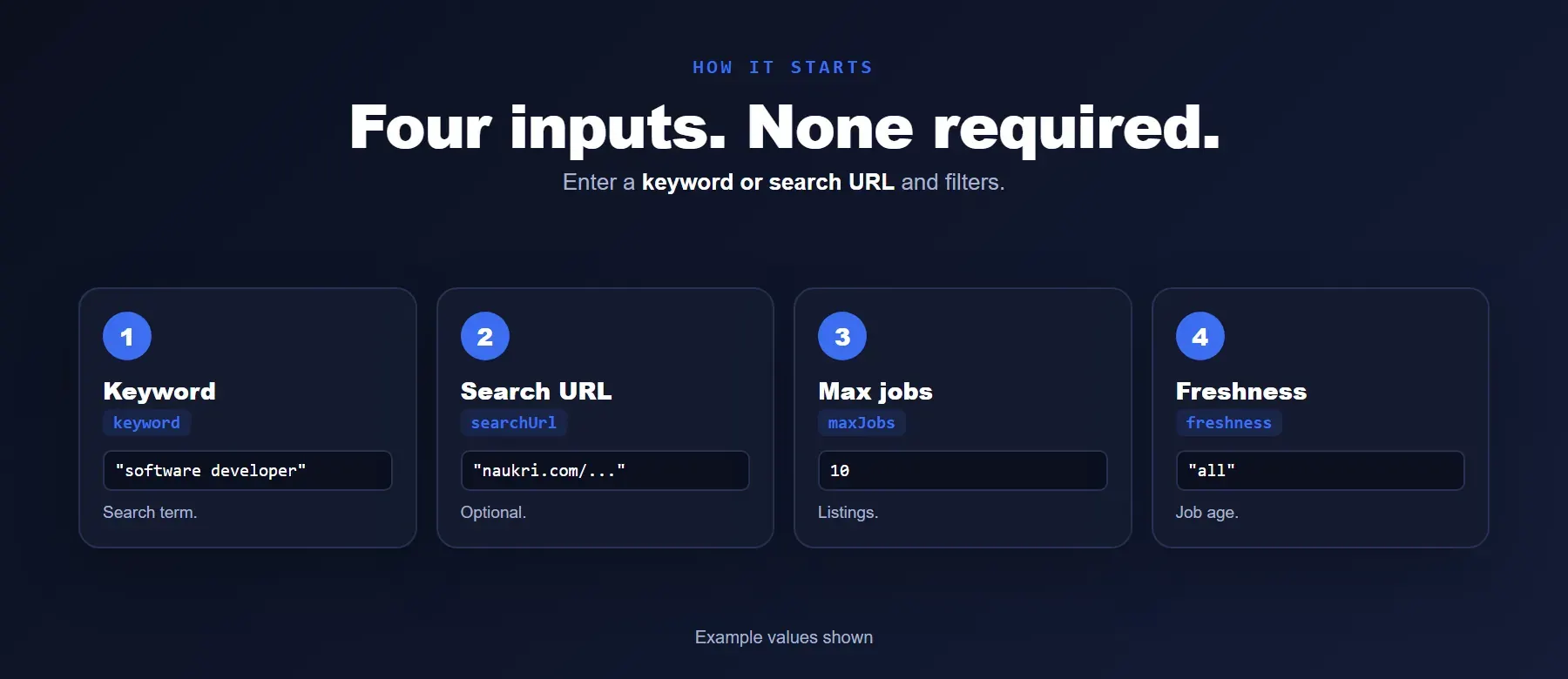
The Actor accepts a keyword with filters, a Naukri search URL, or a list of job IDs; no field is required. Priority: job IDs, then the search URL, then the keyword.
| Parameter | Required | Type | Description | Example value |
|---|---|---|---|---|
keyword | No | string | Search term, used when no search URL or job IDs are set. Default software developer. | data analyst |
searchUrl | No | string | Any Naukri listing URL (keyword, location or filtered search); overrides the keyword and filters. A single job URL also works. | https://www.naukri.com/data-analyst-jobs-in-bangalore |
fetchDetails | No | boolean | On: opens every job page for the full record. Off: search-result card only (faster). Default false. | true |
maxJobs | No | integer | Jobs to save for the search, or the first N of the job IDs. Minimum 1, default 10. | 50 |
freshness | No | string | Posted within: all, 30, 15, 7, 3 or 1 days. Default all. | 7 |
sortBy | No | string | relevance or date (newest first). Default relevance. | date |
experience | No | string | Years of experience: all or 0–30. Default all. | 3 |
workMode | No | array | office, temporary_wfh, remote, hybrid. | ["remote"] |
cities | No | array | Naukri city IDs (pick names in the form). | ["97"] |
department | No | array | Department IDs, e.g. Engineering - Software & QA. | ["5"] |
salaryRange | No | array | 0to3, 3to6, 6to10, 10to15, 15to25, 25to50, 50to75, 75to100, 100to500, 501 (lakhs). | ["6to10"] |
companyType | No | array | Company type IDs, e.g. Startup, Foreign MNC. | ["62"] |
roleCategory | No | array | Role category IDs. | ["1028"] |
stipend | No | array | Internship stipend: unpaid, 0To10, 10To20, 20To30, 30To40, 40To50, 50To1. | ["10To20"] |
duration | No | array | Internship months: 1–6, or -1 for flexible. | ["3"] |
ugCourse | No | array | Undergraduate course IDs, e.g. B.Tech/B.E. | ["11"] |
pgCourse | No | array | Postgraduate course IDs, e.g. MBA/PGDM. | ["13"] |
postedBy | No | array | 1 company jobs, 2 consultant jobs. | ["1"] |
industry | No | array | Industry IDs (pick names in the form). | ["109"] |
topCompanies | No | array | Featured top company IDs. | ["242"] |
jobIds | No | array | 12-digit Naukri job IDs; overrides the search. | ["140526018212"] |
maxRequestRetries | No | integer | Tries per page load, 1–10. Default 3. | 3 |
proxyConfiguration | No | object | Optional proxy. By default the run starts direct and moves to a datacenter, then a residential proxy, if Naukri refuses it. | {"useApifyProxy": false} |
Free plan limits
Users on the Apify free plan can fetch up to 20 jobs per run (the search or all job IDs together) and 200 jobs per month. When the limit is reached, the run finishes successfully with a status message explaining the limit. Upgrade to any paid Apify plan to remove these limits.
Example input
⬆️ Output
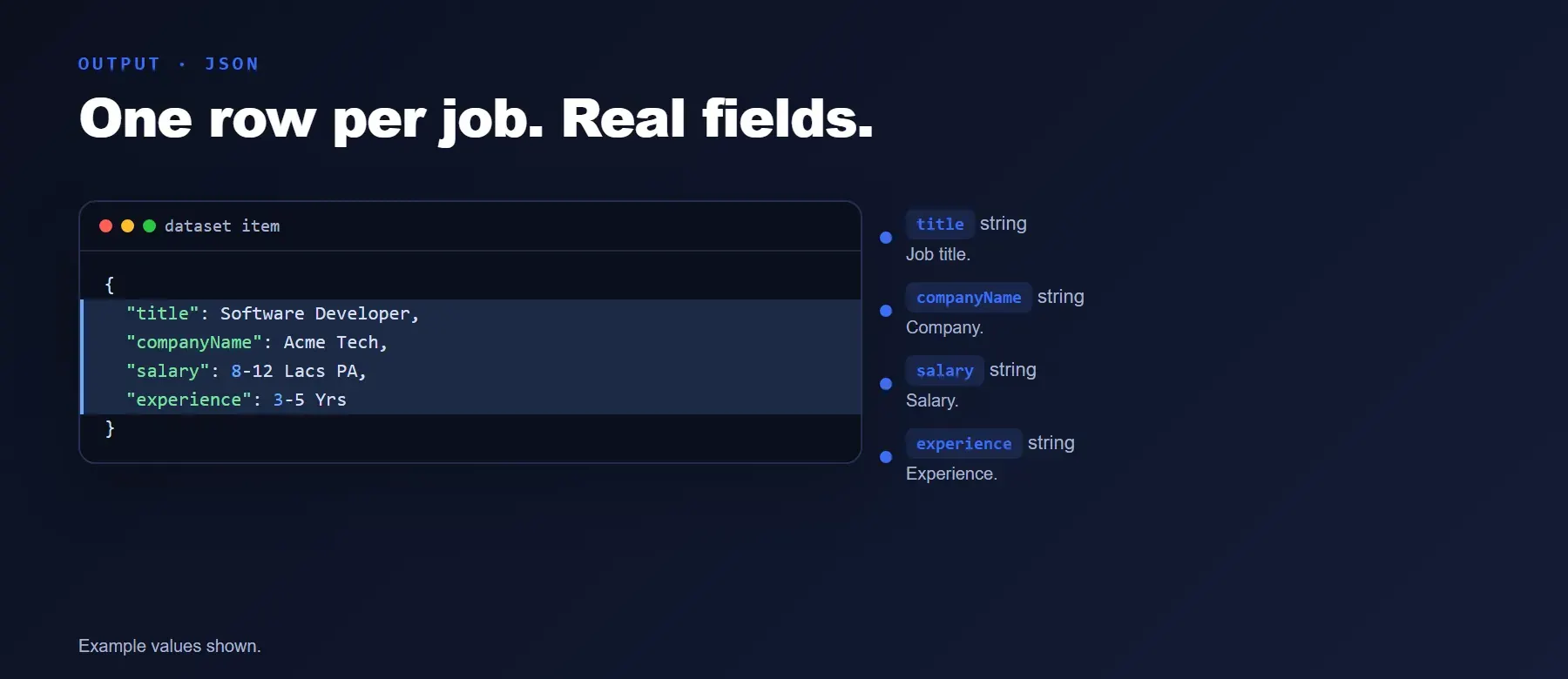
Every job is one JSON item: the flat summary fields first, then Naukri's own record — the full job in detailed mode, or the search card when details are off — saved the moment it is read. Export Naukri jobs as JSON (default), CSV or Excel; Naukri jobs to CSV is one click in the Output tab.
Example output
How does it work?
As a Naukri.com scraper, the Actor opens Naukri's public search and job pages in a real browser and handles rendering automatically, then reads the job data those pages show any visitor. It pages through the search 20 jobs at a time until your number is reached or the results run out. With detailed job data on, it also opens each job page; if a job page cannot be read, the job is still saved from its search card. Requests start on a direct connection and move to a datacenter and then a residential proxy if Naukri refuses them. Only publicly visible data is returned — what any visitor sees without logging in. The output schema stays the same between runs, so your pipeline does not need to change when Naukri updates its site.
How do you integrate Naukri Job Scraper into your stack?
It works with what you already use: the REST API from any language, MCP for AI agents, and no-code tools.
Using Naukri Job Scraper with the Apify API
Works in Go, Ruby, Node.js, cURL — any language that can make an HTTP request.
MCP integration for AI agents
Register the Actor once and your agent can pull Naukri jobs data whenever a conversation needs current openings.
This registers Naukri Job Scraper as a tool your agent can call directly. It works in Claude Code, Cursor and Windsurf.
No-code tools (n8n, Make, LangChain)
In n8n, add the Apify node with "Run an Actor" and pick fastdataapi/naukri-job-scraper, or point the HTTP Request node at the run-sync endpoint with your token. In Make, use the Apify app's "Run an Actor" module, then "Get Dataset Items" to pass the jobs on. In LangChain, install langchain-apify and load the Actor with ApifyActorsTool("fastdataapi/naukri-job-scraper").
Is it legal to scrape Naukri data?
Scraping publicly available Naukri job listings is generally legal, as long as you collect only what anyone can see without an account. Naukri Job Scraper returns only publicly available data — what any user sees without logging in. Listings describe employers and roles, but some records can include recruiter names, so GDPR and local data-protection law apply to how you store and use the data. Consult legal counsel if your use case involves bulk storage of personal data.
Frequently asked questions
What fields does Naukri Job Scraper return?
Each job comes with its title, company, salary, experience and locations, plus skills, posting date, link, company rating and Naukri's own record. See the data fields section for the full list.
Does Naukri Job Scraper require a Naukri account or login?
No. Only public job listings are read, and no credentials are needed.
How fast does Naukri Job Scraper run?
A recorded search-card run saved 20 jobs in 3.9 seconds. Detailed mode opens each job page one at a time, so it takes longer per job. Data is live, not cached.
What happens if a job is expired or doesn't exist?
In detailed mode, a job whose page cannot be read is logged and still saved from its search card, so no row is lost. A job ID that returns nothing is logged and skipped. A search with no matches finishes with a "no jobs matched" status.
Can I scrape multiple Naukri jobs at once?
Yes. One run pages through a whole search up to your maximum, and the job IDs list accepts many IDs in one run.
Does Naukri Job Scraper work with Claude, ChatGPT, and other AI agent tools?
Yes — Naukri Job Scraper is available as an MCP tool. Register it in Claude Code, Cursor or Windsurf with claude mcp add --transport http apify "https://mcp.apify.com?tools=fastdataapi/naukri-job-scraper"; any agent that can call an HTTP endpoint can use the REST API directly.
Does Naukri Job Scraper return data in a format LLMs can use directly?
Yes. Every job is JSON with consistent field names. No HTML parsing, no selectors — pass it straight to an LLM, index it into a vector store, or feed it to an agent tool.
What happens when Naukri changes its layout or updates its anti-bot system?
We maintain this Naukri scraper and update it when Naukri changes, so your calls keep returning the same JSON schema with no changes on your end.
Can I use Naukri Job Scraper without managing proxies or browser infrastructure?
Yes. The browser and the switch to a proxy when Naukri refuses a connection both run on the Actor's side. You send one request and get structured JSON back; it is an India job scraper you never have to host yourself.
Which Naukri job fields work best for AI training data and RAG indexing?
For RAG, use the job title, the full description and the key skills. For training data, use the experience band, salary text, company rating, vacancies and posting date. The summary fields are plain strings and numbers, so they need no extra normalization.
Related scrapers
| Scraper | What it extracts |
|---|---|
| Internshala Scrapper | Internshala internships and jobs with stipends, skills and full descriptions |
| Dice Job Scraper | Tech jobs from Dice.com with salary and full descriptions |
| Greenhouse Job Scraper | Job postings from company career boards hosted on Greenhouse |
| ATS Jobs API | Jobs from several applicant tracking systems in one format |
| LinkedIn Jobs Scraper | LinkedIn job postings with company and job details |
Your feedback
Found a bug or missing a field? Let us know through the Issues tab on this Actor's page in the Apify Store. We read every report and ship fixes to keep the Actor working as Naukri changes.


