

Realtor.com Property Scraper
Pricing
from $0.67 / 1,000 results
Realtor.com Property Scraper
Realtor.com Property Scraper scrapes realtor.com listings from search and property URLs, for sale, rent or sold: price, sold price and date, beds, baths, sqft, year built, address, coordinates and photos.
Pricing
from $0.67 / 1,000 results
Rating
0.0
(0)
Developer

Fast Data API
Maintained by CommunityActor stats
0
Bookmarked
2
Total users
1
Monthly active users
2 days ago
Last modified
Categories
Features
Share
Realtor.com Property Scraper — Prices, Sold Data, Beds and Photos
Realtor.com Property Scraper pulls home listings from Realtor.com search and property URLs: list price or rent, last sold price and date, beds, baths, square feet, stories, year built, address, coordinates, the listing description and every photo. It covers for-sale, rental and recently sold homes. Every response is structured JSON — ready to pass directly to an LLM, index into a vector store, or feed a real estate market data pipeline. No Realtor.com account or cookies needed. Start with one city, then track every market you invest in.
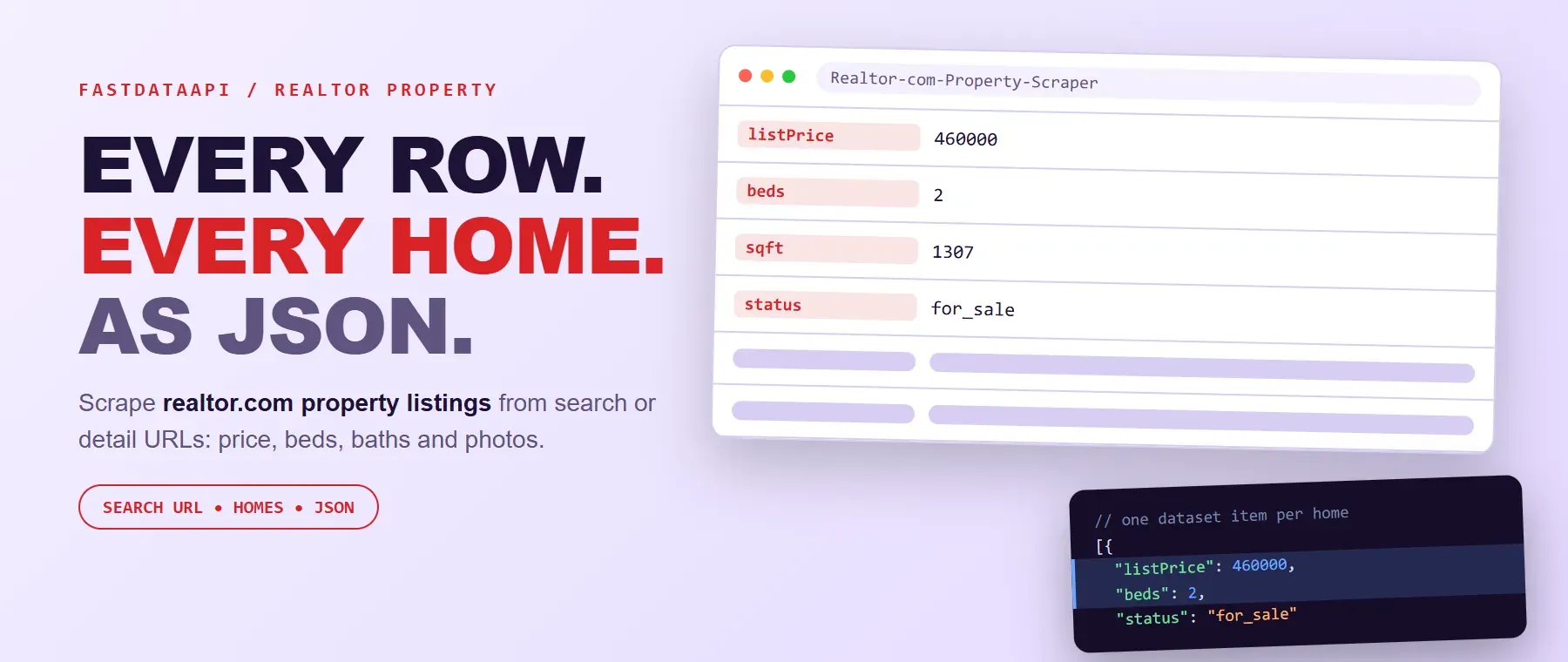
What data can I extract with Realtor.com Property Scraper?
Using this Realtor.com Property API, you will be able to extract the following Realtor.com property data:
| 💲 List price or monthly rent | 🏷️ Last sold price | 📅 Last sold date | 🚦 Listing status |
|---|---|---|---|
| 🛏️ Beds (or a range) | 🛁 Baths and full baths | 📐 Square feet (or a range) | 🏢 Stories |
| 🏠 Property type and sub type | 🧱 Year built | 📍 Street, city, state and ZIP | 🌐 Latitude and longitude |
| 📝 Listing description | 🖼️ Photos with detected tags | 🔗 Property page link | 🆔 Realtor.com property ID |
| ⚠️ Error reason (free error rows only) |
How to use Realtor.com Property Scraper
Built for investors, agents and analysts: one run turns Realtor.com search pages into a clean table of homes for sale, rentals or recent sales with prices and property facts.
Copy to your AI assistant:
Realtor.com Property Scraper MCP Server: use these Actors from ChatGPT, Claude or Cursor
Point your AI assistant at this Actor and it can read Realtor.com on its own: homes for sale, rentals, recently sold homes, prices and property facts for any US city or ZIP code. No glue code, no scraping logic in your prompts.
Step by step
- Create a free Apify account.
- Open Realtor.com Property Scraper in the Apify Store.
- Paste the Realtor.com search or property URLs.
- Click Start (or send your API request).
- Download or stream your results in JSON, CSV or Excel.
How to scale Realtor.com Property Scraper to bulk
The start URL field is a list, so bulk is the normal way to scrape Realtor.com listings: paste one search URL per city or ZIP code and the per-URL limit applies to each of them, up to 10,000 properties per search URL. Mix in property URLs to refresh single homes in the same run. Runs without a free-plan cap work on three URLs at the same time. To keep a dataset current, schedule the same input daily or weekly and export Realtor.com listings to CSV after each run.
✨ Features
Realtor.com Property Scraper fetches clean, structured properties from Realtor.com ⚡. It's ideal for pricing comparables, rental market research, watching recently sold homes and feeding property price data into valuation models. It extracts, per property:
- List price – the asking price, or the monthly rent for rentals (lowest rent for multi-unit buildings)
- Last sold price and date – the last recorded sale, also on homes now for sale
- Beds, baths and square feet – a number, or a range for multi-unit rentals and new-construction plans
- Year built and stories – when the home was built and how many floors it has
- Address and coordinates – street, city, state code, ZIP code, latitude and longitude
- Description – the full listing text
- Photos – every photo link with detected room tags; floor plans can be left out
⚡ Search URLs keep their own filters (beds, baths, price, square feet, type), and searches larger than 10,000 homes are split by price automatically so a high limit still fills up.
Use cases 💡
- Real estate investor — pull recently sold homes data per ZIP code to price offers.
- Listing agent — run it as a homes for sale scraper and compare price per square foot.
- Property manager — track Realtor.com rental listings and rent ranges in a city.
- Data analyst — build real estate market data series from scheduled runs.
- AI engineer — index listing descriptions and addresses into a RAG search over homes.
Building an AI agent? Connect Realtor.com Property Scraper over MCP and let it call the actor on its own.
Why choose this actor?
- 360 properties from three markets in 33 seconds. A recorded local run returned 120 homes each from a Phoenix for-sale search, an Austin rental search and a Miami recently-sold search in 33.2 seconds.
- The full story of each home. A recorded Phoenix listing came back with a $460,000 asking price, its last sale at $187,000 on 2017-06-28, 2 beds, 2 baths, 1,307 square feet, built in 1980, coordinates and the full photo set.
- 20 fields, three listing types, two kinds of URLs. For sale, for rent and recently sold, from search pages with path filters or single property pages, mixed in one run.
⬇️ Input
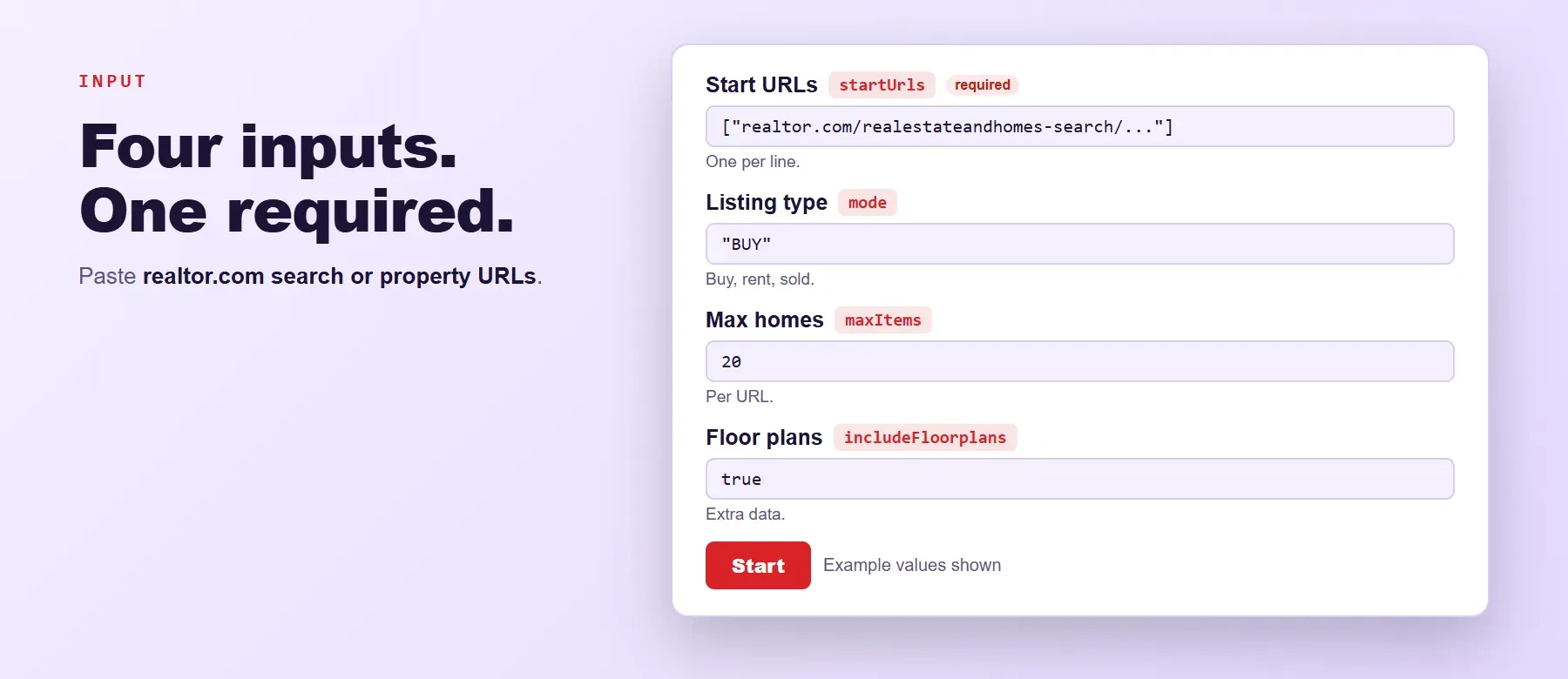
The Actor takes a list of Realtor.com URLs; startUrls is the only required field. Accepted URL formats:
- Search pages:
https://www.realtor.com/realestateandhomes-search/<City_ST or ZIP>, optionally with path filters such as/beds-3,/baths-2,/price-300000-500000,/sqft-1500,/type-single-family-home,/show-recently-sold - Rental search pages:
https://www.realtor.com/apartments/<City_ST>orhttps://www.realtor.com/rentals/<City_ST> - Property pages:
https://www.realtor.com/realestateandhomes-detail/...orhttps://www.realtor.com/rentals/details/...
| Parameter | Required | Type | Description | Example value |
|---|---|---|---|---|
startUrls | Yes | array | Realtor.com search and/or property URLs, one per line. Unsupported URLs are skipped with a warning. | ["https://www.realtor.com/realestateandhomes-search/Phoenix_AZ"] |
mode | No | string | Listing type for search URLs: BUY (for sale), RENT (for rent), SELL (sold in the last 6 months). Rental URLs always return rentals and show-recently-sold URLs always return sold homes. Default BUY. | "BUY" |
maxItems | No | integer | Properties to save for each search URL, newest first (1–10,000). A property URL always gives one row. Default 20. | 120 |
includeFloorplans | No | boolean | Keep floor-plan images in the photo list. Default true. | true |
proxyConfiguration | No | object | Optional proxy. The Actor starts without one and switches to Apify proxies by itself when Realtor.com refuses requests. Default {"useApifyProxy": false}. | {"useApifyProxy": false} |
Free plan limits
Users on the Apify free plan can fetch up to 20 properties per run (all input URLs together) and 200 properties per month. When the limit is reached, the run finishes successfully with a status message explaining the limit. Upgrade to any paid Apify plan to remove these limits.
Example input
⬆️ Output
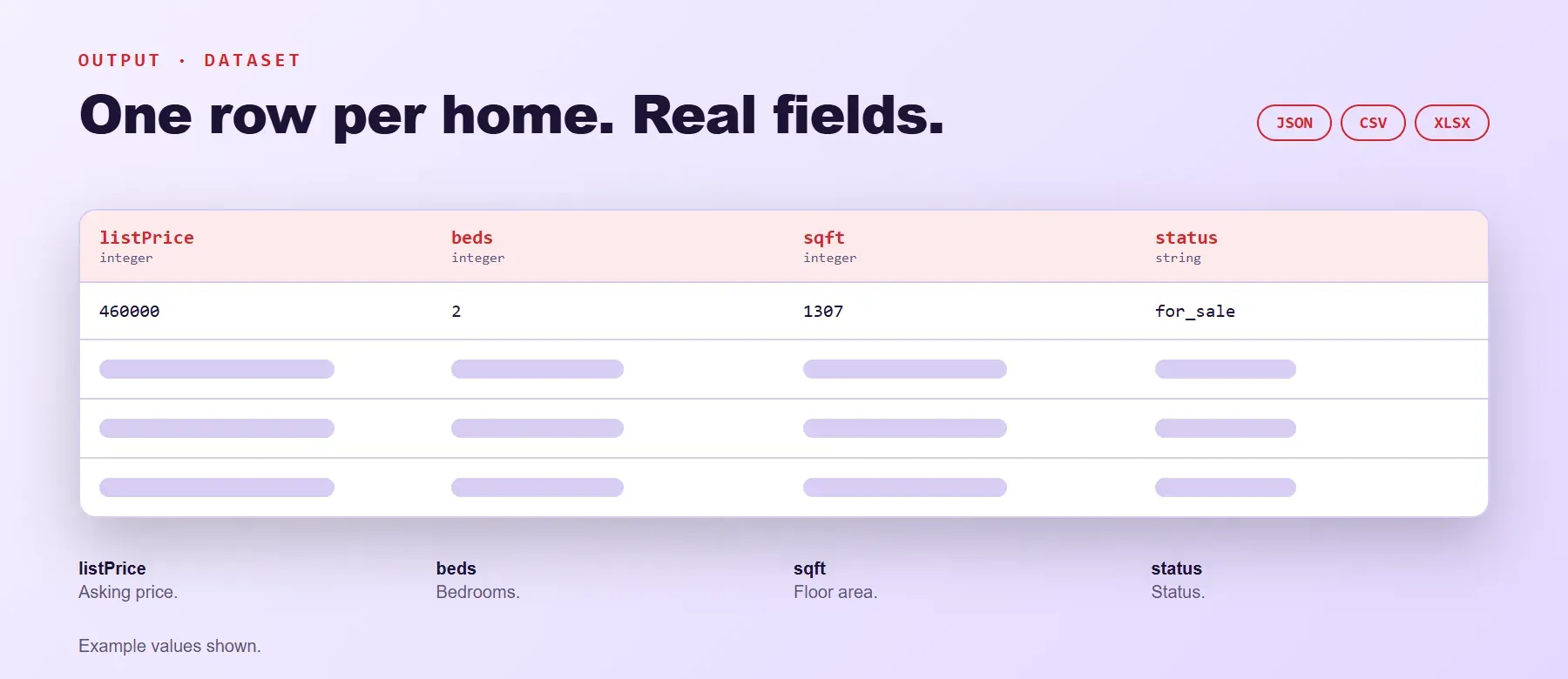
Every property is one typed, normalized JSON item with the same 20 keys on every run, saved as soon as it is read, and you can export it as JSON (default), CSV or Excel. A URL that gives no property is saved as a free row with only the URL and an error reason; it is not charged and does not count toward your limit.
Example output
The description and photo list are shortened here. The second item is a free error row from a property URL that does not exist.
How does it work?
For each search URL, the Actor reads the matching Realtor.com results newest first (most recent sale first for sold searches), then opens every property and turns it into one flat row. It uses plain HTTP requests that read the same public data the Realtor.com site loads, with no browser. Requests start on a direct connection; when Realtor.com refuses them, the Actor retries and moves to an Apify datacenter proxy, then a residential proxy. It returns only publicly visible data — what any visitor sees without logging in. Searches with more than 10,000 homes are split into price ranges so large limits still fill up. The field names stay the same even when Realtor.com changes its pages.
How do you integrate Realtor.com Property Scraper into your stack?
It works with what you already use: call it as a real estate listings API from any language, connect it over MCP for AI agents, or run it from no-code tools.
Using Realtor.com Property Scraper with the Apify API
Works in Go, Ruby, Node.js, cURL — any language that can make an HTTP request.
MCP integration for AI agents
Register the Actor with one command and your agent can pull Realtor.com listings whenever a question needs them, for example "what did three-bedroom homes in 85016 sell for this year?".
This registers Realtor.com Property Scraper as a tool your agent can call directly. It works in Claude Code, Cursor and Windsurf.
No-code tools (n8n, Make, LangChain)
- n8n: use the Apify node with "Run an Actor" and pick
fastdataapi/realtor-com-scraper-pay-per-events, or an HTTP Request node pointed at the run-sync endpoint with your token. An IF node on the error field splits charged property rows from free error rows. - Make: use the Apify app's "Run an Actor" module, then "Get Dataset Items", and map price, address and sold date into Google Sheets or Airtable.
- LangChain: install
langchain-apifyand wrap the Actor withApifyActorsTool("fastdataapi/realtor-com-scraper-pay-per-events"); the rows are already JSON, so the model reads them without a parsing step.
Is it legal to scrape Realtor.com data?
Scraping publicly accessible Realtor.com listing pages is generally lawful when no login is bypassed. Realtor.com Property Scraper returns only publicly available data — what any user sees without logging in: prices, property facts, addresses and listing photos. Listing descriptions and photos can be protected by copyright, so check before you republish them. Under GDPR, scraping public data is generally permissible, but storing and using it must comply with local data-protection law. Consult legal counsel if your use case involves bulk storage of personal data.
Frequently asked questions
What fields does Realtor.com Property Scraper return?
It returns 20 fields per property; the five most used are the list price, last sold price and date, beds, baths and the full address. Every row also carries square feet, year built, coordinates, the description and photos. See the data fields section.
Does Realtor.com Property Scraper require a Realtor.com account or login?
No. Only public property data is extracted. No credentials, cookies or browser sessions are needed.
How fast does Realtor.com Property Scraper run?
A recorded local run returned 360 properties from three search URLs in 33.2 seconds, and a small run of two searches plus one property URL returned 31 properties in 11 seconds. The data is live from Realtor.com, not cached.
What happens if a property doesn't exist or a search has no results?
A property URL that gives no property is saved as a free row with the error "property not found", and a search URL that gives no homes is saved as a free row with "no properties found". Neither is charged or counted toward your limit. URLs that are not Realtor.com search or property pages are skipped with a warning. In code, keep rows where error is null.
Can I scrape multiple Realtor.com properties at once?
Yes. The start URL field takes a list of search and property URLs, every URL is handled in the same run, and the limit applies to each search URL on its own.
Does Realtor.com Property Scraper work with Claude, ChatGPT, and other AI agent tools?
Yes — Realtor.com Property Scraper is available as an MCP tool. Register it in Claude Code, Cursor or Windsurf with:
Any agent that can call an HTTP endpoint can use the REST API directly.
Does Realtor.com Property Scraper return data in a format LLMs can use directly?
Yes. It returns typed, normalized JSON with consistent field names, with no HTML parsing and no selectors. Pass it straight to an LLM, index it into a vector store, or feed it to an agent tool — no transformation step.
What happens when Realtor.com changes its layout or updates its anti-bot system?
The actor is maintained. When Realtor.com changes, the actor is updated — your calls keep returning the same JSON schema with no changes on your end.
Can I use Realtor.com Property Scraper without managing proxies or browser infrastructure?
Yes. Retries and the switch from a direct connection to datacenter and residential proxies run on the actor's side, and no browser is used. You send one request and get structured JSON back. No proxy accounts, no headless browser setup, no maintenance.
Which Realtor.com property fields work best for AI training data and RAG indexing?
For RAG, use the listing description, full address and property type, with the city and ZIP code as metadata filters. For training data, use list price, last sold price, beds, baths, square feet, year built and coordinates. Most fields are plain strings and numbers; beds, baths and square feet can be a text range for multi-unit rentals, so check the type before you average them.
Related scrapers
| Scraper | What it extracts |
|---|---|
| Realtor.com Agents Scraper | Realtor.com agents by ZIP code with phones and brokerage |
| Realtor Email Scraper | Public email addresses linked to Realtor.com |
| Realtor Phone Number Scraper | Public phone numbers linked to Realtor.com |
| Zillow Detail Scraper | Zillow property details |
| Zillow Search Scraper | Zillow search results |
| Idealista Scraper | Idealista property listings |
Your feedback
Found a bug or missing a field, such as HOA fees or school ratings? Let us know on the Actor's Issues tab, with the input JSON and the URL that misbehaved. The team reads every report and ships fixes.


