

Google Maps Lead Enricher (AI)
Pricing
from $88.00 / 1,000 ai-scored leads
Google Maps Lead Enricher (AI)
Takes company lists from popular Google Maps scrapers and turns them into sales-ready leads: role-based emails, social links, website signals, an AI lead score and a personalised opening line. Actively maintained. · More no-code data tools → datatools-hub.vercel.app
Pricing
from $88.00 / 1,000 ai-scored leads
Rating
0.0
(0)
Developer

Fredrik Hansson
Maintained by CommunityActor stats
0
Bookmarked
2
Total users
1
Monthly active users
7 hours ago
Last modified
Categories
Share
Picks up exactly where your Google Maps scraper stops. A Google Maps scraper gives you a pile of company names, phone numbers and websites. This Actor turns that pile into sales-ready leads: it visits each company's website, pulls the general contact email and social profiles, measures the website's quality, and uses OpenAI to score the lead and write a personalised opening line for your outreach.
You bring the list. It hands back a prioritised call sheet.
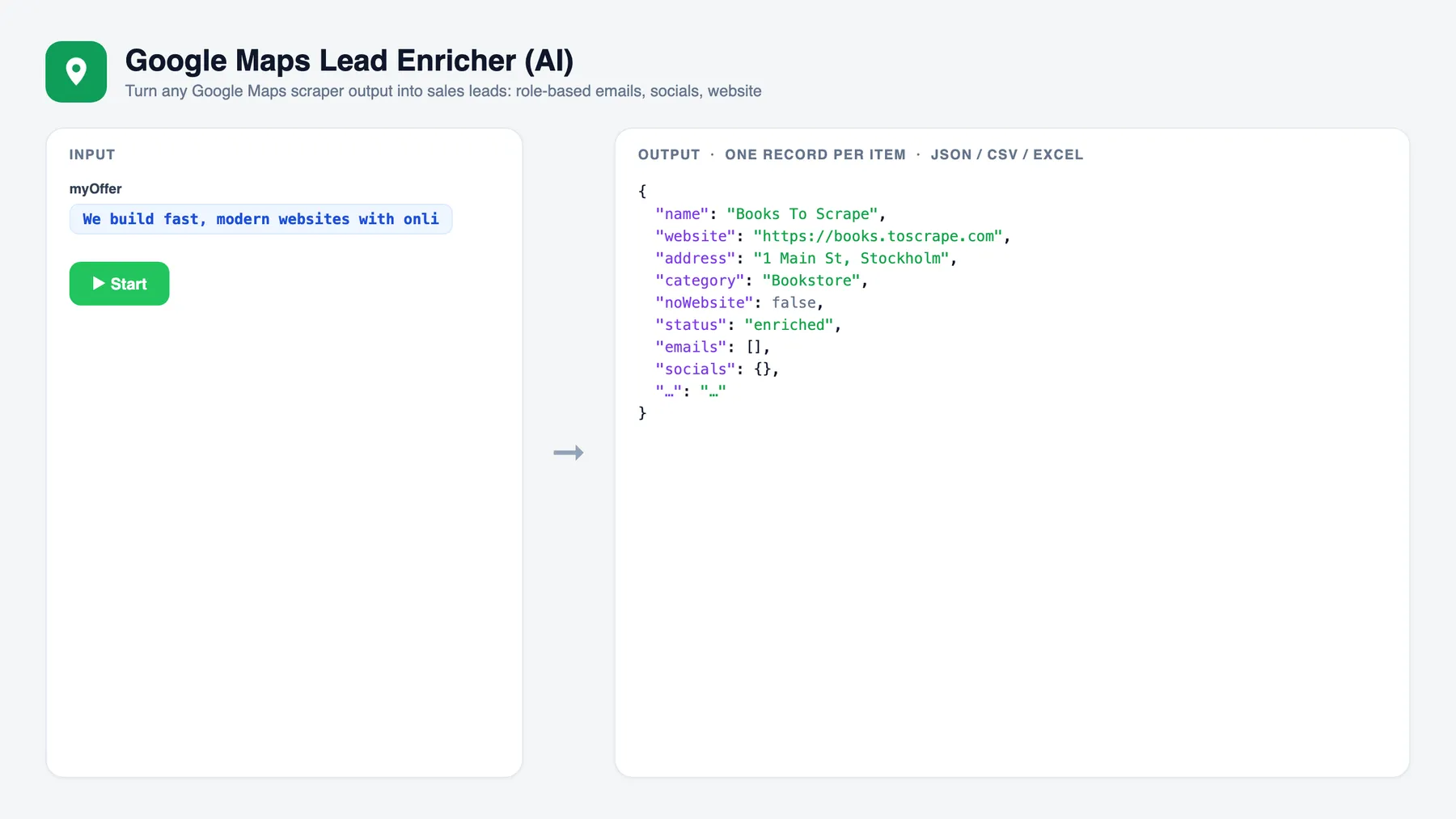
Quick start
- Fill in the input — set the fields in the input tab (prefilled with a working example).
- Click Start — the Actor runs and writes one record per item to the dataset.
- Get your data — export to JSON, CSV or Excel, or pull it via the API.
The flow
- Run any popular Google Maps scraper (for example
compass/crawler-google-places) for your city + niche. Let it finish. - Copy its dataset ID and paste it into this Actor's
datasetIdfield. That's the whole handoff — no reformatting. - Run this Actor. Each company comes back enriched and scored, sorted-ready for your CRM.
Prefer to skip the scraper? Paste companies straight into places instead.
What you get per company
For every company with a website, the Actor:
- Crawls the homepage + up to 4 relevant subpages (
contact,kontakt,about,om-oss,impressum, …). It uses a fast HTTP crawler first (CheerioCrawler) and only falls back to a real browser (PlaywrightCrawler) when a page needs JavaScript. robots.txt is respected. - Extracts contacts: general, role-based emails only (
info@,kontakt@,hello@,office@,booking@, …), plus phone and links to Facebook / Instagram / LinkedIn / TikTok / YouTube. - Reads website signals:
hasHttps,hasMobileViewport,hasOnlineBooking(known booking systems + "book"/"boka" wording),hasContactForm,cms(WordPress / Wix / Squarespace / Shopify / other),copyrightYear(from the footer), and a list ofoutdatedSignals. - If a company has no website at all →
noWebsite: true. That is itself a strong lead, especially for web agencies.
Then the AI layer (OpenAI gpt-4o-mini, a fast and low-cost model) adds:
leadScore(0–100) — how well the company matches your offer and how clear its gaps are.scoreReason— one or two sentences explaining the score.opener— a single personalised first line for a sales email, in your chosenoutputLanguage, referencing one concrete, verifiable observation about that specific company. No invented facts.
Three ways people use it
- Web / digital agencies — find local businesses with no website, no HTTPS, no mobile layout, or a copyright year stuck in 2017. Lead straight into a redesign pitch.
- SaaS sales — filter a whole category (e.g. "no online booking", "still on Wix") to spot companies that fit your product, with an opener already written.
- Local marketers — build a ready-to-contact list with the right general inbox and the company's social handles, scored by how likely they are to say yes.
Input
| Field | Type | Notes |
|---|---|---|
datasetId | string | ID of a Google Maps scraper dataset. Reads title, website, phone, address, categoryName, totalScore, reviewsCount. |
places | array | Alternative to datasetId: [{ name, website, phone, address, category }]. |
myOffer | string | Required. What you sell — drives the score and the opener. |
outputLanguage | string | Opener + reason language. Default en. |
generateOpener | boolean | Default true. Turn off to only collect emails/socials/signals (cheaper). |
maxPlaces | integer | Cap how many companies to process. Default 100. |
maxConcurrency | integer | Pages crawled in parallel. Default 10. |
siteTimeoutSecs | integer | Per-site hard timeout. Default 40. |
Provide either datasetId or places.
Minimal input example
Output example
A company with no website comes back with noWebsite: true, empty emails/web, and still gets an AI score and opener (missing web presence is a strong signal on its own).
Pay-per-event pricing
This Actor uses pay-per-event billing with two events:
| Event | Charged when |
|---|---|
lead-enriched | Once per company whose website was crawled (emails, socials, signals extracted). |
ai-scored-lead | Once per company that received an AI score + opener. Priced higher to cover the LLM token cost. |
The Actor logs its OpenAI token usage and the estimated AI cost per scored lead at the end of every run, so the event price always stays safely above the model cost.
Setup
The AI layer calls the OpenAI API. Set the environment variable / secret OPENAI_API_KEY on the Actor. Without it, crawling and extraction still run and ship — only leadScore, scoreReason and opener are left empty.
Use it from an AI agent (Apify MCP server)
This Actor is available through the Apify MCP server, so AI agents (Claude, ChatGPT, or anything that speaks MCP) can call it as a tool — hand it a datasetId and myOffer, and read back the enriched leads — with no custom integration code.
Run it locally
A note on data
This Actor only collects general, role-based company contact addresses (such as info@, kontakt@, booking@) published on a company's own website. It deliberately filters out addresses that look like they belong to a named individual.
Related actors
- Email Finder — Find email addresses for any domain — crawls the homepage plus contact/about/team pages
- AI Cold Email Personalizer — Turn a list of domains into personalized cold-email openers — AI reads each company's
- Google Reviews Insights (AI) — Turns Google reviews into concrete insights for a business and its competitors: top


