
Woolworths Product Scraper | Prices, Specials & Stock
Pricing
from $0.81 / 1,000 products
Woolworths Product Scraper | Prices, Specials & Stock
Get Woolworths Australia product prices, was-prices, specials, unit prices, stock, barcodes and categories by keyword, barcode, URL or specials group. Optional nutrition and origin. Many queries per run, no login.
Pricing
from $0.81 / 1,000 products
Rating
0.0
(0)
Developer

Flowo
Maintained by CommunityActor stats
0
Bookmarked
2
Total users
1
Monthly active users
4 days ago
Last modified
Categories
Features
Share
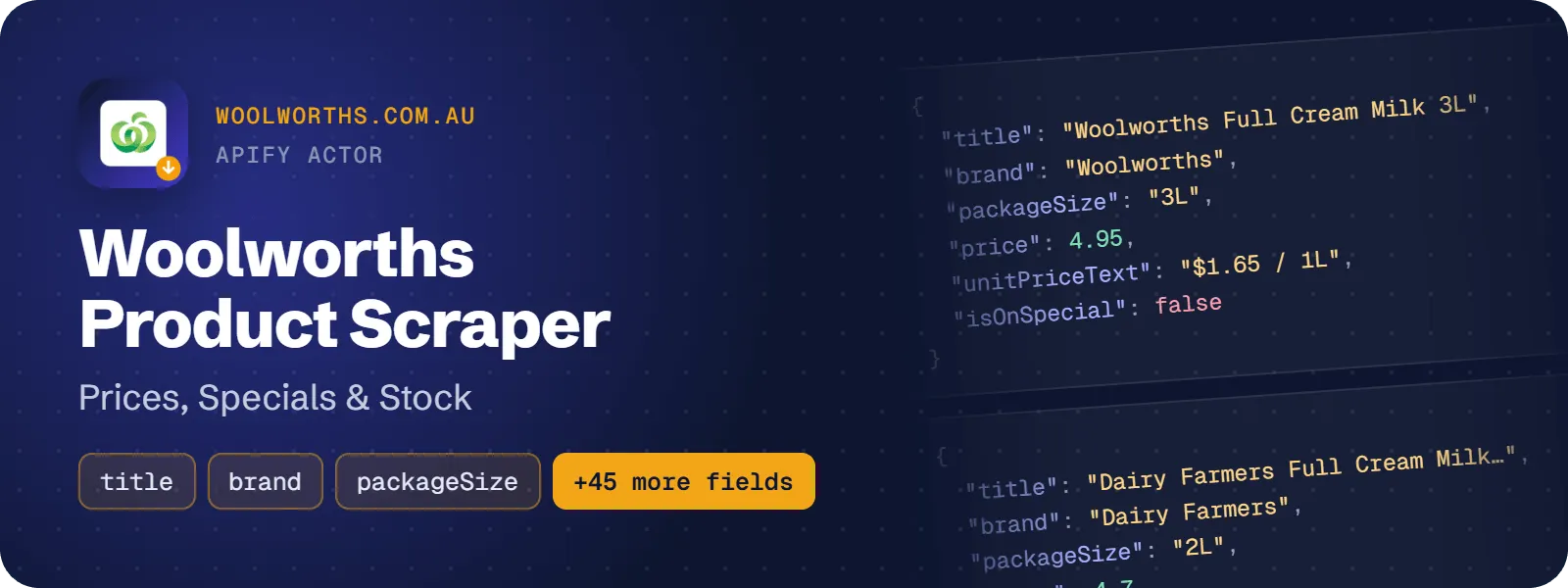
Get Woolworths (woolworths.com.au) products as flat rows: the shelf price, the was-price and saving, the unit (cup) price, half-price and multibuy offers, stock status, barcode, category path, ingredients, allergens and Health Star Rating. Optionally add the nutrition panel, country of origin and aisle. No login needed.
Search by keyword, barcode or stockcode, scrape whole aisles by URL, or pull the specials catalogues (half price, buy more save more and others) without typing URLs.
What does Woolworths Product Scraper do?
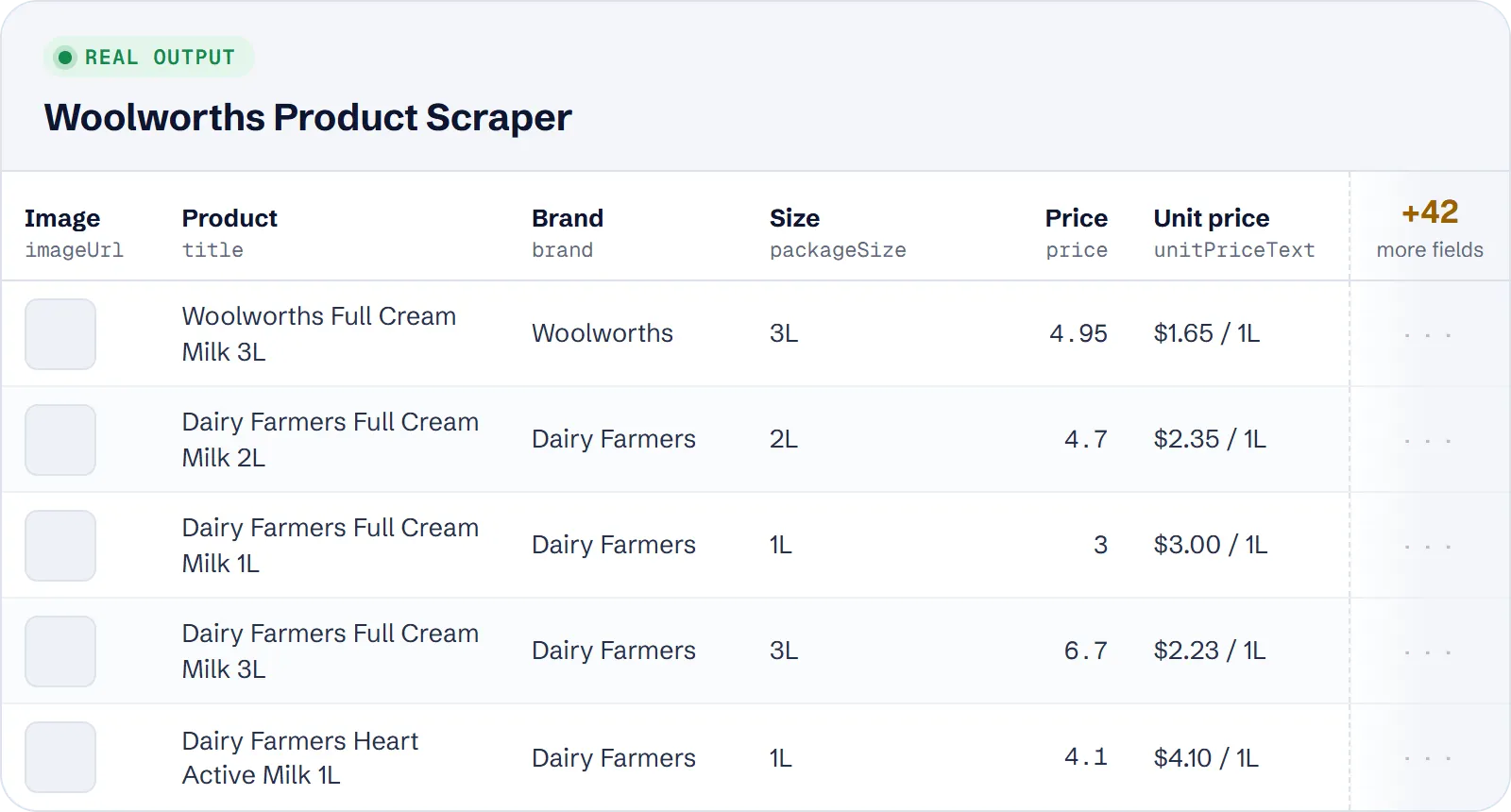
Give the actor search terms, woolworths.com.au links (category, specials, search or product pages) or specials groups. It returns one row per product with the online price, the saving, the unit price, availability and product facts. The output shape follows our Coles Product Scraper, so Australian supermarket prices are easy to compare side by side.
It suits price trackers, deal sites, FMCG brands, category analysts and AI agents that need to answer "what does X cost at Woolworths, and is it on special?".
How to scrape Woolworths products
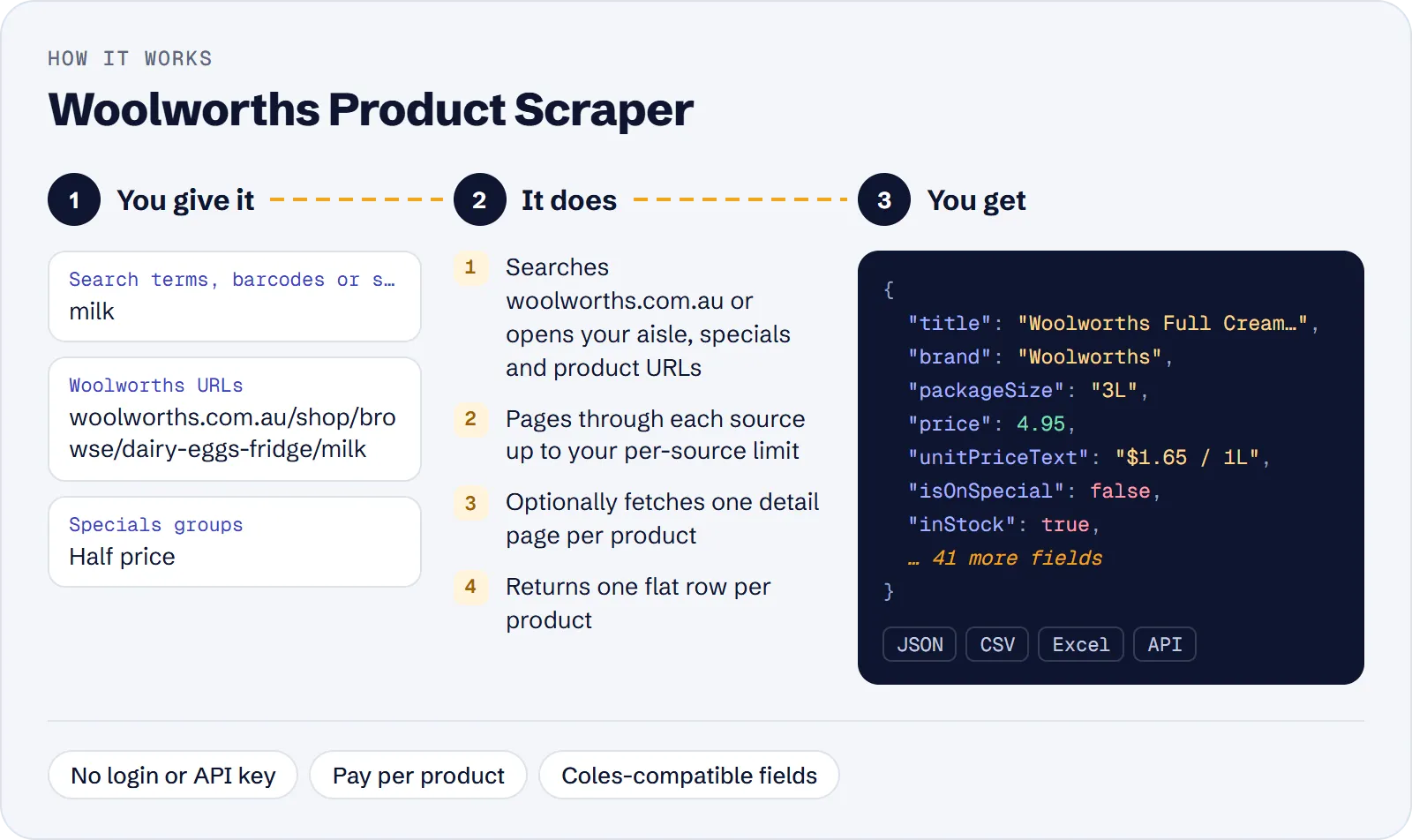
- Open the actor in Apify Console and click Try for free.
- Add search terms (for example
milk), Woolworths URLs, or tick one or more specials groups. At least one of the three is required. - Set Max products per source and Max products in total, then optionally tick filters such as Only products on special.
- Click Start and download the dataset as JSON, CSV or Excel, or read it through the API.
How much does it cost to scrape Woolworths?
Price per event by Apify plan:
| Event | Free | Bronze | Silver | Gold and above |
|---|---|---|---|---|
| Product | $1.16 per 1,000 | $1.044 per 1,000 | $0.928 per 1,000 | $0.812 per 1,000 |
| Actor start | $0.00005 | $0.00005 | $0.00005 | $0.00005 |
A test run with the API example input below returned 150 rows in 51 s.
You pay per product row saved to the dataset ($0.00116 per product on the Free plan, about $1.16 per 1,000) plus a small start fee ($0.00005 per GB of memory, once per run). Nutrition, origin and aisle details cost nothing extra. Searches and pages that return no products are free. Store tier discounts may apply.
| Scenario | Products | Cost on the Free plan |
|---|---|---|
| One search term, default limit | 100 | about $0.12 |
| Half-price specials catalogue | 500 | about $0.58 |
| Basket of 1,000 products | 1,000 | about $1.16 |
| Large aisle sweep | 5,000 | about $5.80 |
Input
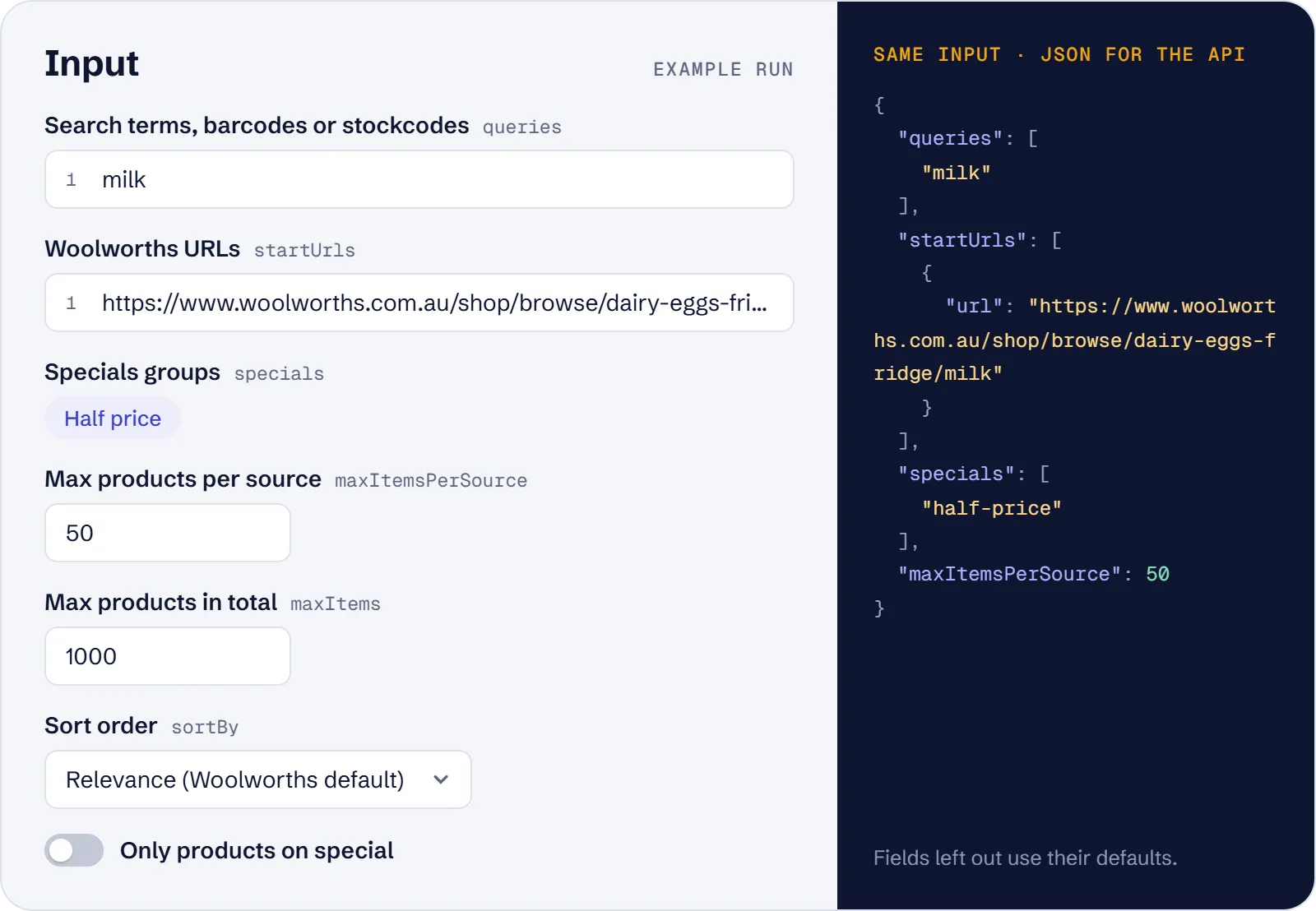
Main fields:
queries– search terms, barcodes (EAN) or Woolworths stockcodes, one per item.startUrls– category, aisle, specials, search or product page links.specials– specials groups: half-price, buy-more-save-more, all, lower-shelf-price, everyday-low-price, seasonal-price, bundles, online-only-specials, everyday-market-specials-and-offers.maxItemsPerSource(default 100, max 20000) andmaxItems(default 1000).sortBy– relevance, price, unit price or name.specialsOnly,inStockOnly,includeDetails,includeSponsored,proxyConfiguration.
What data can you extract from Woolworths?
| Field | Meaning |
|---|---|
id, barcode, url | Woolworths stockcode, EAN barcode, product page |
title, brand, packageSize | Product name, brand, pack size |
price, wasPrice, savingsAmount, currency | Current price, previous price and saving (AUD) |
isOnSpecial, isHalfPrice, promotionText | Offer flags and text |
multibuyQuantity, multibuyPrice | Buy-more-save-more offer |
unitPrice, unitPriceMeasure, unitPriceText | Unit (cup) price |
inStock, isAvailable, supplyLimit | Availability |
department, category, subcategory | Category path |
healthStarRating, ingredients, allergens, dietary | Product facts |
countryOfOrigin, aisle, nutritionPer100, nutritionPerServe | Filled with includeDetails or product URLs |
query, sourceUrl, position, scrapedAt | Where the row came from |
Real example (shortened):
Use cases
- Weekly catalogue of half-price and multibuy specials for deal sites.
- Daily price monitoring of a basket by stockcode, barcode or product URL.
- A full aisle with prices for range and assortment analysis.
- Search results for a term, in Woolworths order, for competitive research.
- Comparing Woolworths and Coles prices using the same field names.
Limitations
- Prices are the national online default; store-specific prices are not available.
- Product ratings and review counts are not provided.
- Fields such as
wasPrice,healthStarRating,allergensanddietaryare empty when Woolworths does not show them. Country of origin is rarely present in listings; useincludeDetails. - Unavailable products have no price.
- Sponsored tiles are skipped unless
includeSponsoredis on. - With
sortByunit price on search terms, Woolworths returns only products that show a unit price, so far fewer results. includeDetailsmakes runs slower (one extra request per product).
Tips and troubleshooting
- Fewer rows than expected: each source is capped by
maxItemsPerSource(default 100) and the whole run bymaxItems(default 1000). Raise both. - Looking up one product: put its barcode or stockcode in
queries, or its product page instartUrls. - Need nutrition, country of origin or aisle: switch on
includeDetails, or pass product URLs. Expect slower runs. - Only deals: tick
specialsOnly, or choose specials groups instead of typing URLs. - Sorting by unit price on search terms returns far fewer products; use price or relevance if you need full results.
- Zero rows: check the term or URL on woolworths.com.au, and note that
inStockOnlyhides unavailable products.
API, MCP and integrations
Run the actor from your code with the same JSON input as in Console. Your API token is in Console → Settings → API & Integrations.
Python (pip install apify-client):
Node.js (npm install apify-client):
HTTP — one request runs the actor and returns the results (runs up to 5 minutes; longer ones: run asynchronously):
AI agents (MCP). Add the actor as a tool of the Apify MCP server. Claude Code:
Claude Desktop, Cursor or VS Code: {"mcpServers": {"apify": {"url": "https://mcp.apify.com?tools=genial_candlestand/woolworths-product-scraper"}}}. Then ask, for example:
- "List half-price specials at Woolworths with price and unit price"
- "Get the price and stock of Woolworths barcode 9300633556150"
- "Find the cheapest Woolworths milk in stock, sorted by price"
Integrations. Run it on a schedule with Apify Schedules and send the results to Google Sheets, Slack, Zapier, Make, n8n or your webhook — see Apify integrations.
FAQ
Is it legal to scrape Woolworths?
The actor reads publicly visible product pages and data without logging in, and returns no personal data. You are responsible for using the data in line with the site's terms and the law that applies to you.
Can I look up one product?
Yes: put its barcode or stockcode in queries, or its product page in startUrls.
Why did "all specials" return fewer rows than expected?
Each group is limited by maxItemsPerSource, and maxItems caps the whole run.
How is it different from other Woolworths scrapers?
It accepts search terms, barcodes, category or aisle URLs, product URLs and specials groups in one input, while the most-used alternative takes search terms only. Its price is $1.16 per 1,000 products on the Free plan, against $1.20 per 1,000 for that alternative.
Also useful
- Coles Product Scraper — compare the same products at Coles: prices, specials and stock
- ALDI Australia Product Scraper — add ALDI prices and Special Buys to your Australian basket
- Amazon Best Sellers Scraper — track top-ranked products and prices on Amazon stores


