

Google Maps Email Extractor — Business Leads, Emails & Phones
Pricing
from $5.00 / 1,000 results
Google Maps Email Extractor — Business Leads, Emails & Phones
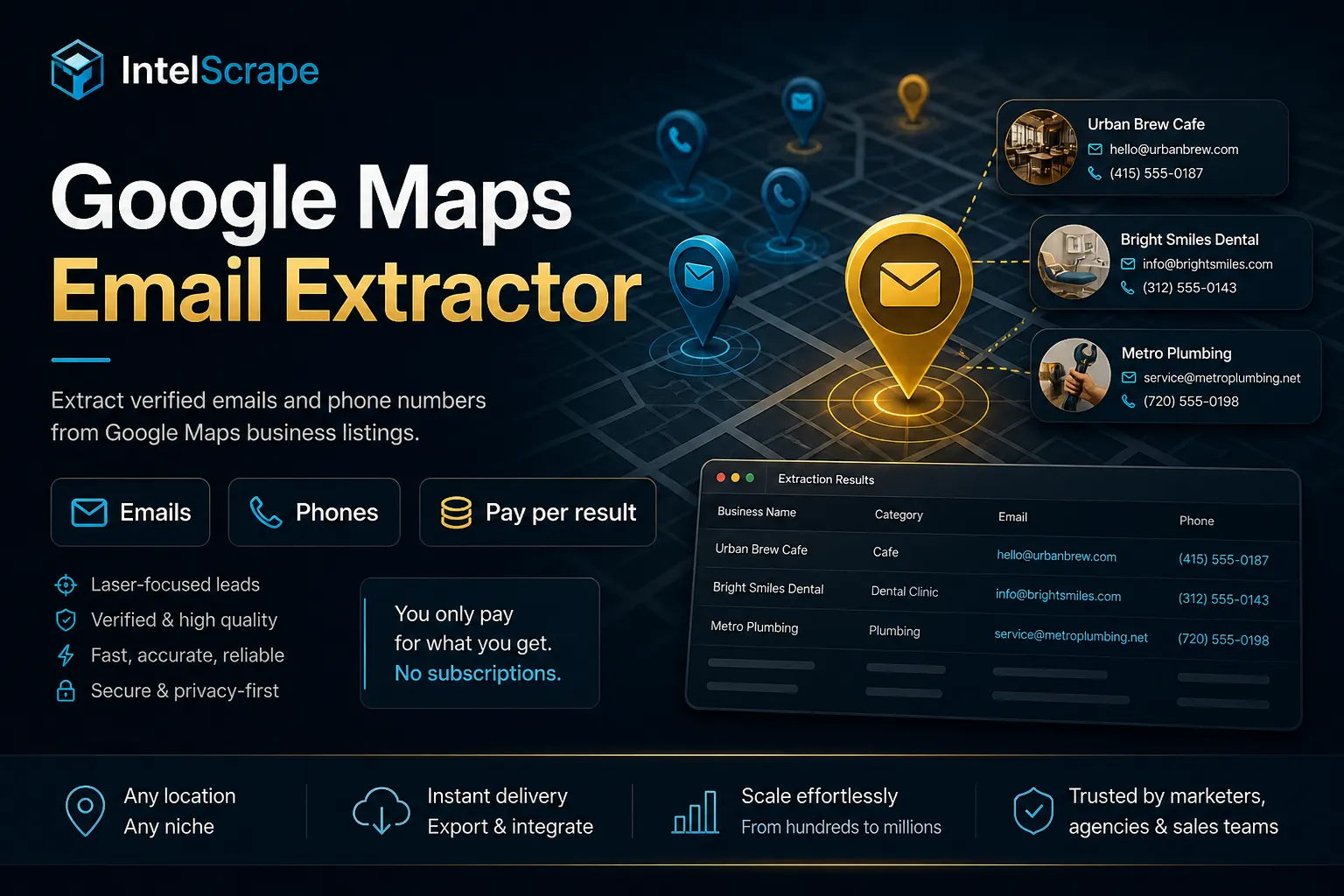
Google Maps email extractor: turn a search like 'plumbers in Austin TX' into local business leads with emails, phones, websites, ratings and social links. Multi-city search, lead score, rating filters and email classification. Pay per lead.
Pricing
from $5.00 / 1,000 results
Rating
0.0
(0)
Developer

IntelScrape
Maintained by CommunityActor stats
2
Bookmarked
34
Total users
3
Monthly active users
3 days ago
Last modified
Categories
Share
Google Maps Email Extractor — Local Business Email Leads
🇨🇳 中文简介 (Chinese — China & Singapore): 还在手动从地图抄本地商家邮箱?用业务类型+地区搜索 Google Maps,或直接提供网址,自动提取企业邮箱、电话与社交媒体链接,并尽量过滤垃圾邮箱。按结果计费,无需自备 API Key——适合本地拓客、SEO 与 SDR。需要更深网站联系页?接 Website Contact Scraper;找没有官网的商家?用 Google Maps No-Website Leads。现在运行,把可外联线索导出到表格或 Claude / Cursor。
🇸🇬 Ringkasan Melayu (Singapore): Masih salin e-mel perniagaan tempatan dari peta? Cari Google Maps mengikut jenis + lokasi, atau beri URL — kami ekstrak e-mel, telefon dan pautan sosial. Bayar per hasil, tiada API key. Untuk crawl laman hubungi: Website Contact Scraper; untuk perniagaan tanpa laman: Google Maps No-Website Leads. Cuba di Apify.
🤖 NEW: Connect This To Your AI!
Want local Maps email leads inside Claude, Cursor, or ChatGPT? Use the Skip Trace MCP Server — ask your AI to pull Maps emails (cities + categories), draft outreach, then deepen contacts with Website Contact Scraper or enrich people via Skip Trace PRO. No-website listings? Soft-cross to Google Maps No-Website Leads.
🏆 Featured Bots by IntelScrape
- Google Maps Email Extractor — Local Business Email Leads
- Website Contact Scraper — Website Email & Phone Finder
- Google Maps No-Website Leads — Local Businesses Without a Website
- Skip Trace PRO — Name, Address, Phone & Email People Lookup
- TruePeopleSearch Scraper — Phone & Email Matches
- Building Permit Scraper — Roofing, Solar & HVAC Leads
- TikTok Scraper — Emails & Influencer Leads
- Skip Trace MCP Server — Use Skip Trace inside Claude, Cursor, ChatGPT
Multi-city + niches (new)
Use cities + categories to fan out searches (e.g. plumbers/HVAC across Austin + Miami) without hand-writing every query. Optional skipWithoutEmail keeps only email-ready leads. demoMode saves 3 fictional sample leads to the run's Key-value store (OUTPUT) for format preview; it writes nothing to the dataset and charges no result or email events (only the one-time Actor start event applies).
⚡ Use this Actor in n8n — no code
- Add the official Apify node in n8n.
- Connect your Apify API token.
- Run Actor ID:
IntelScrape/google-maps-email-extractor.



Local business email leads from Google Maps — extract emails, phones, and social links by niche + location, or from direct website URLs.
Outbound-ready local B2B / SMB prospecting without maintaining your own Maps + crawl stack.
Honest coverage & billing (read this): Charged for dataset items ($0.005) + actor start ($0.00005) + email-found ($0.002) when an email is harvested + optional email-verified ($0.001) when
verifyEmailsfinds ≥1likely_validaddress + phone-line-type ($0.001) whenincludePhonesdelivers ≥1phoneLineTypes[{ e164, lineType }](libphonenumber — not live carrier / not WhatsApp-active / not DNC). Emails only appear when the business website (or Maps profile) publishes them — many listings have phone only. Contact-page crawling is best-effort. Not affiliated with Google.
🧭 Built for local agencies, franchise developers, SEO shops, and SDR teams hunting local business emails.
⭐ Store rating is driven by daily power users. Please leave a review.
⚖️ Lawful business use only. Public Maps/website contacts. Comply with TCPA/CAN-SPAM/PDPA for outreach.
📌 Examples in this README are fictional unless stated otherwise.
Lead score + website filter (new)
leadScore(0–100) +leadScoreBreakdownon every lead — email/phone/social/rating/reviews/tech weighted (khadinakbarminLeadScoreparity).minLeadScore— drop weak leads before export.requireWebsite— keep only rows with a website/domain.filtersAppliedechoes active filters on each row.
Incremental + email classify + quality filters
onlyNew+seenStoreName— skip domains already seen (KV store), for monitoring runs.verifyEmails— local email labels (likely_valid/role_based/disposable) with no external API.minRating— drop rated leads below your floor; unrated leads kept.minReviews— drop leads below your review-count floor when reviewCount is known (rival-parity).requirePhone— keep only leads with at least one phone.- email-found PPE — charged only when a harvested email is present on the pushed lead (not on phone-only rows).
- email-verified PPE — opt-in via
verifyEmails; charged only when ≥1 address is classifiedlikely_valid. - phone-line-type PPE — when
includePhonesdelivers ≥1 E.164 with libphonenumberlineType(MOBILE / FIXED_LINE / VOIP / …). Honest offline type — not live carrier registry, not WhatsApp-active, not DNC.
🕵️♂️ Why Choose Us vs. "Cheaper" Competitors?
| Feature | Maps Email Extractor | YellowPages clones |
|---|---|---|
| Source | Google Maps + sites | Stale directories |
| Query | Local business email leads | Generic directory dump |
| Contacts | Site deep links | Thin NAP dumps |
| Billing | Per result | Per listing scanned |
| Siblings | Contact Info + No-Website Leads | Dead-end |
Quick start
Or pass websiteUrls to skip Maps discovery.
Email verification, phone line types and next-step links
verifyEmails(opt-in): local classification (likely_valid/role_based/disposable) — billsemail-verifiedonly when ≥1 address islikely_validon the delivered lead.includePhones+ phone lineType: each delivered number can includephoneLineTypes[{ e164, lineType }]from libphonenumber — billsphone-line-typeonce per lead when ≥1 enrichment is present. Not a live carrier lookup; not WhatsApp-active; not DNC.- Next-step links: every lead row gets a personalized
softCtalinks object, plus oneemails-batch-summaryrow with links — Contact / Website Leads / Email / Phone / B2B / Shopify / License / BBB / UCC / MCA / Yelp / Trustpilot / Google Reviews / Watson / TPS / Skip Trace PRO (no self-link). These links add no extra charge. - Need emails/phones from known website URLs (contact / about pages)? Use Website Contact Scraper — MX verify + phone lineType bundle available there too.
- Hunting businesses with no website for web-design outreach? Google Maps No-Website Leads.
- Enriching owners / people behind a listing? Skip Trace PRO or TruePeopleSearch Scraper.
- Broader company leads beyond Maps? B2B Lead Generator.
What you get
- Business name, phone, Maps data when found
- Phone lineType depth (
phoneLineTypes[]) via libphonenumber when phones are included - Emails from website/contact pages when published
- Social links (optional)
Pricing (PPE)
| Event | Price |
|---|---|
| Actor start | $0.00005 |
| Result (dataset item) | $0.005 |
Email found (email-found) | $0.002 — only when the lead includes ≥1 harvested email |
Email verified (email-verified) | $0.001 — only when verifyEmails finds ≥1 likely_valid |
Phone line type (phone-line-type) | $0.001 — when includePhones delivers ≥1 enriched E.164 |
💡 Use cases
- Local lead generation: build email lists of plumbers, dentists, roofers, salons or any other local niche.
- Agencies: prospect local businesses for SEO, web design, ads or reputation services.
- Sales teams: fill a CRM with phone and email contacts by city and category.
- Market research: compare ratings and review counts across cities.
⏰ Schedule this Actor — new leads every Monday, skipping domains you already have
Run it once with your own settings, save that run as a task, then let Apify Schedules repeat it. About two minutes, no code.
- In Apify Console open Schedules → Create new.
- Click Add → pick your saved task (or this Actor), set the cron expression and time zone below, and click Enable (new schedules start disabled).
- Optional: open the task's integrations and add a webhook on
ACTOR.RUN.SUCCEEDEDso every finished run is pushed to your CRM, Zapier, Make or n8n. Payload template:{"runId": {{resource.id}}, "datasetId": {{resource.defaultDatasetId}}, "status": {{resource.status}}}. Your tool then readshttps://api.apify.com/v2/datasets/<datasetId>/items?format=csv, or use the Apify integrations for Google Sheets, Make and Zapier.
| Cadence | Cron expression |
|---|---|
| Every day, 8 AM | 0 8 * * * |
| Weekdays, 8 AM | 0 8 * * 1-5 |
| Every Monday, 8 AM | 0 8 * * 1 |
| 1st of the month, 8 AM | 0 8 1 * * |
Starter task input for this Actor (edit the values, then paste into the task):
onlyNewremembers every business domain it has delivered in a named key-value store in your account (seenStoreName). On the next scheduled run those domains are skipped before a lead is written, so you are not charged for them again.- Use one
seenStoreNameper list or niche (for exampleroofers-weekly). Change the name to start a fresh list. - Each scheduled run still pays the small Actor start event once; the per-lead events apply only to the new leads delivered.
Prefer the API? POST https://api.apify.com/v2/schedules with a body like the one below (send your token in the Authorization: Bearer header):
Docs: Apify Schedules · Webhook actions
❓ FAQ
How do I extract emails from Google Maps?
Enter a search such as plumbers in Austin TX, set Max Results, and run. The Actor finds the businesses on Google Maps, visits each website and its contact pages, and returns the emails, phones and social links it finds.
Can I search several cities at once? Yes. Add a list of Cities and Niche categories and the Actor fans the search out across every combination.
Can I keep only good leads?
Yes. Filter by minimum star rating, minimum review count, required phone or website, minimum lead score, and role-based email prefixes such as info@.
Will every business have an email? No. Emails are only found when the business publishes them on its website. Turn on Only keep leads with email to drop the rest.
How is it billed? Pay per event: a fee per delivered lead plus optional events for emails found, email checks and phone line types. See the Pricing tab on this page for the current per-event prices. You are only charged for the events listed there, and you can cap spend with the run's maximum charge setting.
How do I export the leads to CSV or Google Sheets? Use the Output tab (CSV, Excel, JSON) or the Apify integrations for Google Sheets, Zapier, Make and webhooks.
Is this a Google Maps email scraper?
Yes. Give it a niche and a place (for example dentists in Denver CO, or cities + categories) and it finds the businesses on Google Maps, then visits each business website and its contact pages for published emails, phones and social links. It returns an email only when the business publishes one.
Can I use it as a Google Maps leads scraper?
Yes. Every lead row carries the business name, phone numbers, website, social links, rating and review count when known, and a 0-100 leadScore. Use minLeadScore, requireWebsite, requirePhone, minRating and minReviews to keep only outreach-ready leads, or skipWithoutEmail to keep only leads that have an email.
How do I extract emails from Google Maps without coding?
Open the Actor in Apify Console, enter searchQueries (or cities + categories), set maxResults, keep scrapeContactPages on, click Start, then export CSV, Excel or JSON. Google Maps listings rarely show an email themselves, so the emails come from the business websites the Actor visits. You can also call it from n8n, Make, Zapier or the Apify API.
Does it work as a Google Maps contact scraper for phones and social links?
Yes. includePhones collects phone numbers (with a libphonenumber line type, not a live carrier lookup) and includeSocial collects Facebook, Instagram, LinkedIn and other social links. If you already have a list of business websites, pass them in websiteUrls to extract emails from those sites directly.
What do Google Maps business emails cost with this Actor?
Pay per event: $0.00005 per run start, $0.005 per delivered lead, plus $0.002 only when that lead includes at least one harvested email. verifyEmails is on by default and adds $0.001 only when a likely-valid email is found (turn it off to skip it), and includePhones can add $0.001 when a phone line type is delivered. So a lead with an email and no extras is $0.007. Set a maximum charge per run to cap spend.
Legal
Public data for lawful B2B prospecting only. You are responsible for outreach compliance.


