

PDF Text Extractor — PDF to Text, Pages & Metadata from URLs
Pricing
Pay per event
PDF Text Extractor — PDF to Text, Pages & Metadata from URLs
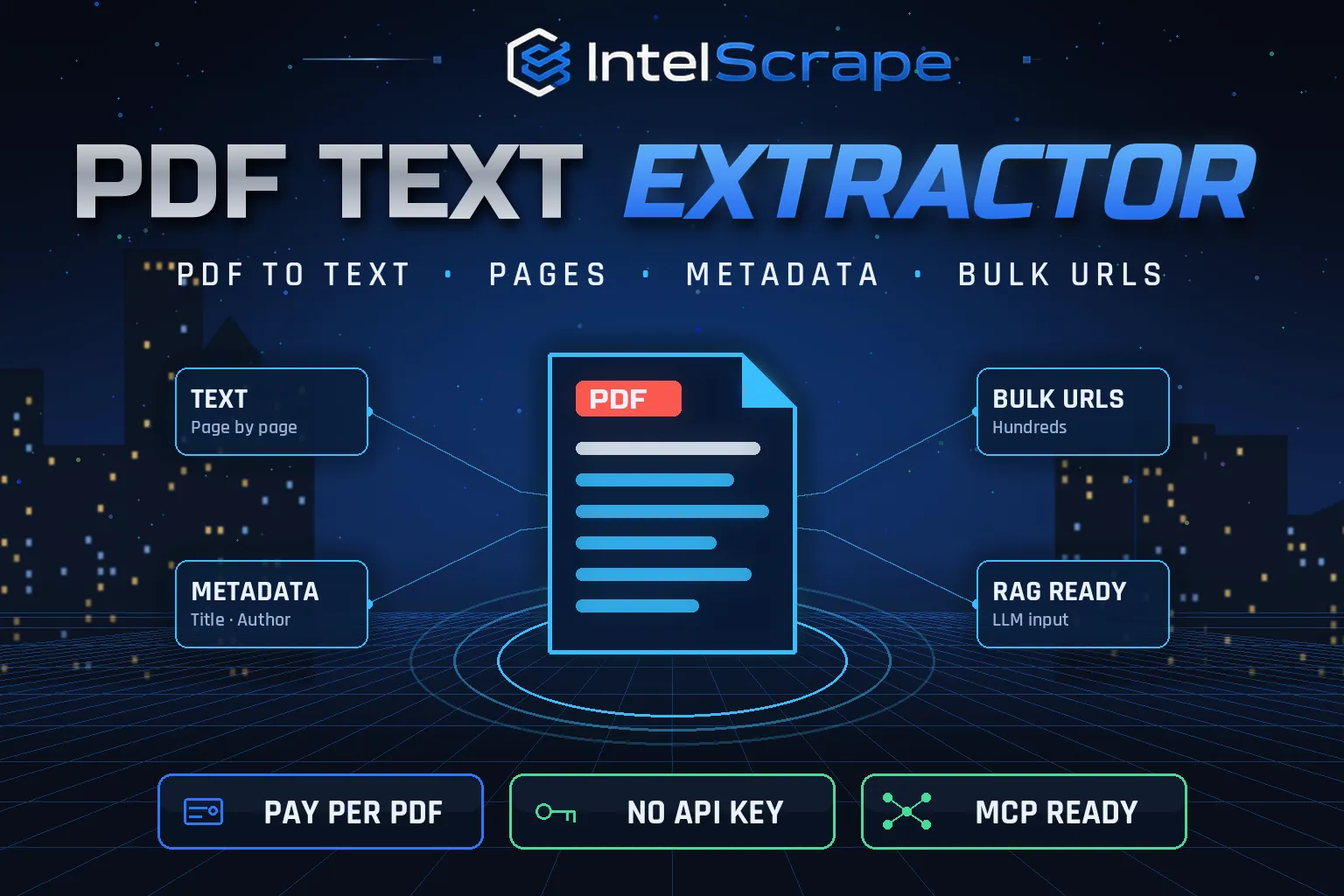
PDF Text Extractor: convert PDFs from any URL to clean text, page by page, with title, author, dates, page count and word count. Bulk-process hundreds of PDF links for RAG, LLM and AI pipelines, search indexes or data entry. Flags scanned PDFs honestly. No API key. Pay per PDF.
Pricing
Pay per event
Rating
0.0
(0)
Developer

IntelScrape
Maintained by CommunityActor stats
0
Bookmarked
2
Total users
1
Monthly active users
4 days ago
Last modified
Categories
Share
🇨🇳 PDF 文本提取器:从任意链接批量下载 PDF 并转换为干净的文本,逐页输出,并附带标题、作者、日期、页数和字数。适用于 RAG、大模型与 AI 流程、搜索索引和数据录入。对扫描件如实标注。无需 API 密钥,按 PDF 付费。
🇸🇬 Pengekstrak Teks PDF: tukar PDF daripada mana-mana URL kepada teks bersih, halaman demi halaman, dengan tajuk, pengarang, tarikh, bilangan halaman dan perkataan. Sesuai untuk RAG, LLM dan saluran AI. Tiada kunci API.
🤖 NEW: Connect This To Your AI!
Use this actor from Claude, ChatGPT, Cursor or any MCP client through the IntelScrape MCP Server, or call it directly over the Apify API.
🏆 Featured Bots by IntelScrape
- Skip Trace Pro
- TruePeopleSearch Scraper
- TikTok Email Scraper
- Amazon Product Reviews Scraper
- Website Contact Scraper
- Skip Trace MCP Server
⚡ Works with n8n, Make, Zapier, Google Sheets and the Apify API.




Bulk PDF to text for RAG, LLMs and search: full text, per-page text and metadata from hundreds of PDF links in one run.
Honest coverage & billing: No OCR: image-only (scanned) PDFs produce little or no text and are flagged. You pay only for results actually delivered, and a built-in cost guard stops the run at your max-charge limit.
🌍 Built for teams in the US, China and Singapore, and anyone who needs this data in a spreadsheet or pipeline.
⭐ Found it useful? Please leave a review; it helps others find it.
⚖️ Lawful business use only. Collect public data only, and comply with the source site's terms, copyright and data-protection laws (GDPR, CCPA, China PIPL, Singapore PDPA).
Examples below are illustrative; names and values may be fictional or out of date.
What is PDF Text Extractor?
Reports, filings, manuals, research papers and forms still live in PDFs, and most AI and search pipelines need plain text. PDF Text Extractor downloads PDFs from any list of URLs and returns the full text, the text of every page and the document metadata in one structured row per file, at a fraction of a cent per document.
What does it do?
- Bulk URLs: paste any number of direct PDF links (or upload a list)
- Full text + per-page text: a single text field plus a pages array with page numbers and character counts
- Metadata: title, author, subject, keywords, creator, producer, creation and modification dates (UTC), PDF version
- Counts: page count, pages extracted, word and character counts, file size
- Honest scanned-PDF flag: likelyScanned is true when the file has almost no text layer, so you know which files need OCR
- Safe limits: max file size and max pages per PDF to control cost
- Failed links are free: non-PDFs, 404s and oversize files are reported with the reason and never charged
Why choose us over cheaper scrapers?
- Honest output: limits are documented, missing data is labeled, never invented
- Clean, consistent schema ready for Excel, Sheets, BI tools or an LLM
- No account risk: no logins, no cookies, no API keys
- Pay per result with a built-in cost guard; no subscription, failed items are never charged
- Fast and light: no browser, no residential proxy, so runs finish in seconds and stay cheap
- Maintained by IntelScrape and fixed fast when the source changes
Who is it for?
- RAG and AI knowledge bases: turn document libraries into chunks for embeddings and vector databases
- LLM summarisation: feed reports, contracts and research papers to ChatGPT, Claude or your own model
- Compliance and finance: extract text from filings, annual reports and policy documents for search and review
- Academic research: build text corpora from paper PDFs
- Search indexing: index PDF content on your website or intranet
- Data entry automation: pull text from invoices, forms and catalogs for parsing
How to use it
In Apify Console (no code)
- Click Try for free / Start. The form is prefilled with a working example.
- Change the inputs (see examples below).
- Click Start, then export the results as JSON, CSV, Excel, XML or HTML, or open them in Google Sheets.
- Optional: Schedule the actor to run hourly, daily or weekly.
Via API
Or use the official Apify JavaScript and Python clients:
With AI agents (MCP)
Add Apify's MCP server (https://mcp.apify.com) or the IntelScrape MCP Server to Claude Desktop, Cursor, ChatGPT or any MCP client, then ask in plain language, e.g. "Run intelscrape/pdf-text-extractor with the default input and summarise the results."
Input examples
One PDF (default)
Several PDFs, full text only
First 20 pages of long reports
Output fields
| Field | Description |
|---|---|
url / fileName | Source link and file name |
status / error | ok or error (with the reason; errors are not charged) |
pageCount / pagesExtracted | Pages in the file and pages extracted |
fileSizeKb | Downloaded size |
title / author / subject / keywords / creator / producer | Document properties |
creationDate / modificationDate | Dates converted to UTC ISO format |
pdfVersion / isEncrypted | Technical info |
wordCount / charCount | Size of the extracted text |
likelyScanned / note | true when almost no text layer was found (OCR needed) |
text | Full extracted text |
pages | Array of { page, text, charCount } when includePages is on |
Sample output
Pricing (pay per event)
| Event | When it is charged | Price |
|---|---|---|
| Actor start | once per run | $0.005 |
| per PDF extracted (includes the first 10 pages) | $0.002 | |
| Extra page | each page after the first 10 in a PDF | $0.0001 |
Cost examples
| Run | Cost |
|---|---|
| Default run: one 6-page PDF | $0.007 |
| 100 PDFs of up to 10 pages | $0.205 |
| One 300-page report | $0.036 |
Platform usage is included in these prices. Set Max charge per run in the run options to cap spend; the actor stops cleanly when the limit is reached and keeps everything collected so far.
FAQ
Does it do OCR on scanned PDFs?
No. It extracts the existing text layer, which covers almost all digitally created PDFs. Scanned files are flagged with likelyScanned: true so you can route them to an OCR tool; you are not charged extra.
How accurate is the text?
For digital PDFs the text is what the file contains. On an IRS Form W-9 test the word count matched the poppler pdftotext reference within 1 word (6,278 vs 6,279). Reading order of complex multi-column layouts and tables can differ from the visual order.
Can I upload files instead of URLs?
Yes. Put files in an Apify key-value store or any public storage and pass their URLs.
What happens with password-protected PDFs?
Encrypted PDFs that need a password fail with a clear error and are not charged.
What if a link is not a PDF?
The row is returned with status error and the reason (for example "Not a PDF"), and it is not charged.
Is there a file size limit?
Default 50 MB per file, adjustable up to 200 MB. Larger files are skipped without charge.
Does it keep formatting?
It returns plain text with line breaks per text line and blank lines between pages. Fonts, images and exact layout are not preserved.
Can I use it from an AI agent?
Yes, call it via the Apify API or MCP and pass PDF links; the agent gets text back in seconds.
Honest limits
- No OCR: image-only (scanned) PDFs produce little or no text and are flagged.
- Tables and multi-column layouts are returned as text lines; cell structure is not reconstructed.
- Some hosts block cloud servers; set a proxy if a download returns 403.
- Password-protected PDFs cannot be opened.
Related IntelScrape bots
- Website Contact Scraper: emails, phones & socials from sites
- Google News Scraper: headlines & summaries
- Username Checker: find a username on 600+ sites
- Google Autocomplete Scraper: keyword suggestions from Google, YouTube, Amazon & Bing
- Skip Trace Pro: people lookup
- Skip Trace MCP Server: IntelScrape tools for AI agents
Legal
This actor collects publicly available data only. You are responsible for using the results lawfully and in line with the source's terms and applicable privacy laws (GDPR, CCPA, PIPL, PDPA). Process personal data only with a legitimate purpose. IntelScrape is not affiliated with, endorsed by or sponsored by the data source; all trademarks belong to their owners.


