

Website Change Monitor — Detect Page Changes, Diffs & New Links
Pricing
Pay per event
Website Change Monitor — Detect Page Changes, Diffs & New Links
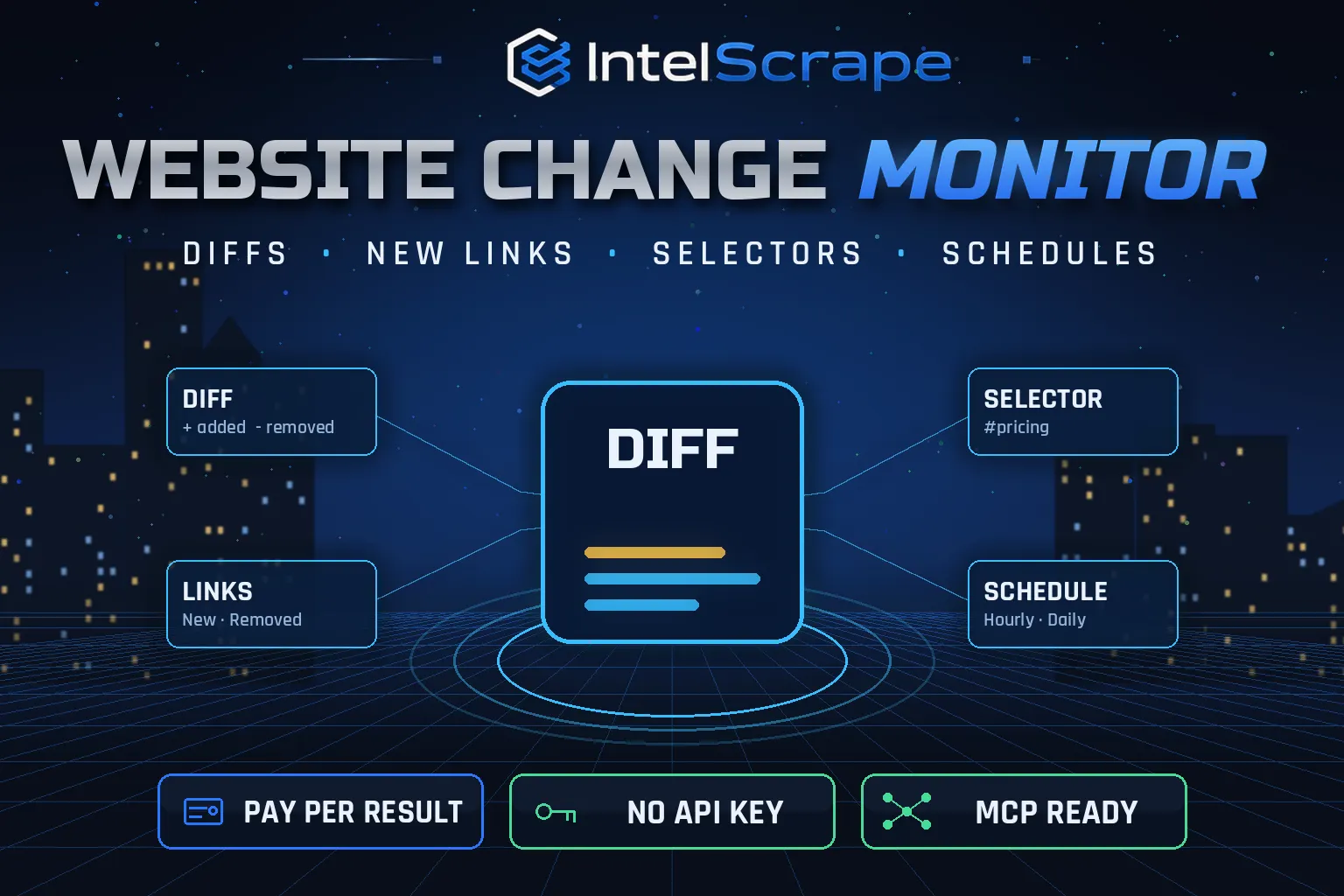
Website Change Monitor: track any web pages for content changes on a schedule and get what changed: added and removed text lines, new and removed links, change ratio and a clean text snapshot. Watch a whole page or one CSS selector, ignore noise with regex. No API key. Pay per check.
Pricing
Pay per event
Rating
0.0
(0)
Developer

IntelScrape
Maintained by CommunityActor stats
0
Bookmarked
2
Total users
1
Monthly active users
a month ago
Last modified
Categories
Features
Share
🇨🇳 网站变更监控:按计划监控任意网页的内容变化,并返回具体变化:新增和删除的文本行、新增和移除的链接、变化比例以及干净的文本快照。可监控整页或某个 CSS 选择器,并用正则忽略噪音。无需 API 密钥,按检查次数付费。
🇸🇬 Pemantau Perubahan Laman Web: jejak perubahan kandungan mana-mana halaman mengikut jadual: baris ditambah dan dibuang, pautan baharu, nisbah perubahan dan petikan teks. Pantau seluruh halaman atau satu pemilih CSS. Tiada kunci API.
🤖 NEW: Connect This To Your AI!
Use this actor from Claude, ChatGPT, Cursor or any MCP client through the IntelScrape MCP Server, or call it directly over the Apify API.
🏆 Featured Bots by IntelScrape
- Skip Trace Pro
- TruePeopleSearch Scraper
- TikTok Email Scraper
- Amazon Product Reviews Scraper
- Website Contact Scraper
- Skip Trace MCP Server
⚡ Works with n8n, Make, Zapier, Google Sheets and the Apify API.




Line-level change detection for any page or CSS selector, with added/removed text, new links and snapshots, ready for scheduled alerts.
Honest coverage & billing: No JavaScript rendering or screenshots. You pay only for results actually delivered, and a built-in cost guard stops the run at your max-charge limit.
🌍 Built for teams in the US, China and Singapore, and anyone who needs this data in a spreadsheet or pipeline.
⭐ Found it useful? Please leave a review; it helps others find it.
⚖️ Lawful business use only. Collect public data only, and comply with the source site's terms, copyright and data-protection laws (GDPR, CCPA, China PIPL, Singapore PDPA).
Examples below are illustrative; names and values may be fictional or out of date.
What is Website Change Monitor?
Prices change, job boards add roles, competitors rewrite their pricing page, regulators post notices and status pages flip to "degraded". Website Change Monitor checks the pages you care about on your schedule and tells you exactly what changed, line by line, with new links listed separately, so you can trigger an alert, a Slack message or an AI summary only when something actually happened.
What does it do?
- Any public page: fetch, clean and compare with the previous run
- Line-level diff: added and removed text lines, change ratio in %
- Link diff: new and removed links (perfect for job boards, blogs, product listings)
- CSS selector focus: watch only #pricing, .jobs or main content
- Noise control: regex ignore patterns for timestamps, counters and rotating banners
- Separate monitors: monitorName keeps independent snapshot sets per schedule
- Text snapshot (on by default): clean page text and links in every row for archiving or LLM summaries
- First run = baseline, every later run reports changes
Why choose us over cheaper scrapers?
- Honest output: limits are documented, missing data is labeled, never invented
- Clean, consistent schema ready for Excel, Sheets, BI tools or an LLM
- No account risk: no logins, no cookies, no API keys
- Pay per result with a built-in cost guard; no subscription, failed items are never charged
- Fast and light: no residential proxy, so runs finish in seconds and stay cheap
- Maintained by IntelScrape and fixed fast when the source changes
Who is it for?
- Competitor monitoring: pricing, feature and landing page changes
- Job and tender alerts: new postings as new links
- E-commerce: price and stock text on product pages
- Compliance and legal: terms, policies and regulator notices
- Status pages and changelogs
- News and PR: newsroom pages for new releases
How to use it
In Apify Console (no code)
- Click Try for free / Start. The form is prefilled with a working example.
- Change the inputs (see examples below).
- Click Start, then export the results as JSON, CSV, Excel, XML or HTML, or open them in Google Sheets.
- Optional: Schedule the actor to run hourly, daily or weekly.
Via API
Or use the official Apify JavaScript and Python clients:
With AI agents (MCP)
Add Apify's MCP server (https://mcp.apify.com) or the IntelScrape MCP Server to Claude Desktop, Cursor, ChatGPT or any MCP client, then ask in plain language, e.g. "Run intelscrape/website-change-monitor with the default input and summarise the results."
Input examples
Three pages, full page (default)
Pricing section with noise filter
Output fields
| Field | Description |
|---|---|
url / title / monitor / selector | What was checked |
status | baseline (first run), changed or unchanged |
changed / changeRatio | Boolean and % of lines that changed |
addedLines[] / removedLines[] | Text diff (up to 200 each) |
newLinks[] / removedLinks[] | Link diff (up to 200 each) |
contentHash / lineCount / linkCount | Fingerprint and size |
previousCheckAt / checkedAt | Timestamps |
snapshotText / snapshotLinks | Clean text and links (when snapshot is on) |
Sample output
Pricing (pay per event)
| Event | When it is charged | Price |
|---|---|---|
| Actor start | once per run | $0.005 |
| Page check | per page fetched and compared | $0.002 |
| Text snapshot | per page with text snapshot (on by default; turn off to skip) | $0.001 |
Cost examples
| Run | Cost |
|---|---|
| Default run: 3 pages | $0.014 |
| 50 pages hourly for a month (36,000 checks), no snapshot | $75.6 |
| 20 pages daily for a month with snapshots | $1.95 |
Platform usage is included in these prices. Set Max charge per run in the run options to cap spend; the actor stops cleanly when the limit is reached and keeps everything collected so far.
Tips for best results
- Run once to create the baseline, then schedule it (hourly, daily).
- Use a CSS selector to avoid alerts from ads, footers and counters.
- Add ignore patterns for relative times like "3 hours ago".
- Connect an Apify integration (Slack, email, webhook) filtered on changed = true.
FAQ
Where are previous versions stored?
In a named key-value store in your own Apify account (change-monitor-
Does it render JavaScript?
No, it compares server HTML. Fully client-rendered pages may show little text.
Can I get alerts?
Yes, schedule the actor and add an integration or webhook on run success, filtering rows with changed = true.
Is the first run useful?
It creates the baseline and returns the snapshot; changes appear from the second run.
Are failed pages charged?
No.
Do I need a key?
No.
Honest limits
- No JavaScript rendering or screenshots.
- Pages that randomize content on every load need ignore patterns or a selector.
- Diffs are line-based, not character-based.
- Login-protected pages are not supported.
Related IntelScrape bots
- Open Graph Scraper: link previews & meta tags
- Brand Mentions Monitor: mentions from news, HN & Bluesky
- Website to PDF: any URL to a print-ready PDF
- Tech Stack Detector: CMS, analytics & frameworks per domain
- Skip Trace MCP Server: IntelScrape tools for AI agents
Legal
This actor collects publicly available data only. You are responsible for using the results lawfully and in line with the source's terms and applicable privacy laws (GDPR, CCPA, PIPL, PDPA). Process personal data only with a legitimate purpose. IntelScrape is not affiliated with, endorsed by or sponsored by the data source; all trademarks belong to their owners.


