

Website to PDF — Convert Any URL to a Print-Ready PDF in Bulk
Pricing
Pay per event
Website to PDF — Convert Any URL to a Print-Ready PDF in Bulk
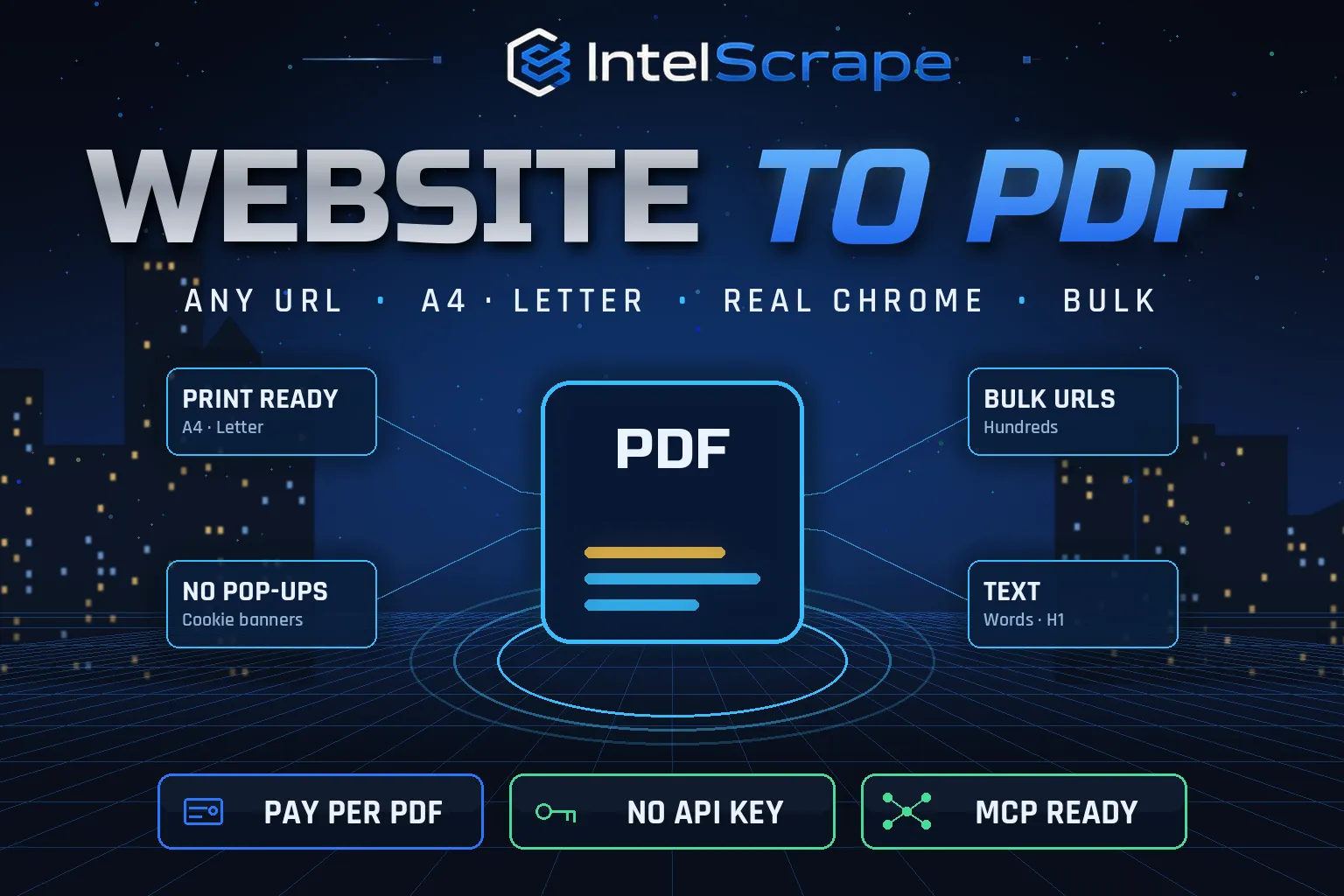
Website to PDF: convert any list of web pages into clean, print-ready PDFs with a real Chrome browser. A4, Letter or Legal, portrait or landscape, backgrounds, cookie banners hidden, lazy images loaded. Returns a download link per PDF plus page text. No API key. Pay per PDF.
Pricing
Pay per event
Rating
0.0
(0)
Developer

IntelScrape
Maintained by CommunityActor stats
0
Bookmarked
2
Total users
1
Monthly active users
2 days ago
Last modified
Categories
Share
🇨🇳 网页转 PDF:使用真实 Chrome 浏览器将任意网页批量转换为可打印的 PDF。支持 A4、Letter、Legal,纵向或横向,保留背景,自动隐藏 Cookie 弹窗并加载懒加载图片。每个 PDF 返回下载链接和页面文本。无需 API 密钥,按 PDF 付费。
🇸🇬 Laman Web ke PDF: tukar senarai halaman web kepada PDF sedia cetak dengan pelayar Chrome sebenar. A4, Letter, landskap, sepanduk kuki disembunyikan. Pautan muat turun untuk setiap PDF. Tiada kunci API.
🤖 NEW: Connect This To Your AI!
Use this actor from Claude, ChatGPT, Cursor or any MCP client through the IntelScrape MCP Server, or call it directly over the Apify API.
🏆 Featured Bots by IntelScrape
- Skip Trace Pro
- TruePeopleSearch Scraper
- TikTok Email Scraper
- Amazon Product Reviews Scraper
- Website Contact Scraper
- Skip Trace MCP Server
⚡ Works with n8n, Make, Zapier, Google Sheets and the Apify API.




Bulk URL-to-PDF in real Chrome: print-ready PDFs with download links, page counts and the page text, without pop-ups.
Honest coverage & billing: Pages that block cloud servers may need a proxy (optional input). You pay only for results actually delivered, and a built-in cost guard stops the run at your max-charge limit.
🌍 Built for teams in the US, China and Singapore, and anyone who needs this data in a spreadsheet or pipeline.
⭐ Found it useful? Please leave a review; it helps others find it.
⚖️ Lawful business use only. Collect public data only, and comply with the source site's terms, copyright and data-protection laws (GDPR, CCPA, China PIPL, Singapore PDPA).
Examples below are illustrative; names and values may be fictional or out of date.
What is Website to PDF?
Lawyers archive web evidence, compliance teams keep copies of terms and disclosures, agencies send clients reports of live pages, and researchers save articles before they change. All of them need the same thing: a faithful PDF of a web page, many times over. Website to PDF renders each URL in a real Chrome browser, scrolls to load lazy images, hides cookie pop-ups and saves a clean, print-ready PDF with a download link, in bulk, on a schedule or from an API call.
What does it do?
- Real browser rendering: headless Chrome runs the page's JavaScript, so modern sites render properly
- Clean output: common cookie and consent banners are hidden; the page is scrolled so lazy images load
- Paper options: A4, Letter, Legal, A3 or Tabloid, portrait or landscape, with or without backgrounds
- Screen or print look: capture the page as seen, or use the site's own print stylesheet
- Download links: every PDF is stored in the run's key-value store with a direct URL in the dataset
- Page text (on by default): title, meta description, H1, word count and the full visible text for search or AI
- Bulk & scheduled: thousands of URLs per run; schedule daily for a dated archive
Why choose us over cheaper scrapers?
- Honest output: limits are documented, missing data is labeled, never invented
- Clean, consistent schema ready for Excel, Sheets, BI tools or an LLM
- No account risk: no logins, no cookies, no API keys
- Pay per result with a built-in cost guard; no subscription, failed items are never charged
- Fast and light: real Chrome only where needed, no residential proxy, so runs stay cheap
- Maintained by IntelScrape and fixed fast when the source changes
Who is it for?
- Legal & compliance: archive web pages, terms of service and disclosures as evidence
- Agencies: send clients PDFs of landing pages, ads and competitor sites
- Research & journalism: preserve articles before they are edited or removed
- E-commerce: save product pages and prices for disputes and audits
- Documentation: turn help-center pages into offline PDFs
- AI pipelines: get the PDF and the clean text of each page in one pass
How to use it
In Apify Console (no code)
- Click Try for free / Start. The form is prefilled with a working example.
- Change the inputs (see examples below).
- Click Start, then export the results as JSON, CSV, Excel, XML or HTML, or open them in Google Sheets.
- Optional: Schedule the actor to run hourly, daily or weekly.
Via API
Or use the official Apify JavaScript and Python clients:
With AI agents (MCP)
Add Apify's MCP server (https://mcp.apify.com) or the IntelScrape MCP Server to Claude Desktop, Cursor, ChatGPT or any MCP client, then ask in plain language, e.g. "Run intelscrape/website-to-pdf with the default input and summarise the results."
Input examples
Two pages, A4, with text (default)
Landscape Letter using the site's print CSS
Slow single-page app
Output fields
| Field | Description |
|---|---|
url / finalUrl / httpStatus | Requested URL, URL after redirects, HTTP status |
title | Page title |
pdfUrl / pdfKey | Direct download link and key-value store key |
pageCount / fileSizeKb | PDF pages and size |
format / landscape / mediaType | Options used |
renderMs | Time to render |
metaDescription / language / h1 / wordCount / text | Page text fields (when page text is on) |
error | Reason, when a page failed (not charged) |
createdAt | Time |
Sample output
Pricing (pay per event)
| Event | When it is charged | Price |
|---|---|---|
| Actor start | once per run | $0.005 |
| per page converted to PDF | $0.005 | |
| Page text | per PDF with text extraction (on by default; turn off to skip) | $0.001 |
Cost examples
| Run | Cost |
|---|---|
| Default run: 2 pages with text | $0.017 |
| 100 pages | $0.605 |
| 1,000 pages, PDF only | $5.005 |
Platform usage is included in these prices. Set Max charge per run in the run options to cap spend; the actor stops cleanly when the limit is reached and keeps everything collected so far.
Tips for best results
- Use mediaType "print" for articles and documentation: many sites have a cleaner print layout.
- Raise delayMs for pages with animations, charts or late-loading content.
- Schedule daily runs for a dated archive of the same pages.
- Pages behind a login cannot be captured.
FAQ
Where are the PDFs?
In the run's key-value store. Each dataset row has a direct pdfUrl you can download or pass to another tool.
Does it run JavaScript?
Yes, pages are rendered in headless Chrome.
Are cookie pop-ups removed?
Common consent managers are hidden with CSS. Unusual custom banners may still show.
Can it capture pages behind a login?
No. Only public pages.
What about failed pages?
They are listed with the error and are not charged.
Is there a page limit per PDF?
No fixed limit; very long pages produce long PDFs, priced the same per URL.
Honest limits
- Pages that block cloud servers may need a proxy (optional input).
- Infinite-scroll pages are captured up to what loads during the scroll pass.
- Some custom cookie banners are not recognised.
- Login-only pages are not supported.
Related IntelScrape bots
- Open Graph Scraper: link previews & meta tags
- PDF Text Extractor: PDF URLs to clean text & metadata
- Tech Stack Detector: CMS, analytics & frameworks per domain
- Website Contact Scraper: emails, phones & socials from sites
- Skip Trace MCP Server: IntelScrape tools for AI agents
Legal
This actor collects publicly available data only. You are responsible for using the results lawfully and in line with the source's terms and applicable privacy laws (GDPR, CCPA, PIPL, PDPA). Process personal data only with a legitimate purpose. IntelScrape is not affiliated with, endorsed by or sponsored by the data source; all trademarks belong to their owners.


