

YouTube Channel Email Scraper — Creator Emails by Niche
Pricing
Pay per event
YouTube Channel Email Scraper — Creator Emails by Niche
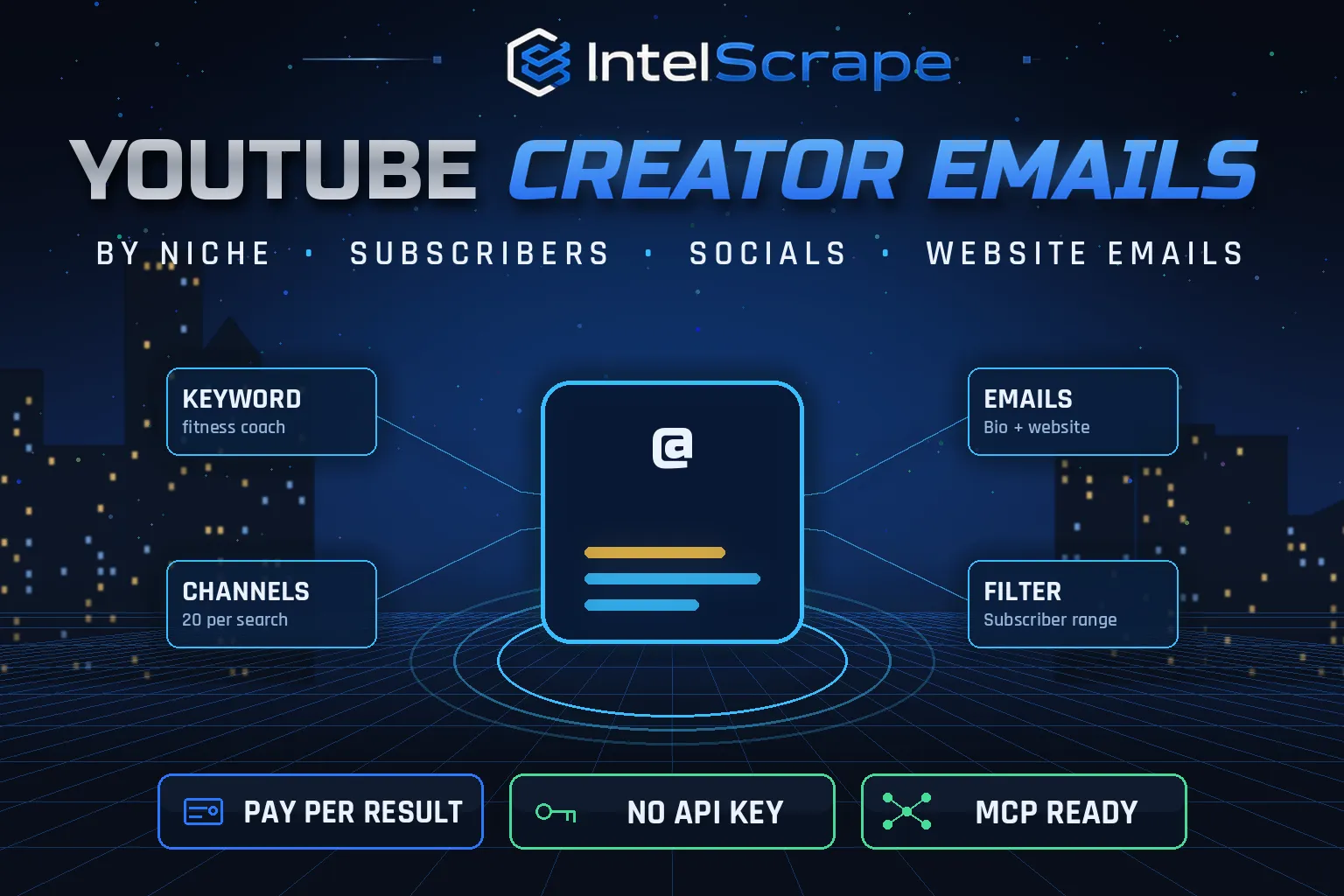
YouTube Channel Email Scraper: search YouTube by niche keyword, get every matching channel with subscribers, views, country, socials and public business emails from the channel description and the creator's own website. Filter by subscriber range. No API key. Pay per channel.
Pricing
Pay per event
Rating
0.0
(0)
Developer

IntelScrape
Maintained by CommunityActor stats
0
Bookmarked
2
Total users
1
Monthly active users
2 days ago
Last modified
Categories
Share
🇨🇳 YouTube 频道邮箱采集器:按细分关键词搜索 YouTube 频道,获取订阅数、播放量、国家、社交账号,以及频道简介和创作者官网上公开的商务邮箱。可按订阅数区间筛选,无需 API 密钥,按频道付费。
🇸🇬 Pengikis E-mel Saluran YouTube: cari saluran YouTube mengikut kata kunci niche dan dapatkan pelanggan, negara, media sosial dan e-mel perniagaan awam daripada penerangan saluran dan laman web pencipta. Tiada kunci API.
🤖 NEW: Connect This To Your AI!
Use this actor from Claude, ChatGPT, Cursor or any MCP client through the IntelScrape MCP Server, or call it directly over the Apify API.
🏆 Featured Bots by IntelScrape
- Skip Trace Pro
- TruePeopleSearch Scraper
- TikTok Email Scraper
- Amazon Product Reviews Scraper
- Website Contact Scraper
- Skip Trace MCP Server
⚡ Works with n8n, Make, Zapier, Google Sheets and the Apify API.




Keyword in, creator leads out: YouTube channels in your niche with subscribers, socials and public business emails from descriptions and creator websites.
Honest coverage & billing: YouTube rounds public subscriber counts. You pay only for results actually delivered, and a built-in cost guard stops the run at your max-charge limit.
🌍 Built for teams in the US, China and Singapore, and anyone who needs this data in a spreadsheet or pipeline.
⭐ Found it useful? Please leave a review; it helps others find it.
⚖️ Lawful business use only. Collect public data only, and comply with the source site's terms, copyright and data-protection laws (GDPR, CCPA, China PIPL, Singapore PDPA).
Examples below are illustrative; names and values may be fictional or out of date.
What is YouTube Channel Email Scraper?
Influencer outreach starts with a list of creators in your niche and a way to reach them. YouTube Channel Email Scraper turns a keyword like "fitness coach" into a ready-to-email creator list: it runs YouTube's own channel search, opens every channel's About page, and collects subscribers, country, socials and any public business email, then checks the creator's own website for a contact email when the description has none. You only pay for channels returned, and the email fee is charged only when an email is actually found.
What does it do?
- Niche discovery: YouTube search with the Channels filter for each keyword, up to 500 channels per keyword
- Direct channels too: add @handles, channel URLs or IDs
- Channel data: name, handle, ID, subscribers, total views, video count, country, join date, avatar
- Public emails from the description (business@, collab@, contact@ …)
- Website emails (on by default): visits the creator's own site (homepage, then a contact/about page) linked on the channel
- Socials: Instagram, TikTok, X, Facebook, LinkedIn, Twitch, Discord, Patreon links
- Subscriber filters: min/max range for micro- or macro-influencers; filtered channels are not charged
- Only-with-email mode for outreach-ready lists
Why choose us over cheaper scrapers?
- Honest output: limits are documented, missing data is labeled, never invented
- Clean, consistent schema ready for Excel, Sheets, BI tools or an LLM
- No account risk: no logins, no cookies, no API keys
- Pay per result with a built-in cost guard; no subscription, failed items are never charged
- Fast and light: no residential proxy, so runs finish in seconds and stay cheap
- Maintained by IntelScrape and fixed fast when the source changes
Who is it for?
- Influencer marketing: build creator outreach lists for any niche
- Sponsorships & brand deals: find mid-size creators with business emails
- Agencies: prospect creators for clients in minutes
- SaaS & product launches: reach YouTubers who review tools in your category
- Podcast & guest booking: find hosts and experts by topic
- Lead enrichment: add emails and socials to a channel list you already have
How to use it
In Apify Console (no code)
- Click Try for free / Start. The form is prefilled with a working example.
- Change the inputs (see examples below).
- Click Start, then export the results as JSON, CSV, Excel, XML or HTML, or open them in Google Sheets.
- Optional: Schedule the actor to run hourly, daily or weekly.
Via API
Or use the official Apify JavaScript and Python clients:
With AI agents (MCP)
Add Apify's MCP server (https://mcp.apify.com) or the IntelScrape MCP Server to Claude Desktop, Cursor, ChatGPT or any MCP client, then ask in plain language, e.g. "Run intelscrape/youtube-channel-email-scraper with the default input and summarise the results."
Input examples
One niche, 20 channels, website emails on (default)
Micro-influencers with email only
Enrich known channels
Output fields
| Field | Description |
|---|---|
searchQuery | Keyword that found the channel |
channelId / channelName / handle / channelUrl | Channel identity |
subscriberCount / subscriberCountText | Subscribers (YouTube rounds public counts) |
totalViews / videoCount / country / joinedDate | Channel stats from the About page |
emails / primaryEmail / emailSource | All public emails, the first one, and where it came from |
descriptionEmails / websiteEmails | Emails from the channel description and from the creator website |
hasBusinessEmailButton | Channel also has a sign-in-only business email (we never bypass it) |
website / websitePagesChecked | Creator website and the pages checked |
externalLinks / socials | All About-page links and social profiles |
description / avatarUrl | About text (first 1,500 chars) and avatar |
Sample output
Pricing (pay per event)
| Event | When it is charged | Price |
|---|---|---|
| Actor start | once per run | $0.005 |
| Channel scraped | per channel returned | $0.003 |
| Email found | per channel with a public email (only when found) | $0.02 |
Cost examples
| Run | Cost |
|---|---|
| Default run: 20 channels, ~5 with email | $0.165 |
| 500 channels, ~150 with email | $4.505 |
| Only-with-email list of 100 | $2.305 |
Platform usage is included in these prices. Set Max charge per run in the run options to cap spend; the actor stops cleanly when the limit is reached and keeps everything collected so far.
Tips for best results
- Use specific keywords ("keto recipes", not "food") for tighter niches.
- Set a max subscriber count to target micro-influencers, who answer more emails.
- Turn on onlyWithEmail when you only want outreach-ready rows.
- Run several related keywords in one run; duplicates are merged.
FAQ
Do you get the hidden "View email address" email?
No. That email needs a signed-in account and a captcha; we never bypass it. We report hasBusinessEmailButton so you know it exists.
Where do the emails come from?
Only public sources: the channel description and the creator's own website linked on the channel.
Am I charged for channels without email?
The channel row is $0.003; the $0.02 email fee is charged only when an email is found. Use onlyWithEmail to skip channels without one.
Are filtered channels charged?
No. Channels outside your subscriber range are skipped for free.
Do I need a YouTube API key?
No, and there is no daily quota.
Is this legal?
It collects publicly listed business contact details. Follow CAN-SPAM/GDPR and the platform rules when you reach out.
Is this a YouTube email extractor?
Yes. It collects the public business emails shown in a channel's description and, with crawlWebsites on (the default), on the creator's own website linked from the channel. It does not reveal the hidden "View email address" button email, which needs a signed-in account and a captcha; the hasBusinessEmailButton field tells you when one exists.
How do I find a YouTube creator's email by niche?
Put a keyword such as fitness coach in searchQueries, set maxChannelsPerQuery and a minSubscribers floor, and run it. Use onlyWithEmail to return only channels where a public email was found. To check channels you already know, add their @handles or URLs to channels.
Can I get YouTube channel emails in bulk?
Yes. Each keyword can return many channels (up to 500 per keyword), and you can add several keywords in one run; duplicates are merged. Not every creator lists a public email: typical hit rates are 20-40% depending on the niche. Channels outside your subscriber range are skipped for free.
Is it an influencer email scraper for other platforms too?
No, this Actor covers YouTube only. For TikTok creators see TikTok Email Scraper, and for bio-link pages see Linktree Scraper.
What does a creator email finder like this cost?
Pay per event: $0.005 per run start, $0.003 per channel returned, and $0.02 per channel only when a public email is found. Set a maximum charge per run to cap spend.
Honest limits
- YouTube rounds public subscriber counts.
- Not every creator lists a public email; typical hit rates are 20-40% depending on niche.
- Some creator websites block bots or hide emails behind forms.
- Search returns what YouTube shows for the keyword; very broad keywords mix in large brands.
Related IntelScrape bots
- YouTube Channel Scraper: subscribers, views & engagement per channel
- TikTok Email Scraper: creator & influencer leads
- Linktree Scraper: bio-link pages to emails & socials
- Website Contact Scraper: emails, phones & socials from sites
- YouTube Search Scraper: find videos & channels by keyword
- Skip Trace MCP Server: IntelScrape tools for AI agents
Legal
This actor collects publicly available data only. You are responsible for using the results lawfully and in line with the source's terms and applicable privacy laws (GDPR, CCPA, PIPL, PDPA). Process personal data only with a legitimate purpose. IntelScrape is not affiliated with, endorsed by or sponsored by the data source; all trademarks belong to their owners.


