
Open Supply Hub Scraper
Pricing
from $2.10 / 1,000 results
Open Supply Hub Scraper
⚡ Fast Open Supply Hub scraper. No login, no API key. Extract factories and production facilities by search URL, OS ID or name with country, sector, contributor and worker filters: address, GPS, parent company, workers, product types, certifications and reporting brands.
Pricing
from $2.10 / 1,000 results
Rating
0.0
(0)
Developer

jooah code
Maintained by CommunityActor stats
0
Bookmarked
2
Total users
1
Monthly active users
3 days ago
Last modified
Categories
Features
Share
Scrape factory and production facility profiles from Open Supply Hub and download them as JSON, CSV, Excel, or HTML. No account or login required.
What does Open Supply Hub Scraper do?
Open Supply Hub Scraper turns Open Supply Hub facility profiles into a clean, structured dataset. Start from a facility search URL you filtered in your browser, or simply type a facility name or OS ID, and get the address, GPS coordinates, parent companies, sectors, facility and product types, worker counts, certifications, and the full list of brands and organizations that reported each facility.
Open Supply Hub is an open, public map of supply chain locations. It lists more than 2.5 million factories, farms, warehouses, and offices shared by brands, retailers, auditors, certification bodies, and the facilities themselves, and gives each one a stable OS ID. That makes it a trusted reference for supply chain transparency, supplier due diligence, and ESG reporting. The scraper reads the same public information you see on each profile, so you can run it once, schedule it, or plug it into your own tools.
Features
- Search or paste URLs: start from facility names, OS IDs, or any Open Supply Hub search page you already filtered.
- Keeps your filters: country, sector, contributor, facility type, number of workers, parent company, product type, and sort order from the URL are applied to the results.
- Extra search filters: narrow search queries by countries, sectors, contributors, facility types, worker ranges, and sort order.
- Clean data: coordinates and worker counts are real numbers, dates use one standard format, and text is free of HTML.
- Small, cheap runs: set a result limit per URL or query and pay only for what you need.
- Automation ready: schedule runs, export to Google Sheets, or connect to Make, Zapier, and n8n.
Data fields
- Facility:
url,osId,name,otherNames,newOsId,isClaimed,isClosed,isDataCenter,createdAt,createdBy - Location:
address,otherAddresses,countryCode,countryName,latitude,longitude,hasInexactCoordinates,otherLocations - Company and activity:
parentCompanies,sectors,facilityTypes,processingTypes,productTypes,isicClassifications,activityReports - Workforce:
numberOfWorkers,numberOfWorkersMin,numberOfWorkersMax - Contributors:
contributorCount,contributors(name, type, list name, verification, and dates) - Claimed profile:
claim(contributor, description, website, phone number, details, contact, office, and dates) - Partner and extra data:
partnerFields(certifications, audits, grievance mechanisms),additionalFields(each extra value with its source)
Who uses this Open Supply Hub scraper?
- Sourcing and procurement teams map which factories produce for which brands, and in which countries and sectors.
- Compliance and ESG analysts check certifications, audits, grievance mechanisms, and worker numbers of their suppliers.
- Sales teams build lead lists of manufacturers by country, sector, product type, or size.
- Researchers and NGOs study supply chains with stable OS IDs and exact coordinates.
- Data and AI teams load ready-to-use facility data into spreadsheets, dashboards, map tools, or AI workflows.
How to use Open Supply Hub Scraper
Step 1. Paste one or more Open Supply Hub URLs into Start URLs, or type facility names or OS IDs into Search queries.
Step 2. For search queries, optionally choose Countries, Sectors, Contributors, Facility types, Number of workers, and Sort by.
Step 3. Set Maximum number of results to how many facilities you want per URL or per query.
Step 4. Click Start and wait for the run to finish.
Step 5. Download the data in JSON, CSV, Excel, or HTML from the Output tab.
Input parameters
startUrls(Start URLs): Open Supply Hub URLs to scrape. Supported pages: facility search pages (https://opensupplyhub.org/facilities?...) and single facility profiles (https://opensupplyhub.org/facilities/{OS ID}). Filters you apply on the website are kept.searchQueries(Search queries): facility names or OS IDs to look up on Open Supply Hub, one per line. Each query is scraped separately.maxResults(Maximum number of results): how many facilities to collect for each start URL or search query. Default: 5.countries(Countries): country names such as Bangladesh, or two-letter codes such as BD. Search queries only.sectors(Sectors): sector names exactly as shown in the Open Supply Hub filter, for example Apparel, Footwear, or Agriculture. Search queries only.contributors(Contributors): exact contributor names such as H&M Group, or their numeric IDs. Search queries only.facilityTypes(Facility types): for example Final Product Assembly or Warehousing / Distribution. Search queries only.numberOfWorkers(Number of workers): Less than 1,000, 1,001 - 5,000, 5,001 - 10,000, or More than 10,000. Search queries only.sortBy(Sort by): Most contributors (default), Name A to Z, or Name Z to A. Search queries only.
Start URLs and search queries can be combined in one run. Start URLs always keep their own filters.
Example input
Scrape an Open Supply Hub facility search page
Search by facility name with filters
Sample output
Every facility becomes one dataset item, for example (long lists are shortened):
Export the dataset as JSON, CSV, Excel, XML, or HTML, or read it through the Apify API.
Good to know
- A single Open Supply Hub search returns at most 5,000 facilities. For bigger collections, split the search, for example by country or by sector.
- Only facility search pages and facility profile pages are supported. Any other URL is skipped with a warning.
- Sector names must be written exactly as in the Open Supply Hub filter. An unknown sector, country, or contributor stops the run with a clear message.
- The claimed profile, partner data, and number of workers are only filled in when someone has reported them. Otherwise they come back as
nullor as empty lists. - A facility that shows up in several searches is saved only once per run.
Frequently asked questions
How many results can I scrape?
Any number you set in Maximum number of results. The scraper stops at your limit or when the search has no more facilities. See Good to know for the limit set by Open Supply Hub.
Do I need an Open Supply Hub account?
No. Only public data is collected, so you do not need to log in or share any account details.
Can I run it on a schedule?
Yes. Apify Schedules can run it every hour, day, or week, so your facility data stays fresh.
Why are some fields empty?
Not every facility has every detail reported. A value that nobody has shared on Open Supply Hub is returned as null or as an empty list.
Can you add a new filter or input?
Yes. The scraper supports start URLs, search queries, and the search filters listed above today. Other inputs can be added on request.
Can I get a custom or private version?
Yes. It can be adapted to your workflow, delivered as a private version, or a new scraper can be built for another website. See the contact details below.
Support and custom scrapers
Need another field, a private version, or a scraper for a different website? Get in touch:
- Email: jooah.code@gmail.com
- Apify profile: joaah-code
Image credit
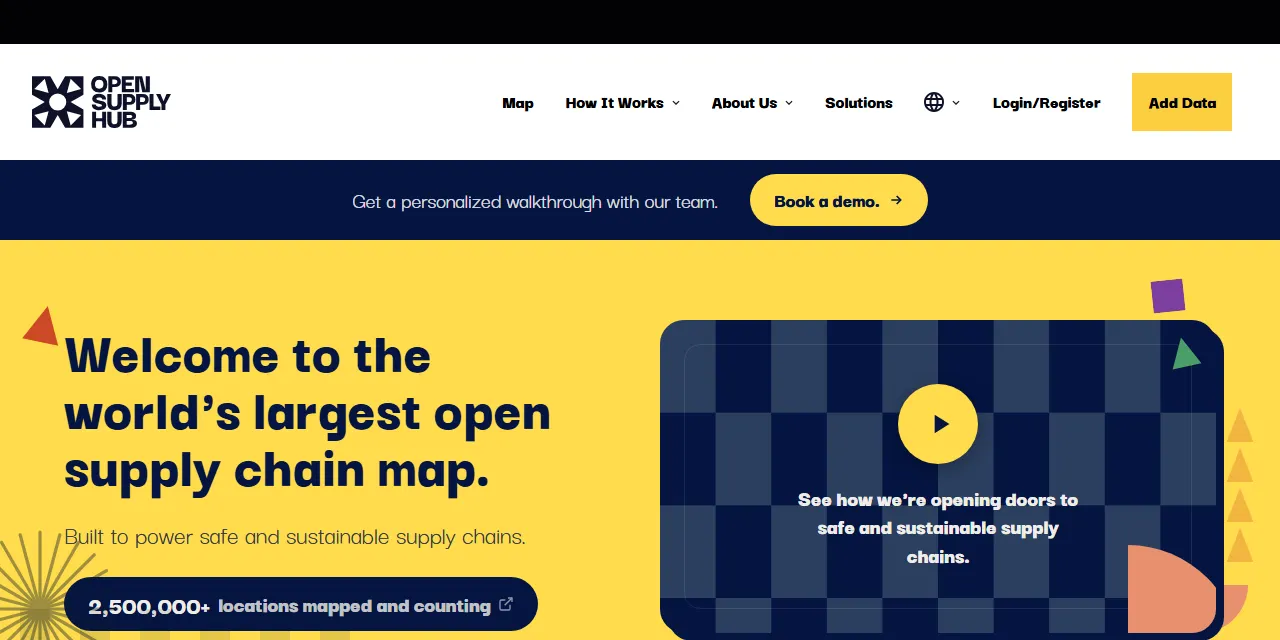
Banner: screenshot of Open Supply Hub.


