

Clinicaltrials Gov Scraper
Pricing
from $2.99 / 1,000 results
Clinicaltrials Gov Scraper
Scrape ClinicalTrials.gov studies by condition, sponsor, status, or NCT ID. Retrieve comprehensive protocol details, trial sites, and contacts, and easily export your data to CSV, JSON, or Excel.
Pricing
from $2.99 / 1,000 results
Rating
0.0
(0)
Developer

Kawsar
Maintained by CommunityActor stats
0
Bookmarked
2
Total users
1
Monthly active users
6 days ago
Last modified
Categories
Share
ClinicalTrials.gov Scraper: Studies, Sponsors & Sites
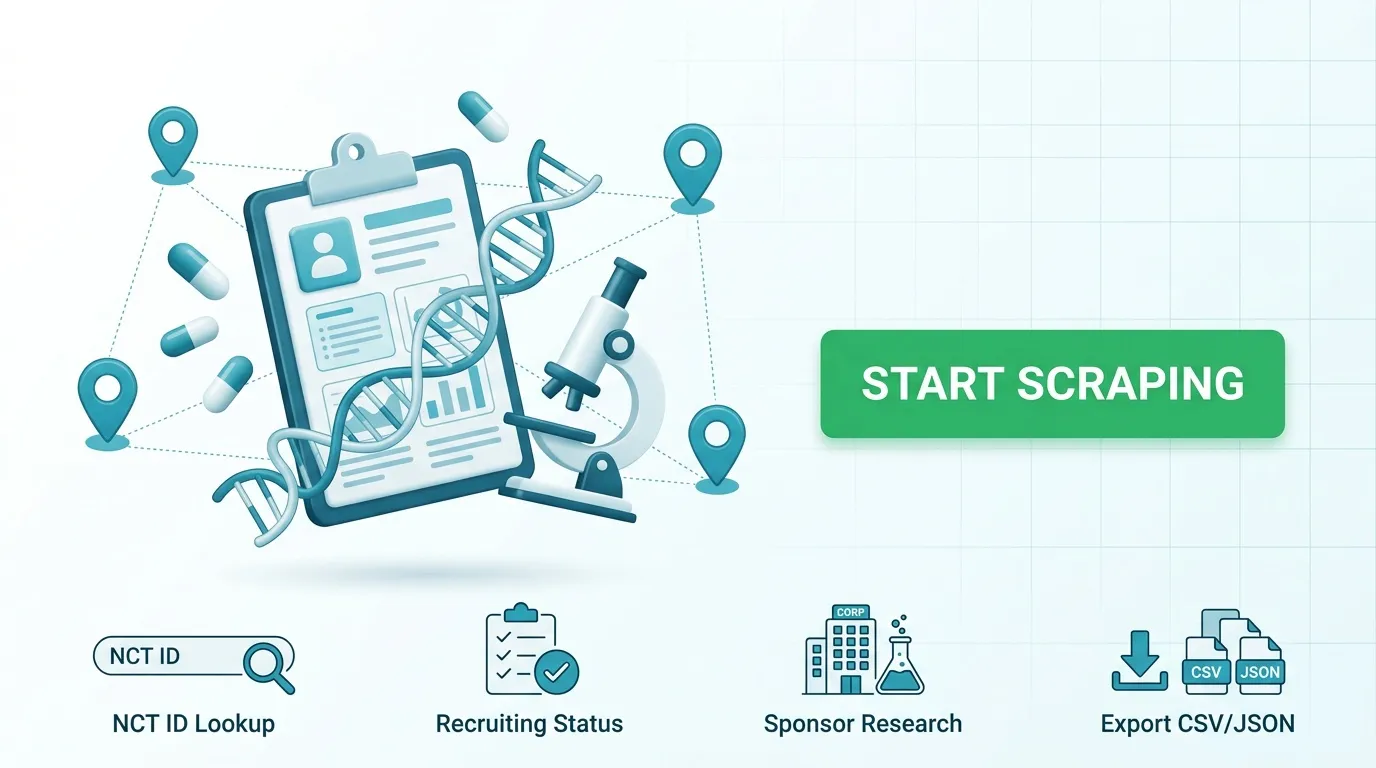
Easily search and extract clinical trial records from official registries, saving one clean row per trial. Filter studies by condition, intervention, sponsor, and overall status, or pull complete trial details directly using specific NCT IDs. Export your structured datasets to JSON, CSV, or Excel for analysis and research tracking.
Instead of manually browsing through clinical trial databases, you can collect up-to-date recruitment and sponsor information in bulk.
Use Cases
- Recruiting lists: Extract active studies currently recruiting participants for targeted medical conditions.
- Sponsor research: Locate trials associated with specific organizations and track lead sponsors.
- Site & contact discovery: Access detailed facility locations and contact information embedded within trial protocols.
- Targeted lookups: Load complete study records in detail mode using known NCT IDs.
- Automated archiving: Set up recurring runs to maintain fresh recruitment datasets over time.
Extracted Data Points
Each record captures essential trial metadata:
- Unique NCT study ID and brief title
- Overall study status (e.g., Recruiting, Completed)
- Lead sponsor name and organizational classification
- Complete protocol details, including site locations and contacts
- Results availability indicators
Input Parameters
| Parameter | Type | Default | Description |
|---|---|---|---|
mode | String | search | Operation mode (search to filter studies, details to load records by NCT ID). |
condition | String | diabetes | Medical condition or disease search query. |
intervention | String | empty | Treatment or intervention search term. |
sponsor | String | empty | Sponsor name filter. |
status | Array | ["RECRUITING"] | Overall study status filter. |
nctIds | Array | NCT03162237 | List of NCT IDs for details mode (one per line). |
maxItems | Integer | 100 | Maximum number of rows to retrieve (up to 1,000). |
pageSize | Integer | 100 | Number of studies per results page (up to 1,000). |
timeoutSecs | Integer | 300 | Overall run limit in seconds. |
Example Input (Search Mode)
Example Input (Details Mode)
Output Format
How It Works
- Configures search criteria or loads specific trial records based on input mode.
- Retrieves study records iteratively in structured batches, avoiding duplicates.
- Manages network hiccups with built-in retry mechanisms to ensure stable execution.
- Records any unresolvable identifiers as clean error entries while continuing through the rest of the dataset.
- Generates export-ready datasets available in JSON, CSV, or Excel formats.
Frequently Asked Questions
How many clinical trials can I export in a single run?
The default limit is set to 100 rows per run, with a hard cap of 1,000 items.
What happens if an NCT ID is invalid?
Invalid or unrecognized identifiers generate an error entry explaining the issue, allowing the rest of your list to complete successfully.
Can I export datasets to CSV or Excel?
Yes. Completed datasets can be downloaded instantly in JSON, CSV, or Excel formats from your run overview.
Legal & Compliance
Trademark Notice
ClinicalTrials.gov and related names, logos, and trademarks belong to their respective owners. Their mention in this documentation is strictly to identify compatibility and data utility, and does not imply affiliation, sponsorship, or endorsement.
Disclaimer
This tool is an independent utility and is not affiliated with, endorsed by, or officially connected to third-party medical registry providers. Users are responsible for ensuring their usage complies with relevant terms of service, attribution requirements, and local regulations.
Is web scraping legal?
This tool collects publicly available clinical trial records without bypassing access controls. Collecting public data is standard practice, but proper compliance requires considering how the data is used:
- Personal data: Ensure that dataset usage respects regional privacy regulations such as the GDPR or CCPA when combining outputs with personal user records.
- Copyright & Terms: Respect the terms of use, usage limits, and licensing terms set by data sources.
- Legal advice: This summary is provided for general informational purposes and does not constitute formal legal counsel.


