

Fema Disaster Declarations Scraper
Pricing
from $2.99 / 1,000 results
Fema Disaster Declarations Scraper
Extract official US disaster declaration summaries. Filter records by state, incident type, and date to instantly download structured data detailing emergency declarations and assistance programs as JSON, CSV, or Excel files.
Pricing
from $2.99 / 1,000 results
Rating
0.0
(0)
Developer

Kawsar
Maintained by CommunityActor stats
0
Bookmarked
2
Total users
1
Monthly active users
3 days ago
Last modified
Categories
Share
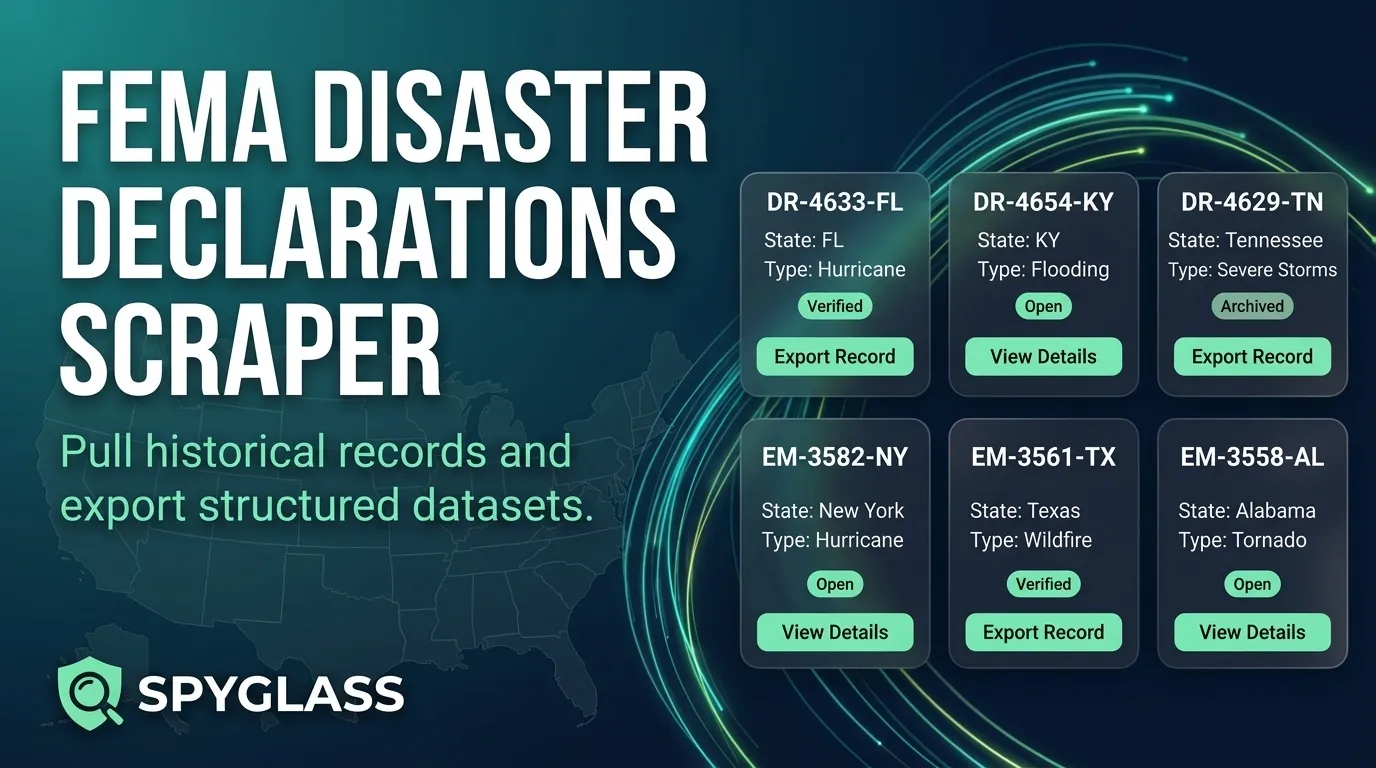
The FEMA Disaster Declarations Scraper is a reliable tool designed to pull comprehensive US disaster declaration summaries into clean, structured datasets. Whether you are building state archives, tracking specific emergency incidents, or analyzing assistance programs, this actor makes it easy to filter and export records directly to JSON, CSV, or Excel.
Use Cases
- State Archives: Pull and maintain a complete historical record of disaster declarations for any state (e.g., tracking Texas declarations since 2024).
- Incident Watch: Filter by specific disaster types—such as Fire, Flood, or Hurricane—to isolate and export matching records.
- Program Checks: Quickly review which declarations activated Public Assistance (PA) or Individual Assistance (IA) programs.
- Research Extracts: Capture structured snapshots of disaster data for academic, governmental, or corporate research.
- Scheduled Lists: Run recurring filters on a schedule to automatically gather and append new declaration entries.
Input Configuration
You can customize your data extraction using the following parameters:
| Parameter | Type | Default | Description |
|---|---|---|---|
mode | string | declarations | The dataset collection mode. |
state | string | "" (empty) | Two-letter state or territory code (e.g., TX). Leave blank to include all states. |
incidentType | string | "" (empty) | Filter by incident type (e.g., Hurricane, Flood, Fire). Leave blank for all types. |
declaredAfter | string | 2024-01-01 | ISO date filter. Keeps rows with a declaration date on or after this day. |
maxItems | integer | 100 | Maximum cap on dataset rows (hard maximum of 1000). |
timeoutSecs | integer | 300 | Maximum runtime in seconds before stopping (maximum 3600). |
requestTimeoutSecs | integer | 30 | HTTP timeout per request in seconds. |
proxyConfiguration | object | {"useApifyProxy": false} | Optional proxy settings for the run. |
Example Input
Extracted Data Structure
Each designated area is saved as an individual dataset row containing rich details about the event.
Example Output Record
Field Reference
- femaDeclarationString: Unique declaration code.
- disasterNumber: Official FEMA disaster number.
- state: Two-letter state or territory abbreviation.
- declarationType: Type classification code (e.g., DR, EM, FM).
- declarationDate: Timestamp of the declaration.
- fyDeclared: Federal fiscal year of the declaration.
- incidentType: Category of the disaster (Hurricane, Flood, Fire, etc.).
- declarationTitle: Official title given to the event.
- ihProgramDeclared: Boolean flag for Individuals and Households program.
- iaProgramDeclared: Boolean flag for Individual Assistance.
- paProgramDeclared: Boolean flag for Public Assistance.
- hmProgramDeclared: Boolean flag for Hazard Mitigation.
- incidentBeginDate: Start date of the incident.
- incidentEndDate: End date of the incident, if applicable.
- disasterCloseoutDate: Closeout date of the disaster, if applicable.
- tribalRequest: Boolean flag indicating tribal request.
- fipsStateCode: FIPS state code.
- fipsCountyCode: FIPS county code.
- placeCode: Geographic place code for the designated area.
- designatedAreastring: Name of the county, parish, or designated region.
- declarationRequestNumber: Request identification number.
- declarationRequestDate: Date the request was submitted.
- lastIAFilingDate: Final filing date for Individual Assistance, if applicable.
- incidentId: Incident identifier.
- region: Designated FEMA administrative region.
- designatedIncidentTypes: Short incident codes for the area.
- lastRefresh: Last record update timestamp.
- hash: Unique record hash.
- id: Unique record identifier (duplicate IDs in a single run are automatically filtered out).
- scrapedAt: UTC timestamp when the record was captured by the scraper.
- error: Included only on records that encounter an error.
Pagination & Reliability
The scraper pages through records efficiently in structured batches. Requests are spaced out to ensure steady processing, and temporary network hiccups or rate limits trigger intelligent retries with gradual backoff intervals. If a specific filter returns an error response, the scraper logs the issue cleanly as an error row so that the rest of your run continues smoothly.
Frequently Asked Questions
- How many declarations can one run save? The default item limit is 100, and you can raise it up to 1,000 items per run depending on your needs. The scraper will automatically page through the results in batches.
- What happens if my filter configuration is invalid? If a filter returns an error status, the scraper records it as an informative error row rather than crashing the entire run.
- Can I export the resulting data? Yes. Once the run finishes, you can download your dataset directly from Apify in JSON, CSV, or Excel formats.
Trademark Notice
FEMA Disaster Declarations and related names, logos, and trademarks belong to their respective owners. Their use in this documentation is solely to identify the source of the data and does not imply affiliation, sponsorship, endorsement, or partnership.
Disclaimer
Disclaimer: This Actor is an independent tool and is not affiliated with, endorsed by, sponsored by, or otherwise officially associated with FEMA Disaster Declarations or its owners. All data is collected from publicly available sources. Users are responsible for complying with the source's terms of use, rate limits, and attribution or licensing requirements.


