
Realestate Com Au Property Extractor
Pricing
from $2.99 / 1,000 results
Realestate Com Au Property Extractor
RealEstate.com.au scraper that extracts listings, prices, addresses, agents, and photos from any Buy, Rent, or Sold search URL, so you can build lead lists and market research fast.
Pricing
from $2.99 / 1,000 results
Rating
0.0
(0)
Developer

Kawsar
Maintained by CommunityActor stats
0
Bookmarked
2
Total users
1
Monthly active users
2 months ago
Last modified
Categories
Share
RealEstate.com.au Property Extractor
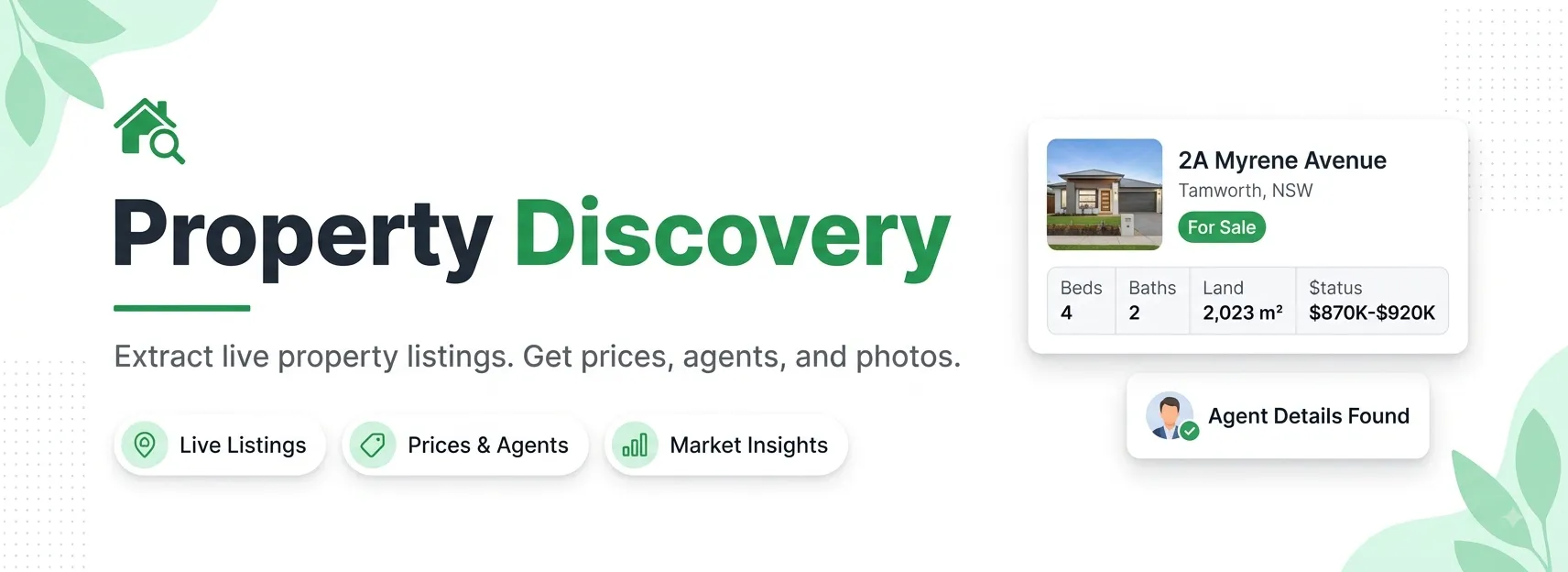
Turn any RealEstate.com.au search into a clean, structured dataset. Paste a Buy, Rent, or Sold search URL and this actor collects every property on the page, follows the pagination for you, and returns full listing details ready for JSON, CSV, or Excel.
Built for real estate agents, buyers agents, proptech teams, data analysts, and anyone who needs Australian property data at scale without copying and pasting by hand.
Why use this actor
- Works from a plain search URL. No API keys to manage, no query language to learn. Search on the site, copy the link, paste it in.
- Handles all three channels. Buy, Rent, and Sold are detected automatically from the URL.
- Follows pagination. One search can return hundreds of listings in a single run.
- Complete listing detail. Price, address, features, land size, agents, agency, photos, floorplans, inspection times, and auction dates.
- Clean output. Tracking tokens stripped from URLs, image size resolved, one record per property.
- Batch friendly. Add several search URLs and cover multiple areas in one go.
Quick start
- Open realestate.com.au and run a search (suburb, region, price filters, whatever you need).
- Copy the URL from your browser's address bar.
- Paste it into the
searchUrlsfield. - Set
maxItemsand click Start.
That is it. The dataset fills up as the run progresses.
Input
| Field | Type | Required | Default | Description |
|---|---|---|---|---|
searchUrls | array of URLs | Yes | New England, NSW example | RealEstate.com.au search result pages (Buy, Rent, or Sold). Add one or more. |
includeSurrounding | boolean | No | false | Also collect the nearby-suburb listings the site shows alongside exact matches. See note below. |
maxItems | integer | No | 25 | Cap on how many listings to collect per run across all URLs. Max 1000. |
requestTimeoutSecs | integer | No | 30 | Per-request timeout in seconds. |
Example input
About includeSurrounding
RealEstate.com.au splits search results into two groups: exact matches inside the area you searched, and surrounding listings from neighbouring suburbs that the site adds to fill out thin results (the "properties in nearby suburbs" strip).
false(default): only exact matches. Every row is genuinely in the area you searched. Best for suburb-level analysis and valuations.true: exact plus surrounding. Wider coverage for lead lists and small search areas.
Listings are de-duplicated by listingId within each search URL, so you will not get the same property twice from a single search.
Output
Each property becomes one dataset record.
Field reference
| Field | Description |
|---|---|
listingId | RealEstate.com.au listing ID |
channel | buy, rent, or sold |
propertyUrl | Canonical listing page URL |
propertyType / propertyTypeId | House, Apartment, Townhouse, and so on |
shortAddress / fullAddress | Street address and full address line |
suburb / state / postcode | Location parts |
priceDisplay | Price exactly as shown on the listing |
bedrooms / bathrooms / parkingSpaces / studies | Feature counts |
landSize / landSizeUnit | Land size and unit |
buildingSize / buildingSizeUnit | Building size and unit when available |
agencyName / agencyId / agencyUrl / agencyLogo | Listing agency details |
agents | Agents on the listing: name, role, photo, profile URL |
listingHeadline | Listing description text |
mainImage / images / floorplans | Photo and floorplan URLs |
videoCount | Number of videos on the listing |
inspections | Scheduled inspection times |
auctionDate | Auction date and time when applicable |
productDepth | Listing tier (standard, premiere, and so on) |
enquiryUrl | Contact-agent link |
scrapedAt | UTC timestamp of the run |
error | null on success, or a short message if a single listing failed |
Use cases
- Lead generation: build agent and agency contact lists for a suburb, region, or state.
- Market research: track supply, price ranges, and time on market across areas.
- Valuation and comparables: feed sold and listed prices into pricing models.
- Competitor monitoring: watch what other agencies have on the market.
- Property databases: keep a live inventory for a search product or dashboard.
- New-listing alerts: run on a schedule and diff against your last dataset.
How to run it
Apify Console: open the actor, fill in the input form, and click Start.
API: call the Apify API run endpoint with your input JSON, then fetch results from the dataset.
Scheduling: attach a schedule to run daily or hourly and build a history of price and inventory changes.
Results can be exported as JSON, CSV, Excel, HTML, or RSS, or pulled through the dataset API.
Tips
- Keep
maxItemstight while testing so runs stay fast and cheap, then raise it for full pulls. - To cover several areas at once, add each area's search URL to
searchUrlsin one run. - Any valid RealEstate.com.au search page works, including filtered searches (price, bedrooms, property type). Set the filters on the site, then copy the URL.
FAQ
Do I need an account or API key for RealEstate.com.au? No. You only provide a public search URL.
Can it scrape rentals and sold listings, not just for-sale?
Yes. Paste a Rent or Sold search URL and the channel field reflects which one.
How many properties can it return?
Up to 1000 per run, across all your search URLs, controlled by maxItems.
Does it collect individual property pages? It collects the rich listing data available on search result pages, which already covers price, address, features, media, agents, inspections, and more.
Notes
- Only public listing data shown on RealEstate.com.au search pages is collected.
- Large searches take longer. Use
maxItemsto keep runs focused. - Please use the data responsibly and in line with RealEstate.com.au's terms of use.