

Audio & Video Transcriber – Whisper to Text, SRT & VTT
Pricing
from $6.00 / 1,000 fast audio minutes
Audio & Video Transcriber – Whisper to Text, SRT & VTT
Transcribe audio and video files, Google Drive and Dropbox links and podcast RSS feeds to text plus SRT and VTT subtitles with faster-whisper. 99 languages, auto-detect, optional English translation. Pay per audio minute; failed files are free.
Pricing
from $6.00 / 1,000 fast audio minutes
Rating
0.0
(0)
Developer

Kiwi Tools
Maintained by CommunityActor stats
0
Bookmarked
2
Total users
1
Monthly active users
a month ago
Last modified
Categories
Features
Share
Audio & Video Transcriber – Whisper Speech to Text, SRT & VTT
Turn audio and video files into text and subtitles: paste file links, Google Drive or Dropbox share links, or a podcast RSS feed, click Start, and get a clean transcript plus SRT and VTT subtitle files for every file. Runs the open-source Whisper speech-recognition models (via faster-whisper), detects the language automatically (99 languages) and can translate into English. You pay per audio minute, from US$0.006, and failed files are free.
Try it in one click: the form is prefilled with a 90-second public-domain LibriVox poem, so pressing Start returns its transcript and subtitles in about a minute for about one cent.
See it in action
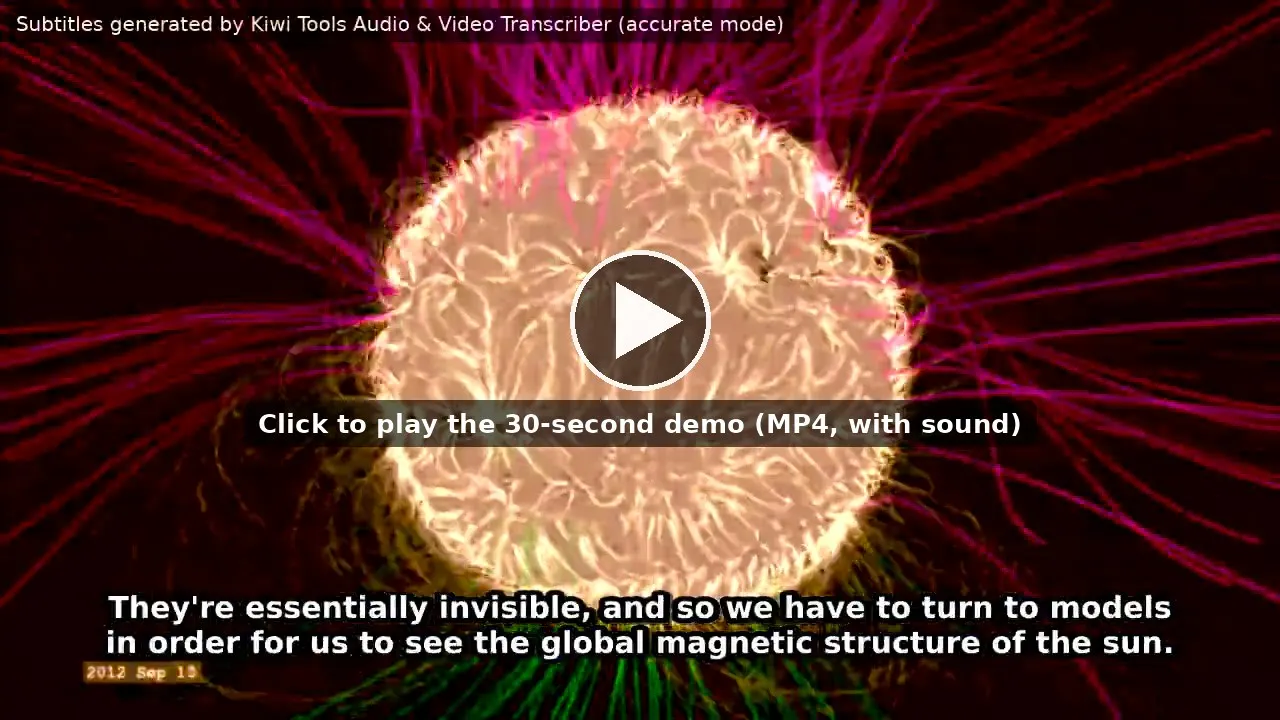
Watch the MP4 with sound (720p, 30 s) or the animated preview (WebP). Every subtitle in this video was written by this Actor in accurate mode (Whisper large-v3-turbo, 4 GB memory) with no manual edits; we only burned the SRT file it returned into the video. The 30-second clip was transcribed in about 47 seconds.
Input used:
The SRT it returned (full SRT, VTT):
Clip credit: "The Dynamic Solar Magnetic Field – Narrated" (2016), NASA's Goddard Space Flight Center, from the NASA Image and Video Library. NASA media is generally not subject to copyright in the United States and is used here in a factual way under the NASA Images and Media Usage Guidelines. We trimmed it to 30 seconds and added the subtitles. NASA has not reviewed or endorsed this Actor.
What it's good for
- Podcast transcripts: transcribe the latest episodes of any podcast RSS feed for show notes, blog posts, search and accessibility
- Subtitles and captions: SRT and VTT files for your own videos, courses and webinars
- Meetings, interviews and lectures you recorded, for notes, quotes and summaries
- Audio to text for AI workflows: feed transcripts to an LLM for summaries, chapters or Q&A, or let an AI agent call this Actor as a tool
- Archives and research: batch-transcribe audio collections, oral histories and public-domain recordings
- Foreign-language audio: transcribe in the original language or translate into English
Features
- Inputs: direct audio/video links, Google Drive and Dropbox share links (converted to direct downloads automatically) and podcast RSS/Atom feeds (the latest 1–50 episodes per feed)
- Formats: MP3, M4A, AAC, WAV, FLAC, OGG, OPUS, WMA, MP4, MOV, MKV, WEBM and most other audio and video files
- Outputs per file: plain-text transcript (TXT), SRT and WebVTT subtitles, and a JSON file with timestamped segments (and optional word-level timestamps), all linked from one dataset row
- Three accuracy modes: fast, balanced and accurate (see below)
- Language: auto-detect, or force one of 99 languages; optional translation to English
- Noisy audio handled: a tuned silence filter skips silence and music, and switches itself off for noisy or radio-quality audio where a standard filter would delete real speech; repeated "Thank you. Thank you." loops are removed
- Cost controls: max file size, max duration per file and an optional maximum total minutes per run; files that would exceed your run's maximum cost are skipped, not charged
- Batch-safe: one bad link never stops the run, and every file gets its own status and error message
- Safe downloads: only public
http(s)addresses; local, private-network and cloud-metadata addresses are refused, including after redirects
Accuracy modes
| Mode | Model | Price per audio minute | Per hour of audio | Speed (default memory) | Best for |
|---|---|---|---|---|---|
| Fast (default) | Whisper base | US$0.006 | US$0.36 | about 4× real time (1 h in about 15 min) | Clean speech: audiobooks, lectures, single-speaker podcasts |
| Balanced | Whisper small | US$0.010 | US$0.60 | about 1.5–1.9× real time (1 h in about 35 min) | Noisy, phone or radio audio, several speakers, accents, translation |
| Accurate | Whisper large-v3-turbo | US$0.025 | US$1.50 | about 1.2× real time at 4 GB (1 h in about 50 min) | Highest accuracy, names and hard audio |
In our tests on a clean public-domain audiobook (LibriVox), word error rate was about 3% in fast mode, 2.5–3% in balanced mode and 2% in accurate mode. On a noisy 1968 NASA Apollo 8 radio loop with several speakers, fast mode was poor ("Paul A" for "Apollo 8"), balanced mode got most call-outs right ("Apollo 8, Houston, your trajectory and guidance are go") and accurate mode was best.
Memory: fast and balanced run at the default 2 GB. Accurate mode needs 4 GB: set Memory to 4 GB under Run options (or memory=4096 in the API). A run with less memory stops straight away with a clear message and nothing is charged. More memory gives more CPU and finishes sooner; the price per minute stays the same.
How to use it
- Paste one or more links into Audio or video file URLs, or a podcast feed into Podcast RSS feed URLs.
- Pick an Accuracy mode (fast is fine for clear speech).
- Optionally set the Language (leave
autoto detect it), Translate to English or Word-level timestamps. - Click Start. When the run finishes, open the Output tab: each row has the transcript text and links to the TXT, SRT, VTT and JSON files.
Google Drive: share the file as "Anyone with the link" and paste the link (https://drive.google.com/file/d/.../view). Dropbox: use Share > Copy link on the file. Folder links are not supported; add each file.
Podcasts: paste the show's RSS feed URL (podcast hosts and most show websites list it). Apple Podcasts and Spotify pages are not feeds and are not supported.
Input
| Field | Type | Default | Description |
|---|---|---|---|
audioUrls | array of URLs | – | Direct audio/video links, Google Drive or Dropbox share links. A podcast feed URL here is also detected. |
podcastFeedUrls | array of URLs | – | Podcast RSS or Atom feeds. |
latestEpisodes | integer | 1 | Newest episodes per feed to transcribe (1–50). |
mode | fast / balanced / accurate | fast | Accuracy mode (see above). Accurate needs 4 GB memory. |
language | string | auto | Two-letter language code (en, es, de, fr, pt, ja, ...) or auto. |
translateToEnglish | boolean | false | Output English instead of the original language (fast and balanced only). |
wordTimestamps | boolean | false | Add per-word times and confidence to the segments JSON. About 10–20% slower, same price. |
silenceFilter | auto / strict / off | auto | Silence and music skipping (see Features). |
maxDurationMinutes | integer | 180 | Reject longer files without charge (1–360). |
maxTotalMinutes | integer | none | Optional cap on billed audio minutes per run; later files are skipped and not charged. |
maxFileSizeMb | integer | 500 | Reject larger downloads without charge (1–2048 MB). |
Output
Dataset: one row per file. The Transcripts view in the Console shows the key fields.
Podcast rows also include feedUrl, feedTitle, episodeTitle, episodePublished and episodeGuid. Failed and skipped rows have "status": "error" or "skipped", an error message, and "billedMinutes": 0.
Key-value store: file-NNN-<name>.txt, .srt, .vtt and .json for each successful file, plus a SUMMARY record with run totals.
Use it from your code, an AI agent or a no-code tool
API (HTTP): start a run and get the dataset rows in one call (replace <YOUR_API_TOKEN>):
Python (pip install apify-client):
For accurate mode, pass memory_mbytes=4096 to .call().
JavaScript / Node.js (npm install apify-client):
No-code and AI agents: connect it to Make, Zapier, n8n, Google Drive and other tools with Apify integrations, schedule it to transcribe new podcast episodes every day with schedules, or let an AI agent use it through the Apify MCP server.
Pricing
Pay per audio minute, only for files that transcribe successfully:
| Event | Price |
|---|---|
| Fast audio minute | US$0.006 |
| Balanced audio minute | US$0.010 |
| Accurate audio minute | US$0.025 |
Each file's length is rounded up to the next whole minute (a 4 min 10 s file is 5 minutes). There is also Apify's tiny per-run start fee. Failed downloads, rejected links, files over your limits and skipped files are free. Use Max total audio minutes per run or the run's Maximum cost per run setting to cap spending. You can try it with the monthly usage credit included in the Apify Free plan.
Limits and good to know
- Accuracy is not perfect. Speech recognition can mishear names, numbers and technical terms, and noisy audio can produce invented phrases (we flag and remove the common ones). Check transcripts before publishing or relying on them.
- No speaker labels (who said what) yet.
- Translation only goes into English and is noticeably better in balanced mode than fast mode. Accurate mode does not translate.
- Long files: up to 360 minutes per file (default limit 180). Files are processed in about 10-minute pieces cut at quiet moments; a word at a cut can occasionally be lost. A file that cannot finish before the run's timeout is refused up front (not charged); raise the timeout under Run options for very long batches.
- Language detection can be unsure on very noisy audio or short clips with music; set Language if you know it.
- Downloads: public links only, up to 2 GB per file. Very large Google Drive files can hit Google's download limits. Links that need a login or cookies are not supported.
- Processing runs on CPU, so it is slower than real-time GPU services for very large batches.
Responsible use
Only submit audio and video you own or have the rights or permission to transcribe. This Actor does not download from YouTube, TikTok, Instagram, Facebook, X, Vimeo, Spotify, Apple Podcasts or similar platforms, and rejects those links. Respect the privacy of people recorded and the laws that apply to you, especially for recorded calls and meetings. Transcripts are stored in your own Apify storage under your account's retention settings.
FAQ
How much does it cost to transcribe an hour of audio? US$0.36 in fast mode, US$0.60 in balanced mode and US$1.50 in accurate mode, plus a tiny per-run start fee. Failed files are free.
Which mode should I choose? Fast for clear, single-speaker recordings. Balanced for noisy, phone or radio audio, several speakers, strong accents or translation. Accurate when you need the best result and can set 4 GB memory.
Can I transcribe YouTube videos? No. Platform links are rejected. If you own the video, upload the file (or its audio) to your own storage, Google Drive or Dropbox, and use that link.
How do I transcribe a podcast? Paste its RSS feed URL into Podcast RSS feed URLs and set Latest episodes per feed. Use Apify schedules to run it after each new episode.
Can I get subtitles for my video? Yes. Every successful file gets an SRT and a WebVTT file that most video players, editors and platforms accept.
Which languages are supported? The 99 languages Whisper supports, including English, Spanish, French, German, Portuguese, Italian, Dutch, Japanese, Chinese, Korean, Hindi and Arabic. Accuracy is best for widely spoken languages.
Does it identify speakers? Not yet. The transcript is continuous text with timestamps.
Why did my accurate-mode run stop immediately? Accurate mode needs 4 GB memory. Set Memory to 4 GB under Run options and run again. Nothing was charged.
Why did a Google Drive link fail? The file must be shared as "Anyone with the link". Folder links, Google Docs links and files that need sign-in don't work.
Can I call it from my own code or an AI agent? Yes. See the API, Python and JavaScript examples above, the Apify API docs and the Apify MCP server.
Something went wrong. How do I get help? Open an issue on the Issues tab of this Actor with the run ID and the file link that failed.
Credits and licences
Speech recognition uses faster-whisper by SYSTRAN (MIT licence), a CTranslate2 (MIT) re-implementation of OpenAI's Whisper, with model weights from OpenAI Whisper base, small and large-v3-turbo (MIT licence), converted by SYSTRAN and Mobius Labs/Dropbox (MIT). The silence filter is Silero VAD (MIT). Audio decoding uses PyAV and FFmpeg (LGPL). This Actor is made by Kiwi Tools and is not affiliated with OpenAI.


