

Statmuse Player Scraper
Pricing
$29.00/month + usage
Statmuse Player Scraper
Scrape Statmuse player stats (sports data) into structured JSON, capturing player profiles, teams, cards and stats tables from Statmuse.com for sports analytics, fantasy tools, dashboards and research.
Pricing
$29.00/month + usage
Rating
0.0
(0)
Developer

Lexis Solutions
Maintained by CommunityActor stats
0
Bookmarked
2
Total users
0
Monthly active users
a month ago
Last modified
Categories
Share
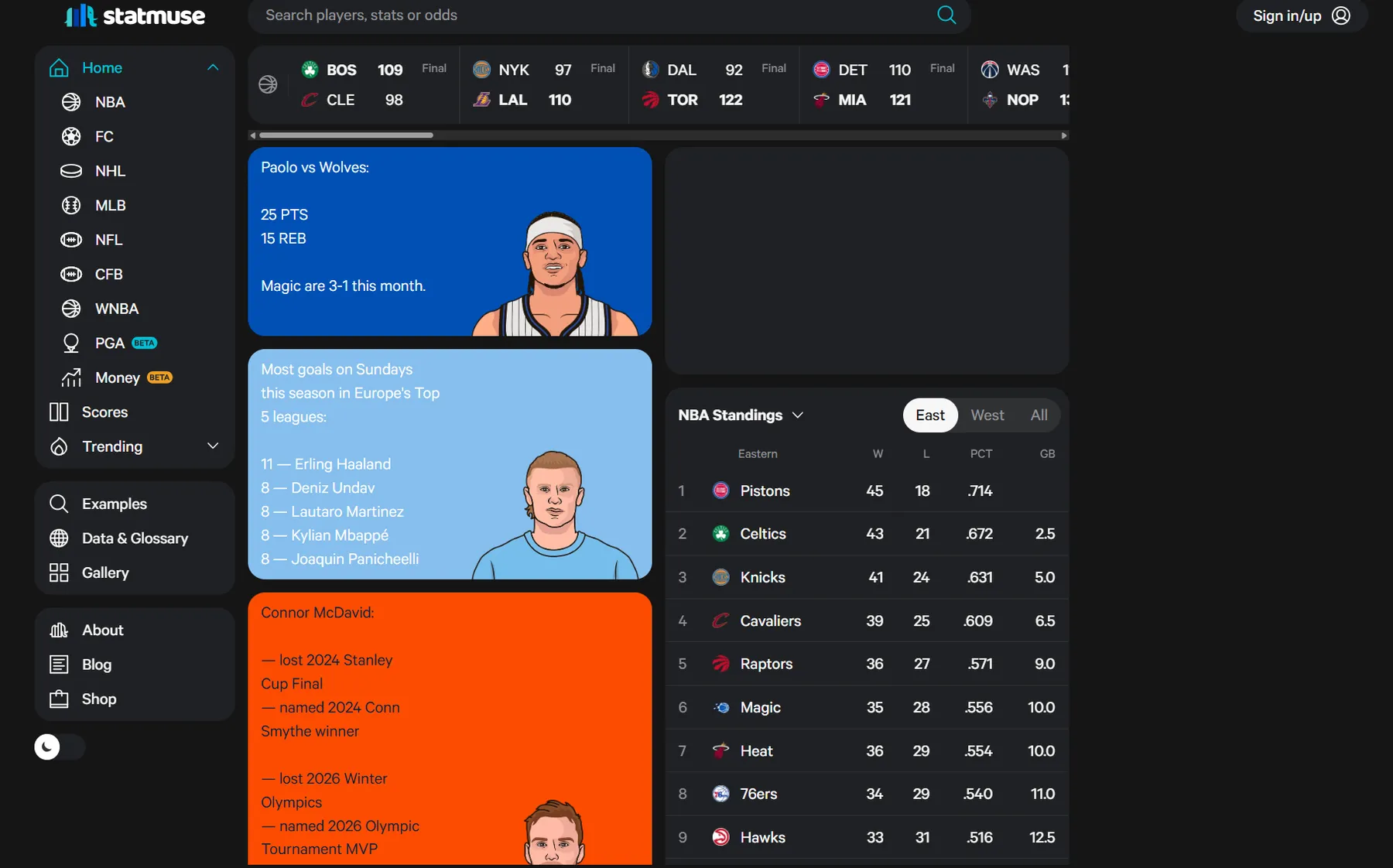
Statmuse Player Scraper (statmuse.com) is a sports data scraper for collecting structured player profile and stats-table data from Statmuse player pages.
Introduction
The Statmuse Player scraper starts from Statmuse URLs (query/list pages or direct player pages), follows player links, and extracts structured player data such as name, team, cards sections, and stats tables.
Use Cases
- Sports research: Build structured datasets for player comparison and trend tracking.
- Content enrichment: Add player stats and profile data to sports products and dashboards.
- Monitoring workflows: Track updates on player pages over time.
- Analytics pipelines: Feed BI tools, internal warehousing, or downstream automations.
Input
Provide the following fields:
startUrls(array, required): Statmuse URLs to start from.maxItems(integer, optional): Maximum number of player items to extract per start URL.proxyConfiguration(object, optional): Apify proxy settings.
Notes:
- If a
startUrlis a player URL (/player/...), the actor extracts that player page directly. - If a
startUrlis a query/list page (for example/ask/...), the actor collects player links from that page. - Non-Statmuse domains are ignored.
- Crawling stops per source URL when
maxItemsis reached.
Input Examples
1) Start URLs
Output
Each dataset item contains fields like:
The scraper processes player pages and stops when maxItems is reached per start URL or when no more player links are found.
Why use the Statmuse Player Scraper?
- Focused: Built specifically for Statmuse player extraction flows.
- Structured output: Ready-to-use JSON records for automation and analysis.
- Per-URL limits:
maxItemsis enforced per start URL. - Flexible input: Supports both query/list URLs and direct player URLs.
- Apify-native: Works with Apify datasets, request queue, and proxy config.
FAQ
-
How many players can it extract?
Controlled bymaxItemsper source URL. -
Do I need proxies?
Not always, but proxies are recommended for larger runs and stability. -
Can I start from a direct player URL?
Yes. The actor supports both player URLs and list/query URLs. -
What if Statmuse changes their website structure?
The actor may require updates to keep extraction stable.
Need to scrape other sports platforms?
Check out our other scrapers:
Need help or want a custom solution?
Lexis Solutions is a certified Apify Partner. We can help with custom data extraction projects.
Contact us over Email or LinkedIn.
Support Our Work
If you're happy with our work and scrapers, you're welcome to leave us a company review here and leave a review for the scrapers you're subscribed to.
Image Credit
Image credit: statmuse.com.


