

YouTube Transcript Scraper
Pricing
from $2.55 / 1,000 results
YouTube Transcript Scraper
Get the transcript of YouTube videos and Shorts as plain text and timed segments, in the spoken language or one you choose, with whether the captions are auto-generated, the other caption languages, and the video's title, channel, duration, views and publish date.
Pricing
from $2.55 / 1,000 results
Rating
0.0
(0)
Developer

Goldmine
Maintained by CommunityActor stats
0
Bookmarked
2
Total users
1
Monthly active users
2 days ago
Last modified
Categories
Share
📝 YouTube Transcript Scraper — Get the Transcript of Any YouTube Video as Text
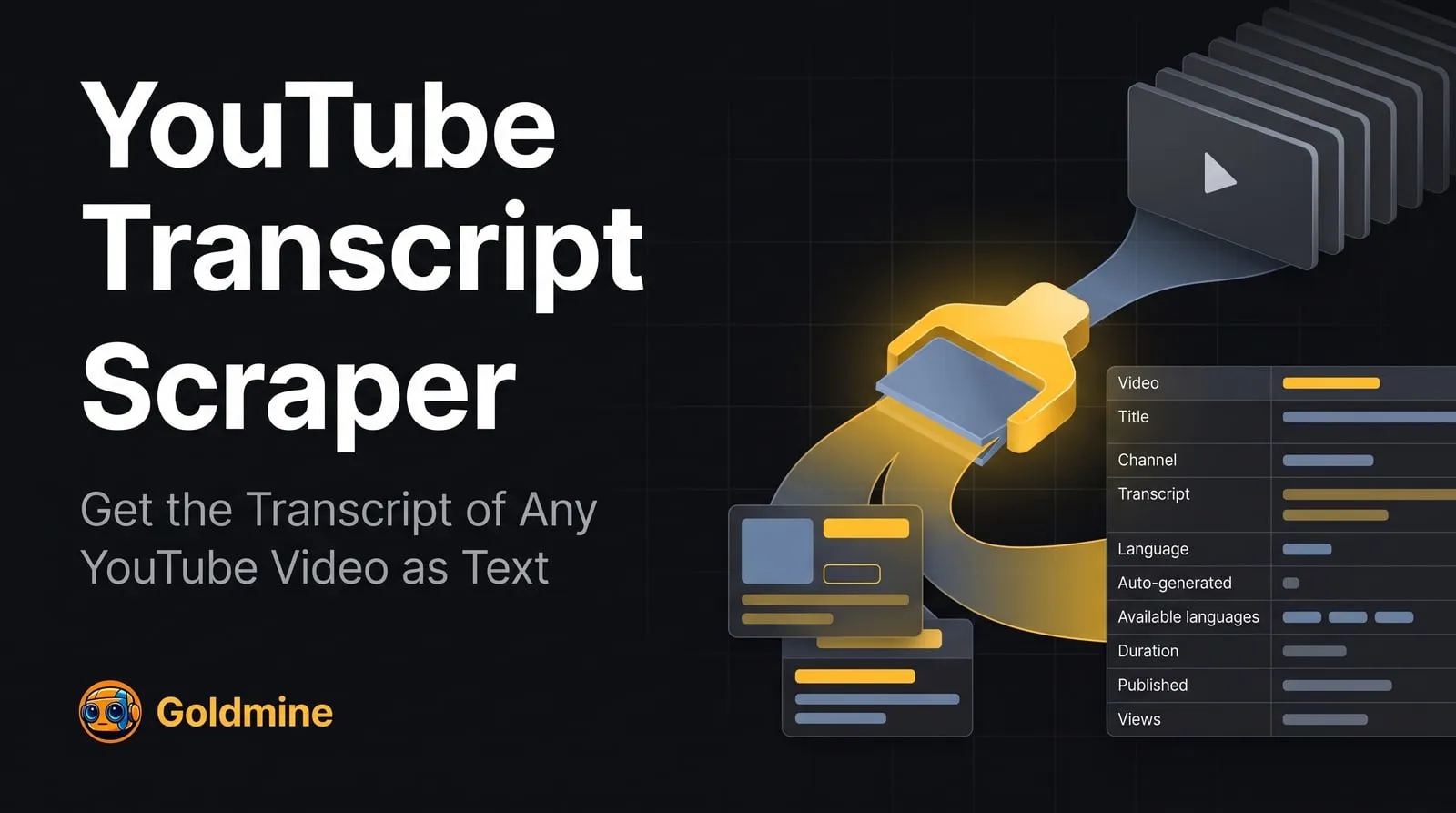
This YouTube transcript scraper turns the captions of public videos and Shorts on YouTube into text you can search, analyse and reuse. Give it video URLs, youtu.be links, Shorts URLs or video ids and it returns each video's YouTube transcript as plain text and as timed segments, with the language, whether the captions were written by the uploader or auto-generated, the other caption languages the video has, and the video's title, channel, duration, views, likes and publish date. People use it to turn talks, lectures, podcasts and news clips into searchable text, to repurpose videos into articles and notes, to monitor what channels say, and to feed spoken content into AI pipelines.
Paste video links, pick a language, and get one dataset item per video, ready to export to JSON, CSV or Excel. No YouTube account, cookies or API key is needed. This Actor is unofficial and is not affiliated with or endorsed by YouTube or Google.
🚀 Key Features
- 🔎 Any video link — watch URLs,
youtu.belinks, Shorts URLs, live URLs, or a bare 11-character video id; the same video given twice is scraped once - 🧾 Transcript as text and segments — the full transcript in one field, plus every caption line with its start and end time in seconds
- 🌍 Languages — the language spoken in the video by default, a language of your choice (for example a German track of an English talk), or every caption track the video has
- 🏷️ Caption source — whether the transcript was written by the uploader or generated automatically, with a switch to prefer either one
- 📈 Video details on every item — title, channel name, id and URL, duration, views, likes, category, thumbnail, description and publish date
- 📑 One item per video — each video gives at most one result, so the count you pay for is the number of videos with a transcript
- 🧹 No charge for videos without captions — videos with no captions, age-restricted, members-only, private and removed videos and live streams are listed in the run's key-value store instead of the dataset
- 🛡️ No login — reads only what YouTube serves visitors who are not signed in
- 📤 Multiple export formats — JSON, CSV, Excel, XML via the Apify dataset
- 🔁 Schedulable runs — run it on a schedule over the videos you track
👥 Who Is This Actor For?
- ✍️ Content creators and marketers — turning YouTube videos into blog posts, newsletters, show notes and social posts
- 🎓 Students and researchers — getting searchable text of lectures, talks and interviews, in the original language or another caption language
- 📰 Media monitoring and analysts — reading what news channels, brands and competitors say in their videos
- 🔍 SEO and product teams — mining the questions, topics and wording used in videos in their niche
- 🤖 AI builders — feeding YouTube transcripts into summarisation, search, classification or RAG pipelines, or giving an agent a tool that reads a video
💡 Common Use Cases
- Get the transcript of a YouTube video as text
- Download YouTube captions with timestamps for a list of videos
- Summarise a batch of YouTube talks or podcasts with an LLM from their transcripts
- Scrape YouTube Shorts transcripts into a spreadsheet
- Get the English captions of a video that also has other languages, or the other way round
- Search what a channel said about a product across many videos
🔗 Supported URL Types
| URL Type | Example |
|---|---|
| Watch URL | https://www.youtube.com/watch?v=dQw4w9WgXcQ |
| Short link | https://youtu.be/UF8uR6Z6KLc |
| Shorts URL | https://www.youtube.com/shorts/CEJXqm2eiJ0 |
| Live URL | https://www.youtube.com/live/jfKfPfyJRdk |
| Video id | jNQXAC9IVRw |
📥 Input
| Field | Type | Description | Default |
|---|---|---|---|
startUrls | Array | YouTube videos to get transcripts for: a video URL, a youtu.be link, a Shorts URL, a live URL, or a bare 11-character video id. One transcript per video, and as many videos as you like. | Required |
language | String | Which captions to return. original returns the language spoken in the video. A language code such as en, es or pt-BR returns captions in that language when the video has them, and otherwise asks for YouTube's machine translation of the original (isTranslation: true); when YouTube cannot or does not translate, you get the original and a note. all returns the original in the main fields plus every caption track of the video in tracks. | "original" |
preferManualCaptions | Boolean | When a video has both captions written by the uploader and auto-generated captions in the chosen language, return the uploaded ones. Turn off to prefer the auto-generated captions, which follow the spoken words more literally. | true |
includeSegments | Boolean | Also return the transcript as timed lines in transcriptSegments, each with its start and end time in seconds. Turn off to get only the plain-text transcript. | true |
includeVideosWithoutTranscript | Boolean | Also save a result for videos that exist but have no captions to return (no captions, age-restricted, members only, live), with transcript set to null and a note saying why. These are charged like any other result. When off, such videos are only listed in the VIDEOS_WITHOUT_TRANSCRIPT record of the key-value store, free of charge. | false |
proxyConfiguration | Object | Proxy settings. YouTube answers most requests from datacenter and server IPs with a bot check, so Apify residential proxies are used by default. | { "useApifyProxy": true, "apifyProxyGroups": ["RESIDENTIAL"] } |
Because each URL is one video, there is no maxItems limit: a run returns at most one item per video.
Example Input
📤 Output
Each dataset item is one video:
| Field | Type | Description |
|---|---|---|
videoId | String | The video's id |
url | String | The video's watch URL |
inputUrl | String | The URL or id you gave |
title | String | The video's title |
channelName | String | The channel's name |
channelId | String | The channel's id |
channelUrl | String | Link to the channel (its @handle URL when it has one) |
durationSeconds | Number | Video length in seconds |
viewCount | Number | Views |
likeCount | Number | Likes |
publishedAt | String | Publish time (ISO 8601, UTC) |
uploadedAt | String | Upload time (ISO 8601, UTC) |
category | String | YouTube category, e.g. Education |
isLiveContent | Boolean | Whether the video is or was a live stream |
thumbnailUrl | String | The largest thumbnail image |
description | String | The video's description |
hasTranscript | Boolean | Whether the item carries a transcript |
transcript | String | The transcript as plain text, caption lines joined |
transcriptSegments | Array | Caption lines as { start, end, text }, times in seconds (with includeSegments) |
language | String | Language code of the returned transcript, e.g. en |
languageName | String | The language as YouTube names the track, e.g. English (auto-generated) |
isAutoGenerated | Boolean | true for automatic captions, false for captions from the uploader |
isTranslation | Boolean | true when the transcript is YouTube's machine translation |
availableLanguages | Array | Every caption language the video has |
captionTracks | Array | Every caption track as { language, languageName, isAutoGenerated } |
tracks | Array | With language: "all": every track, each with its own language, languageName, isAutoGenerated, transcript and transcriptSegments |
note | String | Set when the requested language was not available, the video has no captions, or the track is empty; otherwise null |
scrapedAt | String | When the item was scraped (ISO 8601, UTC) |
Videos that return no transcript (no captions, age-restricted, members-only, private or removed videos, live streams, duplicates and links that are not videos) are listed with the reason in the VIDEOS_WITHOUT_TRANSCRIPT record of the run's key-value store, and counted in the run's status message.
Example Output
A real item from a run, with the description shortened, the segment list cut to three of its 244 lines, the transcript cut after its opening, and the caption track list cut to four of its nine tracks:
You can export the dataset as JSON, CSV, Excel, XML, RSS, or HTML from the Apify Console or via the Apify API.
💰 Pricing
This Actor is pay per event (you pay per result): each video saved with a transcript costs $0.00299 on the free plan, so 1,000 videos cost $2.99, falling to $0.00255 per video ($2.55 per 1,000) on Gold and higher Apify plans. Each run also has a $0.00005 start fee per GB of memory. Videos without captions are not charged unless you turn on includeVideosWithoutTranscript. A free Apify account is enough to try it.
❓ FAQ
What is the YouTube Transcript Scraper?
It is a YouTube transcript scraper that takes video URLs, Shorts URLs or video ids and returns each video's transcript as text and timed segments, with its language and the video's details. You can run it from the Apify Console, the API, or on a schedule.
Where does the transcript come from?
From the captions YouTube itself shows on the video: captions uploaded by the channel, and automatic captions YouTube generates from the speech. The Actor does not transcribe audio, so a video without YouTube captions has no transcript.
Which videos have no transcript?
Videos without speech or without captions, live streams while they are live, and videos YouTube shows only to signed-in viewers: age-restricted, members-only and private videos. Removed videos and links that are not videos are skipped too. None of these are charged by default; they are listed with the reason in the VIDEOS_WITHOUT_TRANSCRIPT record of the run's key-value store.
Can I get the transcript in another language?
Set language to a code such as en or de. If the video has captions in that language, you get them. If not, the Actor asks for YouTube's machine translation of the original captions, which YouTube often refuses to visitors who are not signed in; in that case you get the original transcript, with a note saying so. Set language to all to get every caption track the video has.
What does "original" mean?
The language spoken in the video, as YouTube's automatic captions identify it. When a video has no automatic captions, it is the caption track YouTube shows by default, which is usually, but not always, the spoken language.
Uploaded or auto-generated captions?
With preferManualCaptions on (the default), captions written by the uploader are returned when they exist in the chosen language, and automatic captions otherwise. isAutoGenerated tells you which one you got.
Do I need an account, cookies or an API key?
No. The Actor reads only what YouTube serves to visitors who are not signed in, and it does not use the YouTube Data API, so there is no API quota to manage.
Do I need a proxy?
The default uses Apify residential proxies, because YouTube answers most requests from datacenter and server IPs with a bot check. You can switch to datacenter proxies to save proxy traffic; expect some videos to fail after their retries, and run those again.
How many results can I get per run?
One item per video, so a run with 500 videos returns up to 500 transcripts. There is no maxItems setting because each URL is a single video.
Can I schedule it or integrate it with my app?
Yes. Every Apify Actor exposes a REST API, webhooks, and integrations with Zapier, Make, Google Sheets and Slack, and can be called from an AI agent via the Apify MCP server.
Is it legal to scrape YouTube transcripts?
This Actor accesses only publicly available pages. You are responsible for making sure your use complies with YouTube's terms of service, copyright in the captions, and the laws in your jurisdiction.
What if YouTube changes and the Actor breaks?
Open an issue on the Actor's Issues tab with a video URL that fails, so the problem can be reproduced.
🧩 Part of the YouTube Scraper Suite
Goldmine's Actors for public YouTube data. Also try:
- YouTube Channel Scraper — a channel's profile, subscriber count, links and videos, from channel URLs
- YouTube Search Scraper — videos, titles, views and channels from YouTube search results
- YouTube Comments Scraper — comments and replies of YouTube videos and Shorts, with likes and authors
See every Goldmine Actor at apify.com/logical_scrapers.
📬 Contact & Support
- Issues & feature requests: use the Issues tab on this Actor's page. Include a video URL that fails so it can be reproduced.
- Email:
coredev.dan@gmail.com - If this Actor saved you time, please leave a ⭐ rating on the Apify Store. It helps us keep it maintained.


