

Central Bank Policy Monitor - Fed & ECB News
Pricing
from $1.20 / 1,000 policy announcement observations
Central Bank Policy Monitor - Fed & ECB News
Monitor official Federal Reserve and ECB news feeds. Export dated headlines, source links and keyword evidence; compare saved observations for new or edited announcements. No API key.
Pricing
from $1.20 / 1,000 policy announcement observations
Rating
0.0
(0)
Developer

Brandt May
Maintained by CommunityActor stats
0
Bookmarked
2
Total users
1
Monthly active users
2 days ago
Last modified
Categories
Share
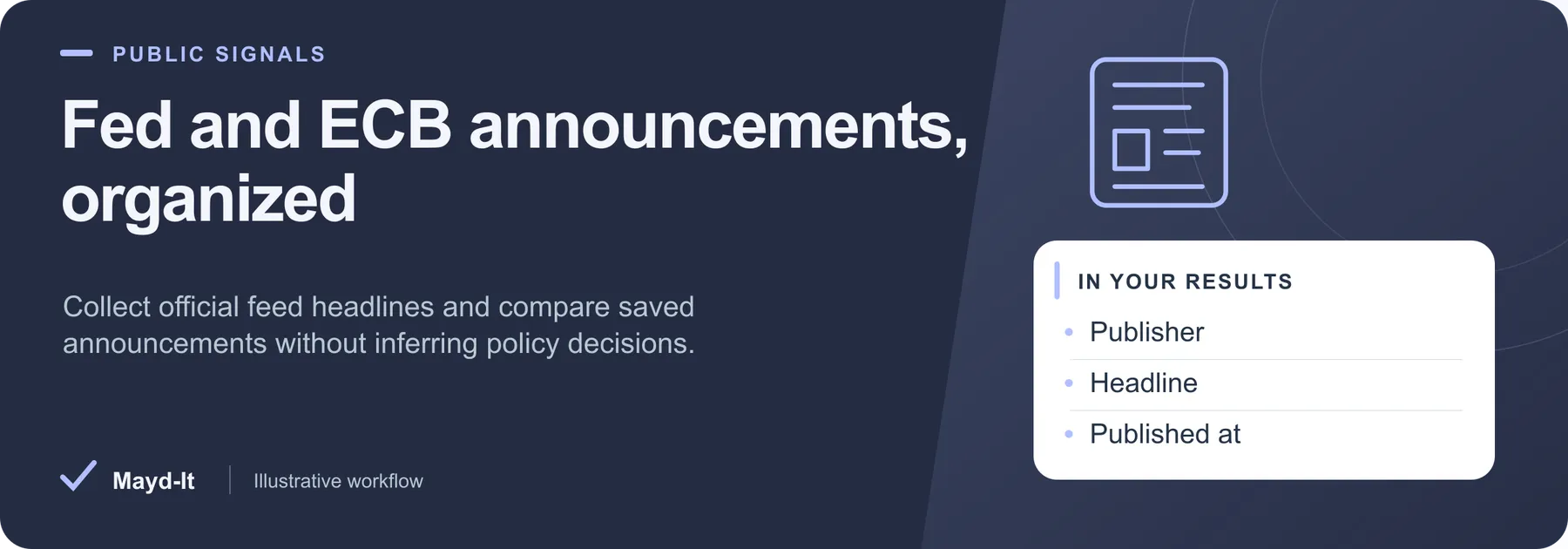
Fed and ECB announcements, organized
Build a sourced briefing feed for economic research or policy-news workflows. This Actor returns official Federal Reserve and ECB feed metadata, with dated headlines, links and optional saved comparisons.
Open this Actor in Console · First run · Results · Cost · Full guide
Try this Actor
- Choose a small scope. Use the existing Federal Reserve monetary-policy announcements example below: one feed, up to ten saved announcements, and twenty source candidates. Keep comparison off for a first snapshot.
- Run and review. Read announcement rows in the dataset and source coverage in the run's key-value-store
SUMMARY. Keyword and date filters apply within the current feed window. - Use the results. Export CSV for a headline list or JSON for evidence and comparison fields. Follow the official source link before interpreting an announcement.
Read this before using the data: Publication dates are not necessarily meeting or policy-effective dates. A changed feed record is not a policy-change judgment. Older announcements outside the current feed cannot be recovered by widening the date filter.
Federal Reserve Monetary Policy Announcements — copy this input into the JSON editor in Console.
Result preview
The dataset view highlights these columns:
- Announcement ID ·
announcementId - Publisher ·
publisher - Feed ·
sourceId - Headline ·
title - Official announcement ·
url - Published at ·
publishedAt
Use the original source links and the field definitions below when interpreting the results. CSV works well for flat columns; JSON preserves nested values.
Usage and pricing
Base result rate on the FREE tier: $2 per 1,000 policy announcement observations. The Pricing tab shows your plan's result rate and any Actor Start charge. Set a small result limit for the first run; the requested limit is not a guarantee of that many results.
Full guide
Collect recent official Federal Reserve and European Central Bank announcements with publisher dates, canonical links, keyword evidence and optional saved-run comparisons. No login or API key is required.
What this covers
fed-monetary: the Federal Reserve monetary-policy RSS feed, including statements and meeting minutes.fed-all: the Federal Reserve's all-press-releases RSS feed, which can also include regulatory and administrative announcements.ecb-press: the ECB feed covering press releases, speeches, interviews and press-conference transcripts.
These are the publisher's recent feed windows. A publication date is not necessarily the meeting, policy decision or effective date. This Actor collects announcement metadata; it does not calculate interest rates, predict markets, or determine geopolitical risk. It does not fetch full articles.
Official source information is available free from the linked publishers. The Actor fee pays for collection, structured output and comparison. ECB data is attributed to the European Central Bank in every record; the original information remains available free on its website. These are independent Mayd-it tools, with no central-bank endorsement.
Inputs and default
Omitted or empty sources uses fed-monetary and ecb-press. Default maxItemsPerSource: 10 inspects up to ten candidates per feed, before keyword/date filtering, and maxResults: 20 caps confirmed saved rows. The Console prefill uses the same feeds. maxRunSeconds defaults to 240, and every HTTP request, redirect and retry shares that budget.
keywords are case-insensitive literal substrings matched against the headline and publisher's feed excerpt. At least one term must match. matchEvidence states the field and matching excerpt. This is not full-article search or topic inference. startDate and endDate are inclusive UTC publication dates in YYYY-MM-DD format. They cannot recover items that already rolled out of the feed.
Federal Reserve monetary-policy announcements
Use the copyable first-run input above.
ECB official press and policy news
Fed and ECB saved comparison
Output
Each row represents one official announcement observation, identified by a SHA-256 hash of its canonical source URL. It includes announcementId, publisher, sourceId, title, url, feedUrl, publishedAt, publicationDateRaw, excerpt, excerptTruncated, sourceCategories, contentHash, matchedTerms, matchEvidence, and observedAt.
Excerpts are publisher-supplied feed descriptions, stripped of HTML and limited to 800 characters; they may repeat the title or be empty. Categories are supplied by the publisher and may be empty. The Actor preserves the date supplied by the feed and also normalizes it to UTC. contentHash covers the full available feed excerpt, title, date and categories, allowing a change beyond the displayed excerpt to be detected. Matching evidence is drawn from that same feed text.
With comparison enabled, comparisonStatus is new, changed or unchanged; otherwise it is not_requested. changedFields identifies changed snapshot fields (title, publishedAt, contentHash), and previous retains the prior headline, timestamp and hash. A changed hash does not identify every changed word or imply a changed policy decision.
Saved history
Set comparePrevious: true, or onlyChanges: true to suppress unchanged observations. The first run saves matching observations and establishes history only for confirmed saved rows. An unchanged repeat with onlyChanges can legitimately return zero results. Comparisons use the named store maydit-central-bank-policy-history, isolated by namespace, sources and filters. Changing the candidate/result cap does not reset that namespace.
The Actor preserves unseen history when feeds roll over or a run is partial; it never reports removals. Invalid history stops comparison rather than overwriting it. History is capped at 20,000 identities per scope. Use a new snapshotName to start a separate workflow. Run one writer at a time per scope: a read-back detects some conflicts, but it is not a transactional lock and cannot prevent every simultaneous writer race.
Coverage and failures
Inspect the SUMMARY key-value record. It records source windows, invalid items, filters, duplicates, confirmed saved counts, unchanged skips, omitted sources, time and spending limits. Filtered or unchanged windows can be legitimately empty. An inaccessible or structurally invalid source produces diagnostics, never a paid error row. If all sources fail with no valid observations, the run fails. Partial success is explicitly marked.
Upstream availability, feed size and freshness are controlled by the publishers. The tool honors robots rules, checks public destination addresses, bounds response/decompression size, and rejects invalid XML/DTD declarations. It does not use proxies to bypass restrictions.
Pricing
FREE and BRONZE: $2 per 1,000 saved announcement observations, plus $0.00005 Actor Start (Apify's start-event memory rules apply). SILVER: $1.60/1,000; GOLD, PLATINUM and DIAMOND: $1.20/1,000. Unchanged observations are charged if saved; use onlyChanges to skip them. Failure diagnostics and unchanged skips are not dataset rows and are not charged as results. Spending limits are checked before each dataset write.
Official sources
Support: bmay@mayd-it.com
Help with your run
Open the Issues tab on this Actor with the run URL, the input field that caused trouble and what you expected to receive. Remove API keys and private information before posting.
Understand your run
Open Run report in the run’s Output tab for saved-record counts, reported source issues and limits, and suggested next steps. Use CSV export to take the saved results into a spreadsheet. The existing JSON results and detailed machine-readable summary remain available.
The report reflects this run’s recorded coverage. A successful run or a saved result does not establish that every possible source record was collected.


