

OFAC Recent Actions - Sanctions, Licenses & Guidance
Pricing
from $1.80 / 1,000 ofac action observations
OFAC Recent Actions - Sanctions, Licenses & Guidance
Track OFAC announcements by date, category and title keywords. Optional announcement text, resource links and saved-run changes. No key required; announcement monitoring, not sanctions screening.
Pricing
from $1.80 / 1,000 ofac action observations
Rating
0.0
(0)
Developer

Brandt May
Maintained by CommunityActor stats
0
Bookmarked
2
Total users
1
Monthly active users
a day ago
Last modified
Categories
Share
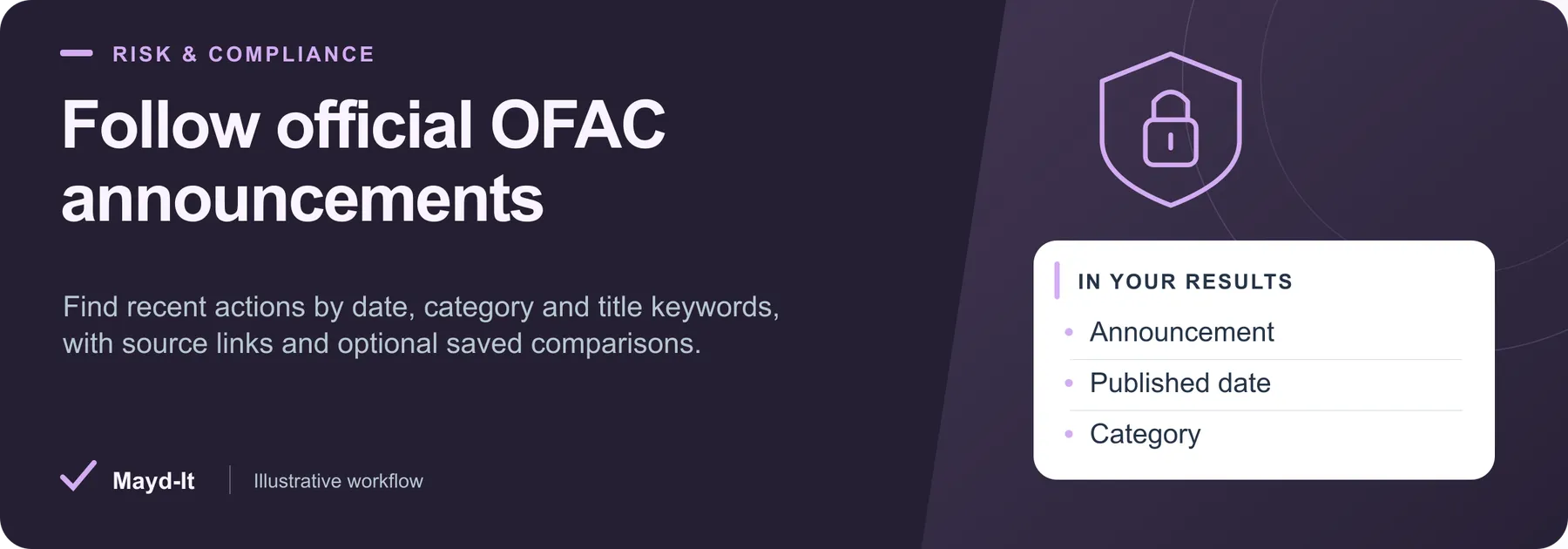
Follow official OFAC announcements
For researchers following sanctions policy updates: collect OFAC Recent Actions announcements by category, date and literal title keywords. Optional details add announcement text and resource links.
Open this Actor in Console · First run · Results · Cost · Full guide
Try this Actor
- First run: Use 1. Latest official actions below: one listing page and up to 10 announcements. Leave announcement details off unless you need the body text or linked resources.
- Read the results: Open the default Dataset for announcements and SUMMARY for fetched-page coverage. Each row keeps an official source link; dates retain the source's day-level precision.
- Keep in mind: This monitors announcements, not sanctions lists or counterparties. It does not screen names or issue compliance decisions. Linked PDFs are not downloaded, and body edits are visible only when details are collected.
Latest OFAC Sanctions, Licenses and Guidance — copy this input into the JSON editor in Console.
Result preview
The dataset view highlights these columns:
- Announcement ·
title - Published date ·
publishedDate - Category ·
categoryTitle - Comparison ·
comparisonStatus - Official source ·
url - Action ID ·
actionId
Use the original source links and the field definitions below when interpreting the results. CSV works well for flat columns; JSON preserves nested values.
Usage and pricing
Base result rate on the FREE tier: $3 per 1,000 ofac action observations. The Pricing tab shows your plan's result rate and any Actor Start charge. Set a small result limit for the first run; the requested limit is not a guarantee of that many results.
Full guide
Turn the U.S. Treasury's official OFAC Recent Actions pages into dated announcement records. Use the output for a sanctions-policy news digest, a general-license watchlist, a regulatory research queue, or alerts when a previously observed announcement changes.
No account, API key, proxy, or browser is required. Run with {} to read the newest ten announcements from one listing page. Optional detail fetching adds the announcement's source text and linked resources.
What you receive
Each saved record contains:
| Field | Meaning |
|---|---|
actionId, url | OFAC's announcement-path identifier and canonical official link. Date suffixes remain distinct. |
title | The source announcement title, without an generated summary. |
publishedDate | OFAC's displayed release date, as YYYY-MM-DD; no invented time or timezone. |
category, categoryTitle | OFAC's category slug and label. |
sourceListingUrl, observedAt | Listing-page provenance and this observation's UTC timestamp. |
comparisonStatus, changedFields, previous | not_requested, baseline, new, changed, or unchanged; previous saved title/date/category/hash when available. |
With includeDetails: true, successful rows additionally contain contentText, contentHash, contentLength, contentTruncated, resourceLinks, and resourceLinksTruncated. Text is plain announcement text. Its SHA-256 hash covers the complete fetched text even when maxTextChars truncates the displayed text. Up to200 resource links are retained; linked PDFs, licenses and other pages are not downloaded or interpreted.
The source may publish listed-party names and other public identifying details inside announcement text. Details are opt-in. This Actor does not create person profiles, perform name matching, or make sanctions/compliance decisions.
Inputs and coverage
category:all(default),sanctions-list-updates,general-licenses,regulations-and-guidance,enforcement-actions, ormiscellaneous.titleKeywords: optional literal, case-insensitive title substrings; any match qualifies. These are not semantic country/program filters.startDate/endDate: optional inclusive official dates,YYYY-MM-DD.maxResults: maximum saved records, default10, maximum500.maxPages: listing-page window, default1, maximum50. OFAC currently lists ten announcements per page.includeDetails: defaultfalse. Adds a separate GET request per selected announcement.maxTextChars: default10000; applies only to optional detail text.comparePrevious,onlyChanges,snapshotName: opt-in monitoring, described below.maxRunSeconds: own deadline, default240 seconds, minimum30, maximum3600. A platform deadline also reserves25 seconds for shutdown.
Date and keyword filters apply within the pages actually scanned. Increase maxPages to cover older announcements. A keyword with no match in that window can correctly return zero records. Categories reflect OFAC's classification: a sanctions-list announcement can also discuss a general license, so select all if that matters to your workflow.
SUMMARY gives actual saved rows, scanned records/pages, source-reported total, hasMore, selected caps, failures, time/spending stops and history persistence. Reaching a user-selected cap is ordinary bounded coverage; it does not mean the whole archive was scanned. No result establishes that a party is sanctioned or that a proposed transaction is allowed.
Saved comparisons
Set comparePrevious: true to retain observations in a named key-value store. The first saved observations are labeled baseline. Later records report changes to their title, official date, category, or complete announcement-text hash when details are enabled. Without details, edits confined to the announcement body cannot be detected. Resource-link-only changes are not separately compared.
onlyChanges: true also enables comparison. A first run emits the baseline; a matching repeat can return zero dataset rows with an ok summary. History contains confirmed saved observations only. Rejected spending-limit rows do not advance it; successful earlier records remain saved. Unchanged skipped records retain their earlier saved observation.
The comparison scope includes category, normalized keywords, date filters and includeDetails. Result/page limits do not change the scope. Use a different snapshotName for independent workflows. Run the same snapshot name sequentially. A reread prevents a known overlapping write from replacing changed history, but the storage API does not provide a transactional lock. Source outages, window limits and vanished listing entries never produce removal/deletion claims. Snapshots support up to50,000 observed IDs; start a new namespace if that limit is reached.
Three ready-to-run examples
1. Latest official actions
Use the copyable first-run input above.
2. Latest general-license announcement with text and resources
3. Regulatory guidance with a saved comparison
All observations are returned in example3. Add "onlyChanges": true on later scheduled runs when you want unchanged records omitted.
Pricing and failure behavior
Proposed base price: $0.003 per saved announcement ($3 per1,000), plus the Actor Start event shown in the live pricing panel (base $0.00005). Detail text is part of that same announcement record. Review the live pricing panel for the current plan and tier discounts. Unchanged rows skipped by onlyChanges, robots denials, failed fetches and parse errors are not saved dataset items. A zero-result repeat can still incur the start event and any platform charges shown by Apify.
Source access respects robots rules, validates public DNS destinations, rejects redirects for the fixed OFAC endpoints, bounds response sizes and retries, and honors Retry-After within the remaining budget. An HTTP200 response must contain the expected official page shape. Individual failed details are reported in SUMMARY.failedSources; no fabricated error rows are charged. If all usable source observations fail, the run fails with a diagnostic summary.
Limits and source changes
- This is an official-announcement monitor. It does not download the SDN list, screen counterparties, calculate ownership/control, or determine legal obligations.
- OFAC retired its recent-actions RSS feed in2025. This Actor reads the current official HTML pages and validates their structure.
- An announcement title or date can change, and source availability can vary. Saved comparison means "changed since this Actor's last saved observation," not the effective date of a legal amendment.
- No browser rendering, proxy rotation or access-control bypass is used. If OFAC blocks automated access or changes its page structure, the Actor stops or reports incomplete coverage.
- Bounded sample QA demonstrates the documented examples and targeted failure cases, not every historical page or legal accuracy of source announcements.
Primary references: Recent Actions, OFAC technical notices, RSS retirement notice.
Local development
Node20.18.1+; locked apify3.7.2, cheerio1.1.2, and basic-ftp6.2.2 override. Run npm ci, npm test, then npm start. Use an isolated CRAWLEE_STORAGE_DIR for local testing. Production source data and cloud billing are separate from local fixture tests.
Help with your run
Open the Issues tab on this Actor with the run URL, the input field that caused trouble and what you expected to receive. Remove API keys and private information before posting.
Understand your run
Open Run report in the run’s Output tab for saved-record counts, reported source issues and limits, and suggested next steps. Use CSV export to take the saved results into a spreadsheet. The existing JSON results and detailed machine-readable summary remain available.
The report reflects this run’s recorded coverage. A successful run or a saved result does not establish that every possible source record was collected.


