

Chrome Web Store Intel - Extensions, Ratings & User Counts
Pricing
from $1.80 / 1,000 results
Chrome Web Store Intel - Extensions, Ratings & User Counts
Collect Chrome Web Store extension intel from public category and detail pages: name, rating, ratings count, user count estimate, category and store URL. No API key.
Pricing
from $1.80 / 1,000 results
Rating
0.0
(0)
Developer

Brandt May
Maintained by CommunityActor stats
0
Bookmarked
2
Total users
1
Monthly active users
3 days ago
Last modified
Categories
Share
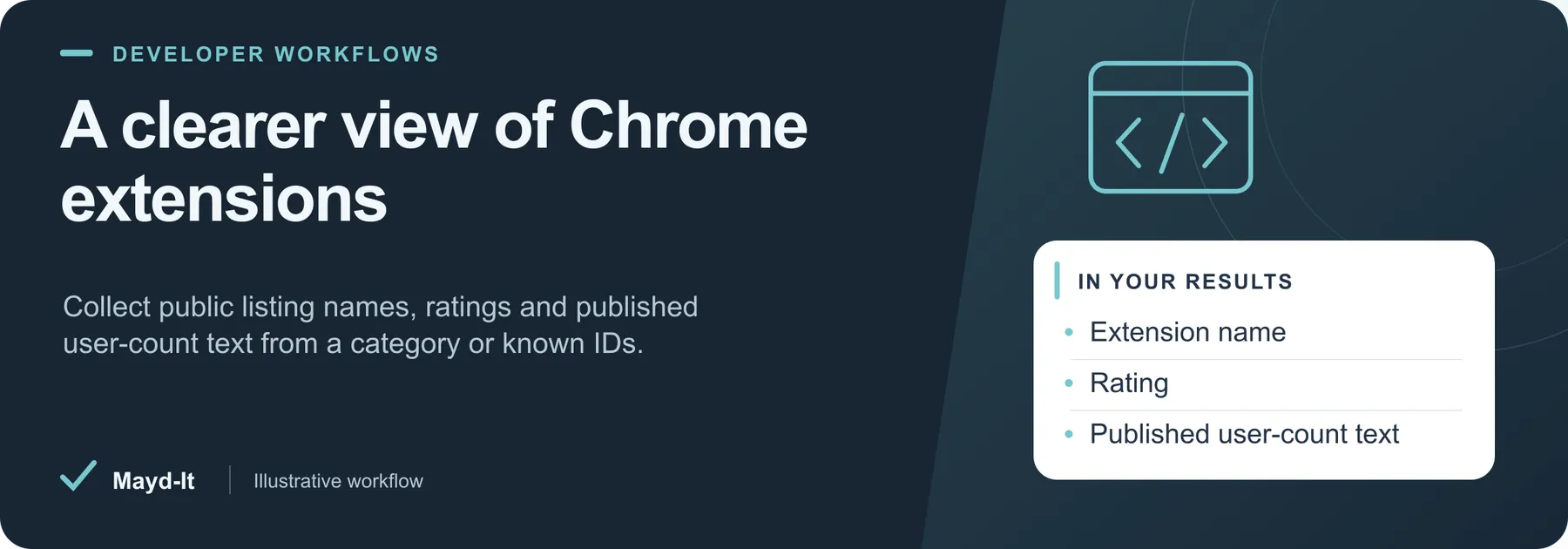
A clearer view of Chrome extensions
Build an extension research table from public Chrome Web Store category and detail pages. Use it to compare listing metadata or maintain a known-extension inventory without an API key.
Open this Actor in Console · First run · Results · Cost · Full guide
Try this Actor
- Choose a small scope. Use the existing developer-category prefill and maximum of twenty extensions for an initial sample. Alternatively, supply known extension IDs to skip category discovery and inspect only those IDs.
- Run and review. Open the run's dataset for listing rows and its key-value-store
SUMMARYfor source failures, saved-row counts and incomplete runs. - Use the results. Export CSV or JSON with the extension ID and Store URL so each row can be checked against its public listing.
Read this before using the data: The user-count field is published display text, not an exact active-user measurement. Store HTML may change or block collection; failed discovery does not fall back to unrelated sample extensions.
Result preview
The dataset view highlights these columns:
- Extension ID ·
extensionId - Extension name ·
name - Rating ·
rating - Ratings count ·
ratingCount - Published user-count text ·
userCountText - Category ·
categoryPath
Use the original source links and the field definitions below when interpreting the results. CSV works well for flat columns; JSON preserves nested values.
Usage and pricing
Base result rate on the FREE tier: $3 per 1,000 results. The Pricing tab shows your plan's result rate and any Actor Start charge. Set a small result limit for the first run; the requested limit is not a guarantee of that many results.
Full guide
Public Chrome Web Store category + detail pages → name, rating, rating count, user-count text, store URL.
Defaults
Category extensions/productivity/developer, max 20 items. Explicit extension IDs restrict the run to those extensions. Discovery failures are reported without substituting unrelated sample extensions.
Limitations
- HTML/AF_initData shapes change without notice; parser is intentionally defensive.
- Does not bypass login walls or scrape private/unpublished listings.
- Respects a polite per-request gap; raise
maxRunSecondsfor large pulls.
Result accounting
Only real source records are written to the dataset. SUMMARY.total counts saved rows. A dataset spending cap stops further writes and sets SUMMARY.stoppedOnChargeLimit and SUMMARY.incomplete. Source failures and time limits are reported in the summary; they do not generate substitute result rows.
Help with your run
Open the Issues tab on this Actor with the run URL, the input field that caused trouble and what you expected to receive. Remove API keys and private information before posting.
Understand your run
Open Run report in the run’s Output tab for saved-record counts, reported source issues and limits, and suggested next steps. Use CSV export to take the saved results into a spreadsheet. The existing JSON results and detailed machine-readable summary remain available.
The report reflects this run’s recorded coverage. A successful run or a saved result does not establish that every possible source record was collected.


