

Lever Jobs Scraper - jobs.lever.co to CSV & JSON
Pricing
from $0.60 / 1,000 results
Lever Jobs Scraper - jobs.lever.co to CSV & JSON
Scrape live job postings from any Lever job board. Team, department, commitment, workplace type, location and country normalized, full descriptions as plain text. No API key.
Pricing
from $0.60 / 1,000 results
Rating
0.0
(0)
Developer

Brandt May
Maintained by CommunityActor stats
0
Bookmarked
2
Total users
1
Monthly active users
4 hours ago
Last modified
Categories
Share
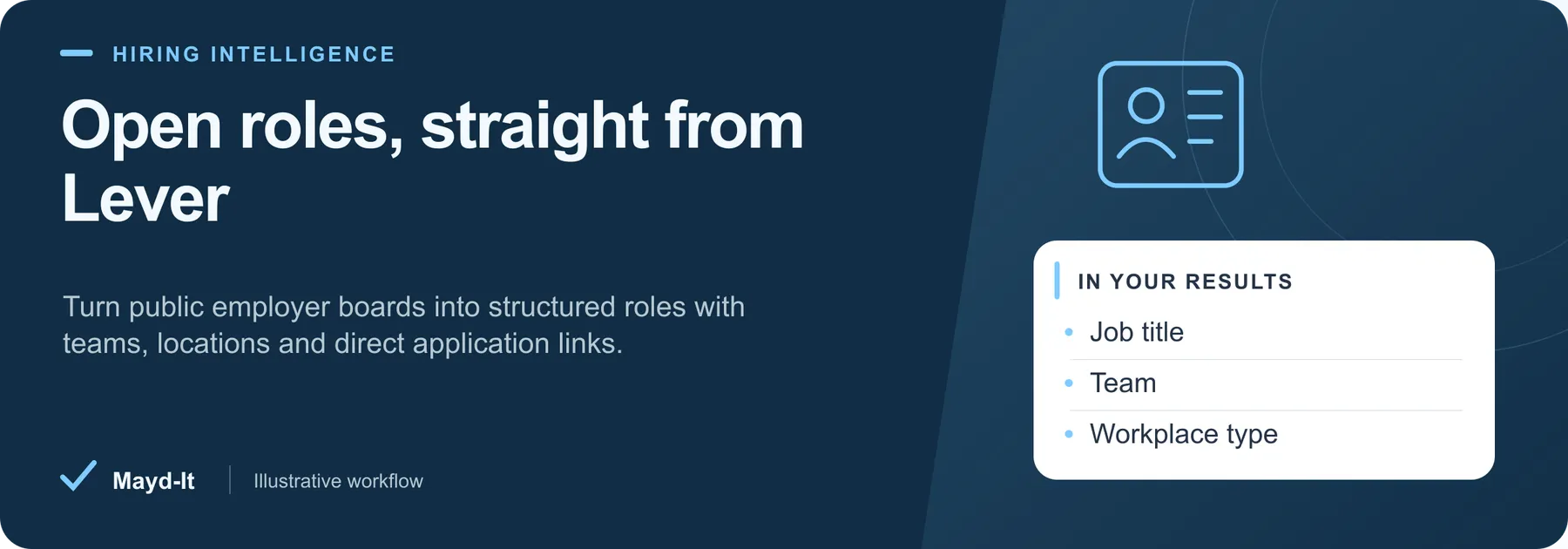
Open roles, straight from Lever
For recruiting research and job discovery: collect open roles directly from public jobs.lever.co company boards, with team, department, location and application links. No API key is required.
Open this Actor in Console · First run · Results · Cost · Full guide
Try this Actor
- First run: Use a company from the existing Console sample listed below. Keep only the employer board you want to inspect for a focused first run, and review the per-company posting cap before starting.
- Read the results: Open the default Dataset for job rows and SUMMARY for board coverage. Use the job posting or application link to return to the employer's source.
- Keep in mind: An empty workplace field means the employer did not state it. Check SUMMARY for failed boards before interpreting an empty result as no open jobs; first-run change tracking needs an initial saved set.
Result preview
The dataset view highlights these columns:
- Company ·
company - Job title ·
title - Team ·
team - Department ·
department - Employment commitment ·
commitment - Workplace type ·
workplaceType
Use the original source links and the field definitions below when interpreting the results. CSV works well for flat columns; JSON preserves nested values.
Usage and pricing
Base result rate on the FREE tier: $1 per 1,000 results. The Pricing tab shows your plan's result rate and any Actor Start charge. Set a small result limit for the first run; the requested limit is not a guarantee of that many results.
Full guide
Scrape live job postings from any Lever job board (jobs.lever.co) and get clean, flat rows you can open in Excel, load into a sheet, or pipe into your own tooling. Give the Actor a list of Lever company slugs - or just paste the board URLs - and it returns every public posting on those boards with Lever's full category block normalized: team, department, commitment, workplace type (remote / hybrid / onsite), location, all locations and country, plus the full job description as readable plain text.
It talks to Lever's own public postings API (https://api.lever.co/v0/postings/{company}?mode=json), so there is no API key, no login and no browser involved. A whole board comes back in one request with no pagination, so keeping a job feed, an ATS dataset or a recruiting CRM up to date costs one request per company. Turn on Only postings new since the last run and a scheduled run gives you just the new roles.
This Actor covers Lever only, on purpose: one platform, done properly. If you need several ATS platforms at once (Greenhouse, Ashby, SmartRecruiters, Recruitee, Workable), use our ATS Job Postings Scraper.
What you get
One row per job posting.
| Field | Type | Description |
|---|---|---|
company | string | The Lever company slug the posting came from. |
jobId | string | Lever's posting ID (a UUID). Stable - good as a primary key. |
title | string | Job title, e.g. Senior Product Manager - User Platform. |
team | string | Lever category team, e.g. Platform. Null when the employer leaves it blank. |
department | string | Lever category department, e.g. Engineering. |
commitment | string | Lever category commitment, e.g. Full-time, Permanent, Intern. |
workplaceType | string | remote, hybrid or onsite, as published by the employer. Null if not set. |
location | string | Primary location, e.g. London. |
allLocations | string | Every location on the posting, ; separated, e.g. London; Stockholm. |
country | string | Two-letter ISO country code, e.g. GB, US. |
descriptionText | string | The job description as plain text (up to 20,000 characters). |
listsText | string | Lever's structured sections ("What You'll Do", "Responsibilities", "Who You Are"...) flattened into headed bullet lists. |
hostedUrl | string | Public posting page on jobs.lever.co. |
applyUrl | string | Direct link to the application form. |
createdAt | ISO 8601 | When the posting was created (Lever returns epoch milliseconds; converted here). |
scrapedAt | ISO 8601 | When this row was collected. |
A SUMMARY record is written to the run's key-value store with the companies requested, which ones succeeded, which returned nothing, the department / workplace-type / country breakdowns, and whether the run stopped on its time limit.
Input
| Field | Type | Default | Description |
|---|---|---|---|
companies | array of strings | ["spotify", "wealthfront", "palantir"] | Lever company slugs or full board URLs. spotify, https://jobs.lever.co/spotify and https://jobs.lever.co/spotify/<job-id> all resolve to the same board. |
maxResultsPerCompany | integer | 200 | Cap on rows saved per company. Postings are sorted newest first, so a low cap keeps the freshest roles. |
onlyNewSinceLastRun | boolean | false | Save only postings not seen in an earlier run. IDs are kept in a named key-value store (lever-jobs-baseline). The first run per company records the baseline and returns everything. |
maxRunSeconds | integer | 240 | Wall-clock budget. On reaching it the Actor stops cleanly, keeps what it saved and logs what it skipped, instead of dying on a timeout. |
The slug is the path segment in https://jobs.lever.co/<slug>. A slug with no Lever board returns HTTP 404; that company is reported in the log and in SUMMARY and the run continues with the rest. If every company fails, the run fails loudly with the reason rather than handing you an empty dataset.
Example output
A real row from a default run (description and section text truncated here for readability):
FAQ
How do I find a company's Lever slug?
Open the company's careers page. If the postings live on jobs.lever.co/<something>, that <something> is the slug. You can paste the whole URL into companies - the Actor extracts the slug itself.
The company I want returns "no Lever board". What now?
Not every employer uses Lever, and a 404 from api.lever.co means exactly that: there is no Lever board under that slug. Check the careers page to see which ATS the employer actually uses. For example, Thumbtack's public board is on Ashby, not Lever (checked 2026-09-23) - our ATS Job Postings Scraper covers Ashby, Greenhouse, SmartRecruiters, Recruitee and Workable.
A company responded but returned zero postings. Is that a bug?
No. Lever answers 200 with an empty list when the board exists but has nothing public right now. That case is logged and listed in SUMMARY under companiesWithNoPostings, so it is easy to tell apart from a wrong slug.
How do I get only new jobs on a schedule?
Set onlyNewSinceLastRun to true to monitor new postings. With the option on, the Actor records successfully saved job IDs in the named key-value store lever-jobs-baseline, keyed by board (and platform where applicable). The first run has no baseline and returns matching postings up to your result and charge limits. Later runs return IDs not already saved. Prior seen IDs are retained; newly discovered jobs excluded by filters, result caps, or the charge limit are not marked seen and remain eligible for a later run. A run with nothing new succeeds with an empty dataset and a warning. The baseline is written only while this option is enabled. Runs watching the same board share its baseline, so use one schedule per board and avoid concurrent runs against that baseline.
How fast is it, and how many companies can I pass?
One HTTP request per company, no pagination, plus the one-second crawl delay that api.lever.co/robots.txt publishes. On 2026-09-23 the default three-company run saved 298 postings end to end in 4 to 7 seconds across repeated runs (Lever's own response time is the variable part). Board sizes change day to day, so treat that as the shape of it rather than a fixed number. Budget roughly a second per extra company, and raise maxRunSeconds (and the run timeout in Run options) for long lists so the run is not cut short.
Does it return salary data? Only if the employer publishes it in the description text - Lever's public postings API does not expose a structured salary field on these boards, so this Actor does not invent one.
Data source / access / limits
- Source: Lever's public postings API,
https://api.lever.co/v0/postings/{company}?mode=json. This is the same feed that renders a company's publicjobs.lever.coboard. - Access: no API key, no account and no cookies. Only postings the employer has made public are returned; nothing behind a login is touched.
- Coverage: Lever boards only. Companies on other ATS platforms are out of scope for this Actor by design.
- Freshness: whatever the board shows at the moment of the run.
createdAtis the posting's creation time from Lever;scrapedAtis when the row was collected. - Rate limits and robots:
api.lever.co/robots.txtallows this path and publishesCrawl-delay: 1, which the Actor honours by waiting a second between companies. Lever documents no request quota for this endpoint. The Actor sends one request per company and retries429and5xxresponses with exponential backoff. - Billing: this Actor is paid per result on the Apify platform - you are charged for the rows it saves. The
maxResultsPerCompanycap andonlyNewSinceLastRunboth exist so you can keep that number where you want it. - Your responsibility: job postings are published by employers for public consumption, but how you store and use the data (including any personal data in a description) is up to you and your jurisdiction.
Saved rows and run charge limits
The Actor writes results one at a time and stops when Apify reports the run charge limit. SUMMARY.stoppedOnChargeLimit distinguishes that stop from an empty source. Saved-row counts include only rows accepted by the dataset. For change detection, prior seen IDs are retained and newly discovered IDs enter the baseline only after their row is saved; rows excluded by a result or charge cap remain eligible for a later run. Avoid concurrent monitor runs sharing the same named baseline store.
Help with your run
Open the Issues tab on this Actor with the run URL, the input field that caused trouble and what you expected to receive. Remove API keys and private information before posting.
Source record quality
A posting needs a usable source ID and title before it can be saved. Identical duplicate entries in a board response are saved once; conflicting entries with the same ID are reported as a source failure. Confirmed empty boards and filters matching nothing produce a warning and an empty dataset. Failed checks remain visible in SUMMARY, including when no result could be saved.
Understand your run
Open Run report in the run’s Output tab for saved-record counts, reported source issues and limits, and suggested next steps. Use CSV export to take the saved results into a spreadsheet. The existing JSON results and detailed machine-readable summary remain available.
The report reflects this run’s recorded coverage. A successful run or a saved result does not establish that every possible source record was collected.


