

Medium Publication Monitor - Authors, Tags & New Articles
Pricing
from $0.60 / 1,000 saved observations
Medium Publication Monitor - Authors, Tags & New Articles
Monitor Medium publication, author and topic RSS feeds for article metadata changes. Compare saved entries with source links. No full article text, claps, historical search or paywall access.
Pricing
from $0.60 / 1,000 saved observations
Rating
0.0
(0)
Developer

Brandt May
Maintained by CommunityActor stats
0
Bookmarked
2
Total users
1
Monthly active users
7 days ago
Last modified
Categories
Features
Share
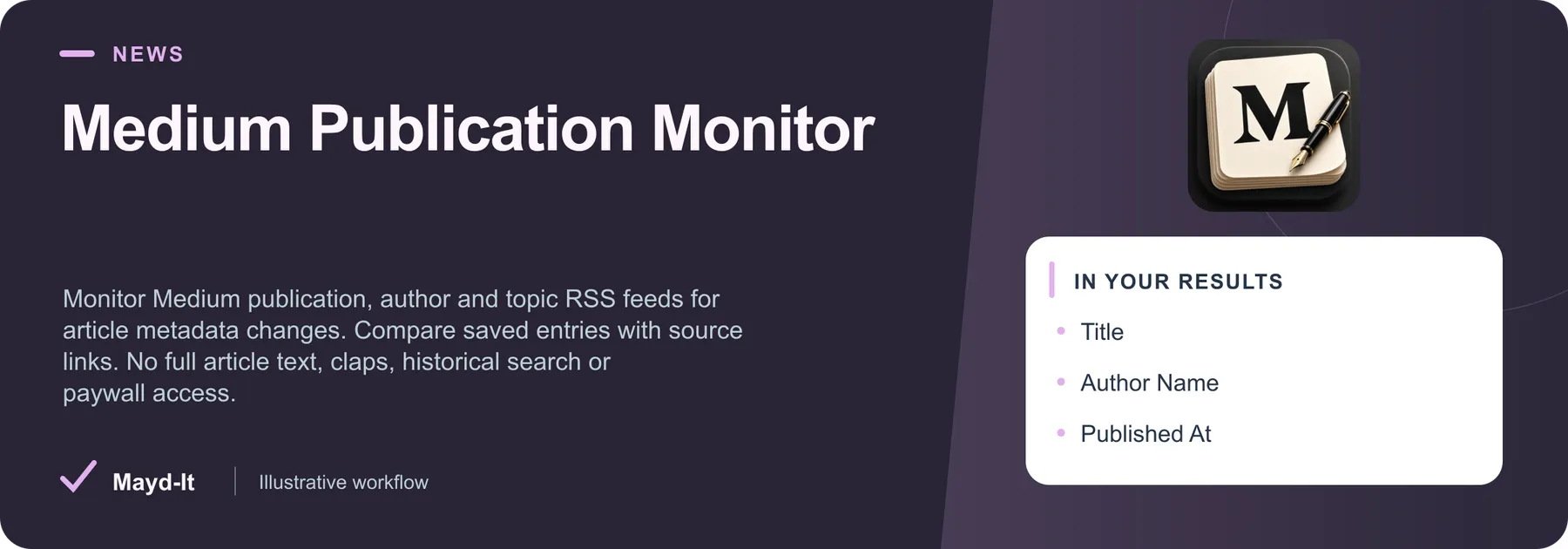
Medium Publication Monitor - Authors, Tags & New Articles
Monitor Medium publication, author and topic RSS feeds for article metadata changes. Compare saved entries with source links. No full article text, claps, historical search or paywall access.
Open in Apify Console · First run · Output · Pairings · Price
First run and source setup
- Review the source targets and filters before starting. Apify account authorization is required to run the Actor.
- Open the JSON input editor and start with the bounded configuration below. Review dates and targets for your intended use.
- Review the current Pricing tab and set a maximum run charge and timeout in Run options. A result limit does not set a spending limit or promise that many rows.
- After completion, inspect the dataset and the run's diagnostics/Storage records described in the full guide. A successful process alone does not establish complete source coverage.
Historical evidence for this exact input was recorded 2026-10-18 UTC on build ID goxJPWWWc5zC7PcXx. It is not a fresh source-availability test.
Output worth checking
The published default dataset view includes these fields. Missing values and source-specific coverage are explained in the full guide.
- title ·
title - author Name ·
authorName - published At ·
publishedAt - categories ·
categories - feed Selector ·
feedSelector - comparison Status ·
comparisonStatus
Keep original source links and observation dates when interpreting records. JSON preserves nested values; CSV is useful for flat columns.
Use this with other Mayd It Actors
These are separate tools for a reviewed workflow. Each run uses its own input, authorization and pricing; this guide does not configure automatic execution.
Podcast Episode Monitor - RSS Updates & Show Notes
Monitor public podcast feeds for new episodes and edited show notes. Stable IDs, topic evidence, audio URLs and published transcript/chapter links. No API key or audio downloads. Keep this Podcast Episode Monitor evidence alongside the original source in a reviewed editorial listening workflow.
Parallel research context: Choose the corresponding source target in this second Actor’s own input form; no automatic field transfer is configured. Keep both original source URLs and observation dates in your review sheet; reconcile identities manually.
Keep the distinction: A headline, mention, feed item and podcast episode are distinct objects. Review the original publication, dates and attribution; mentions do not establish sentiment or audience size.
Apple Podcast Discovery Monitor - Shows, Feeds & Changes
Find Apple Podcasts shows by topic and track feed, publisher and listing metadata. Compare saved show records with source links. No episode downloads or listener estimates. Keep this Apple Podcast Discovery Monitor evidence alongside the original source in a reviewed editorial listening workflow.
Parallel research context: Choose the corresponding source target in this second Actor’s own input form; no automatic field transfer is configured. Keep both original source URLs and observation dates in your review sheet; reconcile identities manually.
Keep the distinction: A headline, mention, feed item and podcast episode are distinct objects. Review the original publication, dates and attribution; mentions do not establish sentiment or audience size.
Price and run limits
At the captured FREE-tier rate (2026-11-16 UTC), $0.001 per saved observation. Actor Start is $0.00005 per event; the number of startup events depends on memory. Plan rates and future changes may differ; check the current Pricing tab before starting.
A capped or interrupted run can save useful rows without covering its intended scope. Review the source-specific completeness and comparison rules below before treating missing rows as removals.
Documentation and support
Product guide, source limits and saved output · API and MCP setup · Input schema
Open this Actor's Issues tab with a run URL, the relevant input field and the result you expected. Remove API keys and private information before sharing.
Complete source guide
Medium Publication Monitor - Authors, Tags & New Articles
Track articles across several feeds using canonical IDs, source attribution and edit comparisons instead of collecting duplicate full text.
Monitor Medium publication, author and tag feeds for new articles and metadata changes. Export titles, authors, dates and categories with saved comparisons. No login, paywall bypass or full-text archive.
Start in under a minute
- Paste medium feed selectors into the first input field, or use the included sample.
- Keep the five-result limit for your first run and choose Start.
- Open Observations, Scope and diagnostics, or the Readable run report in Output. Export CSV or JSON from the dataset.
No source account, API key, paid proxy or extra subscription is required for these public endpoints. Source availability and rate limits still apply.
Who this helps
Content strategists monitoring writers, publications and topic coverage.
What you receive
One row per unique confirmed observation. Keyword filters inspect titles and taglines within the current feed window; they do not expand source coverage. Source timestamps that merely refresh do not create a change by themselves. Every row includes a stable recordId, title, source URL and observation time.
| Field | Meaning |
|---|---|
authorName | Source-reported author name; missing optional values remain null. |
publishedAt | Source-reported published at; missing optional values remain null. |
categories | Source-reported categories; missing optional values remain null. |
feedSelector | Source-reported feed selector; missing optional values remain null. |
comparisonStatus | not_requested, new, changed or unchanged |
changedFields | Fields different from your last saved observation |
previous | Previous saved source values when comparison is enabled |
Saved comparisons
Enable Compare with saved observations, choose a snapshot name, and reuse the same input scope. The first run establishes history; it cannot report changes before that point. Enable Save only new or changed observations for later runs if you want a change-only export. An unchanged run can correctly save zero rows.
Only confirmed saved rows advance history. A bounded or failed run never establishes that a missing record was deleted. History is stored in a named key-value store in the running user's account. Use one writer per snapshot: do not overlap runs against the same snapshot. Change the snapshot name when starting a new independent workflow.
Scope and limitations
Recent entries in Medium RSS feeds, usually around ten items. Use tag/topic, @author, or publication-slug selectors. Article metadata only: no full article text, claps, search archive or paywall access. Feed disappearance does not establish deletion.
At most ten input values and five hundred saved rows per run. Each input performs one bounded public source request. Set Results requested per query to widen the feed window, up to 100 where available; the default is five. Responses are capped at 8 MiB and share the run deadline. No authentication bypass or code execution is performed. HTTP 429 stops further requests. Source failures appear in SUMMARY and the HTML report, never as paid data rows.
Pricing
The configured base price is $0.001 per saved observation, plus $0.00005 per start at the default memory. Five observations cost $0.00505 at that base rate. Applicable plan discounts and the Store pricing panel govern actual charges. Set a maximum charge in Run options. Diagnostics, reports and unchanged skipped rows are not dataset result events.
Make it recurring
Save an Actor task with your inputs, then attach an Apify Schedule. For change detection, keep the same snapshot and avoid overlapping runs. Add an integration to deliver results to your own spreadsheet or workflow. No external delivery is enabled automatically.
Examples
- Medium feed selectors: tag/artificial-intelligence — A bounded tag/artificial-intelligence observation sample. Review source evidence and export rows or compare them in a later run.
- Medium feed selectors: tag/technology — A bounded tag/technology observation sample. Review source evidence and export rows or compare them in a later run.
- Medium feed selectors: tag/programming — A bounded tag/programming observation sample. Review source evidence and export rows or compare them in a later run.
Source and support
Official source documentation. This independent Mayd IT tool is not affiliated with the source platform. Open an Actor issue with the run ID and expected result, or contact bmay@mayd-it.com. Never include credentials.


