

SOS Business Entity Search - CO, NY, OR Open Registries
Pricing
from $12.00 / 1,000 results
SOS Business Entity Search - CO, NY, OR Open Registries
Search US business entities via keyless state open-data feeds (Colorado, New York, Oregon). Hostile SOS portals are recorded in failedSources — never CAPTCHA-scraped.
Pricing
from $12.00 / 1,000 results
Rating
0.0
(0)
Developer
Brandt May
Maintained by CommunityActor stats
0
Bookmarked
2
Total users
1
Monthly active users
8 days ago
Last modified
Categories
Features
Share
SOS Business Entity Search - CO, NY, OR Open Registries
Search US business entities via keyless state open-data feeds (Colorado, New York, Oregon). Hostile SOS portals are recorded in failedSources — never CAPTCHA-scraped.
Open in Apify Console · First run · Output · Pairings · Price
First run and source setup
- Review the source targets and filters before starting. Apify account authorization is required to run the Actor.
- Open the JSON input editor and start with the bounded configuration below. Review dates and targets for your intended use.
- Review the current Pricing tab and set a maximum run charge and timeout in Run options. A result limit does not set a spending limit or promise that many rows.
- After completion, inspect the dataset and the run's diagnostics/Storage records described in the full guide. A successful process alone does not establish complete source coverage.
Checked against the captured input schema. This bounded configuration has not been run as part of the presentation refresh.
Output worth checking
The published default dataset view includes these fields. Missing values and source-specific coverage are explained in the full guide.
- State ·
state - Entity name ·
entityName - Entity / DOS ID ·
entityNumber - Registry status ·
status - Entity type ·
entityType - Formation date ·
formedDate
Keep original source links and observation dates when interpreting records. JSON preserves nested values; CSV is useful for flat columns.
Use this with other Mayd It Actors
These are separate tools for a reviewed workflow. Each run uses its own input, authorization and pricing; this guide does not configure automatic execution.
US Building Permits Scraper - 10 Cities, One Schema
Scrape US building permits from 10 city open-data portals into one clean schema. Contractor and applicant leads with address, valuation, and dates. Filter and export to CSV. Keep this US Building Permits Scraper evidence alongside the original source in a reviewed local project research workflow.
Parallel research context: Choose the corresponding source target in this second Actor’s own input form; no automatic field transfer is configured. Keep both original source URLs and observation dates in your review sheet; reconcile identities manually.
Keep the distinction: Addresses and business names require review across sources. A permit, license, inspection or directory listing does not establish purchase intent, current operating status or suitability.
Building Permit Address Lookup - Open & Expired Permit Check
Check an address in 10 supported US cities for building permits: permit history, open permits, and permits issued but never finaled. One verdict row per address. No homeowner personal data. Keep this Building Permit Address Lookup evidence alongside the original source in a reviewed local project research workflow.
Parallel research context: Choose the corresponding source target in this second Actor’s own input form; no automatic field transfer is configured. Keep both original source URLs and observation dates in your review sheet; reconcile identities manually.
Keep the distinction: Addresses and business names require review across sources. A permit, license, inspection or directory listing does not establish purchase intent, current operating status or suitability.
Price and run limits
At the captured FREE-tier rate (2026-11-16 UTC), $0.02 per result. Actor Start is $0.00005 per event; the number of startup events depends on memory. Plan rates and future changes may differ; check the current Pricing tab before starting.
A capped or interrupted run can save useful rows without covering its intended scope. Review the source-specific completeness and comparison rules below before treating missing rows as removals.
Documentation and support
Product guide, source limits and saved output · API and MCP setup · Input schema
Open this Actor's Issues tab with a run URL, the relevant input field and the result you expected. Remove API keys and private information before sharing.
Complete source guide
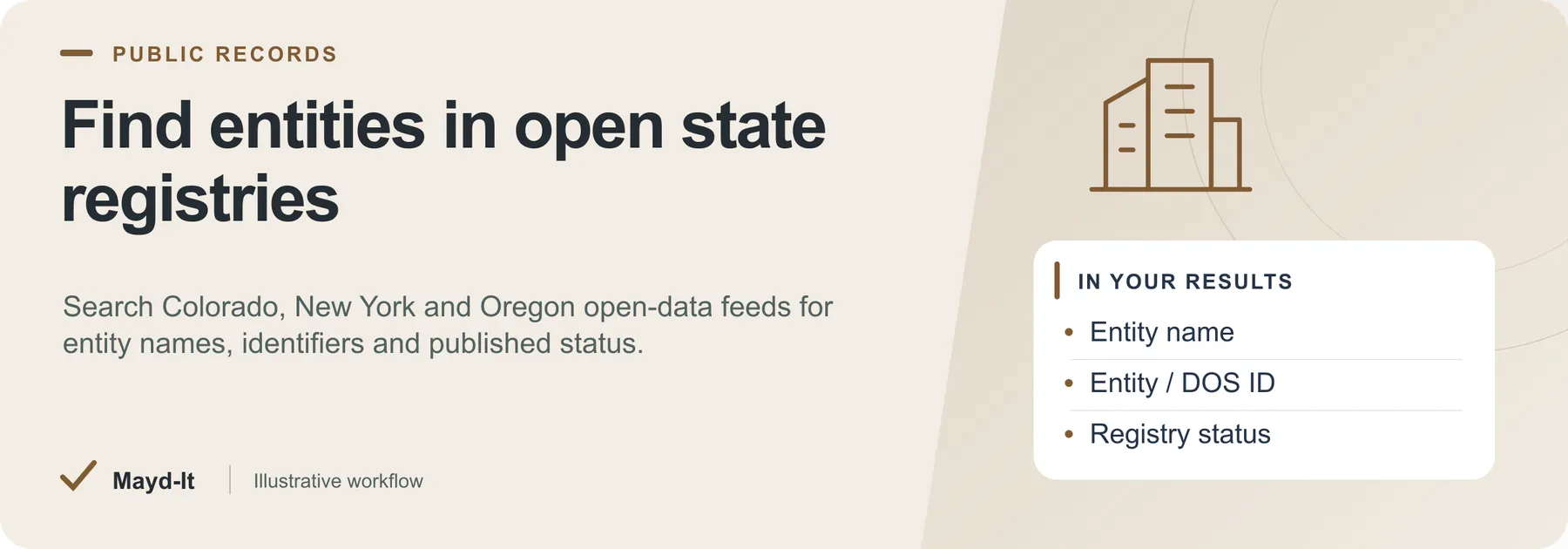
Find entities in open state registries
For business-record research: search official open-data feeds for Colorado, New York and Oregon entities. Collect names, identifiers, published dates and source references without navigating interactive SOS portals.
Open this Actor in Console · First run · Results · Cost · Full guide
Try this Actor
- First run: Use the existing CO / NY Console sample with Acme and a 20-entity cap. Inspect the state and source note before expanding the search.
- Read the results: Open the default Dataset for entity records and SUMMARY for source status. Keep each row's state, identifier and note together when interpreting its registry status.
- Keep in mind: This is three supported open feeds, not a nationwide entity search. New York and Oregon status is implied by their active-record sources; Colorado publishes status explicitly. A registry match alone is not identity or compliance verification.
Result preview
The dataset view highlights these columns:
- State ·
state - Entity name ·
entityName - Entity / DOS ID ·
entityNumber - Registry status ·
status - Entity type ·
entityType - Formation date ·
formedDate
Use the original source links and the field definitions below when interpreting the results. CSV works well for flat columns; JSON preserves nested values.
Usage and pricing
Base result rate on the FREE tier: $20 per 1,000 results. The Pricing tab shows your plan's result rate and any Actor Start charge. Set a small result limit for the first run; the requested limit is not a guarantee of that many results.
Full guide
Multi-state Secretary of State business-entity lookup via keyless open-data feeds. Hostile interactive SOS portals are not scraped — they appear in
failedSources.
What it does
Searches official state open datasets and returns one normalized row per entity: state, name, entity/DOS id, status, type, formed date, city, and source URL.
Live keyless adapters (this build)
| State | Source |
|---|---|
| CO | data.colorado.gov Business Entities (4ykn-tg5h) |
| NY | data.ny.gov Active Corporations (n9v6-gdp6) |
| OR | data.oregon.gov Active Businesses (tckn-sxa6) |
Any other state code (including WA) is recorded in SUMMARY.failedSources without a dataset row. Most SOS websites are CAPTCHA/ToS hostile and are intentionally not automated.
Who it's for
- Compliance / KYC enrichment that needs a legal open feed
- Lead gen / market mapping limited to open-registry states
- Developers who refuse captcha farms and want
failedSourcesvisibility
Input
- State codes — default
CO,NY(both return live rows forAcme) - Entity name contains — default
Acme - Max results / Max run seconds — keep defaults for a fast sample
Output
| Field | Description |
|---|---|
state | 2-letter code |
entityName / entityNumber | Name + registry id |
status / entityType | As published (NY/OR active datasets imply Active) |
formedDate / city | When the feed provides them |
note | Reserved; source failures are stored separately in SUMMARY.failedSources |
Coverage limits
- Does not scrape interactive SOS HTML forms or solve CAPTCHAs.
- Coverage is limited to the three listed official open-data feeds. Other states and interactive registry searches are unsupported.
- NY/OR status is implied Active by the published dataset title; CO publishes an explicit
entitystatus. The result cap is divided across requested states. CO/NY each currently fetch up to 50 records; OR scans up to 200 associated-name records and deduplicates registry numbers. These are bounded samples, not exhaustive registry exports. A valid no-match query returns zero rows with a warning; a run where every source is unsupported or fails is marked failed.
Result accounting
Only real source records are written to the dataset. SUMMARY.total counts saved rows. A dataset spending cap stops further writes and sets SUMMARY.stoppedOnChargeLimit and SUMMARY.incomplete. Source failures and time limits are reported in the summary; they do not generate substitute result rows.
Help with your run
Open the Issues tab on this Actor with the run URL, the input field that caused trouble and what you expected to receive. Remove API keys and private information before posting.
Understand your run
Open Run report in the run’s Output tab for saved-record counts, reported source issues and limits, and suggested next steps. Use CSV export to take the saved results into a spreadsheet. The existing JSON results and detailed machine-readable summary remain available.
The report reflects this run’s recorded coverage. A successful run or a saved result does not establish that every possible source record was collected.


