

Grants.gov Scraper - Federal Grants + Award Detail
Pricing
from $1.80 / 1,000 results
Grants.gov Scraper - Federal Grants + Award Detail
Search Grants.gov funding opportunities and optionally add available award amounts, eligibility, dates and agency contacts. Source detail status and notice links included; no API key.
Pricing
from $1.80 / 1,000 results
Rating
0.0
(0)
Developer

Brandt May
Maintained by CommunityActor stats
0
Bookmarked
2
Total users
1
Monthly active users
6 days ago
Last modified
Categories
Share
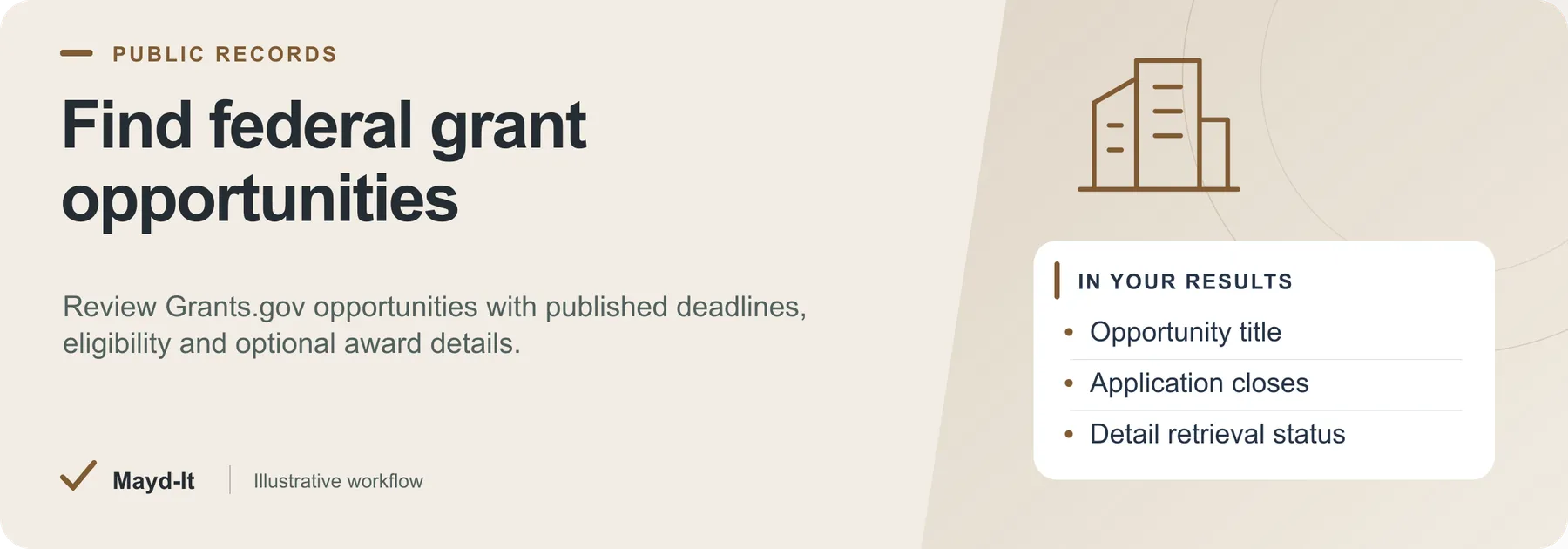
Find federal grant opportunities
For grant writers, research offices and nonprofits, gather federal funding opportunities with the details needed for a first review.
Coverage: Public Grants.gov search and opportunity-detail records. Available fields depend on each listing and successful detail retrieval.
Open this Actor in Console · First run · Results · Cost · Full guide
Try this Actor
- Begin with posted opportunities and a keyword from the input guide. Keep a small maximum opportunity count while you inspect the detail fields.
- Open the run's dataset, then check
detailStatusand the key-value store'sSUMMARYbefore relying on enriched values.
Read the results correctly: A match is a prospect to review, not a determination of eligibility. Confirm the official opportunity, deadline and applicant requirements before applying.
Result preview
The dataset view highlights these columns:
- Opportunity number ·
opportunityNumber - Opportunity title ·
title - Funding agency ·
agency - Opportunity stage ·
status - Application opens ·
openDate - Application closes ·
closeDate
Use the original source links and the field definitions below when interpreting the results. CSV works well for flat columns; JSON preserves nested values.
Usage and pricing
Base result rate on the FREE tier: $3 per 1,000 results. The Pricing tab shows your plan's result rate and any Actor Start charge. Set a small result limit for the first run; the requested limit is not a guarantee of that many results.
Full guide
Search Grants.gov opportunities and optionally enrich them with published award amounts, eligibility categories, cost-sharing requirements and agency contacts. Check detailStatus and the official notice before relying on enriched fields.
What it does
This Grants.gov scraper searches official federal funding opportunities and can request the available detail record for each result. With detail enrichment enabled, fields can include award ceiling and floor, estimated program funding, expected awards, dates, eligibility categories, cost-sharing requirements, ALN/CFDA references and published agency contacts. Fields depend on the source and successful retrieval; detailStatus distinguishes complete, failed and unrequested enrichment. Filter the search and export CSV, Excel or JSON without a Grants.gov API key.
Who it's for
- Grant writers and grant consultants building apply-ready prospect lists
- Nonprofits searching for grants they are eligible for
- Universities and research offices tracking agency and program funding
- Small businesses monitoring SBIR/STTR and forecasted opportunities
- Developers and data teams who want a clean federal funding opportunities dataset without touching a raw HTML feed
What you get / Output
Every opportunity is returned as a structured record. When Include full award details is on (default), each record requests the detail fields below; detailStatus identifies whether that request completed.
| Field | Description |
|---|---|
opportunityId | Internal Grants.gov opportunity ID |
opportunityNumber | Public funding opportunity number (FON) |
title | Cleaned opportunity title |
agency | Funding agency / subagency |
status | Posted, forecasted, closed, or archived |
docType | Opportunity document type |
openDate | Application open date |
closeDate | Application close / deadline date |
alns | Assistance Listing Numbers (formerly CFDA) |
description | Cleaned opportunity description text |
awardCeiling | Maximum per-award amount |
awardFloor | Minimum per-award amount |
estimatedTotalFunding | Estimated total program funding |
expectedAwards | Expected number of awards |
costSharing | Cost-sharing / matching requirement |
applicantTypes | Eligible applicant types |
applicantEligibility | Eligibility notes |
fundingInstruments | Grant, cooperative agreement, etc. |
fundingCategories | Program category codes |
agencyContact | Contact name, email, and phone |
estimatedAwardDate | Estimated award date |
url | Official Grants.gov opportunity URL |
Input / How to query
| Input | What it does |
|---|---|
keyword | Full-text search, e.g. solar, rural health, small business innovation. Leave empty for all. |
oppStatuses | One or more of posted (open now), forecasted (upcoming), closed, archived. Defaults to posted. |
agencies | Exact Grants.gov agency/subagency codes, e.g. NSF, HHS-NIH11, DOD-AFOSR. Department-level codes like USDA alone will not match - use the specific subagency code. |
fundingCategories | Category codes, e.g. EN (Energy), AG (Agriculture), HL (Health), ED (Education), ST (Science & Technology), BC (Business & Commerce). |
eligibilities | Applicant eligibility codes, e.g. 23 (Small businesses), 12 (Nonprofits with 501(c)(3)), 13 (Nonprofits without 501(c)(3)), 20 (Private higher ed), 00 (State governments), 99 (Unrestricted). |
aln | Filter by a single Assistance Listing Number / CFDA, e.g. 47.050. |
includeDetails | Fetch the full award detail record per grant (award ceiling/floor, funding, deadlines, eligibility, agency contact). On by default; adds ~0.3s per grant. |
maxResults | Upper bound on grants returned per run. Defaults to 50. |
Two modes: run a fast search (set includeDetails off for a lightweight listing) or a full detail enrichment pass (default) that requests the available detail fields for each returned opportunity.
Example use cases
- Grant writer prospect list: search
keyword=workforce development,oppStatuses=[posted, forecasted], keep only opportunities whereawardCeilingandapplicantTypesfit the client, and export to Excel with the agency contact for outreach. - Nonprofit eligibility research: filter
eligibilities=[12](nonprofits with 501(c)(3)) or[13](without) plus a mission keyword to find prospects. Confirm the full notice requirements before deciding whether your organization can apply. - University research office pipeline: pull all
postedandforecastedopportunities for targetagencies(e.g.NSF,HHS-NIH11) into a shared sheet, sorted bycloseDate. - Small business SBIR/STTR tracker: search
keyword=SBIR,eligibilities=[23], and monitor forecasted opportunities to get ahead of deadlines. - ALN/CFDA program monitoring: set
aln=47.050to watch every opportunity under a specific assistance listing programmatically.
Recurring use / scheduling
Use Apify Schedules to run this actor daily or weekly and keep a live view of federal funding. Because every record carries a stable opportunityId and opportunityNumber, you can dedupe against previous runs to detect only newly posted or newly forecasted opportunities - the basis for NOFO alerts and an automated grant deadline tracker. Point the scheduled run at a target keyword, agencies, or fundingCategories set, then wire the dataset into a webhook, Google Sheet, or email/Slack notification so new matches reach your grant team automatically.
How do I scrape grant opportunities from Grants.gov?
Set your filters (keyword, status, agency, funding category, eligibility, or ALN), run the actor, and it queries the official Grants.gov database and returns structured records. Enable Include full award details to request the available detail fields, then inspect detailStatus and the official notice.
Is there a Grants.gov API and does it need a key?
This actor works like a Grants.gov API and needs no API key. It reads the public Grants.gov data and returns clean, structured JSON you can call on a schedule or from your own code via the Apify API.
How can I export all federal grant opportunities to CSV or Excel?
Run the actor, then download the resulting dataset in CSV, Excel, JSON, or HTML from the Apify run page or via the API. Use maxResults (default 50) to control how many opportunities each run returns.
How do I get grant award ceiling, floor, and deadline data in bulk?
Keep includeDetails on (the default) to request awardCeiling, awardFloor, estimatedTotalFunding, expectedAwards, openDate, closeDate, and estimatedAwardDate. Values are populated only where the source provides them and detail retrieval succeeds; check detailStatus.
How can I monitor Grants.gov for new grant opportunities by agency or keyword?
Schedule a recurring run with your chosen keyword and agencies (or fundingCategories) filters, then dedupe on opportunityId between runs to surface only new opportunities - an automated Grants.gov monitor / NOFO alert.
How do I find federal grants my nonprofit or small business is eligible for?
Filter by eligibilities (e.g. 23 for small businesses, 12 for nonprofits with 501(c)(3), 13 for nonprofits without, 20 for private higher ed) alongside a mission keyword, and check the applicantTypes and applicantEligibility fields on each result.
How do I get agency contact info for a federal grant opportunity?
With full details enabled, each opportunity includes agencyContact with the contact name, email, and phone from the official listing.
How can I search grants by ALN / CFDA number programmatically?
Set the aln input to an Assistance Listing Number (formerly CFDA), e.g. 47.050. Every result also returns its alns for downstream filtering.
What's the best way to track NOFO deadlines automatically?
Schedule the actor, capture closeDate and estimatedAwardDate per opportunity, dedupe on opportunityNumber, and route new or soon-to-close opportunities to your calendar, sheet, or notifications.
How do I pull SBIR/STTR and forecasted grant opportunities into a spreadsheet?
Search keyword=SBIR (or STTR) with oppStatuses=[posted, forecasted] and eligibilities=[13], then export the dataset to Excel or CSV.
Data source & notes
- Source: the official Grants.gov public search and opportunity-detail data (the U.S. federal grants portal). No login or API key required.
- Legal: Grants.gov opportunity data is public U.S. government information intended for applicants and the public.
- Notes: Agency filters require exact Grants.gov subagency codes - department-level codes such as
USDAalone will not match. Full detail enrichment adds roughly 0.3s per grant; disableincludeDetailsfor a faster, lighter listing. Fields are populated only when the source opportunity provides them, so some optional values may be empty for a given grant.
Related actors
Part of a set of US public-records tools that work well together:
- Federal Contract Awards Scraper - who is actually winning federal dollars
- Federal Register Scraper - program rules and comment deadlines
See the full collection at apify.com/maydit.
Found this useful?
If this actor saved you time, a short review on the Apify Store genuinely helps. Reviews are how the next person decides whether a tool is worth trying.
Something broken, missing a field, or a source you want covered? Open an issue on the Issues tab and it will get looked at - that is the fastest route to getting it changed.
Partial enrichment and spending limits
A failed optional detail request preserves the search record with detailStatus: "failed"; SUMMARY lists failedDetails. Complete enrichment uses detailStatus: "complete", and disabled enrichment uses "not_requested". Dataset totals count only saved records, and collection stops at the run spending limit.
Help with your run
Open the Issues tab on this Actor with the run URL, the input field that caused trouble and what you expected to receive. Remove API keys and private information before posting.
Understand your run
Open Run report in the run’s Output tab for saved-record counts, reported source issues and limits, and suggested next steps. Use CSV export to take the saved results into a spreadsheet. The existing JSON results and detailed machine-readable summary remain available.
The report reflects this run’s recorded coverage. A successful run or a saved result does not establish that every possible source record was collected.


