

WordPress Plugin Change Monitor - Versions & Compatibility
Pricing
from $0.60 / 1,000 saved observations
WordPress Plugin Change Monitor - Versions & Compatibility
Monitor WordPress.org plugins for version, compatibility and adoption changes. Compare saved plugin metadata before maintenance reviews. No WordPress login or site scanning.
Pricing
from $0.60 / 1,000 saved observations
Rating
0.0
(0)
Developer

Brandt May
Maintained by CommunityActor stats
0
Bookmarked
2
Total users
1
Monthly active users
6 days ago
Last modified
Categories
Features
Share
WordPress Plugin Change Monitor - Versions & Compatibility
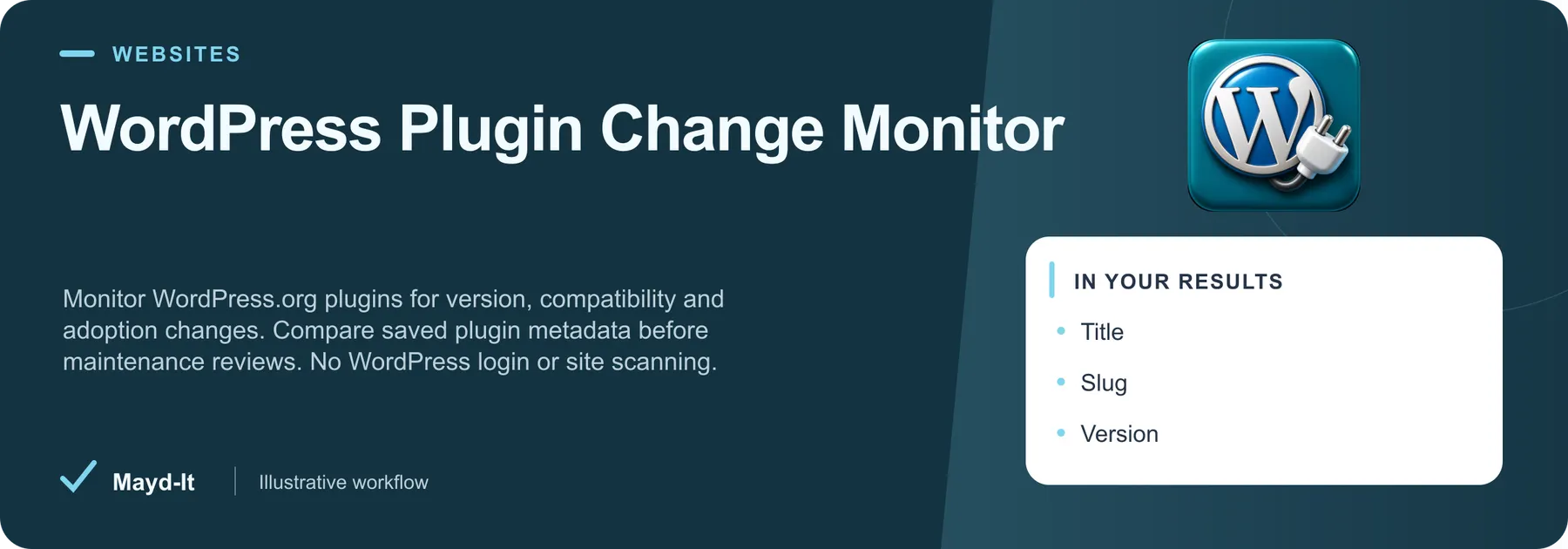
Monitor WordPress.org plugins for version, compatibility and adoption changes. Compare saved plugin metadata before maintenance reviews. No WordPress login or site scanning.
Open in Apify Console · First run · Output · Pairings · Price
First run and source setup
- Review the source targets and filters before starting. Apify account authorization is required to run the Actor.
- Open the JSON input editor and start with the bounded configuration below. Review dates and targets for your intended use.
- Review the current Pricing tab and set a maximum run charge and timeout in Run options. A result limit does not set a spending limit or promise that many rows.
- After completion, inspect the dataset and the run's diagnostics/Storage records described in the full guide. A successful process alone does not establish complete source coverage.
Historical evidence for this exact input was recorded 2026-10-18 UTC on build ID wrrXO8NX6aYkOj7cK. It is not a fresh source-availability test.
Output worth checking
The published default dataset view includes these fields. Missing values and source-specific coverage are explained in the full guide.
- title ·
title - slug ·
slug - version ·
version - requires Word Press ·
requiresWordPress - tested Through ·
testedThrough - requires Php ·
requiresPhp
Keep original source links and observation dates when interpreting records. JSON preserves nested values; CSV is useful for flat columns.
Use this with other Mayd It Actors
These are separate tools for a reviewed workflow. Each run uses its own input, authorization and pricing; this guide does not configure automatic execution.
WordPress Theme Monitor - Updates, Ratings & Requirements
Monitor WordPress.org themes for releases, ratings and compatibility requirements. Compare saved theme metadata for maintenance planning. No site scanning or WordPress login. Keep this WordPress Theme Monitor evidence alongside the original source in a reviewed software marketplace review workflow.
Parallel research context: Choose the corresponding source target in this second Actor’s own input form; no automatic field transfer is configured. Keep both original source URLs and observation dates in your review sheet; reconcile identities manually.
Keep the distinction: Different app stores and extensions use different identities and rating systems. Do not combine ratings or assume cross-store app equivalence without review.
Steam Game Scraper - Reviews, Players & Owners
Steam game scraper with no API key: merge store details, reviews, live player counts, and SteamSpy owner estimates into one row per game. Export CSV or JSON. Keep this Steam Game Scraper evidence alongside the original source in a reviewed software marketplace review workflow.
Parallel research context: Choose the corresponding source target in this second Actor’s own input form; no automatic field transfer is configured. Keep both original source URLs and observation dates in your review sheet; reconcile identities manually.
Keep the distinction: Different app stores and extensions use different identities and rating systems. Do not combine ratings or assume cross-store app equivalence without review.
Price and run limits
At the captured FREE-tier rate (2026-11-16 UTC), $0.001 per saved observation. Actor Start is $0.00005 per event; the number of startup events depends on memory. Plan rates and future changes may differ; check the current Pricing tab before starting.
A capped or interrupted run can save useful rows without covering its intended scope. Review the source-specific completeness and comparison rules below before treating missing rows as removals.
Documentation and support
Product guide, source limits and saved output · API and MCP setup · Input schema
Open this Actor's Issues tab with a run URL, the relevant input field and the result you expected. Remove API keys and private information before sharing.
Complete source guide
WordPress Plugin Change Monitor - Versions & Compatibility
Keep version and compatibility changes in one comparison row without granting access to client websites.
Monitor WordPress.org plugin versions, declared compatibility, install buckets and support counters. Compare saved observations with clear source evidence. No access to your WordPress site required.
Start in under a minute
- Paste wordpress.org plugin slugs into the first input field, or use the included sample.
- Keep the five-result limit for your first run and choose Start.
- Open Observations, Scope and diagnostics, or the Readable run report in Output. Export CSV or JSON from the dataset.
No source account, API key, paid proxy or extra subscription is required for these public endpoints. Source availability and rate limits still apply.
Who this helps
WordPress agencies maintaining plugin watchlists across client portfolios.
What you receive
One row per unique confirmed observation. Every row includes a stable recordId, title, source URL and observation time.
| Field | Meaning |
|---|---|
slug | Source-reported slug; missing optional values remain null. |
version | Source-reported version; missing optional values remain null. |
requiresWordPress | Source-reported requires word press; missing optional values remain null. |
testedThrough | Source-reported tested through; missing optional values remain null. |
requiresPhp | Source-reported requires php; missing optional values remain null. |
activeInstallBucket | Source-reported active install bucket; missing optional values remain null. |
ratingPercent | Source-reported rating percent; missing optional values remain null. |
supportThreads | Source-reported support threads; missing optional values remain null. |
resolvedSupportThreads | Source-reported resolved support threads; missing optional values remain null. |
comparisonStatus | not_requested, new, changed or unchanged |
changedFields | Fields different from your last saved observation |
previous | Previous saved source values when comparison is enabled |
Saved comparisons
Enable Compare with saved observations, choose a snapshot name, and reuse the same input scope. The first run establishes history; it cannot report changes before that point. Enable Save only new or changed observations for later runs if you want a change-only export. An unchanged run can correctly save zero rows.
Only confirmed saved rows advance history. A bounded or failed run never establishes that a missing record was deleted. History is stored in a named key-value store in the running user's account. Use one writer per snapshot: do not overlap runs against the same snapshot. Change the snapshot name when starting a new independent workflow.
Scope and limitations
WordPress.org directory metadata only. Active installs are source buckets, not exact user counts. Tested-through values are publisher declarations, not compatibility tests. No private site scan or security verdict.
At most ten input values and thirty saved rows per run. Each input performs one bounded public API request. Responses are capped at 8 MiB and share the run deadline. No authentication bypass, image/package download or code execution is performed. HTTP 429 stops further requests; Stack Exchange backoff/quota signals are respected. Source failures appear in SUMMARY and the HTML report, never as paid data rows.
Pricing
The configured base price is $0.001 per saved observation, plus $0.00005 per start at the default memory. Five observations cost $0.00505 at that base rate. Applicable plan discounts and the Store pricing panel govern actual charges. Set a maximum charge in Run options. Diagnostics, reports and unchanged skipped rows are not dataset result events.
Make it recurring
Save an Actor task with your inputs, then attach an Apify Schedule. For change detection, keep the same snapshot and avoid overlapping runs. Add an integration to deliver results to your own spreadsheet or workflow. No external delivery is enabled automatically.
Examples
- WordPress.org plugin slugs: woocommerce — A bounded woocommerce observation sample. Review source evidence and export rows or compare them in a later run.
- WordPress.org plugin slugs: wordpress-seo — A bounded wordpress-seo observation sample. Review source evidence and export rows or compare them in a later run.
- WordPress.org plugin slugs: contact-form-7 — A bounded contact-form-7 observation sample. Review source evidence and export rows or compare them in a later run.
Source and support
Official source documentation. This independent Mayd IT tool is not affiliated with the source platform. Open an Actor issue with the run ID and expected result, or contact bmay@mayd-it.com. Never include credentials.


