

AFL Fixtures, Results, Model Tips & Ladder
Pricing
from $1.00 / 1,000 row returneds
AFL Fixtures, Results, Model Tips & Ladder
AFL season data: fixtures and results with scores and venues, predicted winners and margins from about 30 forecasting models per game, and the ladder. Any season, no login.
Pricing
from $1.00 / 1,000 row returneds
Rating
0.0
(0)
Developer

MrDoe
Maintained by CommunityActor stats
0
Bookmarked
2
Total users
1
Monthly active users
3 days ago
Last modified
Categories
Share
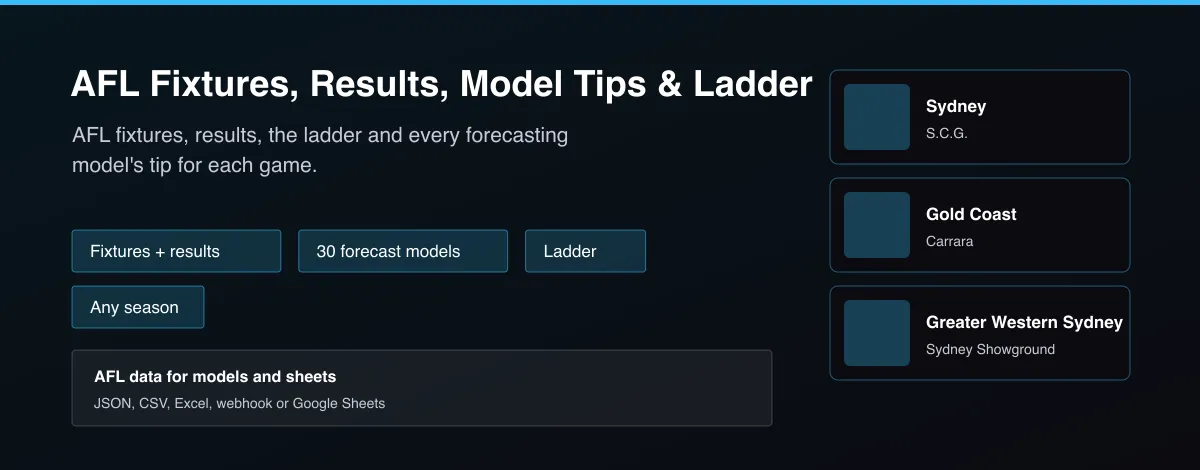
What does AFL Fixtures, Results, Model Tips & Ladder do?
AFL Fixtures, Results, Model Tips & Ladder returns Australian Football League data by season and round. Games gives one row per match with the teams, venue, start time, status, goals, behinds, total scores and margin. Tips gives one row per forecasting model per game, about 30 public models, with the tipped team, predicted margin, home win probability and whether the tip was correct once the game is played. Ladder gives the standings with points and percentage.
Why use AFL Fixtures, Results, Model Tips & Ladder?
- Fixtures, results, tips and ladder in one Actor.
- About 30 forecasting models compared per game.
- Scores split into goals, behinds and total.
- Any season and round.
- Free of login and API keys.
What makes this different
Most AFL data is a single results table. This Actor adds every public forecasting model's tip for each game, with predicted margin and probability, so you can compare models or benchmark your own against them.
How it works
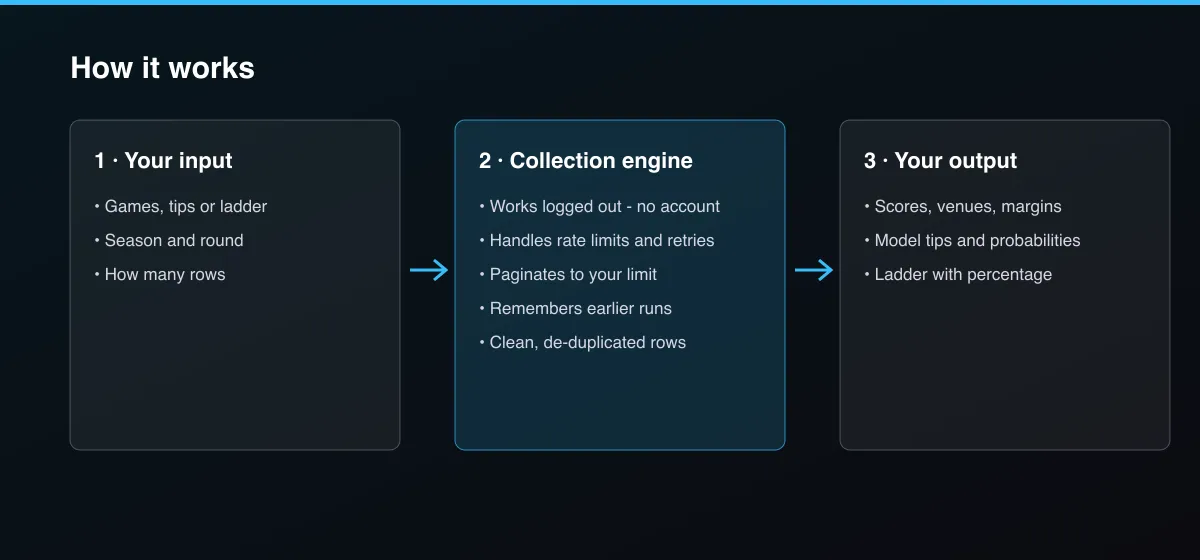
- Your input — choose Games, Tips or Ladder, and a season.
- The Actor collects it — optionally narrow to one round.
- Your output — you get one row per game, per model tip, or per team.
What data can you extract?
The dataset has 43 fields per row:
| Field | Type | Description |
|---|---|---|
gameId | integer | Game ID. |
season | integer | Season. |
round | integer | Round number. |
roundName | string | Round name, for example Grand Final. |
isFinal | boolean | True for finals games. |
isGrandFinal | boolean | True for the Grand Final. |
startTime | string | Start time (ISO 8601, UTC). |
localTime | string | Start time at the venue. |
timezone | string | Venue timezone offset. |
venue | string | Venue. |
home | string | Home team. |
away | string | Away team. |
status | string | scheduled, live or complete. |
homeScore | integer | Home total points. |
awayScore | integer | Away total points. |
homeGoals | integer | Home goals. |
homeBehinds | integer | Home behinds. |
awayGoals | integer | Away goals. |
awayBehinds | integer | Away behinds. |
margin | integer | Home margin (home minus away). |
winner | string | Winning team. |
timeText | string | Game clock text, for example Full Time. |
model | string | Forecasting model that made the tip. |
tip | string | Team the model tipped. |
predictedHomeMargin | number | Predicted home margin in points. |
homeWinProbability | number | Model's home win probability in percent. |
tipConfidence | number | Confidence in the tipped team in percent. |
correct | boolean | Whether the tip was right (null before the game ends). |
error | number | Margin error in points once played. |
bits | number | Log score of the tip. |
updatedAt | string | When the tip was last updated. |
rank | integer | Ladder position. |
team | string | Team. |
played | integer | Games played. |
wins | integer | Wins. |
losses | integer | Losses. |
draws | integer | Draws. |
points | integer | Ladder points. |
percentage | number | Percentage (points for divided by against). |
pointsFor | integer | Points for. |
pointsAgainst | integer | Points against. |
goalsFor | integer | Goals for. |
goalsAgainst | integer | Goals against. |
How to use AFL Fixtures, Results, Model Tips & Ladder
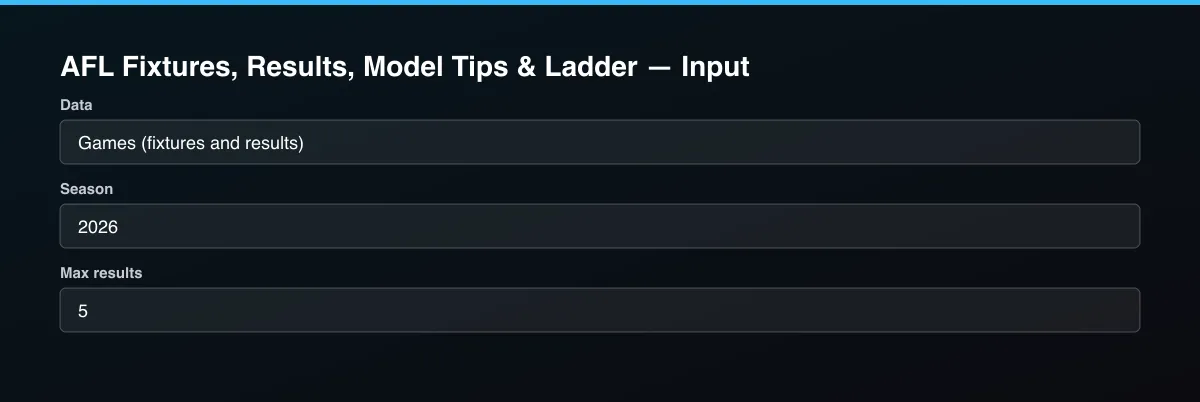
- Open the Actor and go to the Input tab.
- Pick the Data type and Season, add a Round if you want one round, and press Start. Set Max results to 0 for everything.
- Optionally set filters and a Max results limit.
- Click Start. A default run finishes in under a minute.
- Open the Output tab, then download the dataset or connect it to your tools.
Input Parameters
| Parameter | Type | Required | Default | Description |
|---|---|---|---|---|
dataType | string | No | "games" | Fixtures and results, predictions from about 30 forecasting models, or the ladder. |
season | string | No | "2026" | Four-digit season, for example 2025. Leave empty for the current season. |
round | integer | No | — | Only this round number (0 is the opening round). Leave empty for the whole season. Ignored for the ladder. |
maxResults | integer | No | 5 | Maximum number of rows returned. Default is 5 for a quick test; set 0 to return everything available. |
proxyConfiguration | object | No | {"useApifyProxy":false} | Optional. The data is public and works without a proxy. |
Output Data
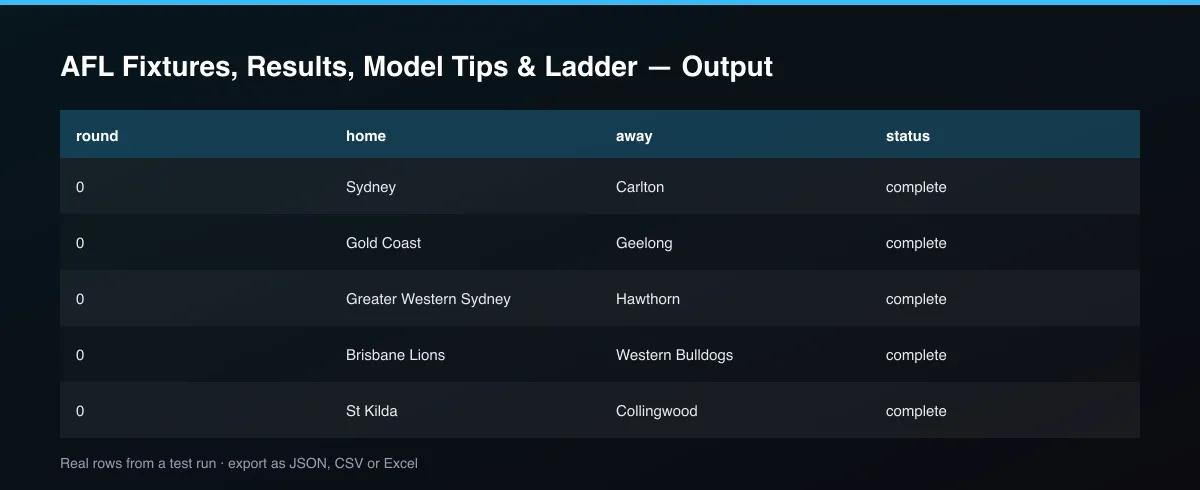
Games rows carry homeScore, awayScore, margin, venue and status. Tips rows carry the model, its tip, predictedHomeMargin and homeWinProbability, and correct once the game is played.
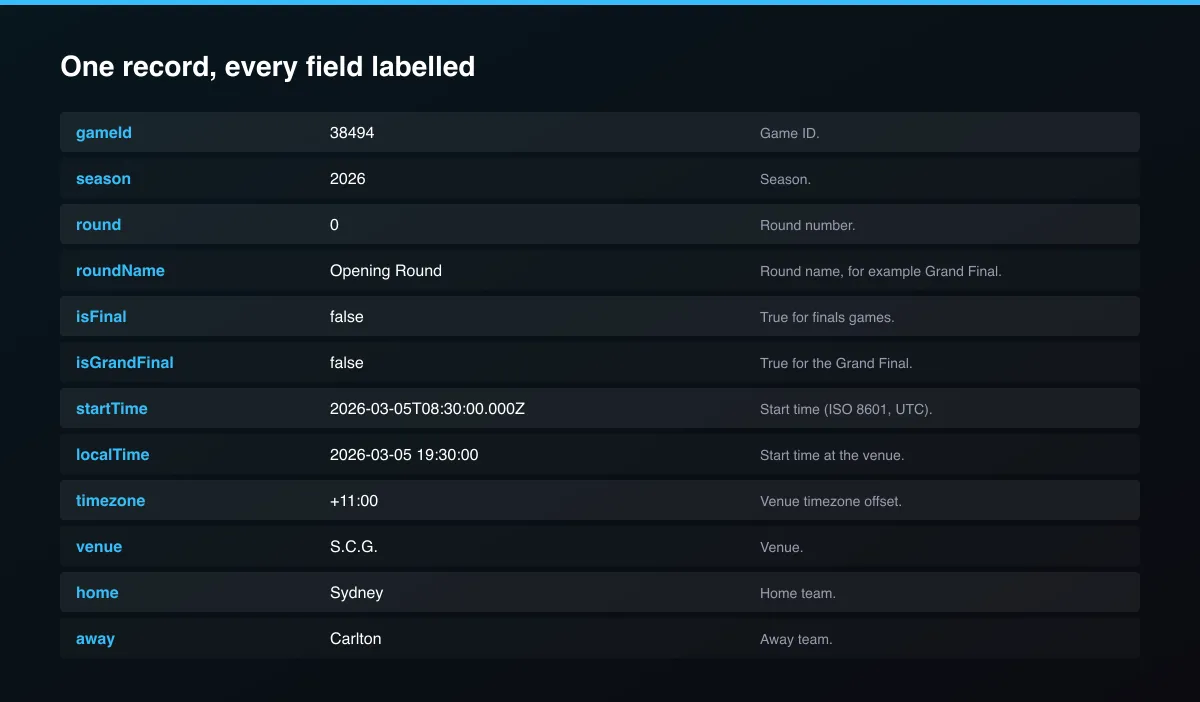
A real dataset item:
Usage Examples
2026 season fixtures and results
Model tips for round 10
2025 final ladder
Tips for Best Results
- Default is 5 results for a fast test. Set the max to 0 to return everything available.
Known Limitations
- Tips for games far in the future may not exist yet.
- Player and match-statistics data are not included.
- Tip times are venue local time (
localTime). - Prior seasons' tips include the models available in that year.
Integrations
Run it from the Apify API, on a schedule, or from a webhook. Send results straight to Google Sheets, Make, Zapier, Slack or your own database with Apify's built-in integrations.
Export Formats
Download the dataset as JSON, CSV, Excel, XML, HTML table or RSS from the Output tab or the API.
Frequently Asked Questions
Does it need an account or API key?
No. The Actor reads public data and needs no account or key.
Am I charged for failed results?
No. You are only charged for results that are written to the dataset.
Do I need an account or login?
No. The Actor reads public data and needs no account or key.
Am I charged for failed runs or empty results?
You are only charged for results that are actually written to the dataset.
Can I run it on a schedule?
Yes. Create a Task with your input and add a schedule in Apify Console. With monitor mode on, each scheduled run returns only what changed since the previous one.
Support
Questions or a missing field? Open an issue from the Issues tab on this Actor's page and it will be looked at.
Legal / Responsible Use
You are responsible for using the data in line with the source's terms and applicable law. The Actor collects publicly available data only and is not affiliated with the source.


