B2B Company Leads & Verified Emails
Pricing
from $1.20 / 1,000 results
B2B Company Leads & Verified Emails
Find B2B decision-makers from company websites with names, job titles, departments, seniority, business emails, confidence scores, phones, and optional firmographics and email verification.
Pricing
from $1.20 / 1,000 results
Rating
5.0
(1)
Developer

MrDoe
Maintained by CommunityActor stats
0
Bookmarked
14
Total users
4
Monthly active users
2 days ago
Last modified
Categories
Share
What does this Actor do?
Give it a list of company website URLs and it returns B2B leads - one row per contact - by crawling each company's own site: the homepage plus its contact, about, team, staff, and leadership pages.
For every person the site publishes it captures:
- Name and job title
- Inferred seniority (executive / senior / junior) and department
- Work email - when the site lists one that matches the person and sits on the company domain
- Phone and LinkedIn profile - when present
- Full company context on every row (name, website, domain, description, phone)
No API keys, no accounts, no third-party data. If a company only publishes a shared mailbox (info@, press@…) you get one row for that. If it publishes nothing usable, it is skipped rather than padded with an empty row. Nothing is guessed - a name is only kept when it appears as a real person on the site, and an email is only attached when it plausibly belongs to that person.
How it works
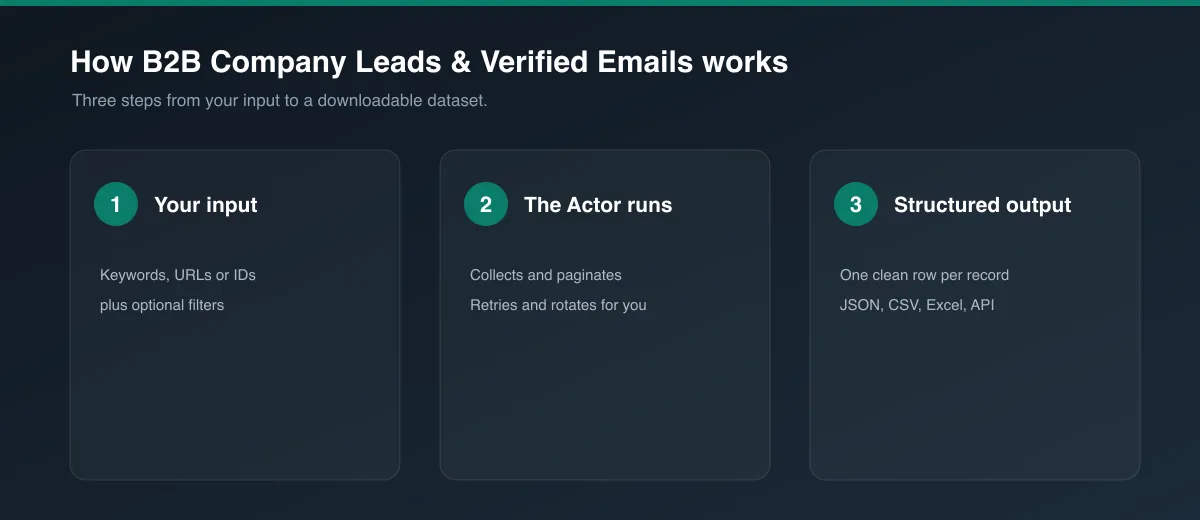
- Fetches each company's homepage, then follows up to 10 same-site links that look like contact / about / team / staff / leadership / management pages.
- On every page, finds person "cards" - a name paired with a role, an email, or a LinkedIn link - and pulls out name, title, email, phone, and LinkedIn URL.
- Filters out customer testimonials, quote blocks, press mentions, feature names, and people from other companies.
- Classifies each contact's seniority and department from the job title.
- Ranks named contacts by seniority then by how complete the record is, and returns up to Max leads per company. Falls back to a single shared mailbox only when there is no named contact.
HTTP-only, no headless browser - fast across large lists.
How to use
- Sign up for a free Apify account.
- Open this Actor and enter one or more Company website URLs.
- Optionally set Target departments / Target seniority to focus the leads.
- Optionally set Max leads per company and Max total leads.
- Click Start and export results as JSON, CSV, Excel, or via API.
Output
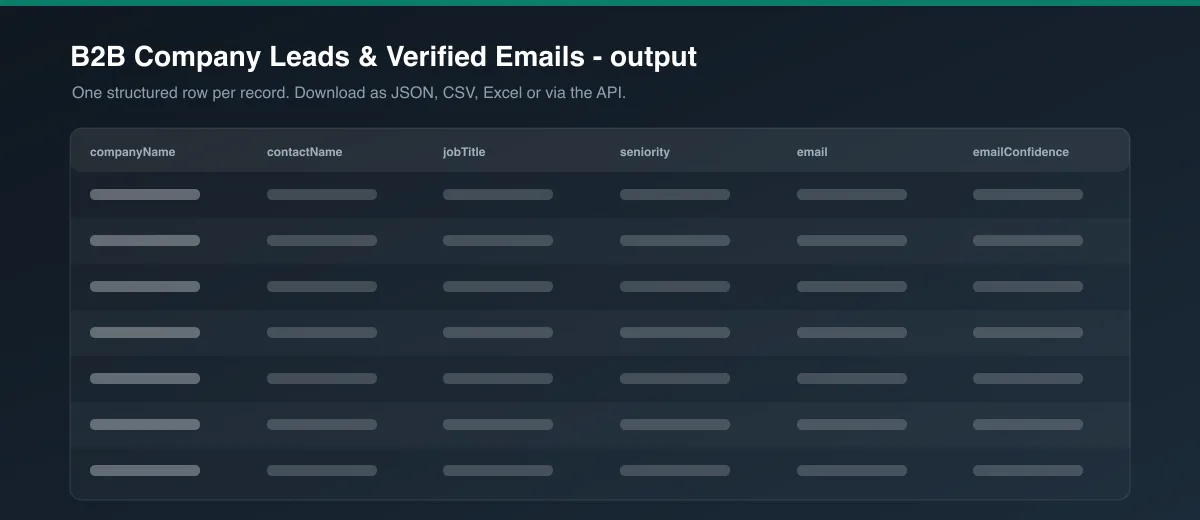
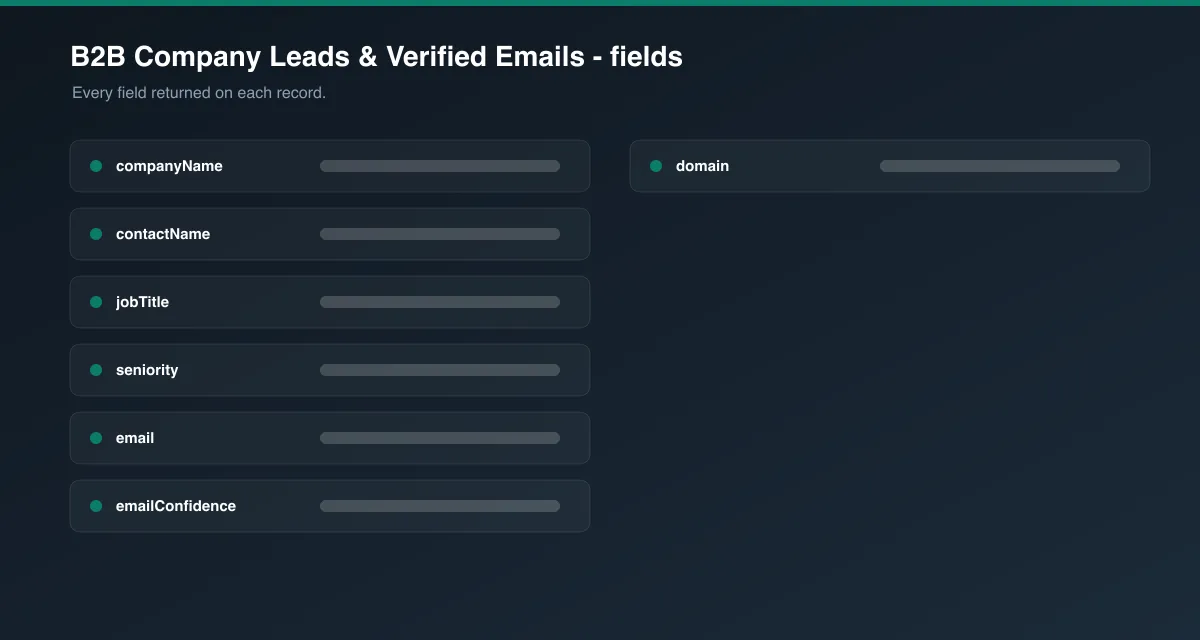
| Field | Description |
|---|---|
companyName, companyUrl, domain, companyWebsite, description | Company identity |
contactName, firstName, lastName, jobTitle, department, seniority | Contact identity and role |
email, emailType, emailSources | Work email (emailType is personal or generic), and the page(s) it was found on |
phone, linkedinUrl | Direct phone / LinkedIn profile when the site lists them |
industry, city, state, country, employeeRange | Reserved firmographic fields (currently null) |
source, sourceUrl, profileUrl, scrapedAt | Provenance metadata |
Example row
Known limitations
- You only get what the site publishes. Many companies list names and titles but no emails, or only a contact form. The Actor returns the names/titles/LinkedIn it can see and leaves
emailnull. - HTTP-only. Team directories that render entirely in client-side JavaScript are not executed. Most contact/about pages are static HTML and work fine.
- Department and seniority are inferred from the job-title text.
- Company websites that block automated traffic (aggressive bot protection) may return fewer pages.
FAQ
Do I need any API keys or accounts? No. Enter the company URLs and run it.
Where does the data come from? Only the company's own public website - the pages a visitor sees.
How are duplicates handled? Contacts are de-duplicated by name within a company and by email across the whole run.
Legal
Use this Actor only for data you are allowed to process. You are responsible for complying with the GDPR, CAN-SPAM, and any other applicable law when contacting the people in your results.
Preview